About the scenery
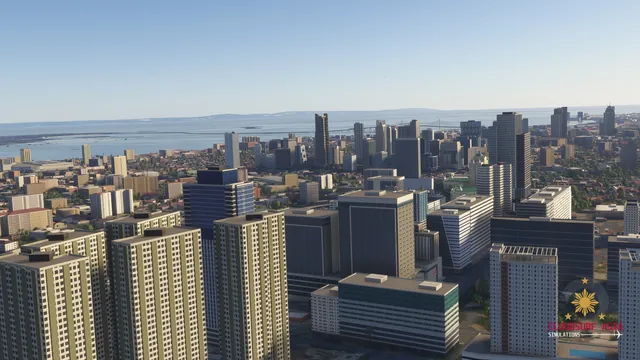
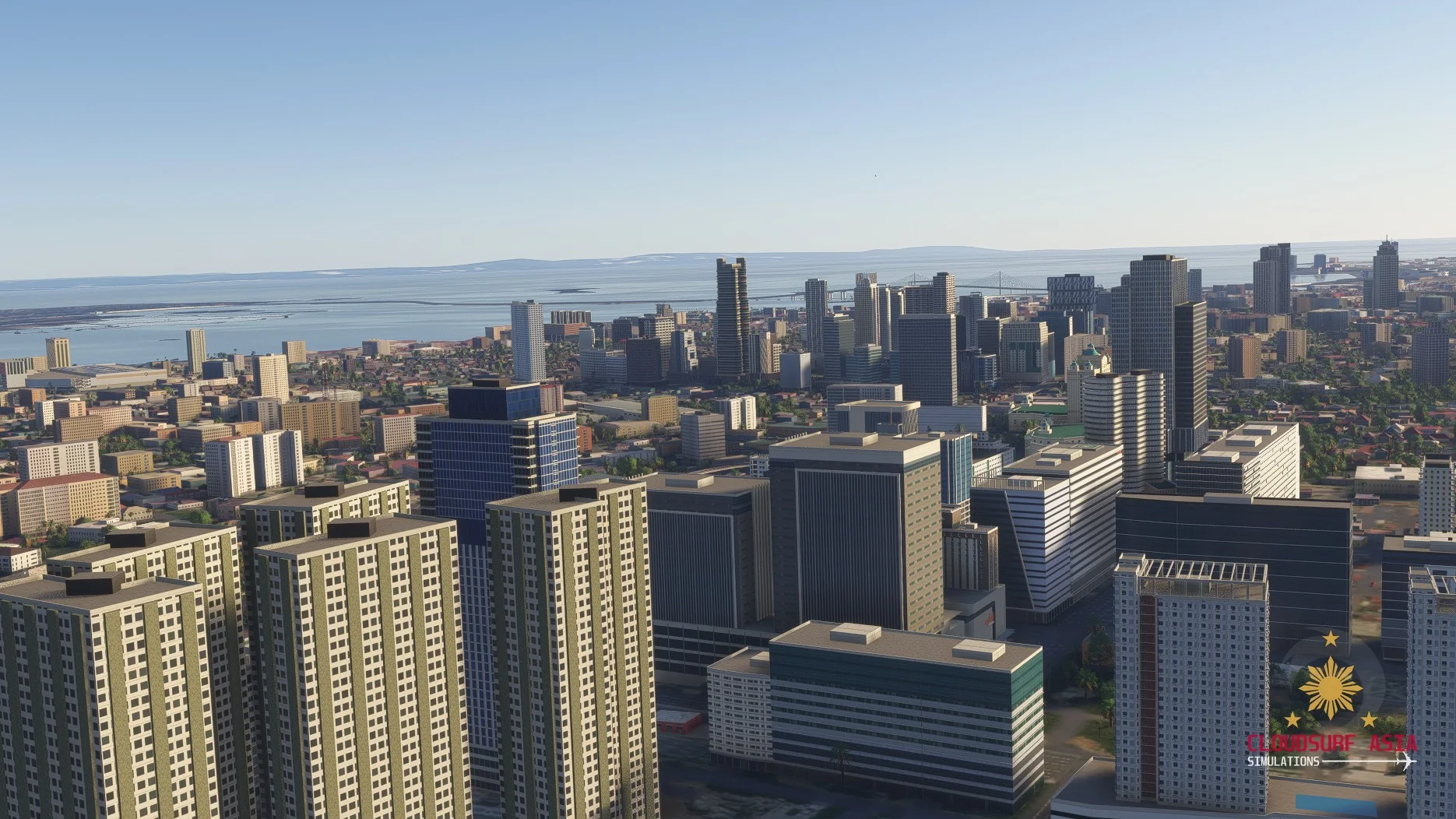
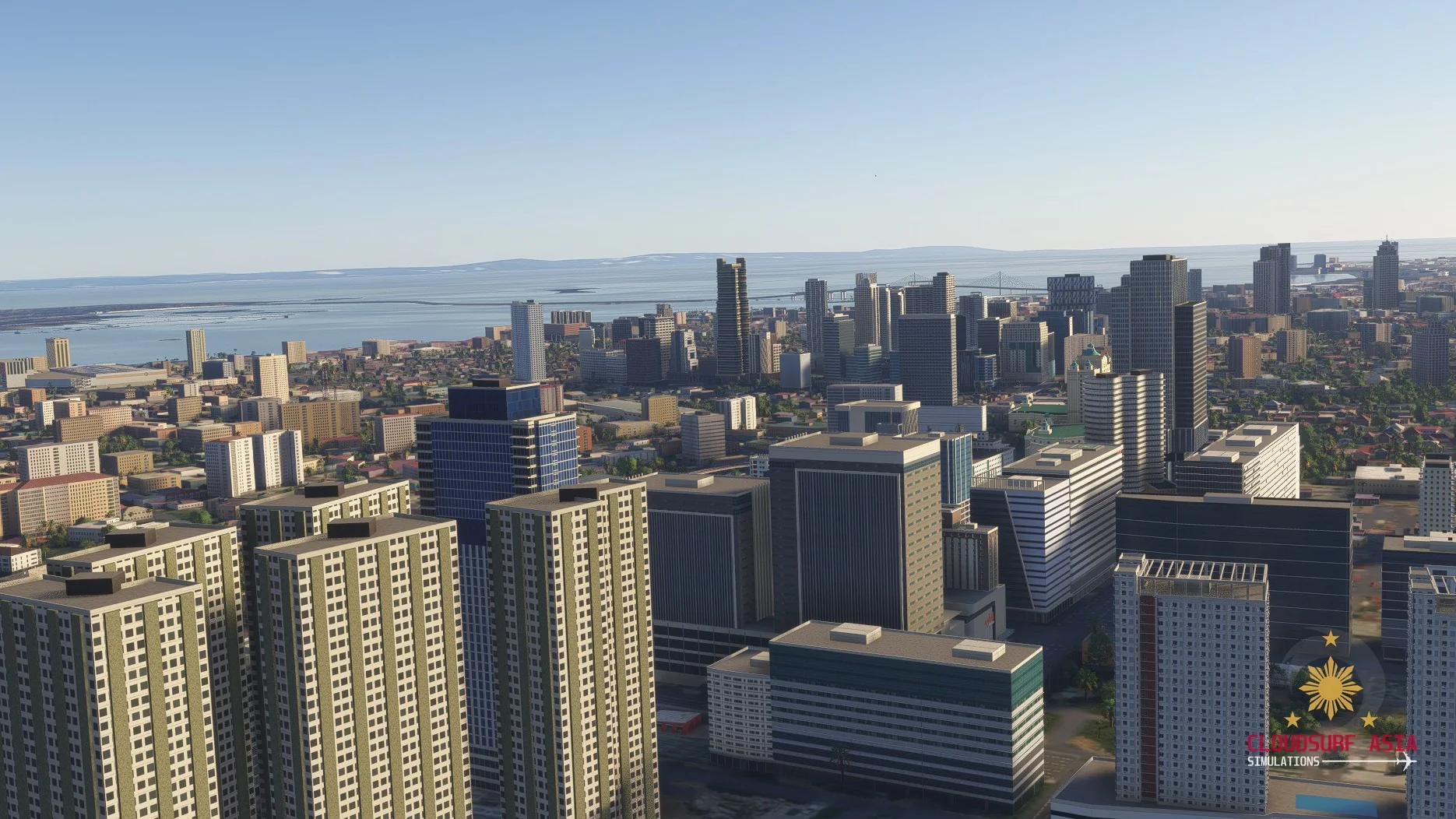
Cebu City brings the Queen City of the South to Microsoft Flight Simulator 2024, from the old heart of Cebu to the skylines of IT Park and the Business Park, each landmark and tower modelled from real photos.
More than 130 landmarks and towers are already in, and we are not done yet.
Cebu City is in development and coming soon. Stay tuned for more previews.
Features
Heritage
Basilica del Santo Niño with Magellan's Cross, Fort San Pedro, the Metropolitan Cathedral, City Hall, the Heritage of Cebu monument, Museo Sugbo, Colon and its obelisk, and the Provincial Capitol.
The hills
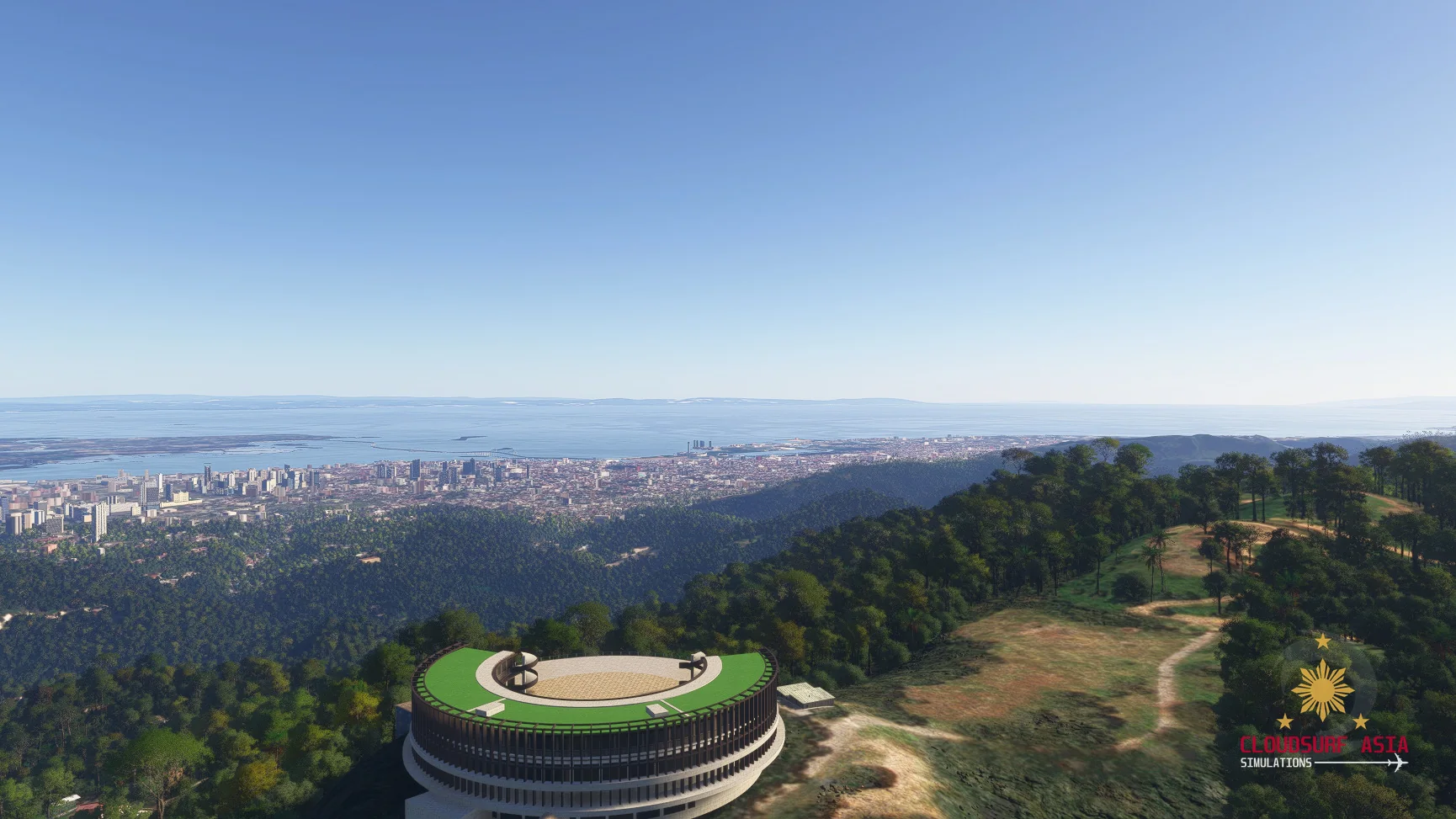
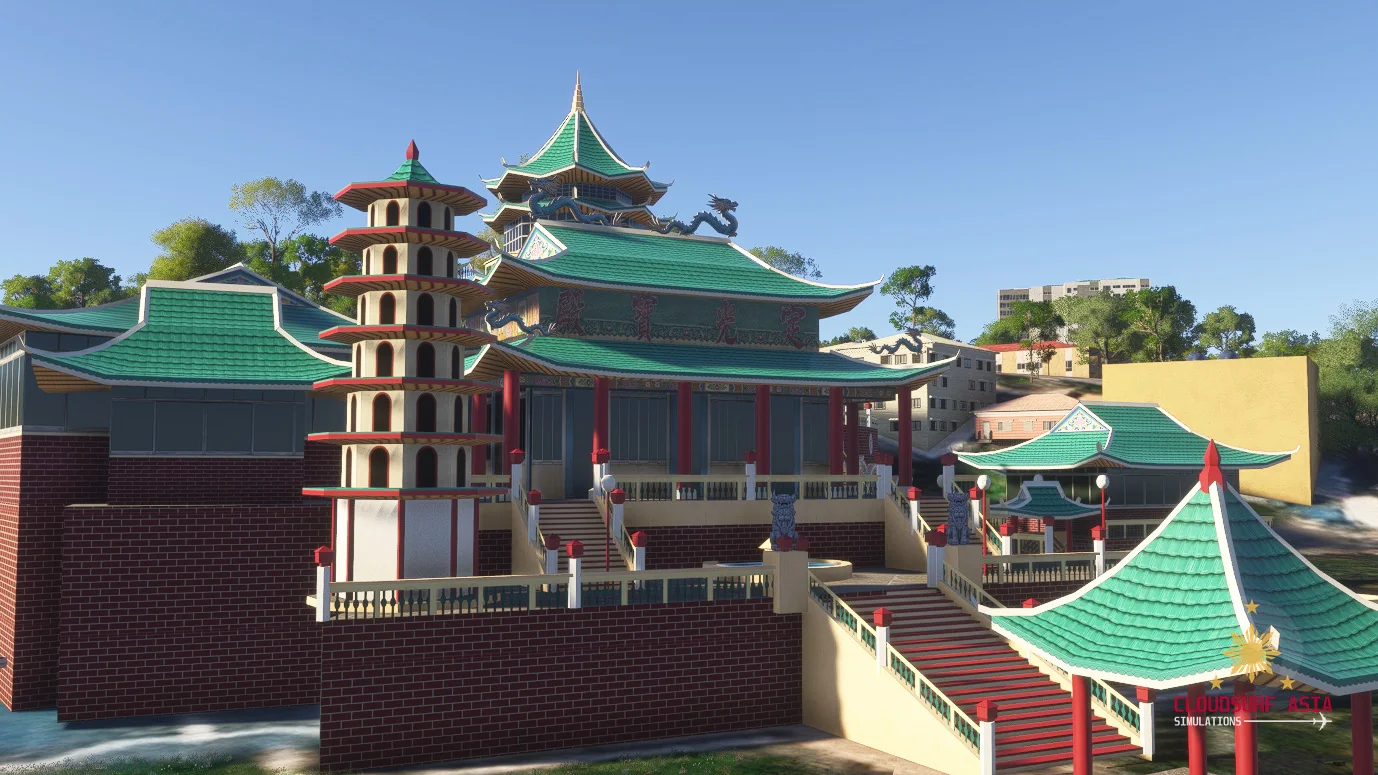
Taoist Temple, Temple of Leah and Tops Lookout, with the whole city below you.
The skyline
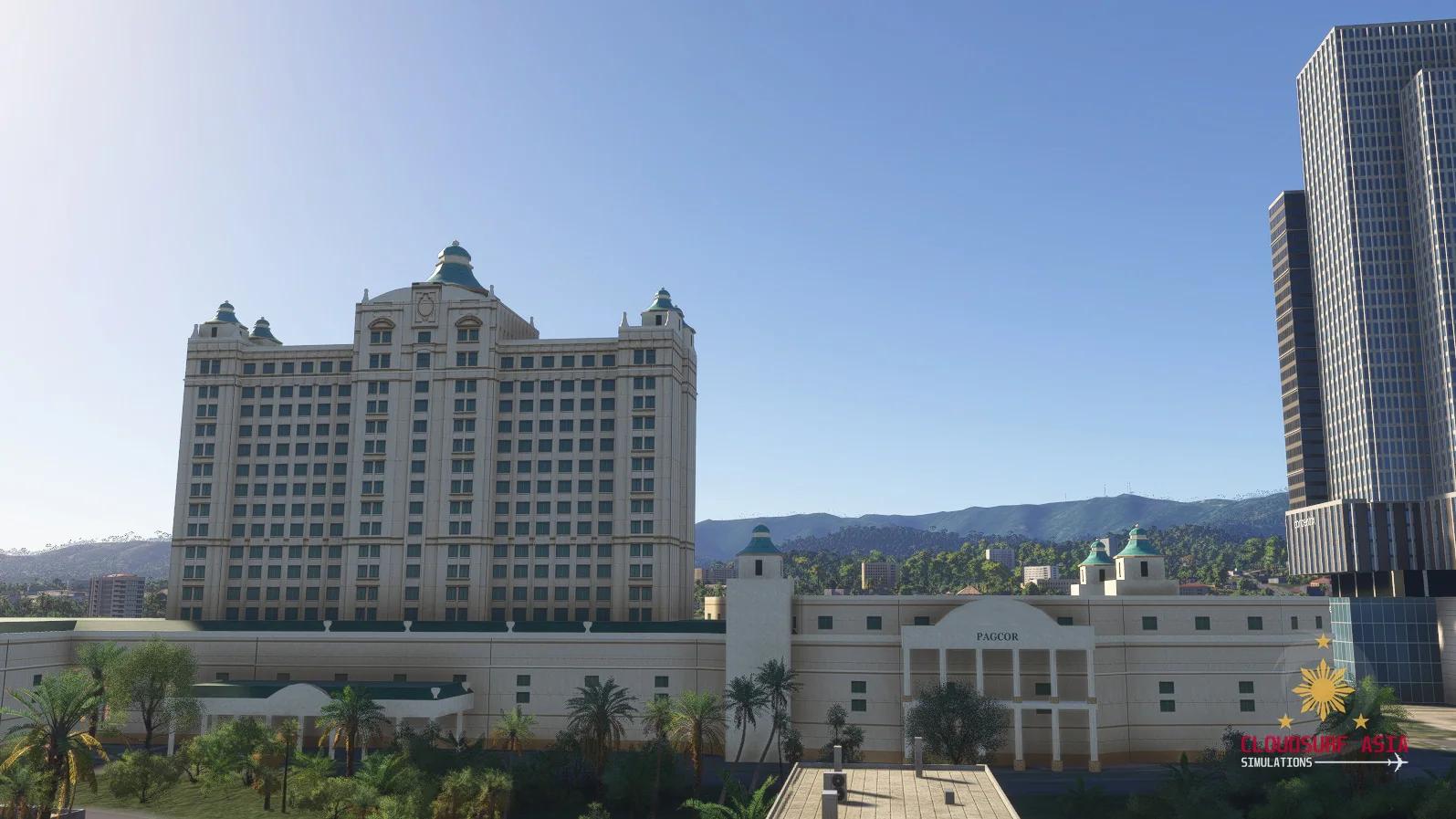
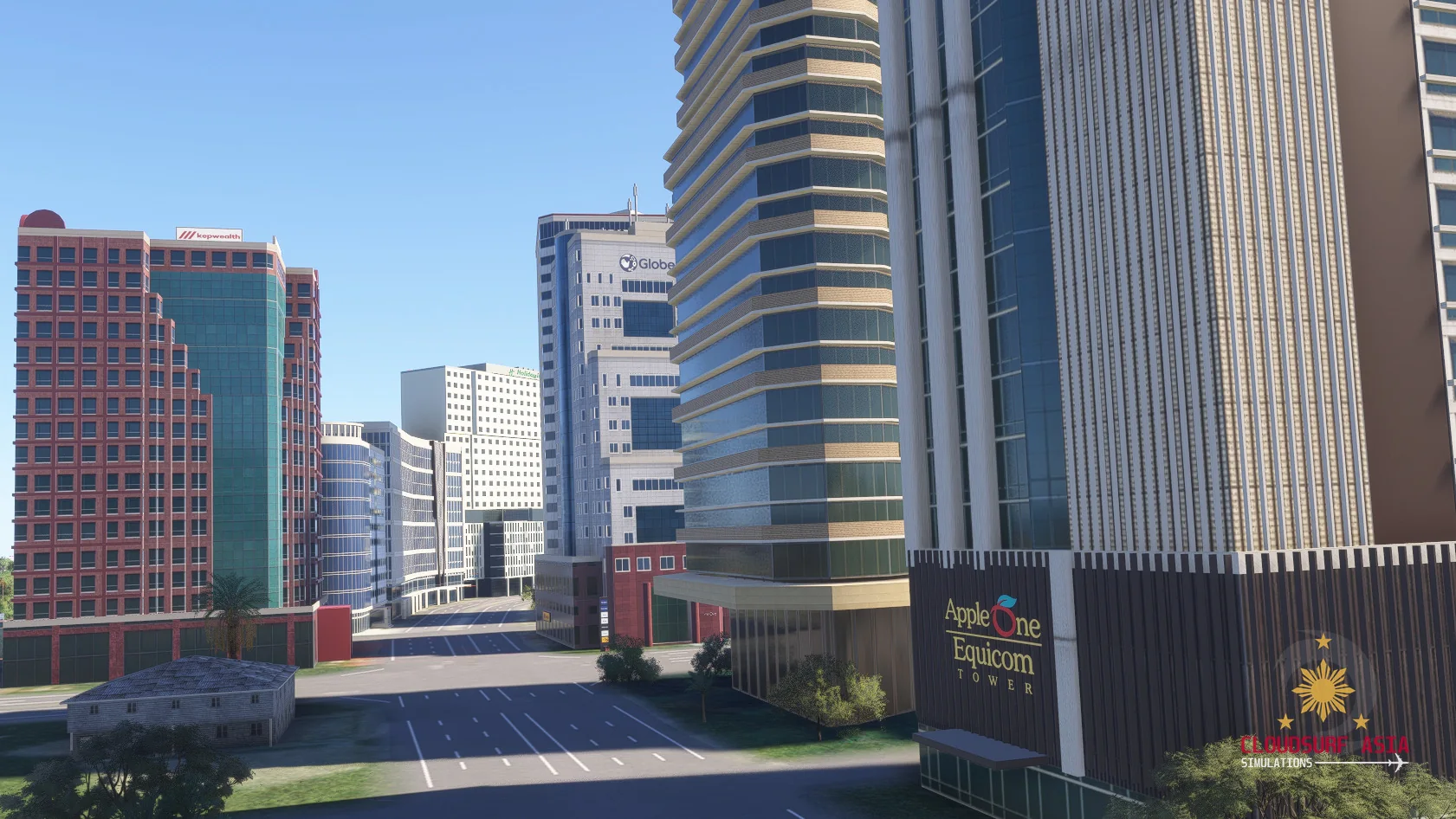
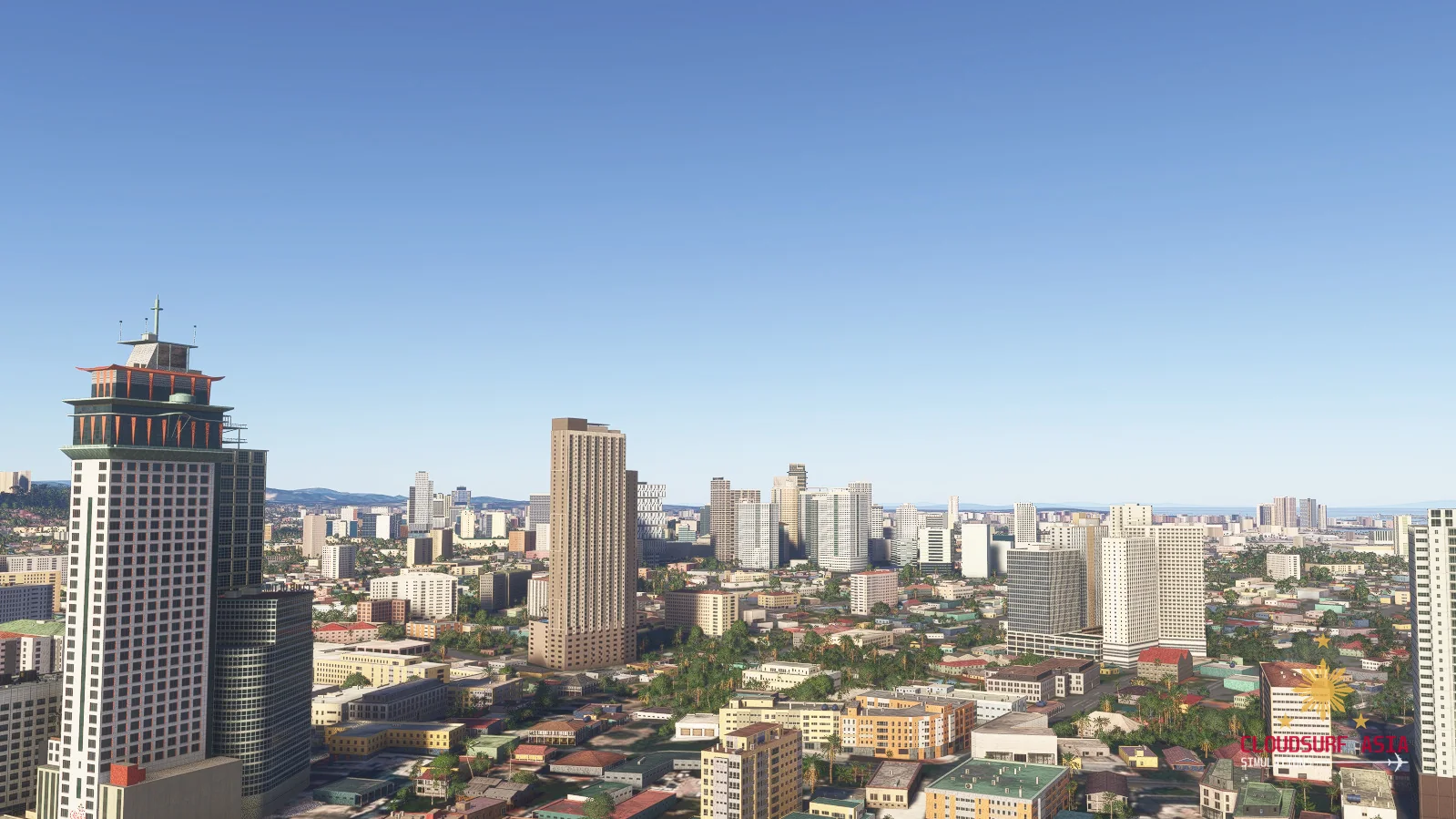
Cebu IT Park, Cebu Business Park, Fuente Osmeña and Mandaue: Horizons 101, Crown Regency, Mandani Bay, Waterfront Hotel, Park Centrale, the eBlocs, the Skyrise towers and many more.
The malls
SM City Cebu, SM Seaside, Ayala Center, Robinsons Galleria, Parkmall, NUSTAR with Fili, and Cebu Ocean Park.
Cebu Port
The piers with inter-island ferries at their berths.
Detailed ground
Around IT Park, the Business Park and Lahug: roads, car parks, sidewalks and road markings.
Night lighting
Night lighting on the landmarks and towers.
Screenshots
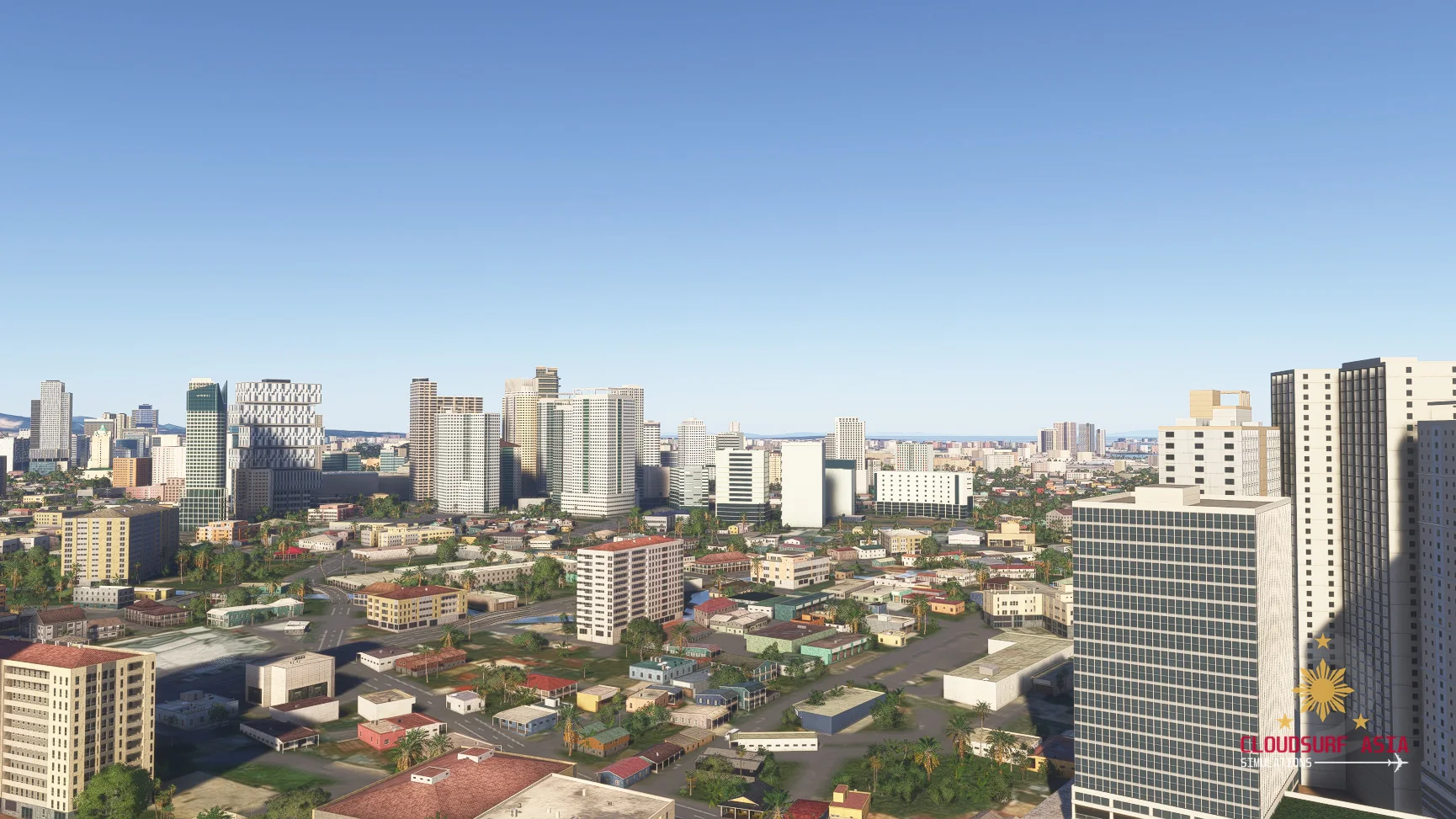
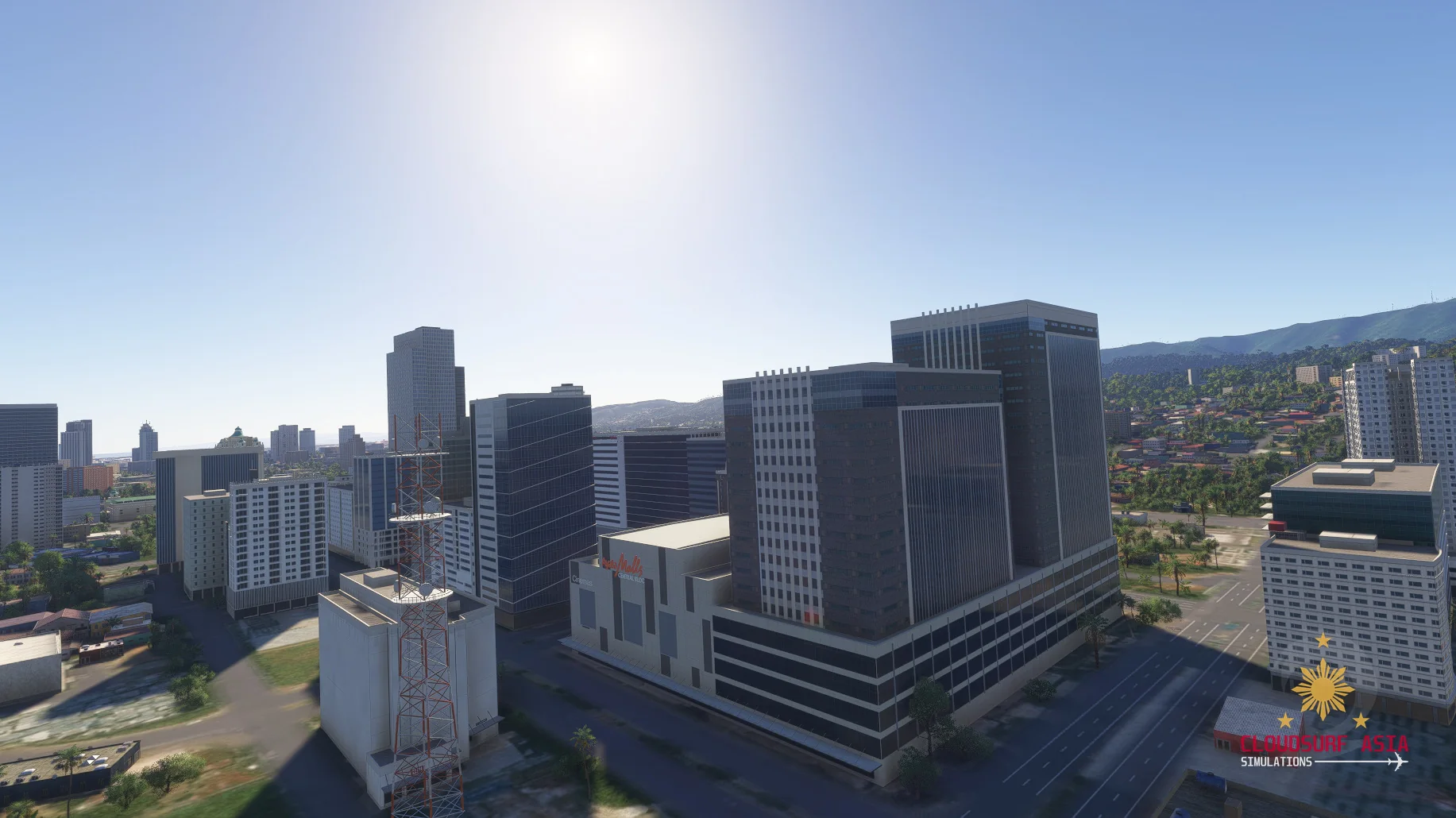
Where to buy
CEBU will be sold through our partner stores.
Requirements
- Built exclusively for MSFS 2024 Edition.
- Microsoft Flight Simulator 2024 (PC), latest update installed
- Windows 10 or Windows 11 (64-bit)
Read before buying
- Cebu City is not released yet; what you see here is still in development and can change before release.
- The bridges to Mactan are part of our Mactan-Cebu International Airport scenery.
Installation
- Install the product with the app or download of the store you bought it from.
- Restart the simulator after installing.
Finding the Community folder
Custom install location
Open the folder you chose for your MSFS 2024 content; the Community folder is inside it.
Microsoft Store / Xbox app
Type %localappdata% in Windows search, then open Packages\Microsoft.Limitless_8wekyb3d8bbwe\LocalCache\Packages\Community.
Steam
Type %appdata% in Windows search, then open Microsoft Flight Simulator 2024\Packages\Community.
Questions? Email support@cloudsurfasia-simulations.com.