
About the scenery
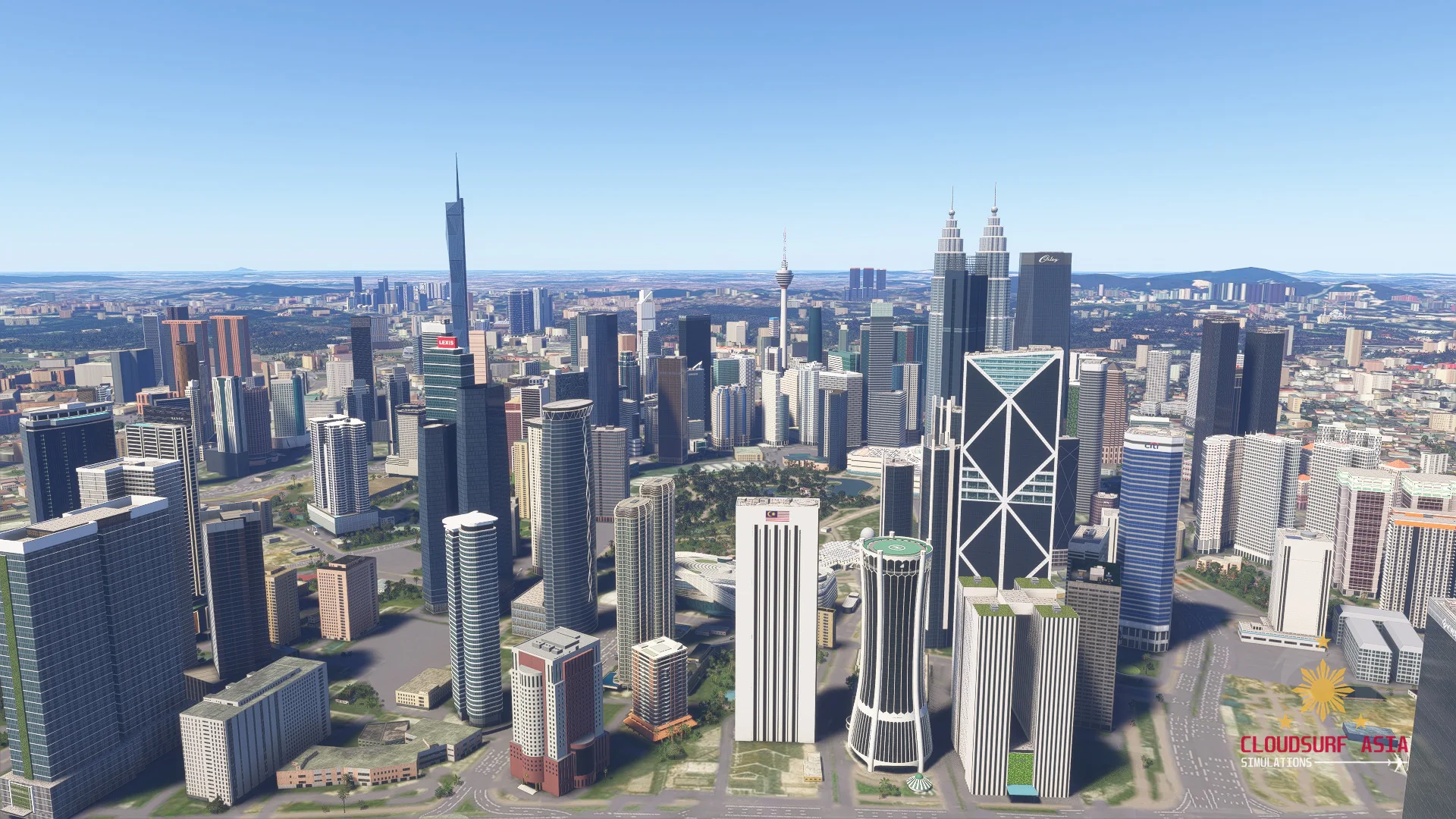
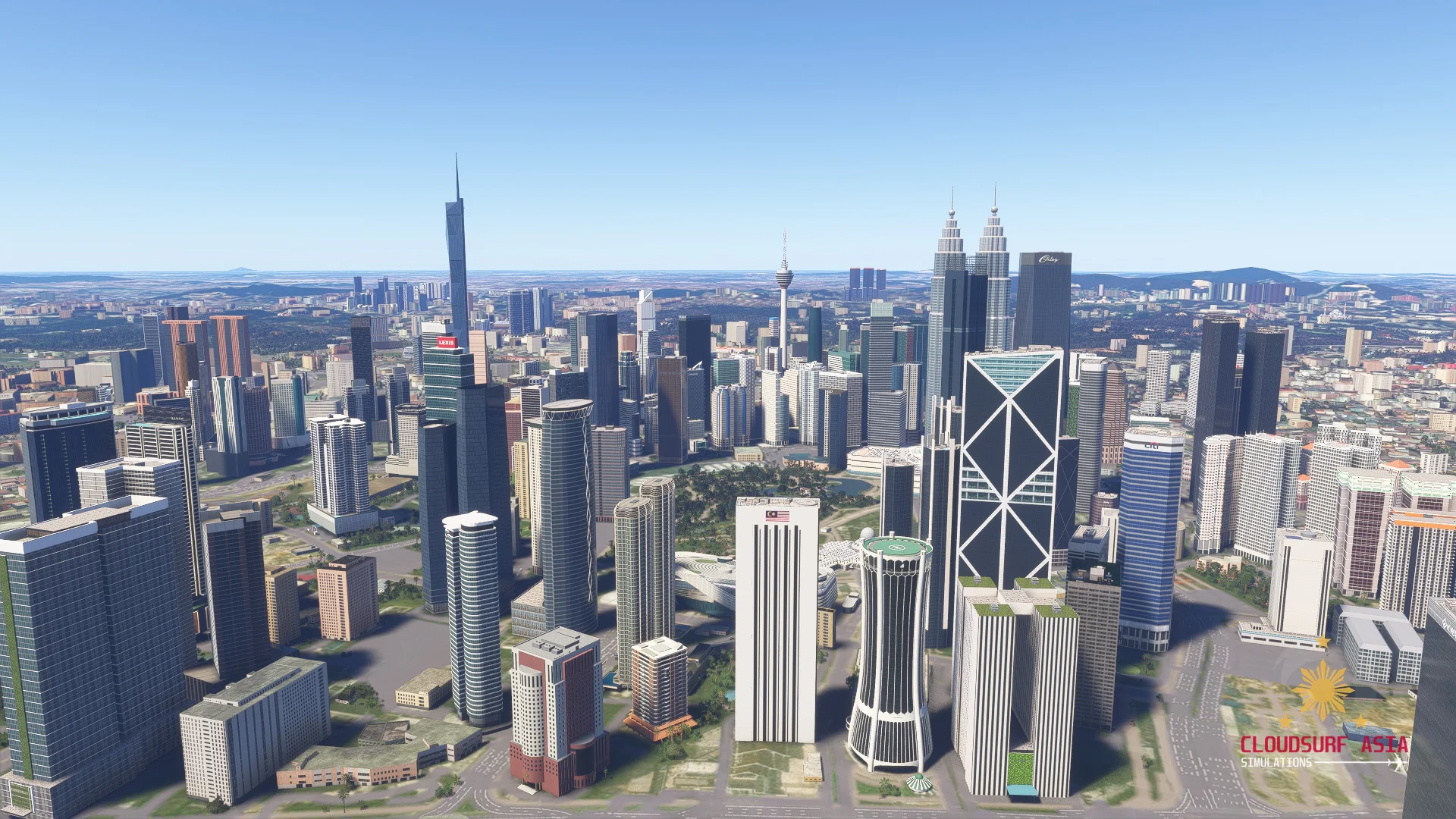
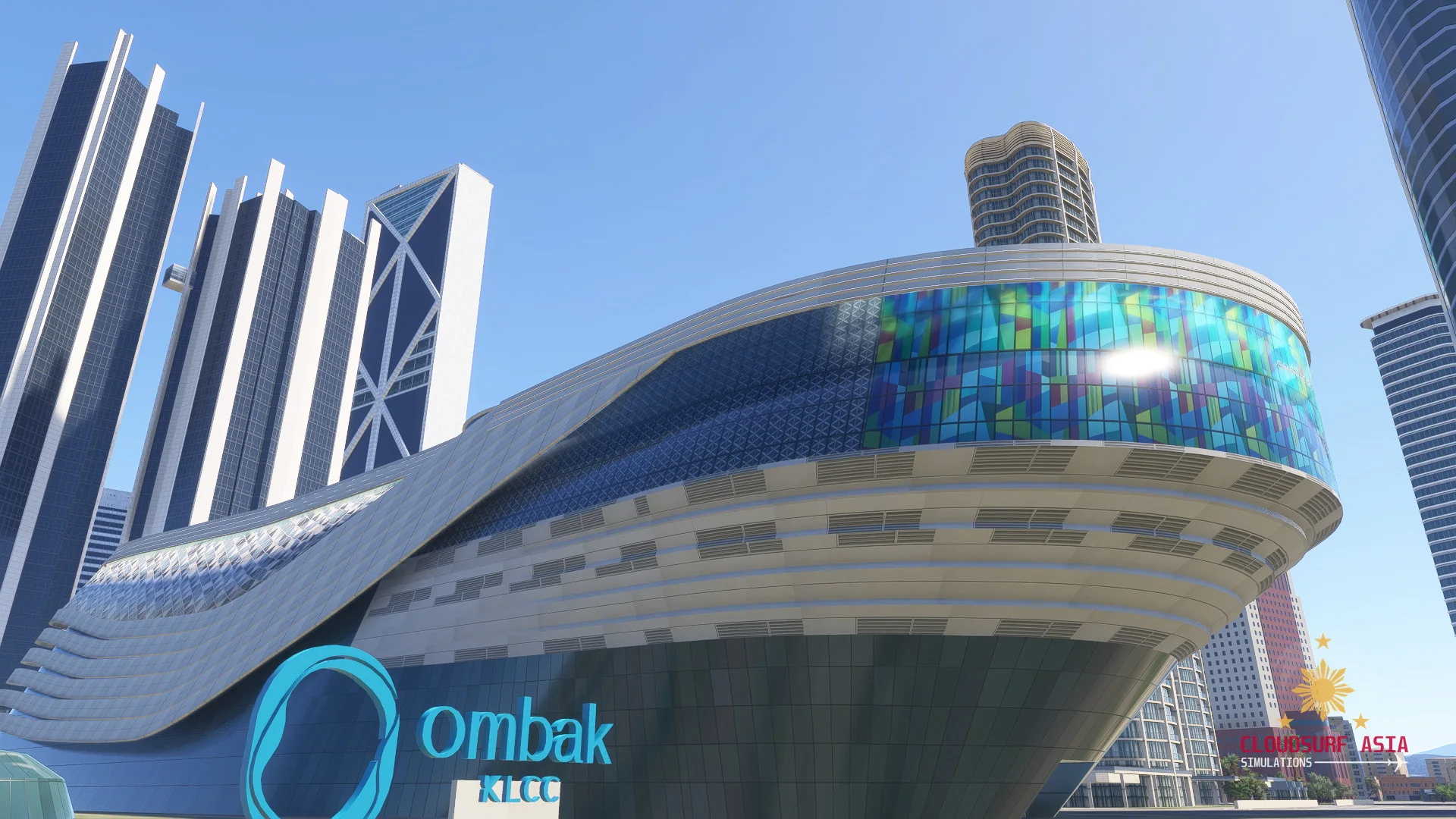
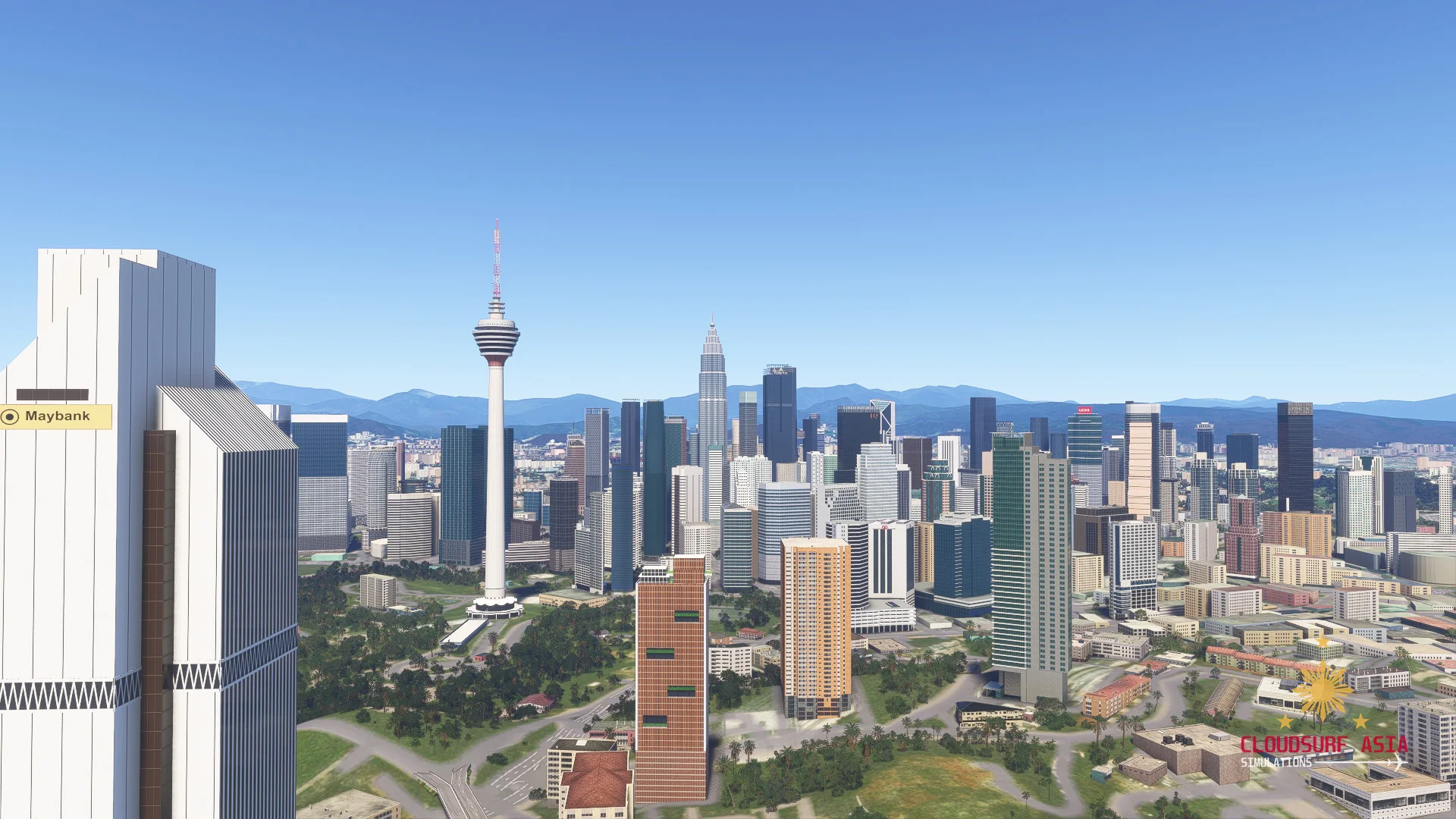
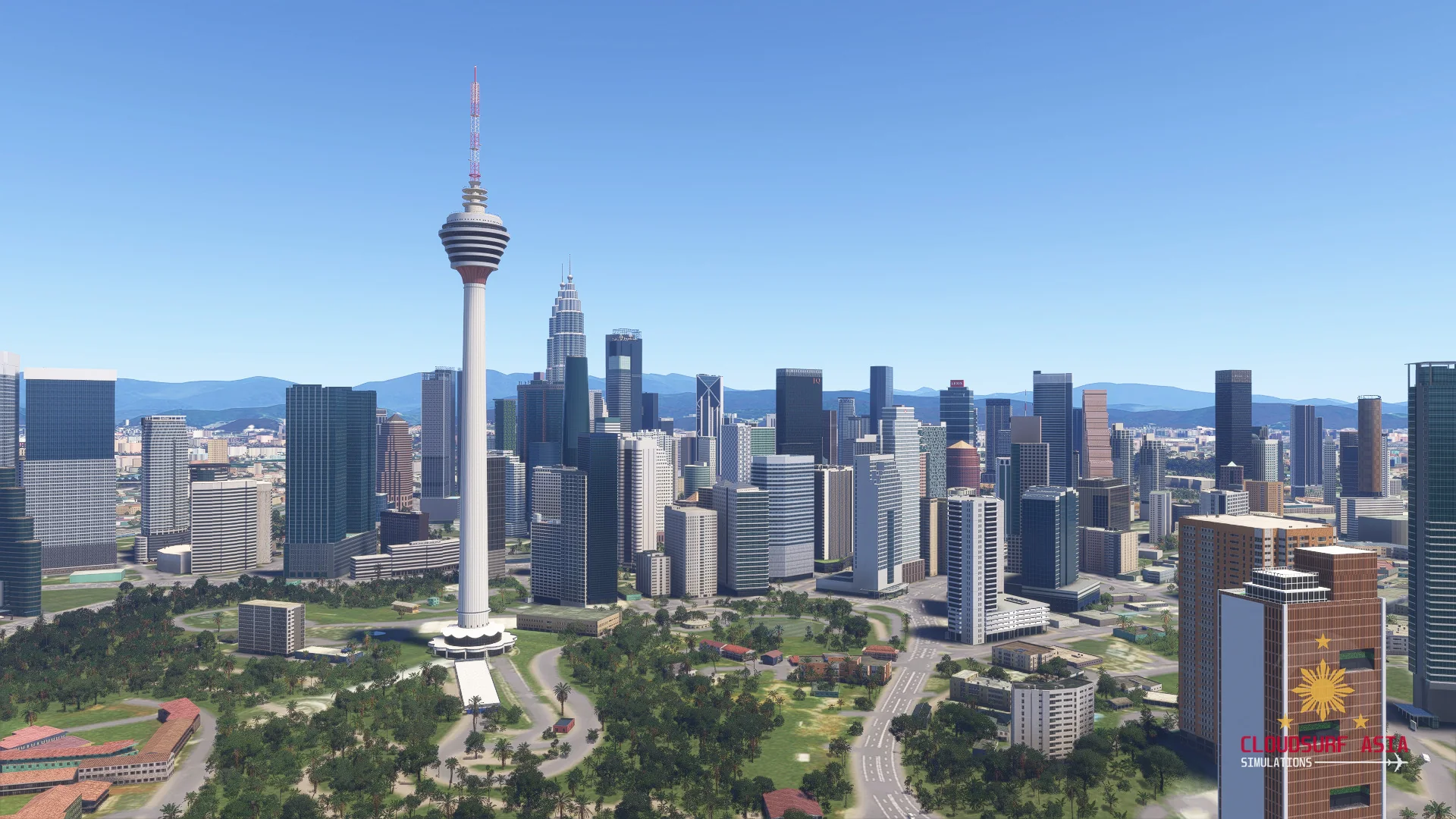
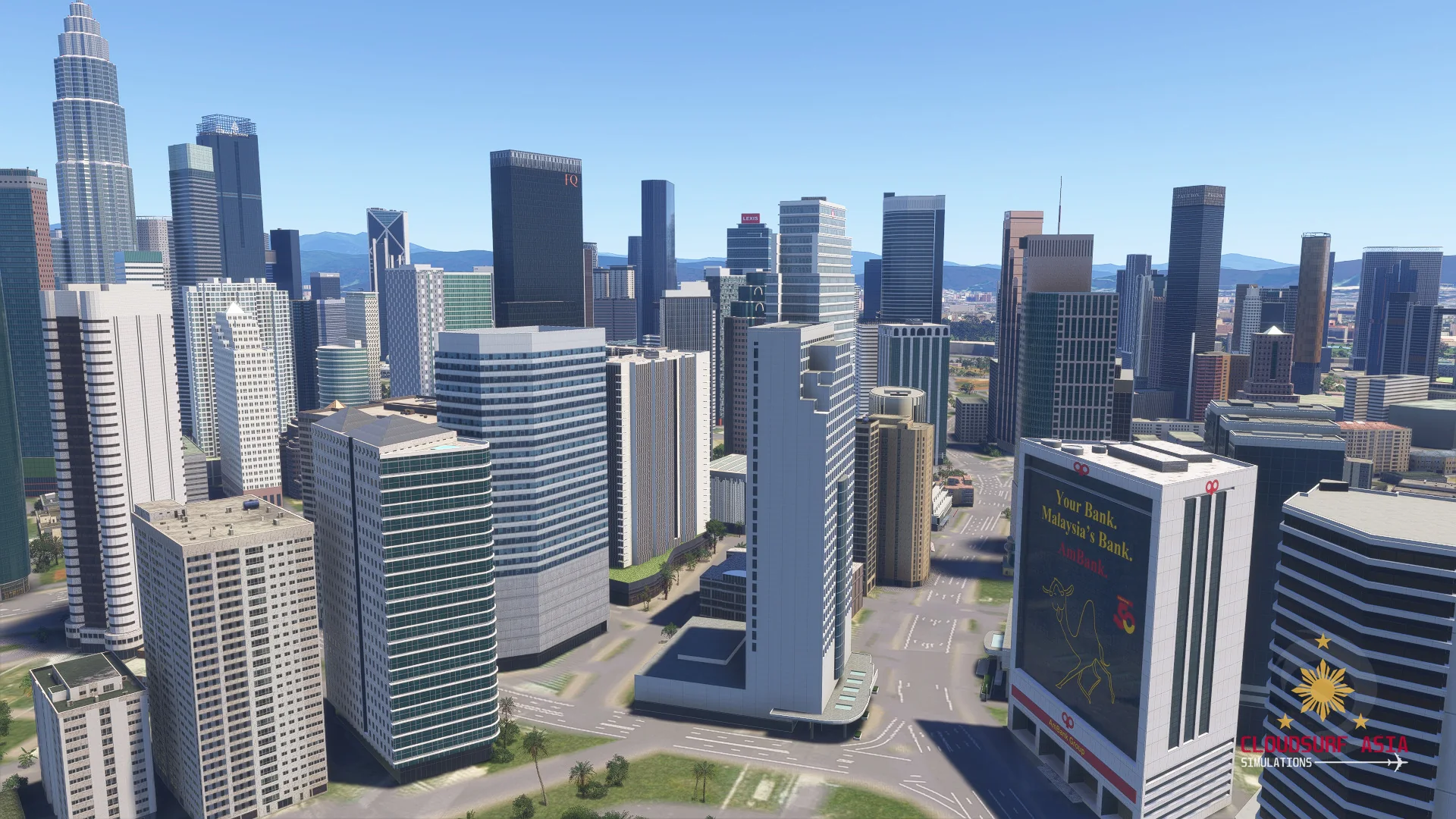
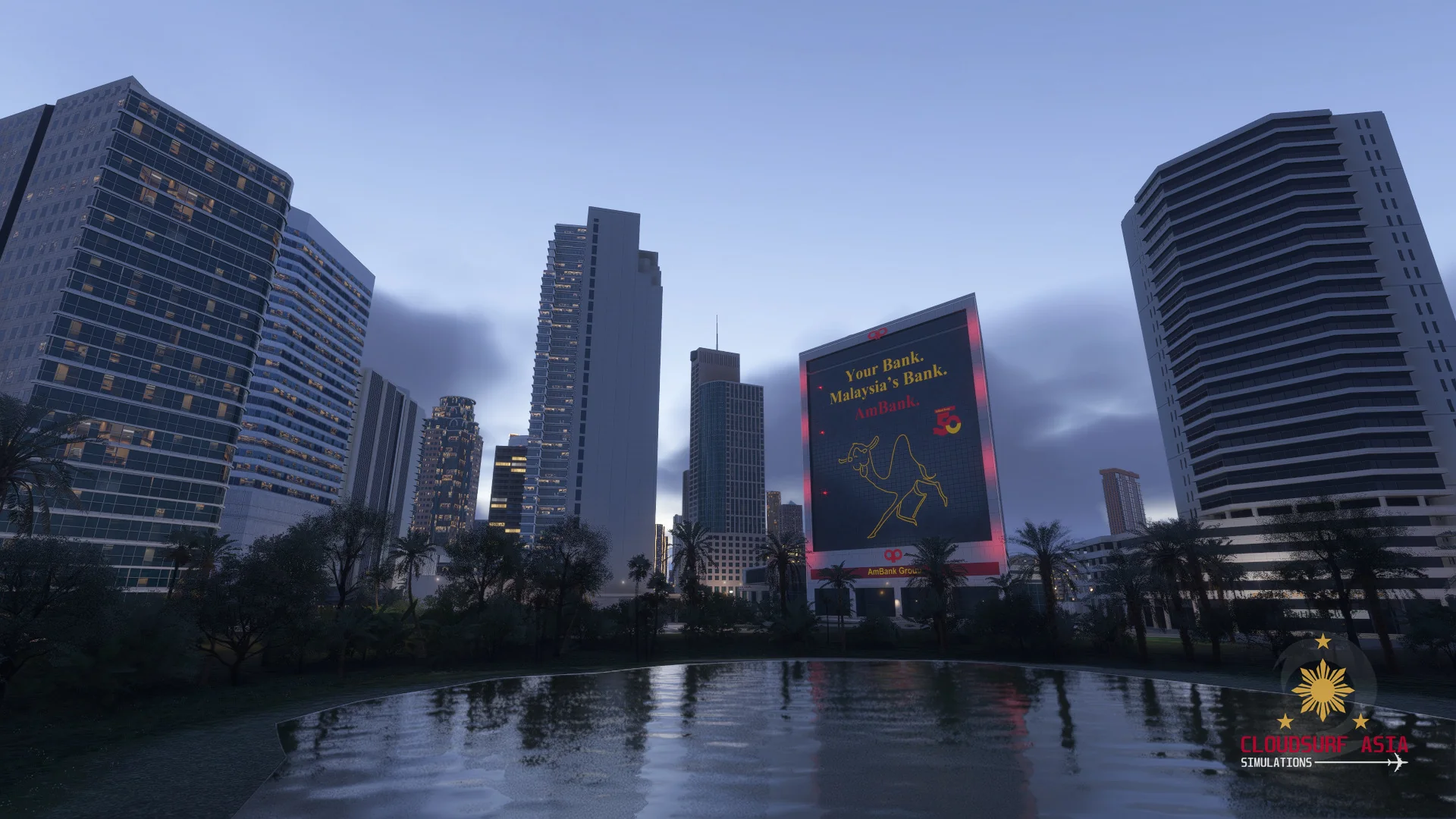
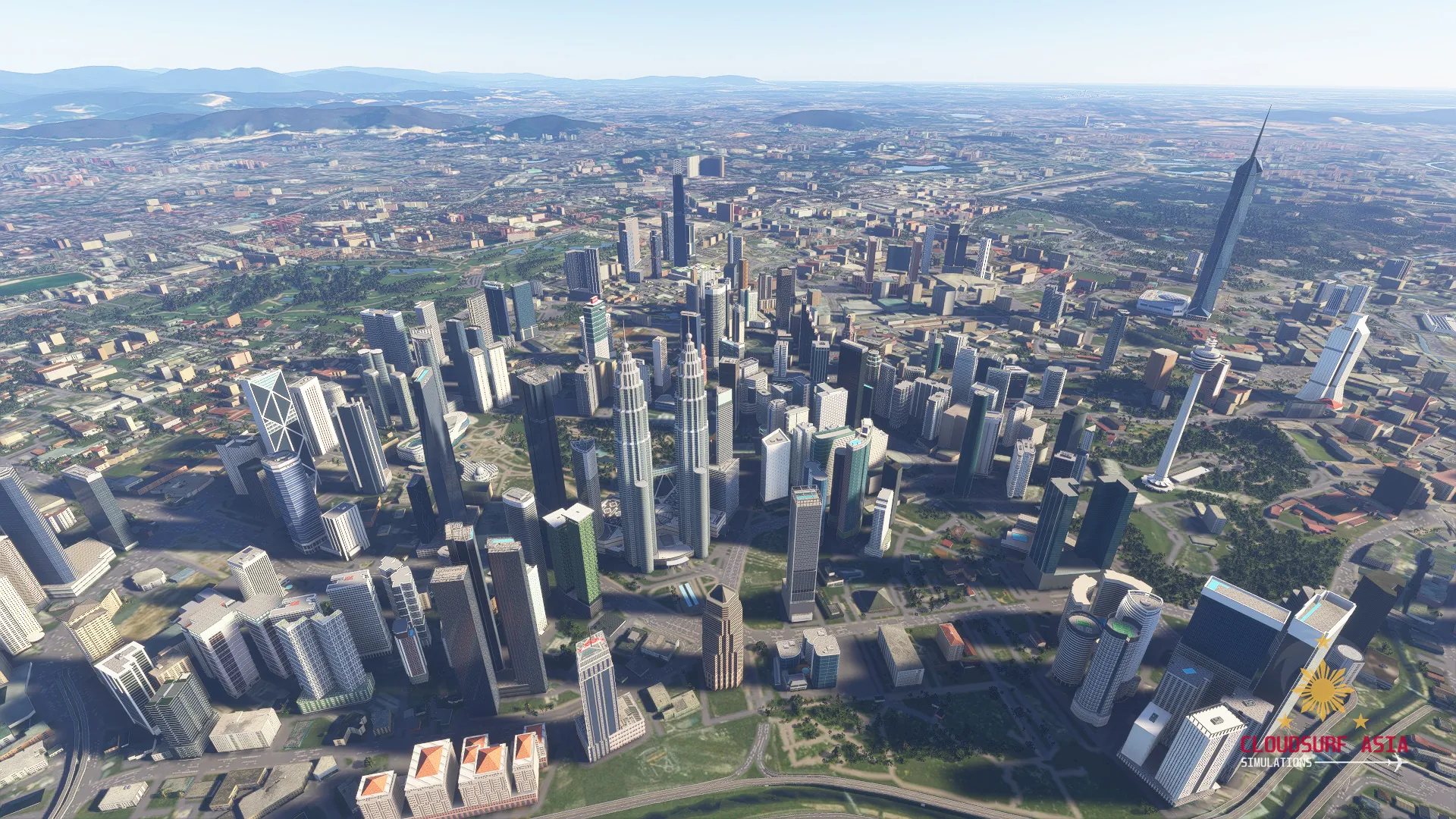
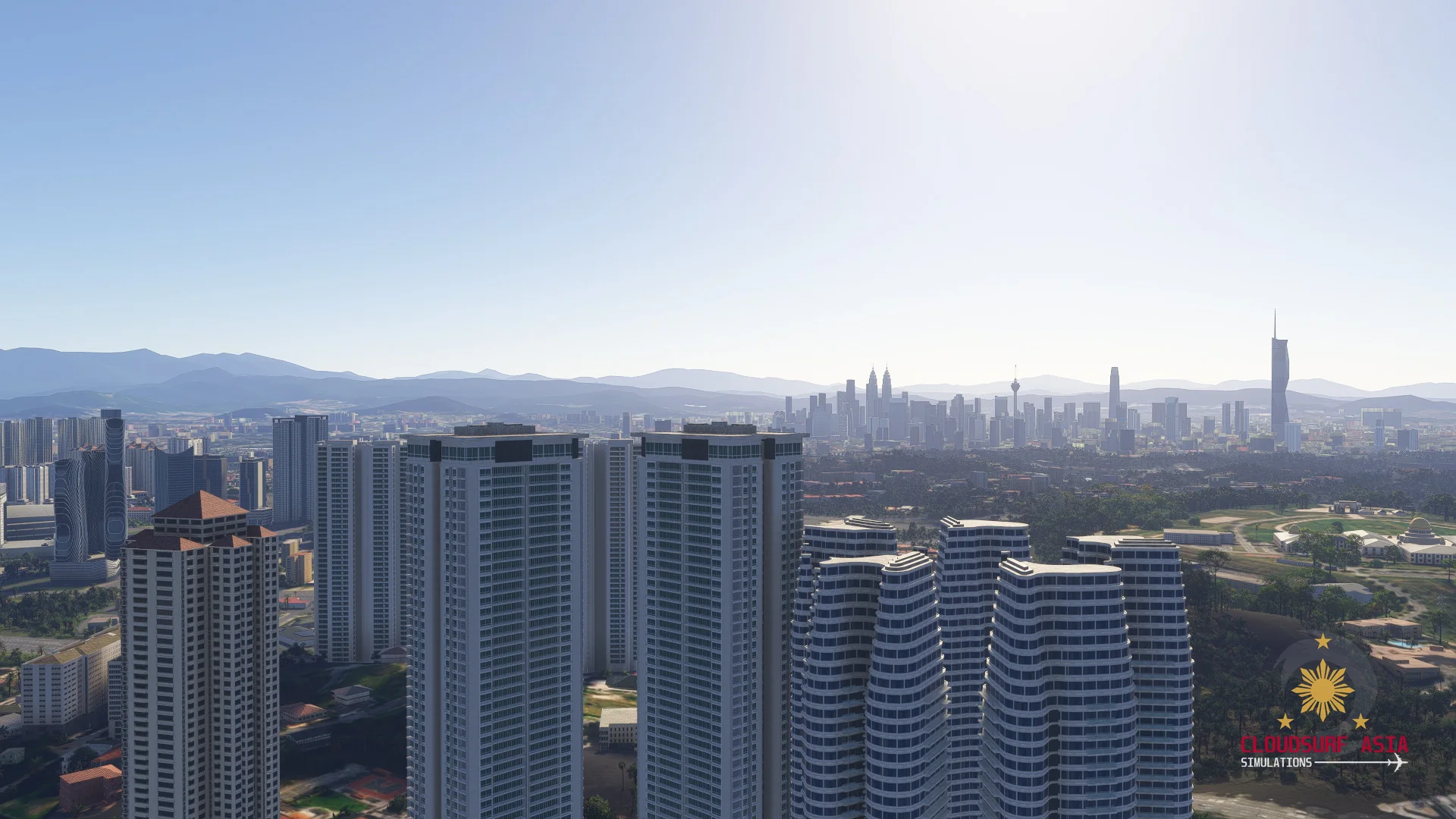
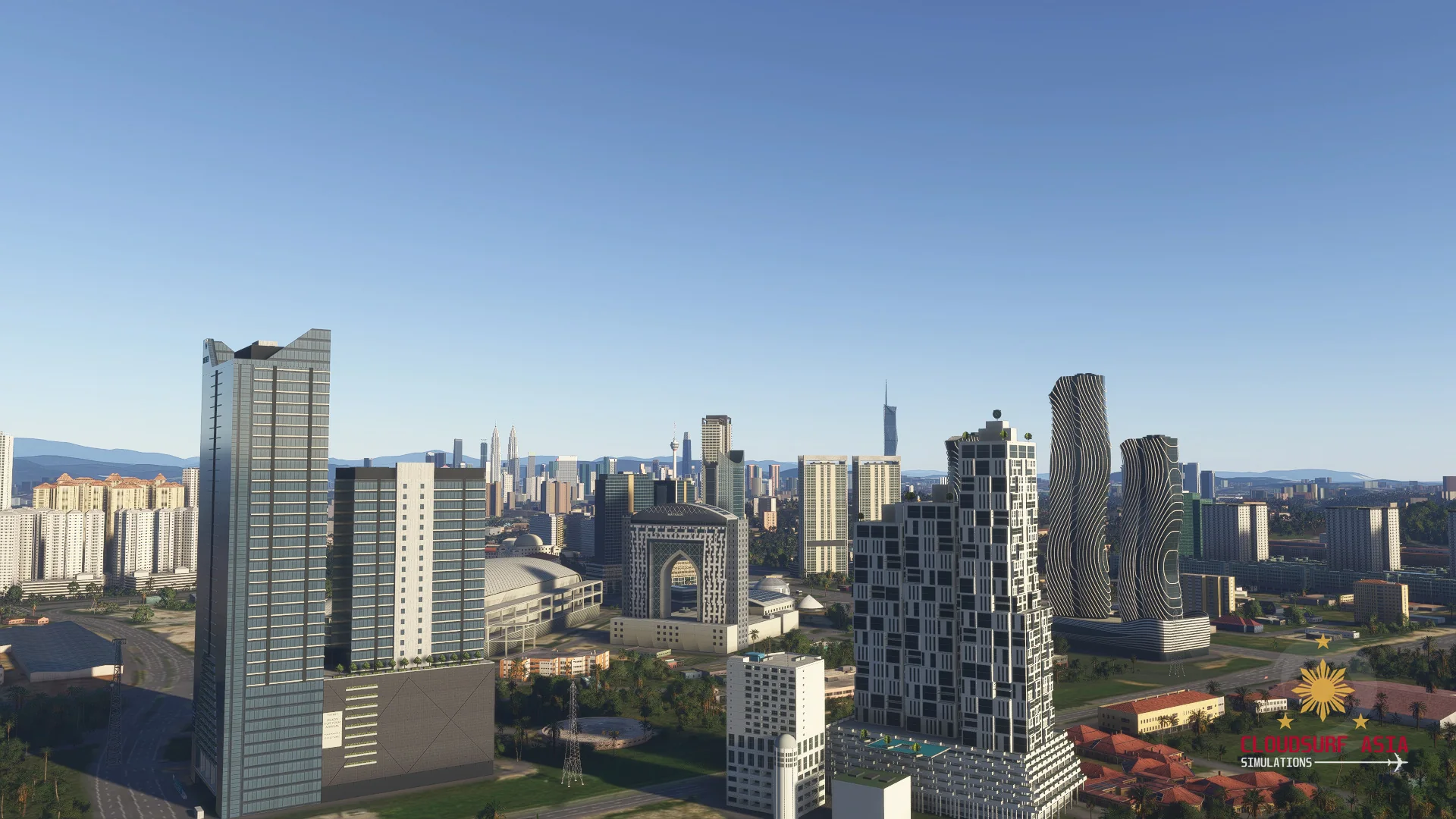
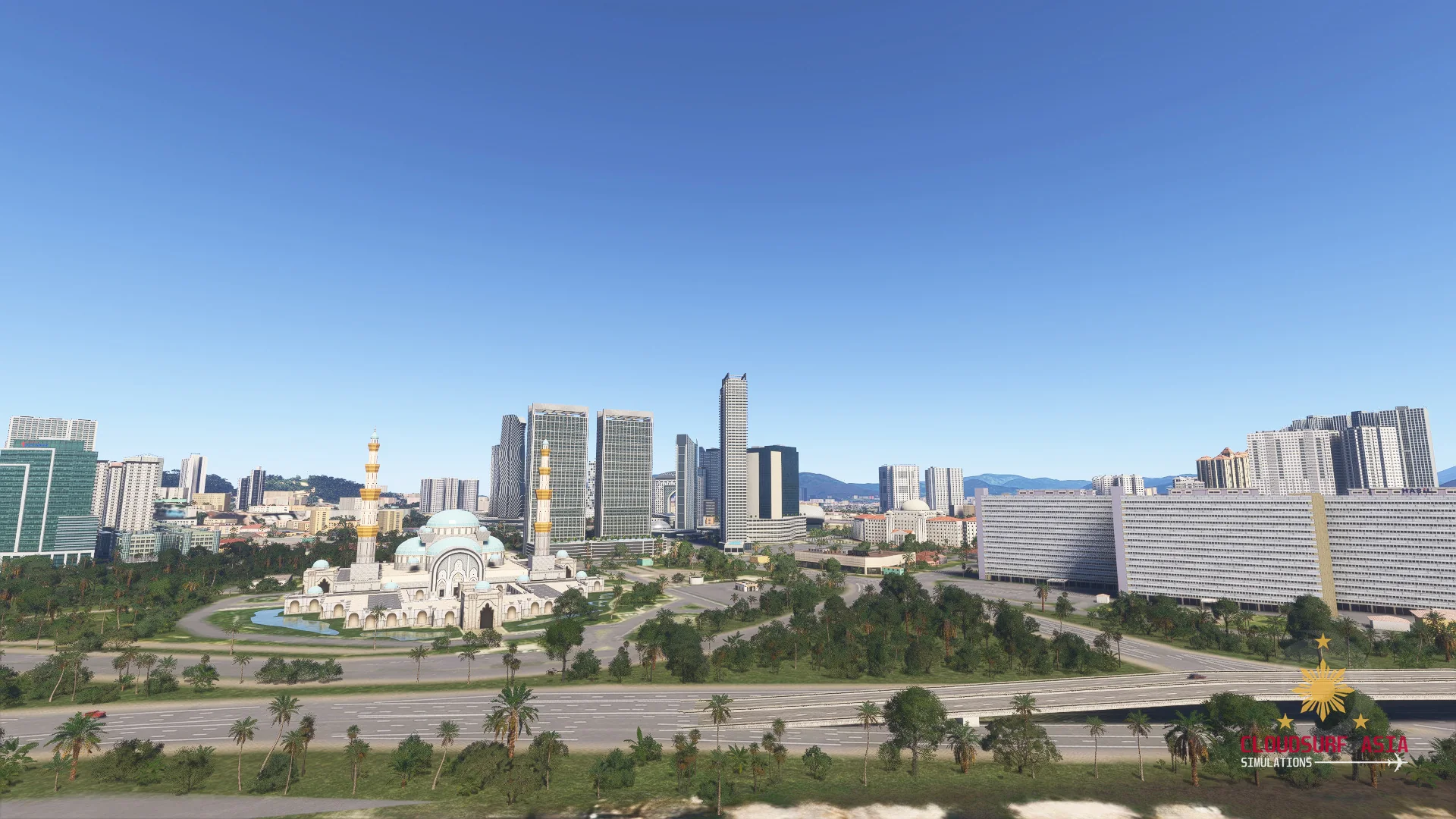
Mega Malaysia brings Kuala Lumpur to Microsoft Flight Simulator 2024: from the Petronas Twin Towers to Merdeka 118, the KL skyline like you've never flown it before.
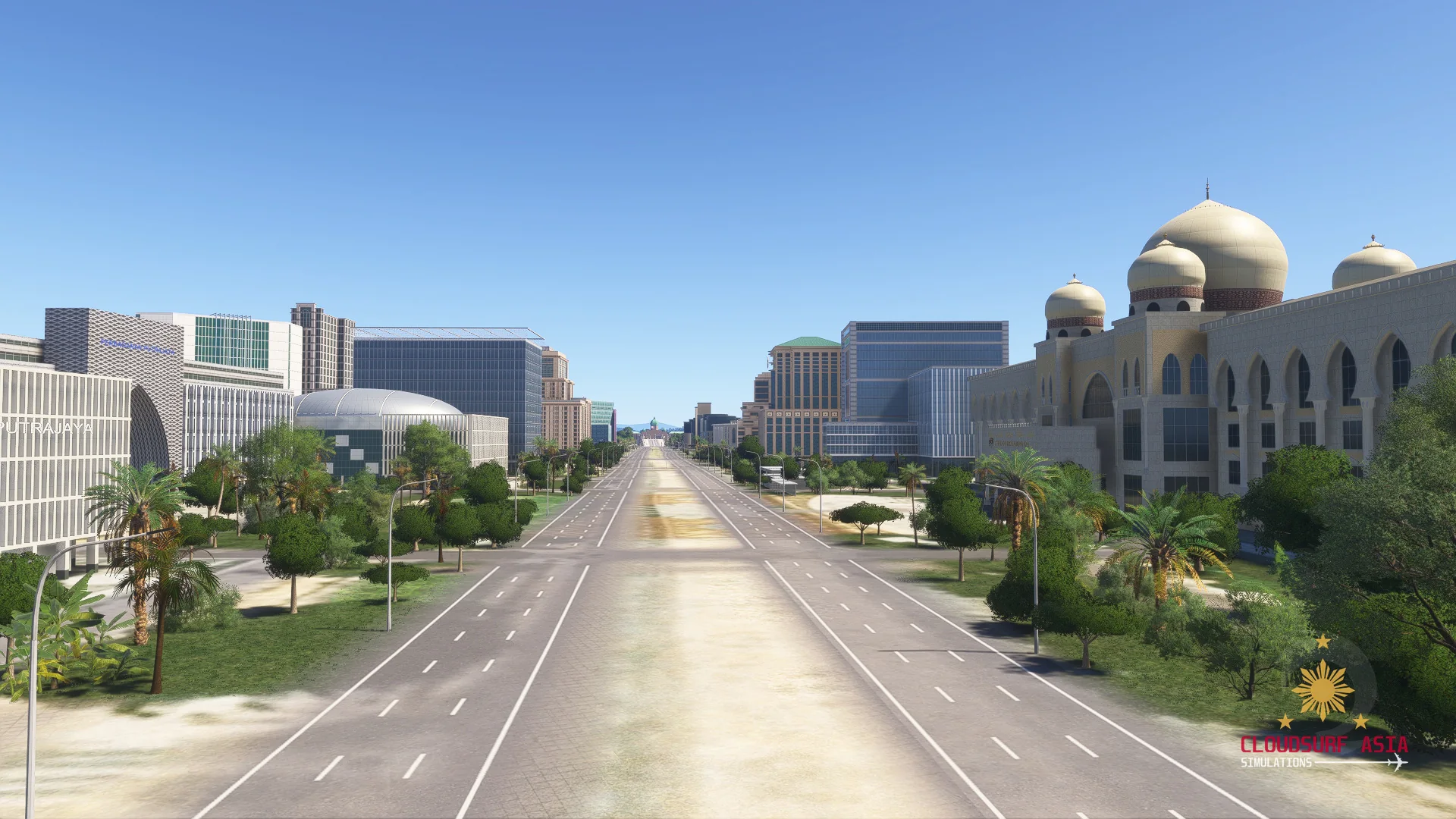
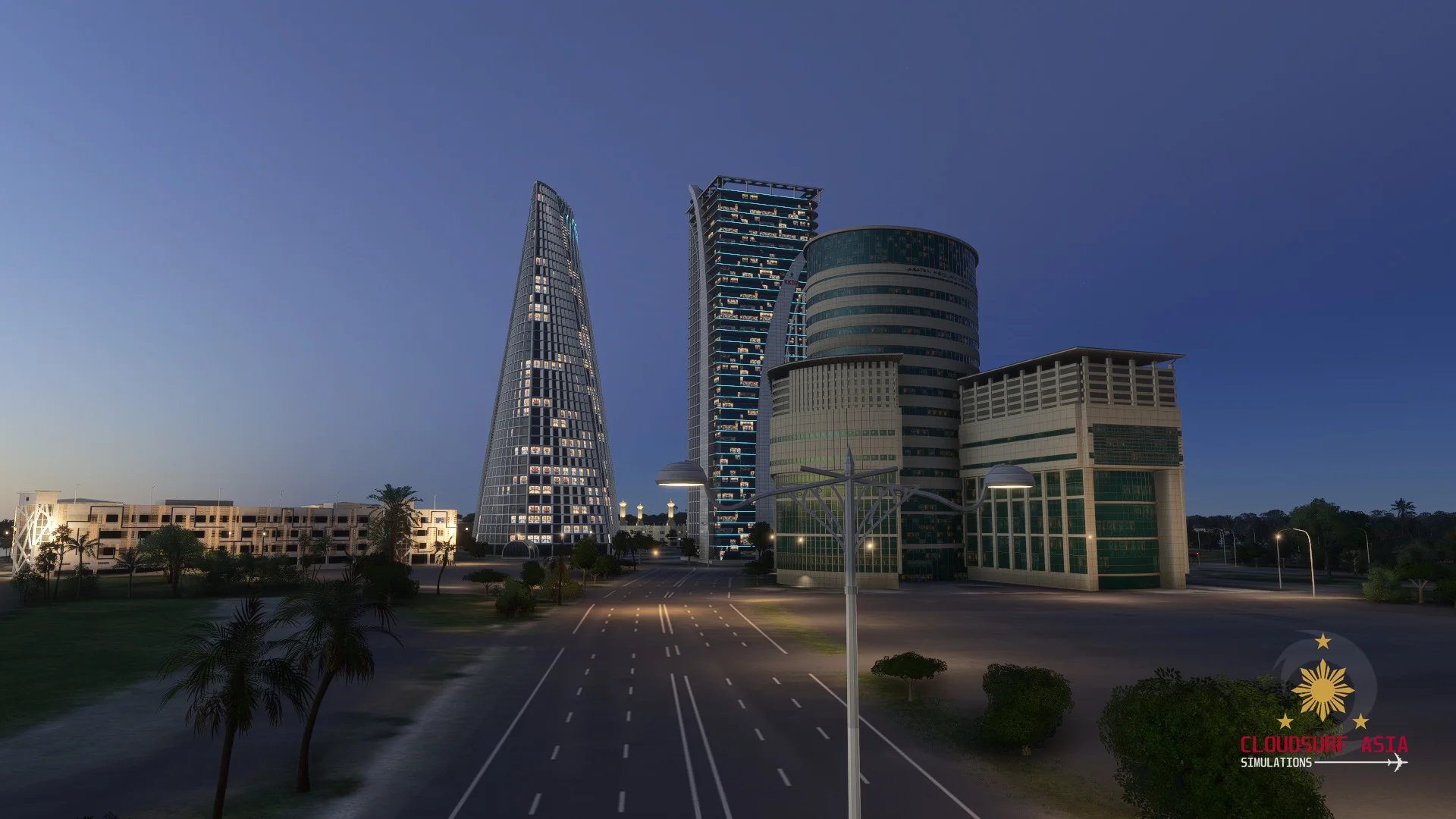
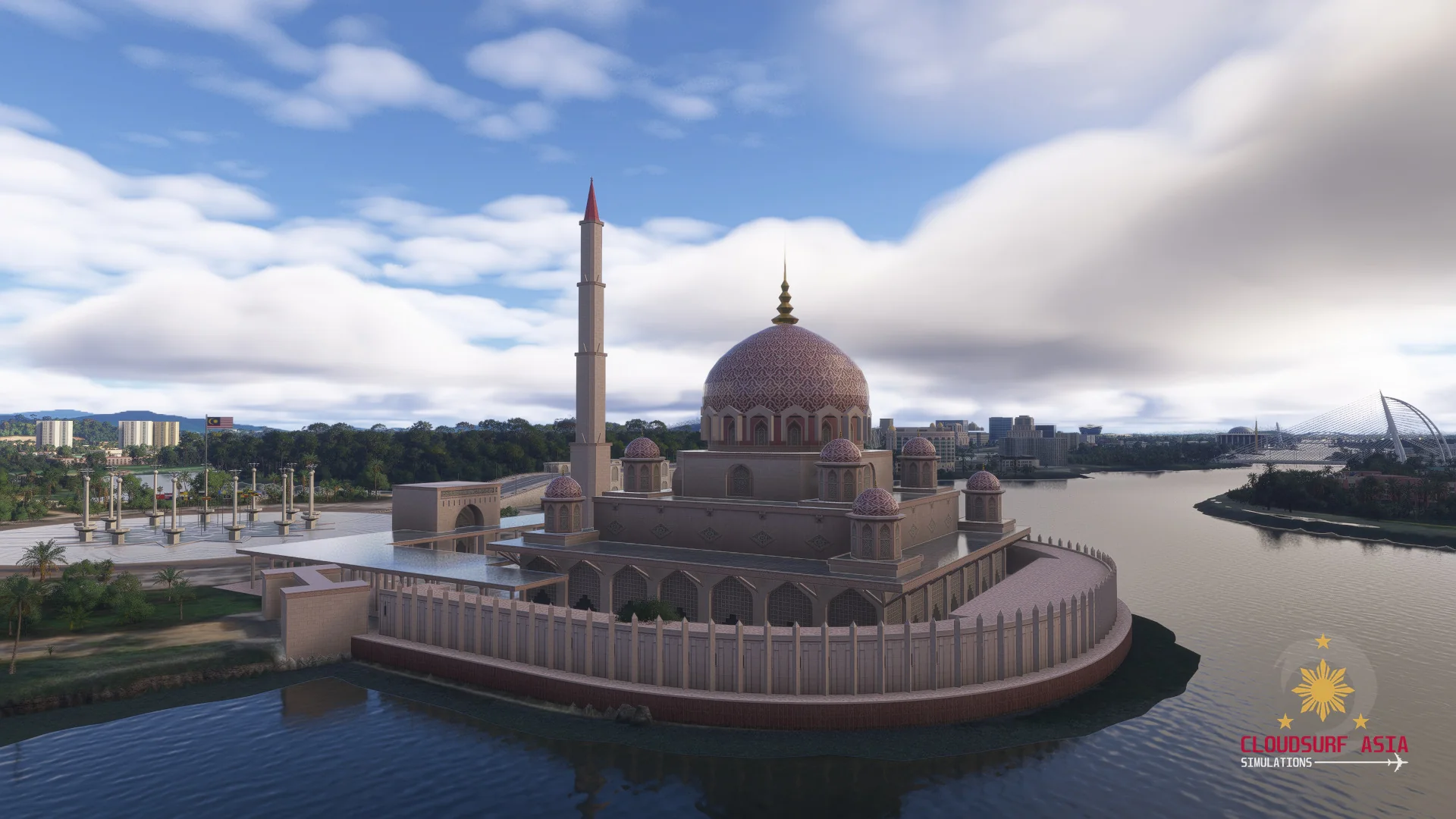
Down below, enhanced ground visuals bring the city's road networks to life, with detailed roads and line markings. Beyond the city centre, the pack takes in Putrajaya, Batu Caves and Westports.
Mega Malaysia is coming soon. Stay tuned.
Features
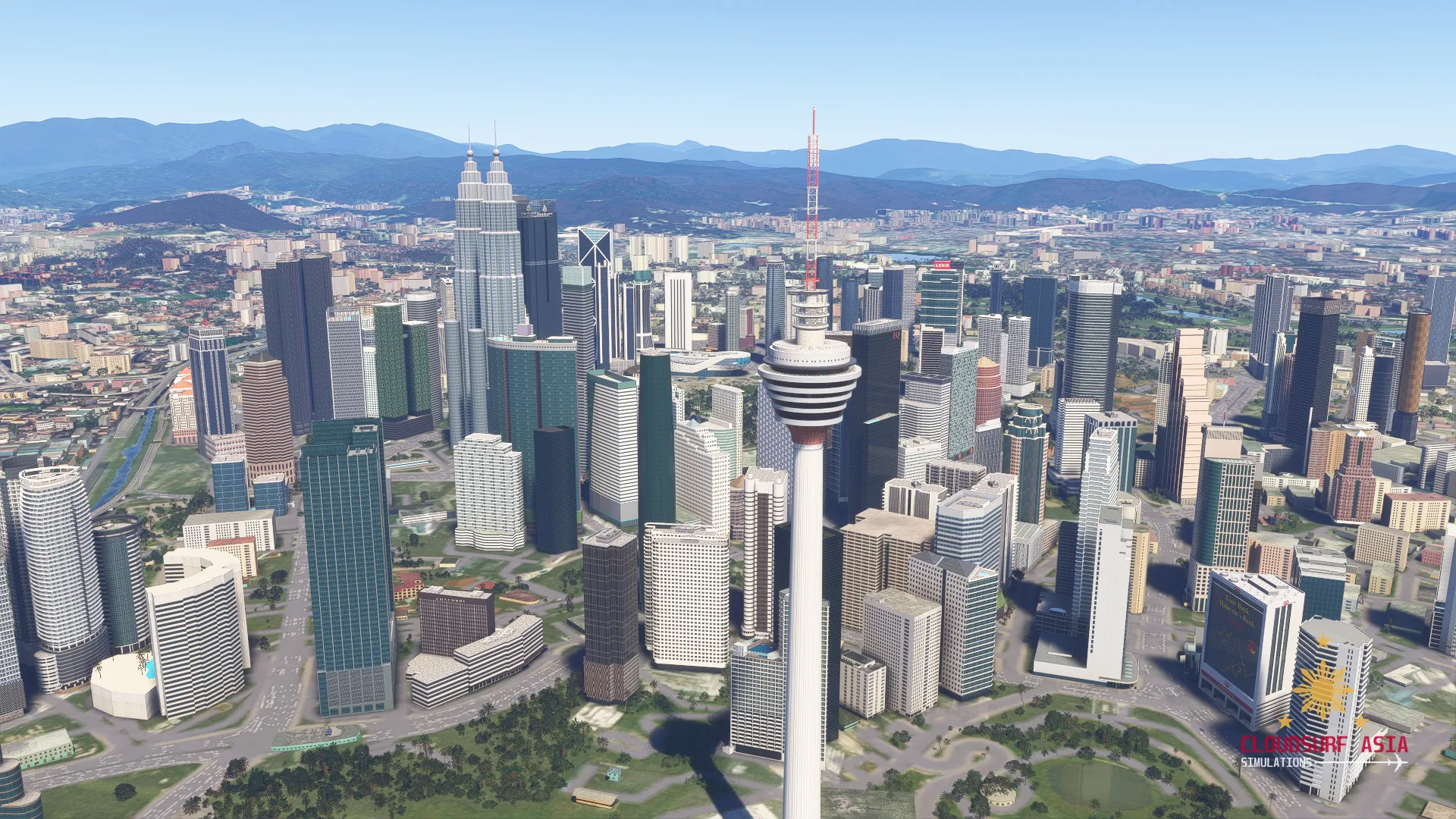
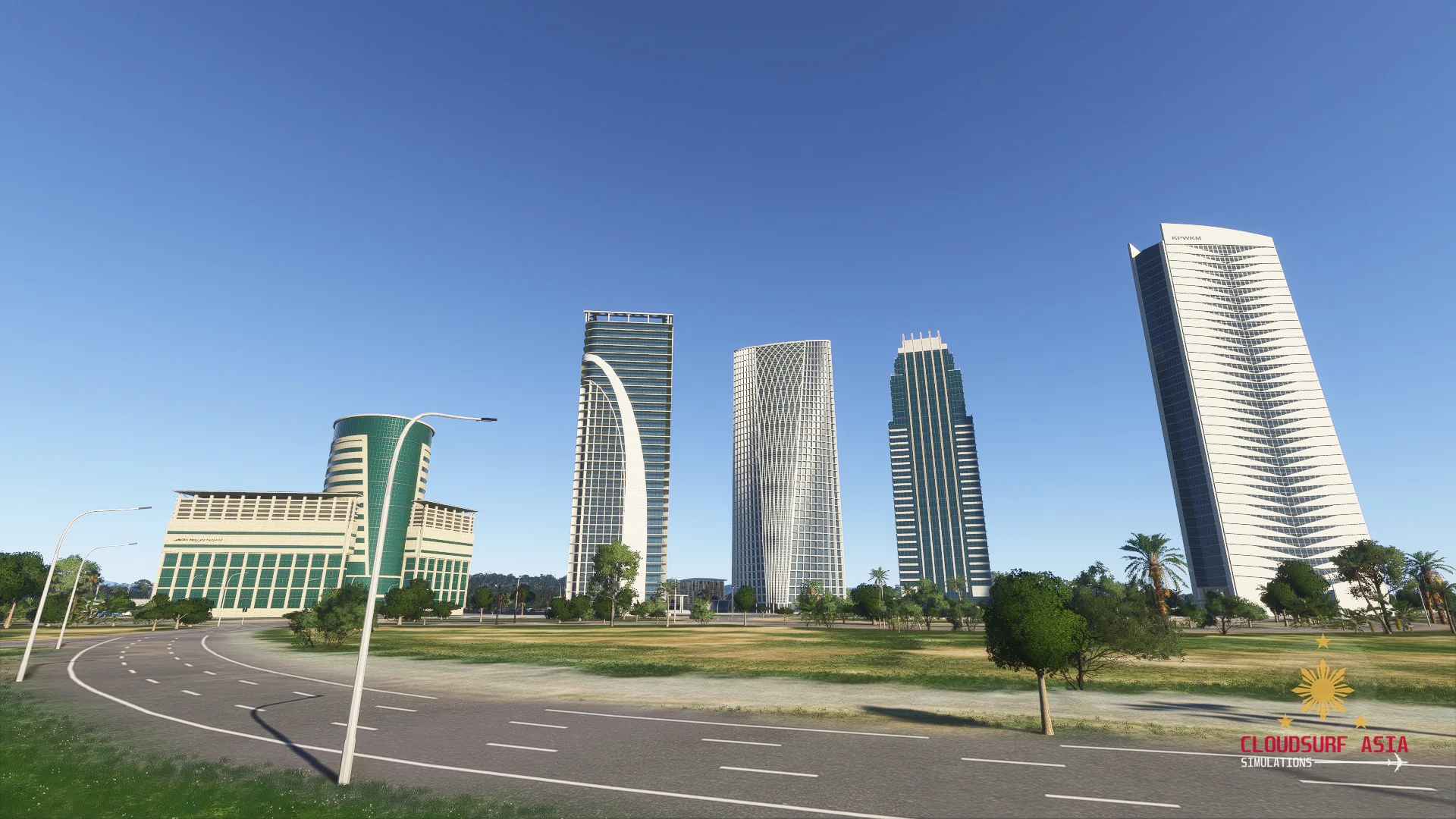
Kuala Lumpur City
The Petronas Twin Towers, Merdeka 118, KL Tower and the city centre skyline.
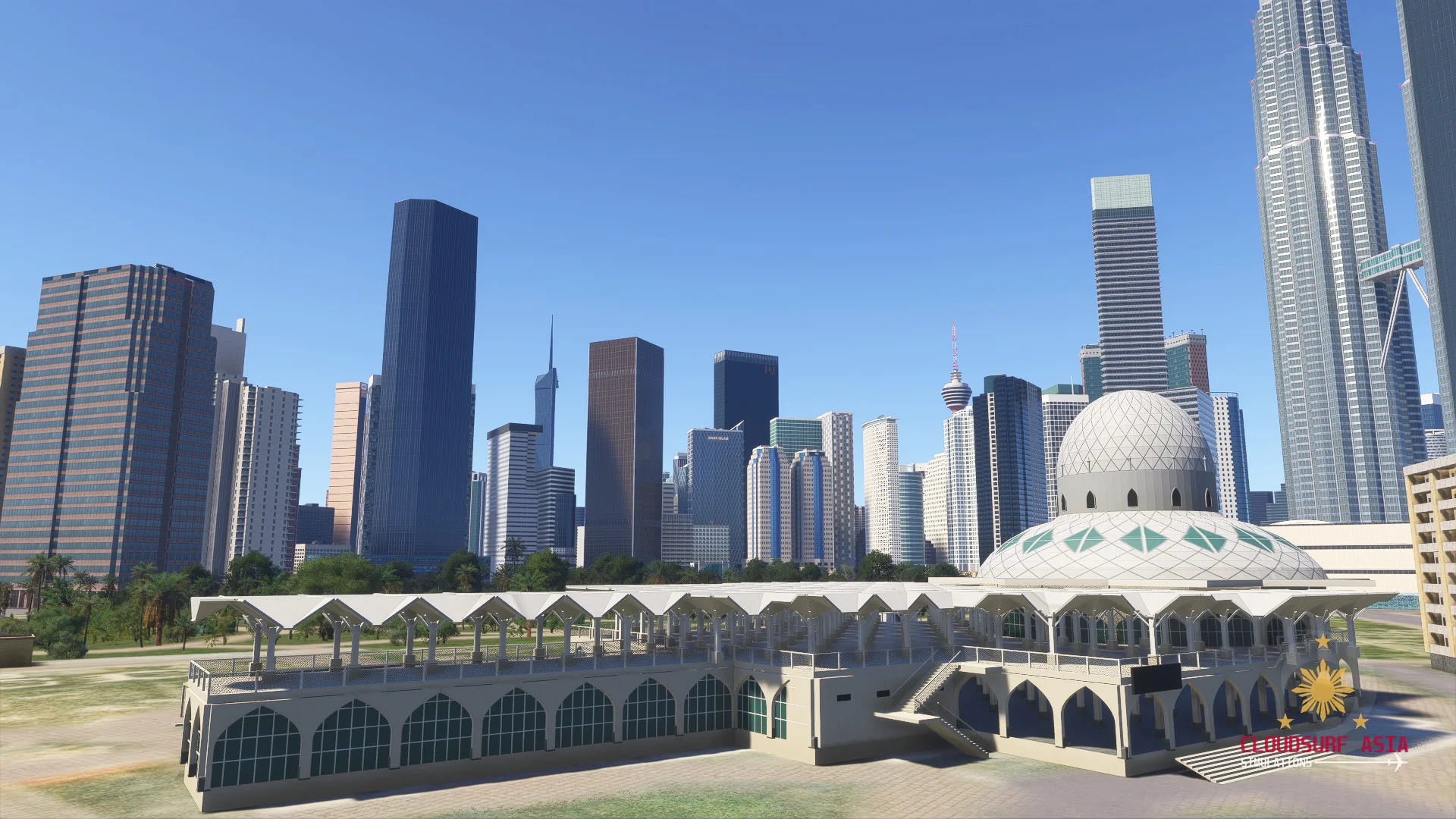
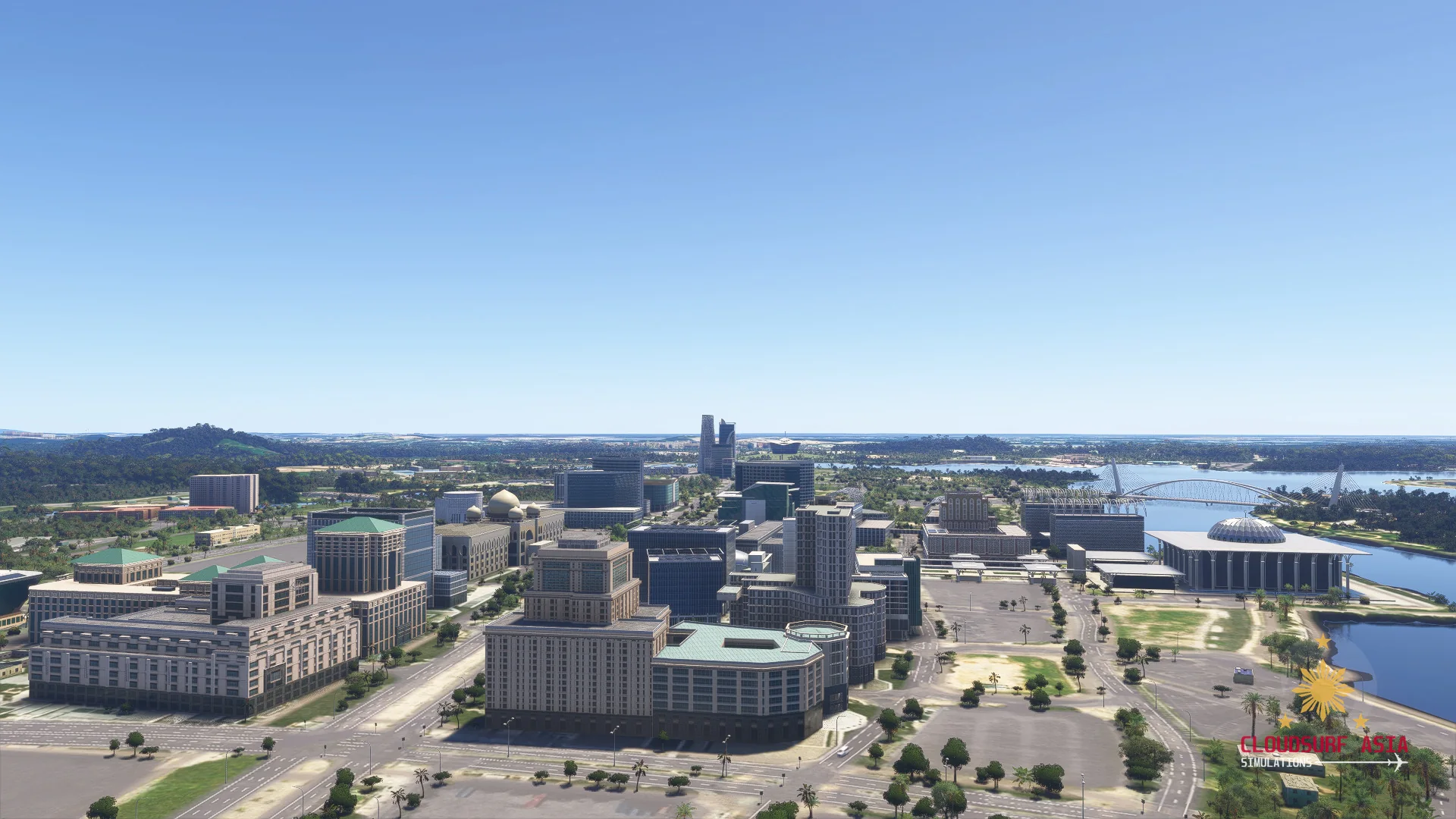
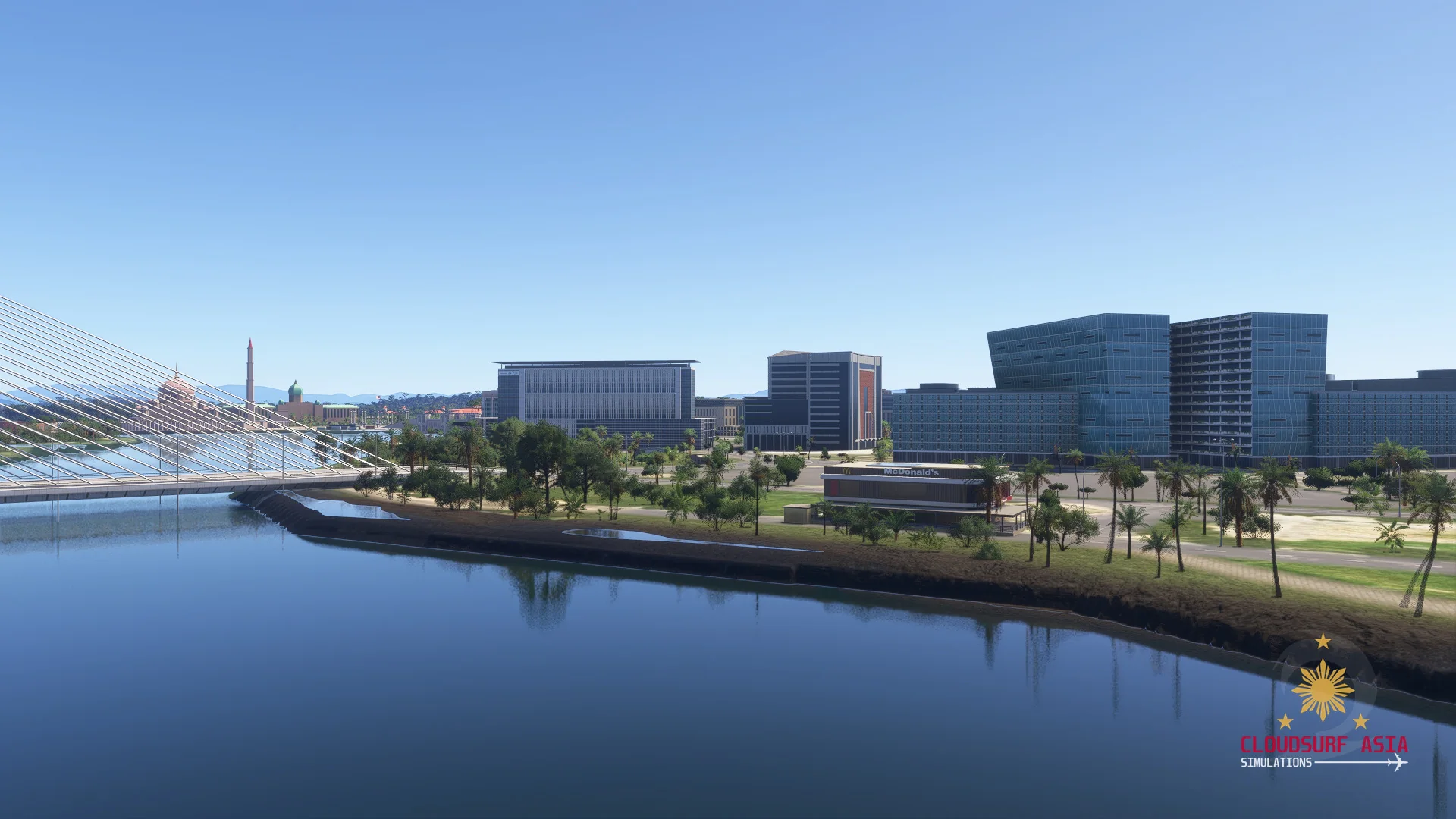
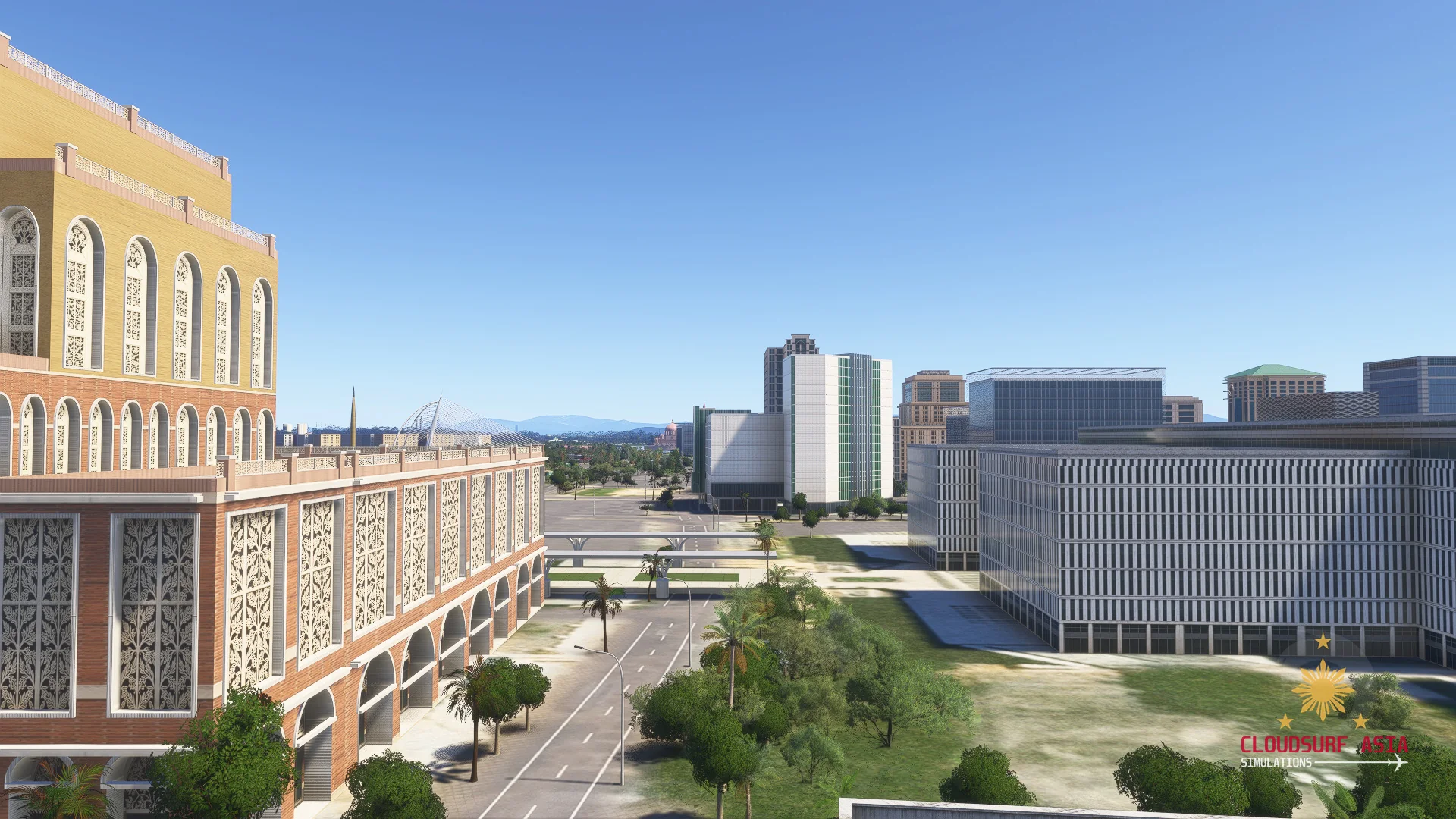
Putrajaya
Malaysia's government centre, including the Putra Mosque and the waterfront.
Batu Caves
The temple caves north of the city.
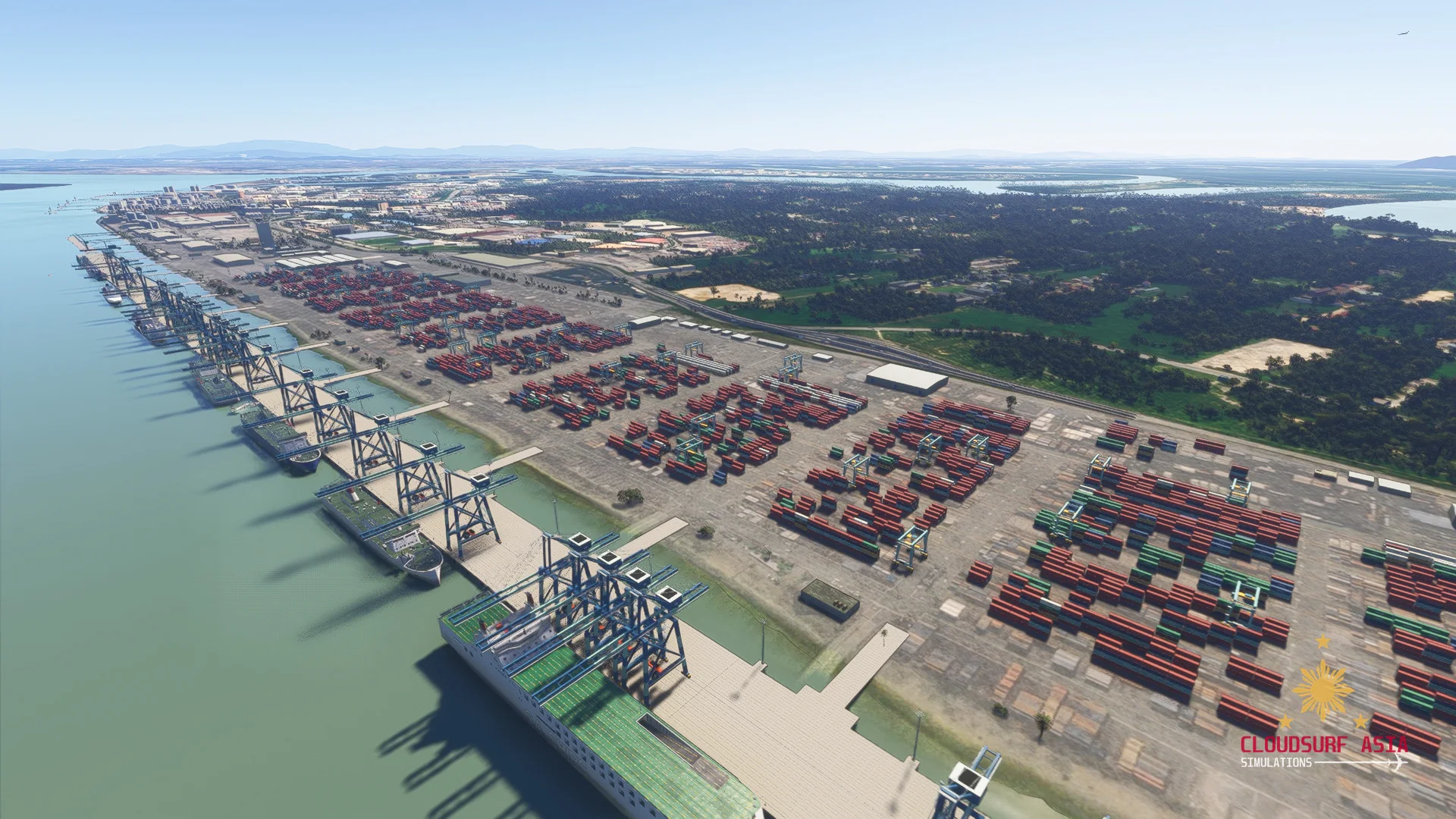
Westports
The container port at Port Klang.
Enhanced ground
Detailed roads and line markings on the city's main road network.
Screenshots
Where to buy
Mega Malaysia will be sold through our partner stores.
Requirements
- Built exclusively for MSFS 2024 Edition.
- Microsoft Flight Simulator 2024 (PC), latest update installed
- Windows 10 or Windows 11 (64-bit)
Read before buying
- Mega Malaysia is not released yet; what you see here is still in development and can change before release.
Installation
- Install the product with the app or download of the store you bought it from.
- Restart the simulator after installing.
Finding the Community folder
Custom install location
Open the folder you chose for your MSFS 2024 content; the Community folder is inside it.
Microsoft Store / Xbox app
Type %localappdata% in Windows search, then open Packages\Microsoft.Limitless_8wekyb3d8bbwe\LocalCache\Packages\Community.
Steam
Type %appdata% in Windows search, then open Microsoft Flight Simulator 2024\Packages\Community.
Questions? Email support@cloudsurfasia-simulations.com.