About the scenery
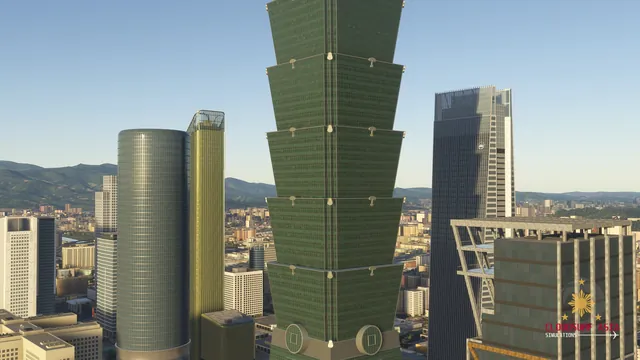
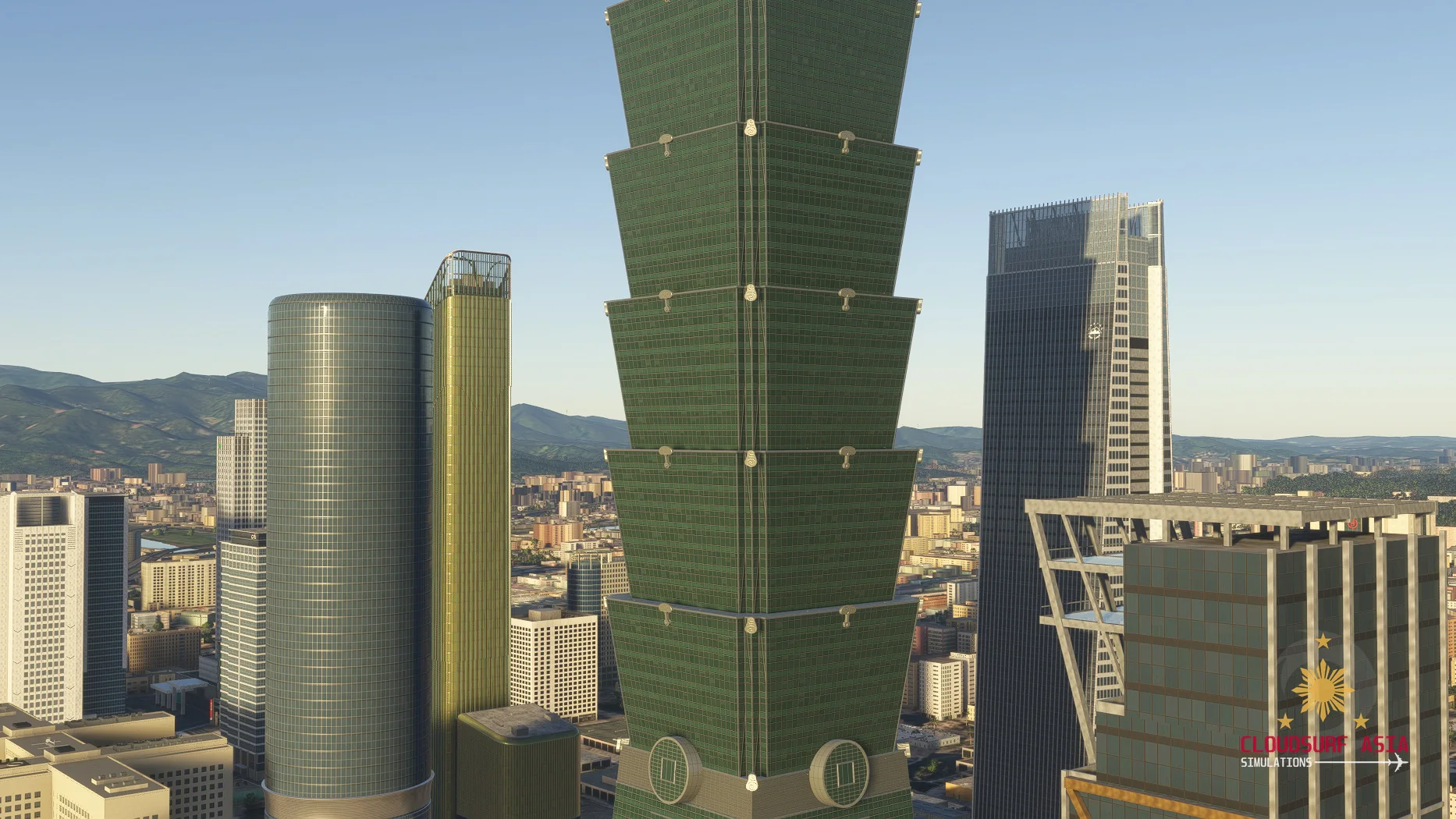
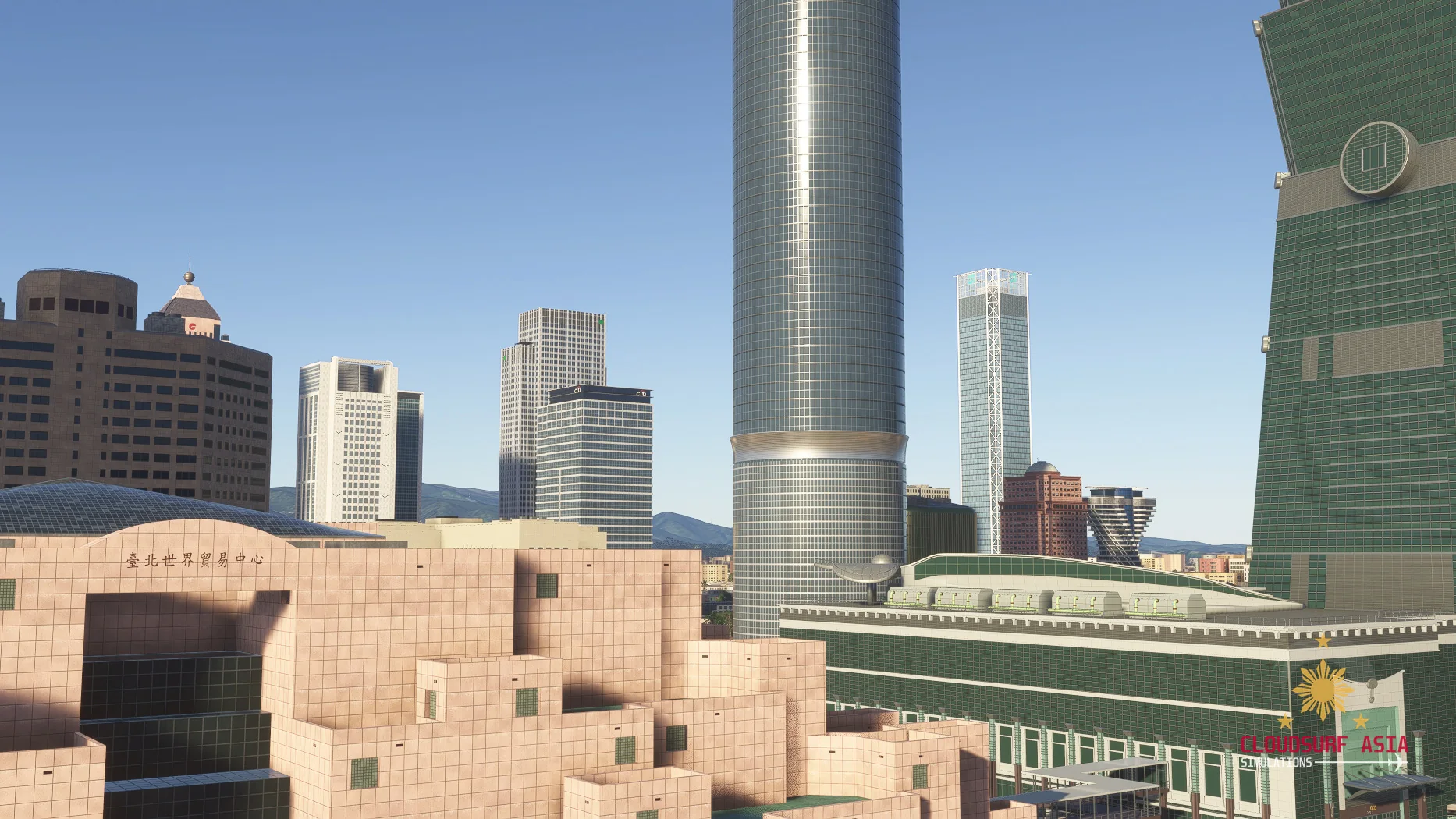
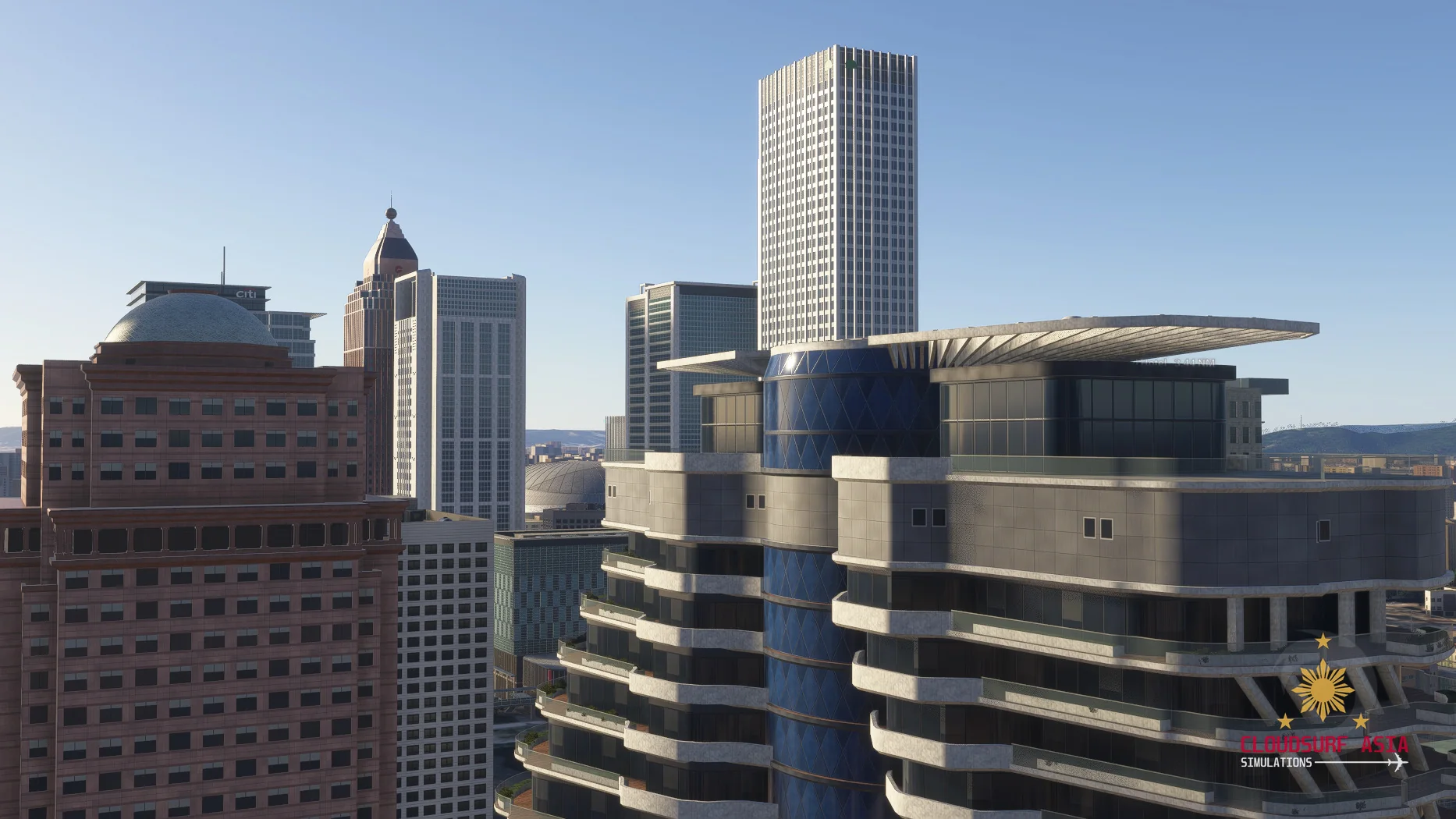
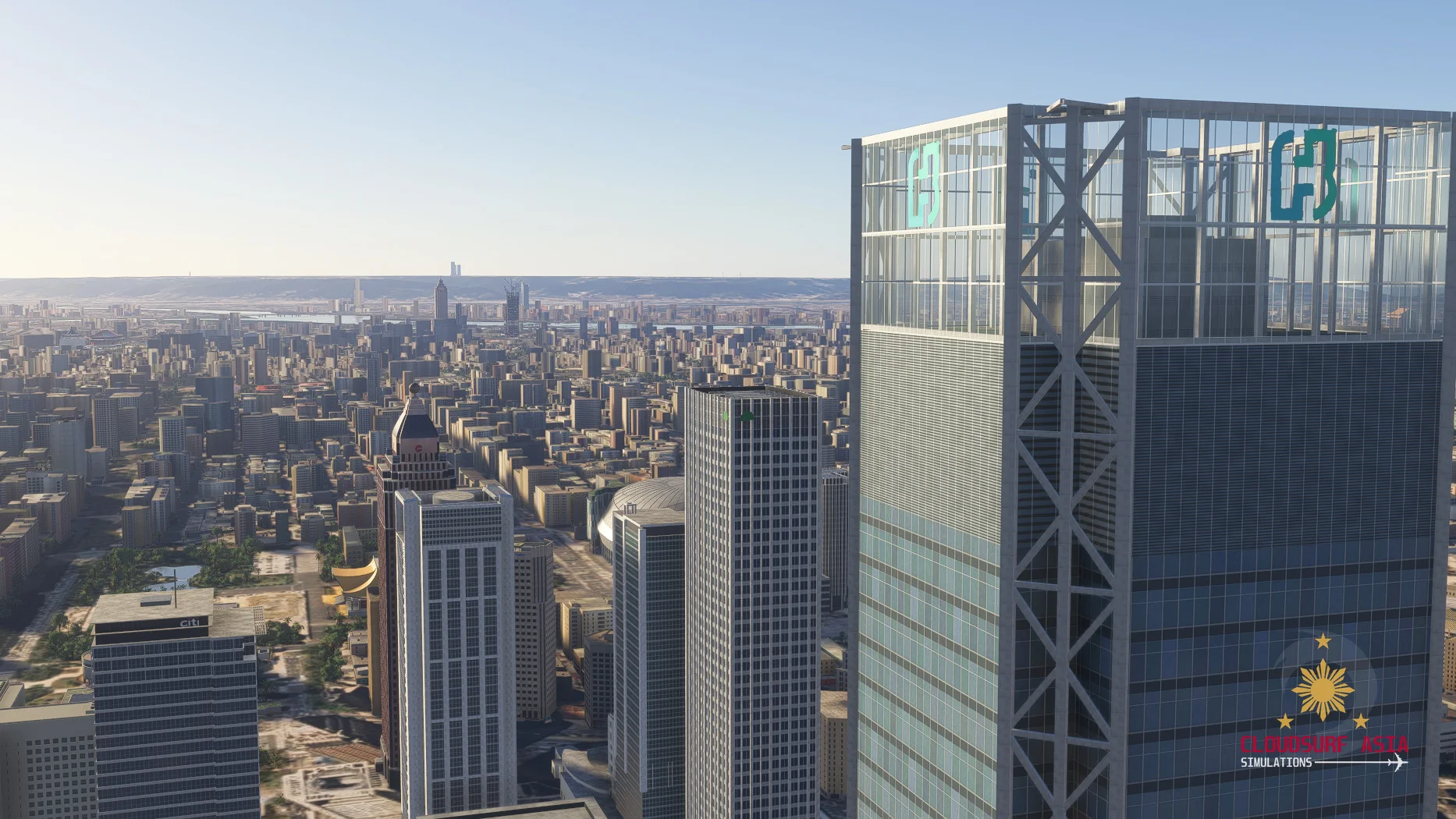
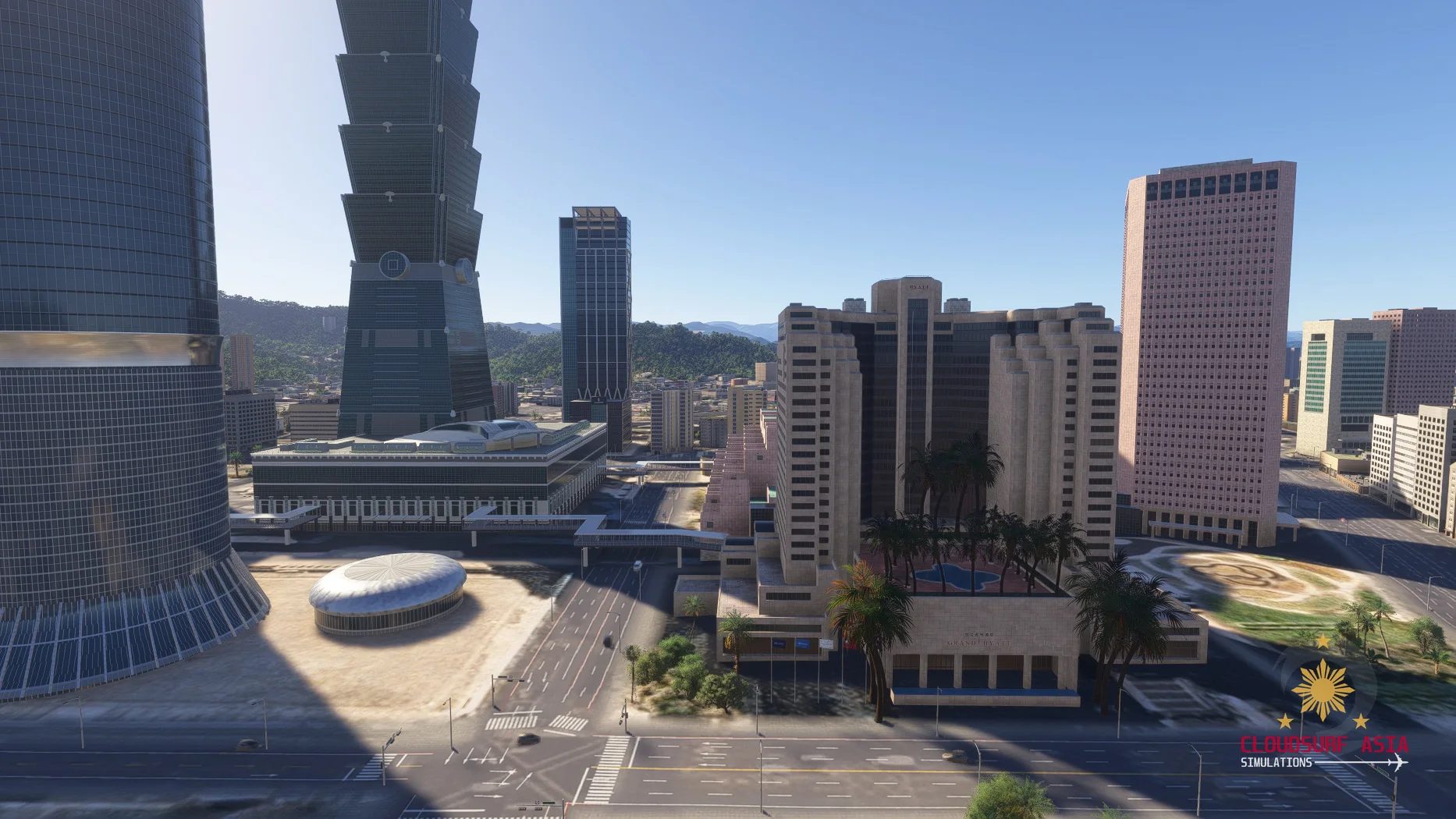
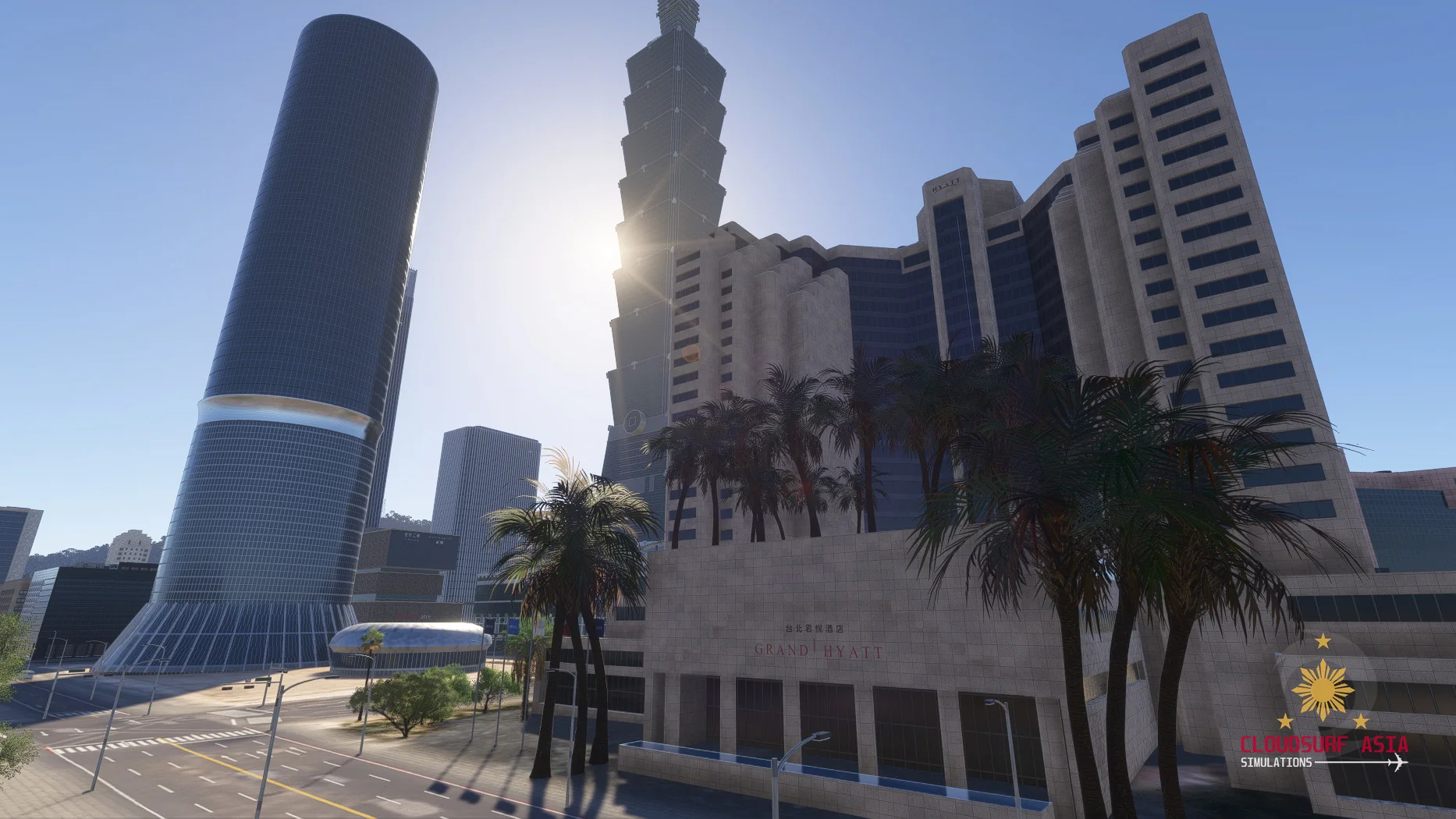
Mega Taipei brings Taipei and New Taipei to Microsoft Flight Simulator 2024: Taipei 101 and the Xinyi skyline, the landmarks of the old city and CloudSurf Ground Enhancement, made for low city flying.
Low and slow between the towers is the best way to see it.
Mega Taipei is in development and coming soon. Stay tuned for more previews.
Features
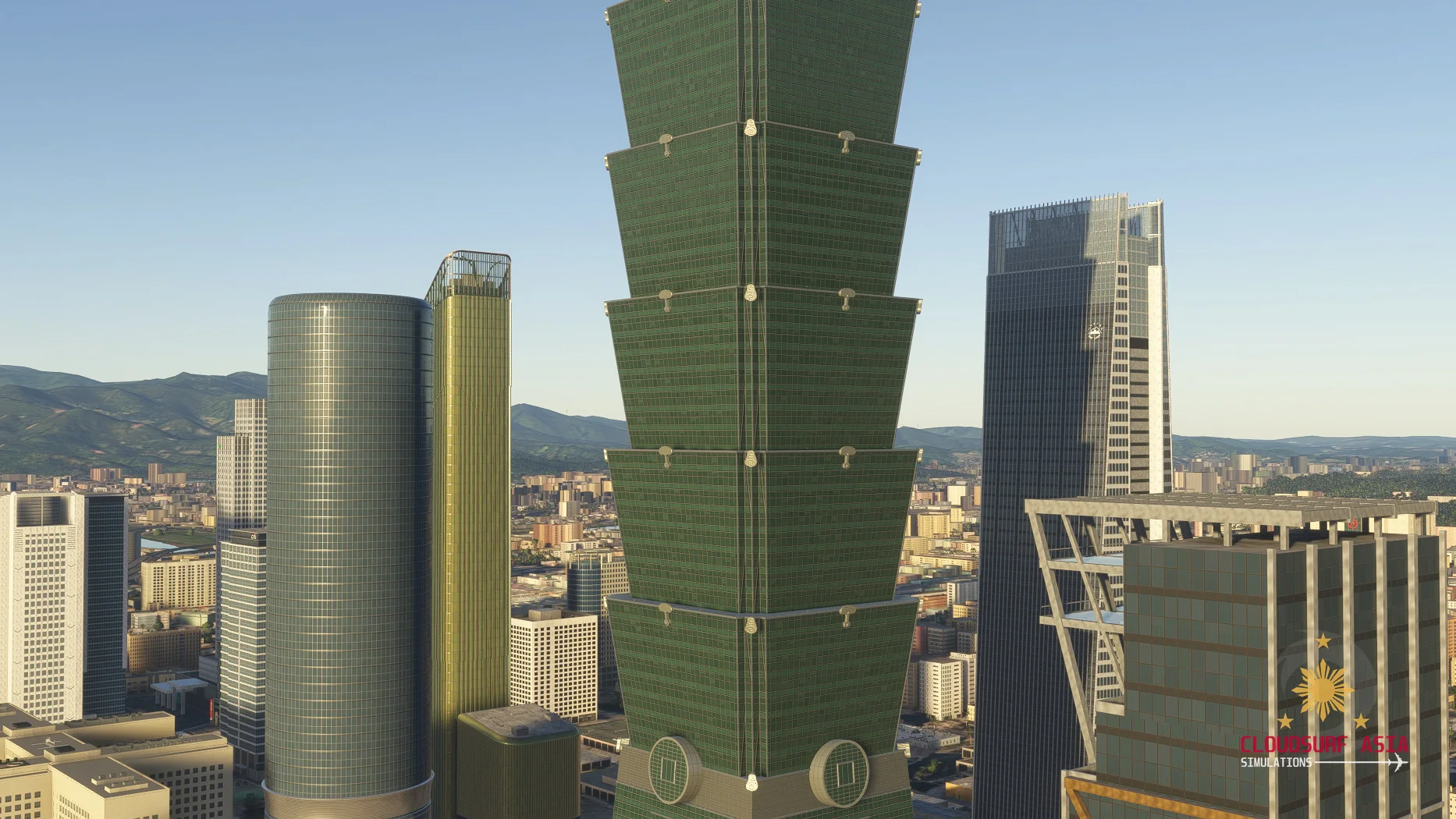
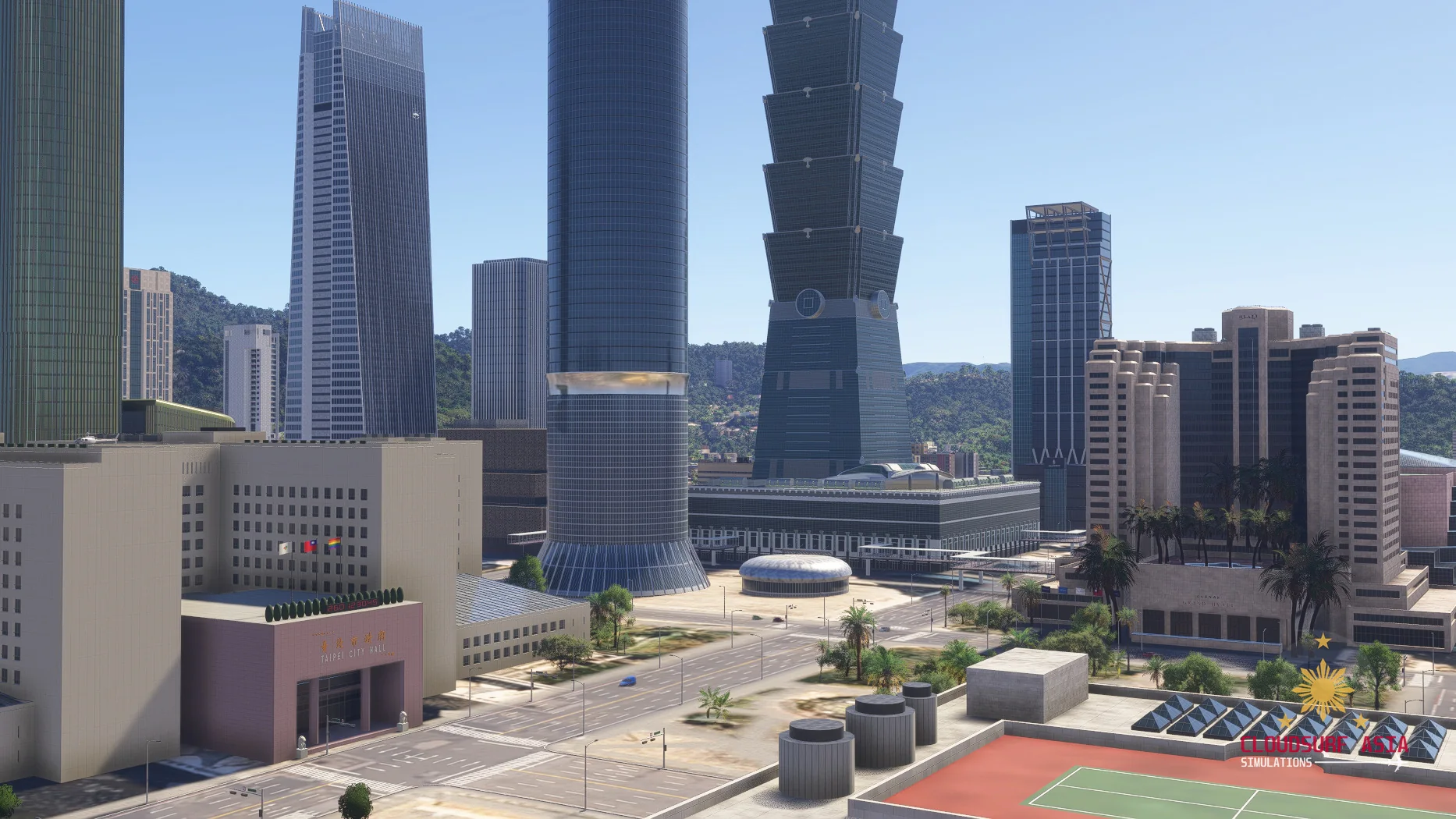
Taipei 101 and Xinyi
Taipei 101 and the towers around it, modelled one by one from real photos with their real shapes, crowns and signs.
Taipei Twin Towers
As they stand today: under construction, with their steel frames and tower cranes.
The old city
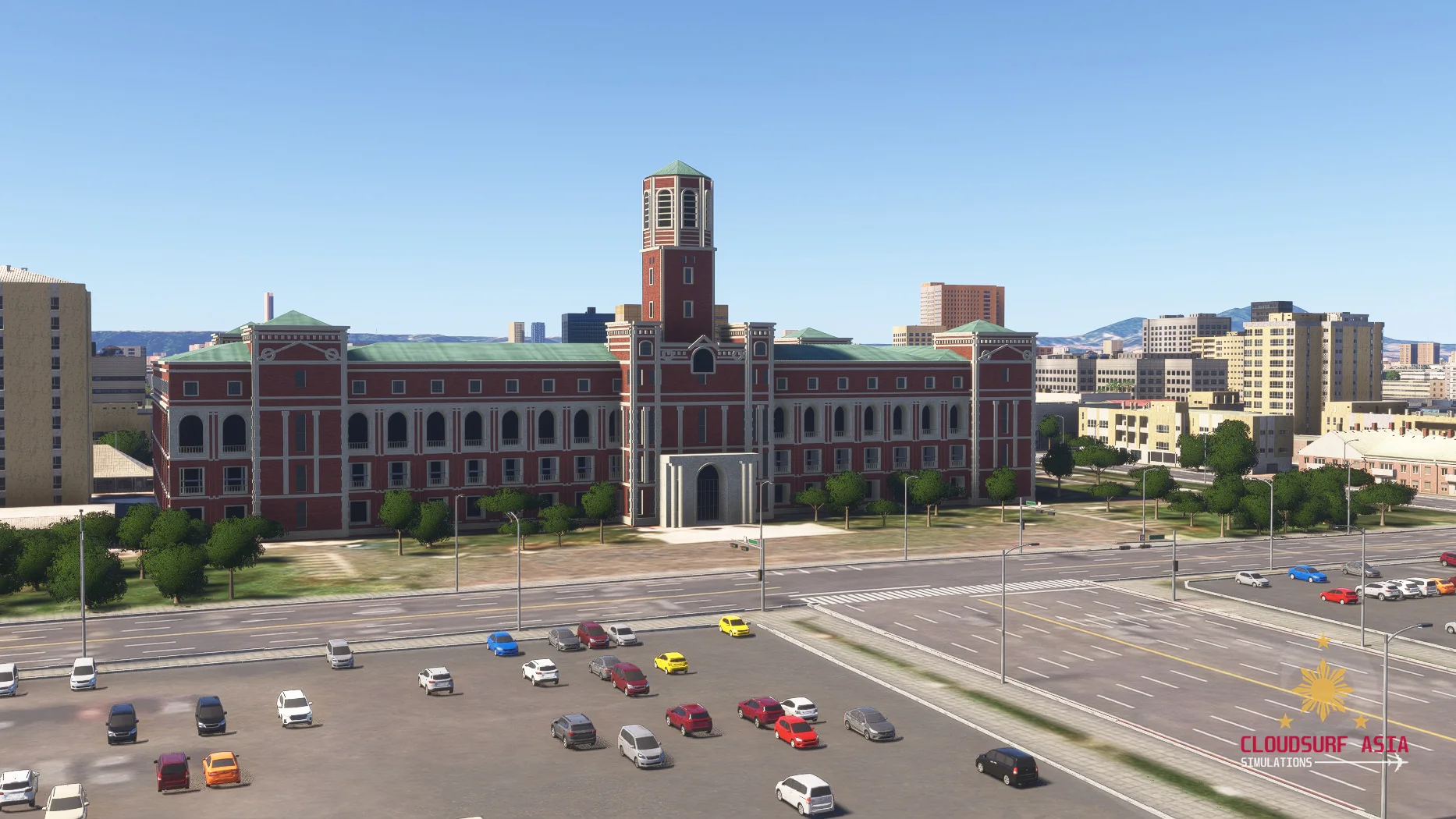
Landmarks of the old city, like the Presidential Office Building, with their streets and squares around them.
CloudSurf Ground Enhancement
Made for low city flying: Xinyi and the old city core get detailed roads and sidewalks, Taipei-style road lines and details, street lamps and traffic signals. Around the landmarks we go further, with grass, trees, benches, bus shelters, fences and parked cars.
Night lighting
Every building gets its own night lighting.
Screenshots
Where to buy
Mega Taipei will be sold through our partner stores.
Requirements
- Built exclusively for MSFS 2024 Edition.
- Microsoft Flight Simulator 2024 (PC), latest update installed
- Windows 10 or Windows 11 (64-bit)
Read before buying
- Mega Taipei is not released yet; what you see here is still in development and can change before release.
Installation
- Install the product with the app or download of the store you bought it from.
- Restart the simulator after installing.
Finding the Community folder
Custom install location
Open the folder you chose for your MSFS 2024 content; the Community folder is inside it.
Microsoft Store / Xbox app
Type %localappdata% in Windows search, then open Packages\Microsoft.Limitless_8wekyb3d8bbwe\LocalCache\Packages\Community.
Steam
Type %appdata% in Windows search, then open Microsoft Flight Simulator 2024\Packages\Community.
Questions? Email support@cloudsurfasia-simulations.com.