
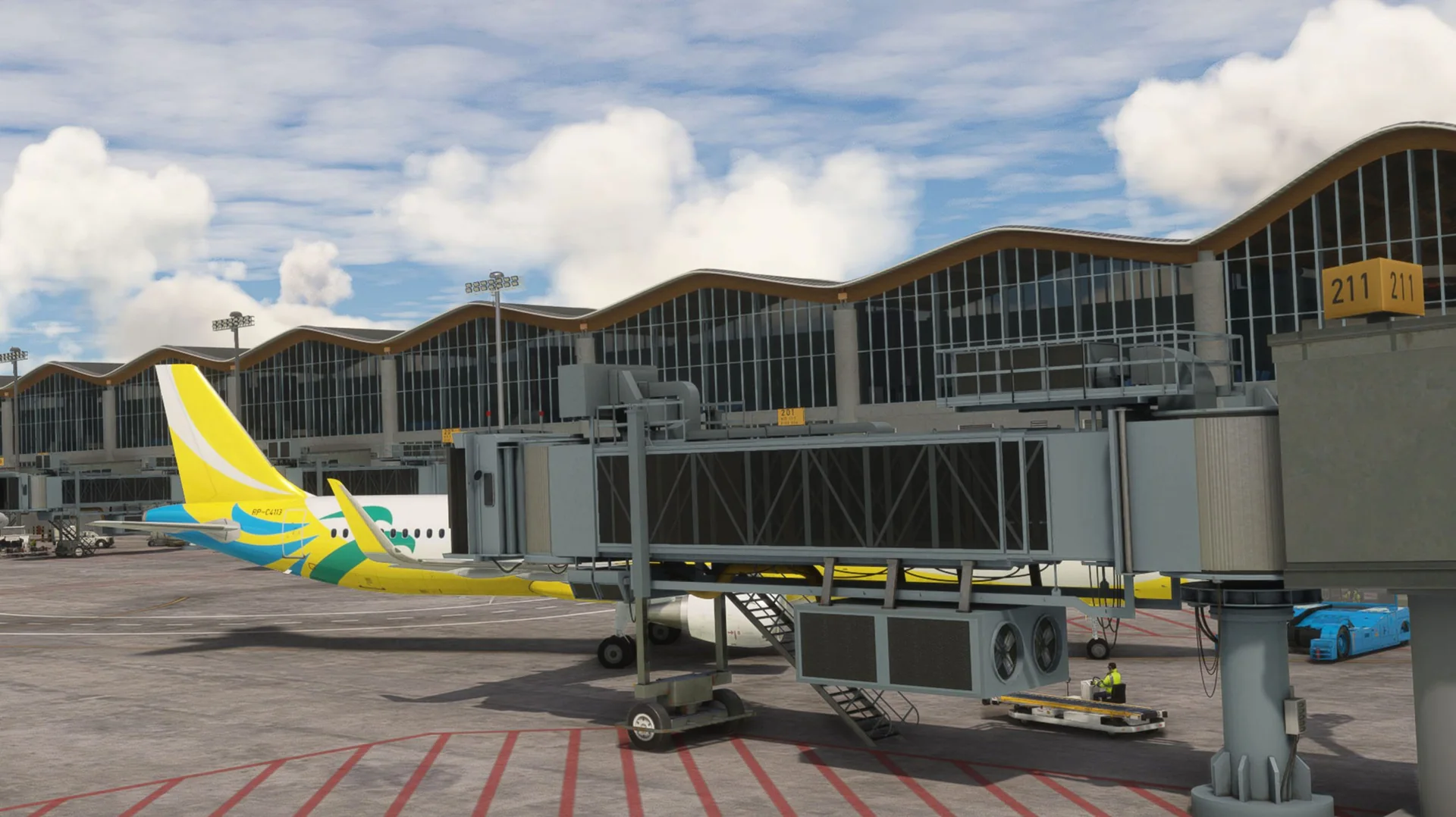
About the scenery
Clark International Airport, known as Diosdado Macapagal International Airport from 2003 to 2014, covers portions of the cities of Angeles and Mabalacat within the Clark Freeport Zone in the province of Pampanga, Philippines. It is located 80 kilometres northwest of Manila.
Clark was established by the Americans in 1902 as Fort Stotsenburg; its eastern portion became an airfield in 1917, renamed Clark Air Field in 1919, and later the Clark Air Base. The base was handed back to the Philippine government in November 1991.
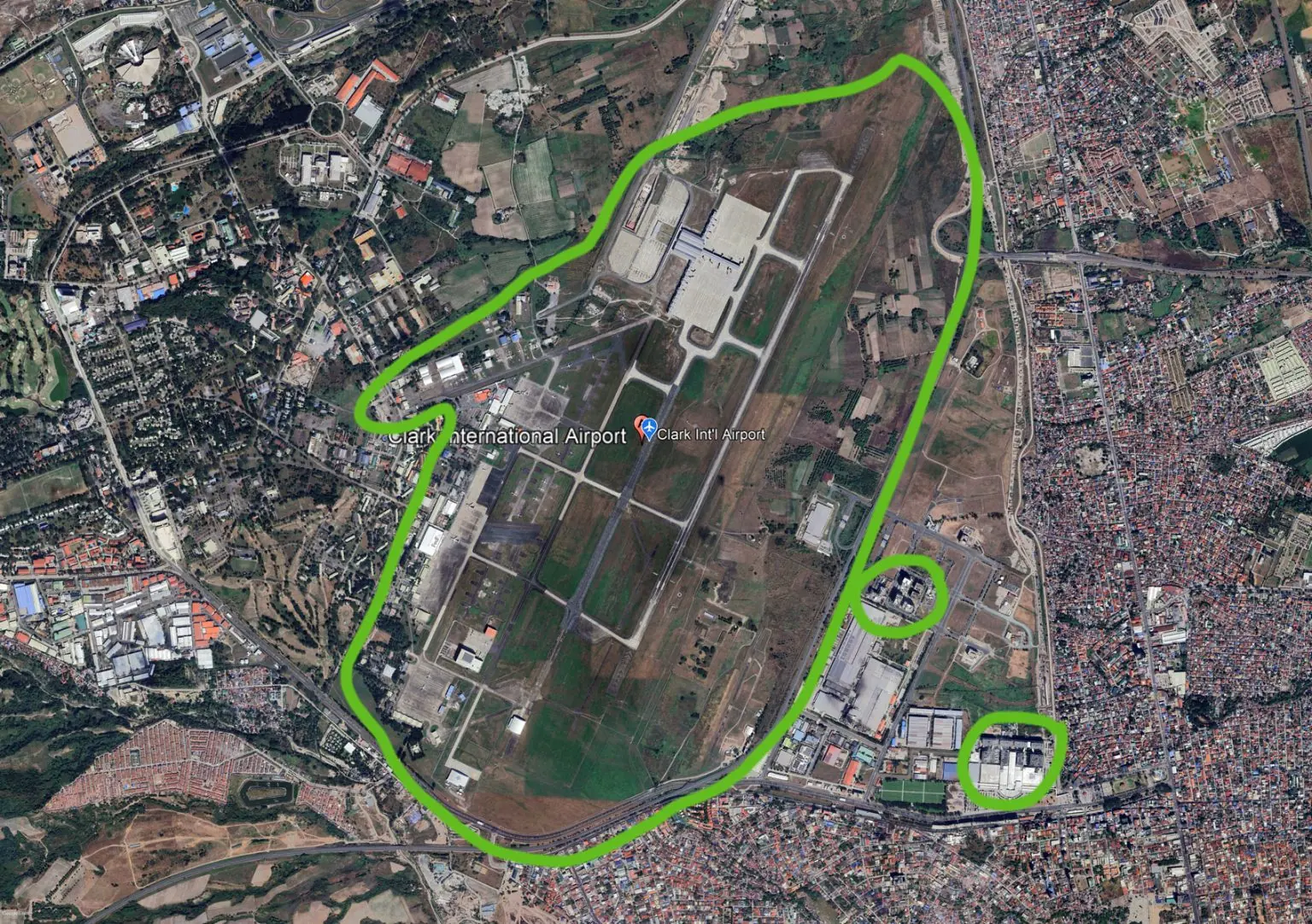
Today the Clark Civil Aviation Complex covers about 2,367 hectares, with a 3,200-metre runway and its taxiways, an aircraft parking apron, a passenger terminal building and related facilities.
Features
Built from scratch for MSFS
Custom-built for Microsoft Flight Simulator 2020 and 2024.
Custom objects
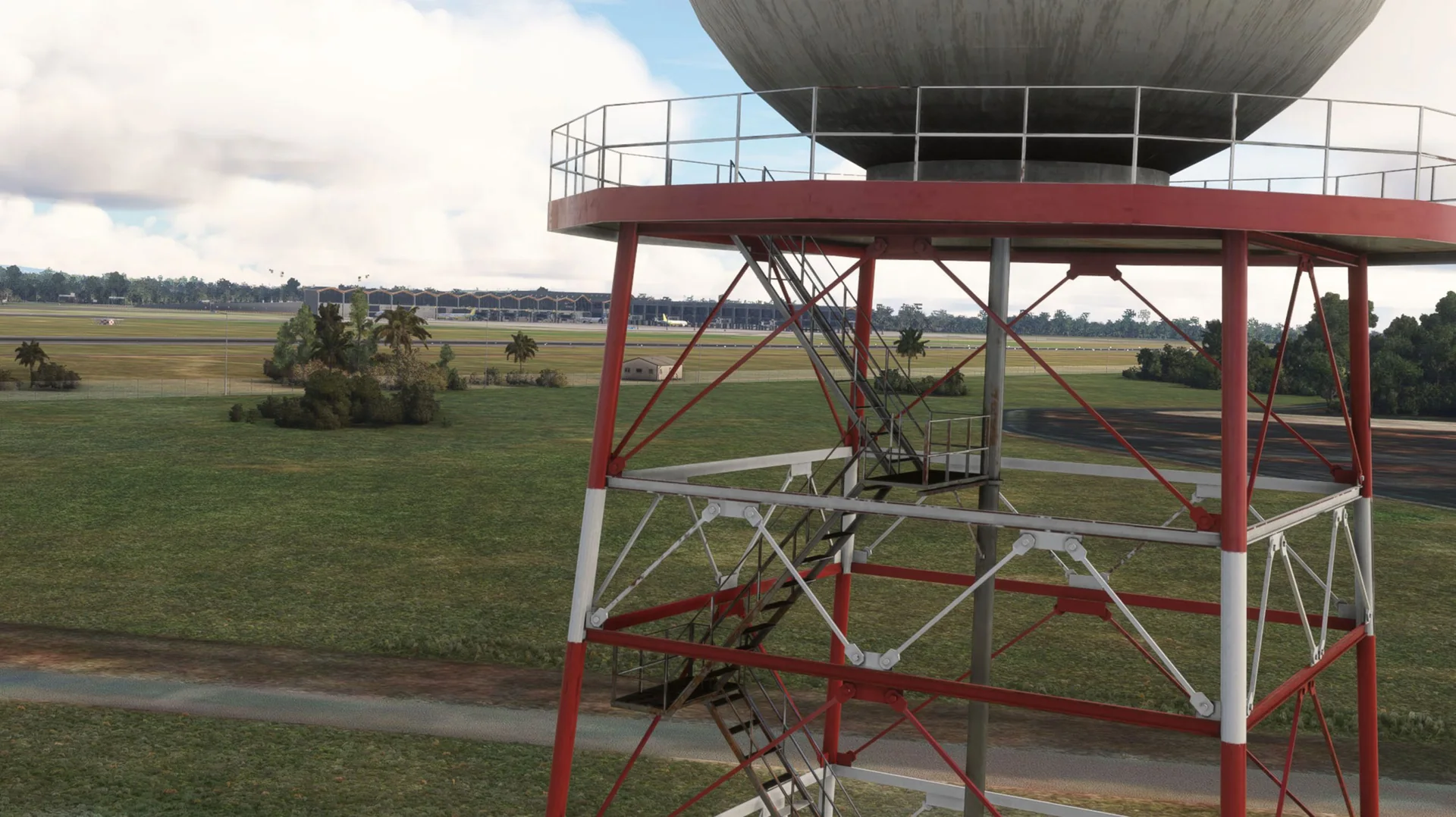
Full custom objects modelled specifically for RPLC.
New terminal
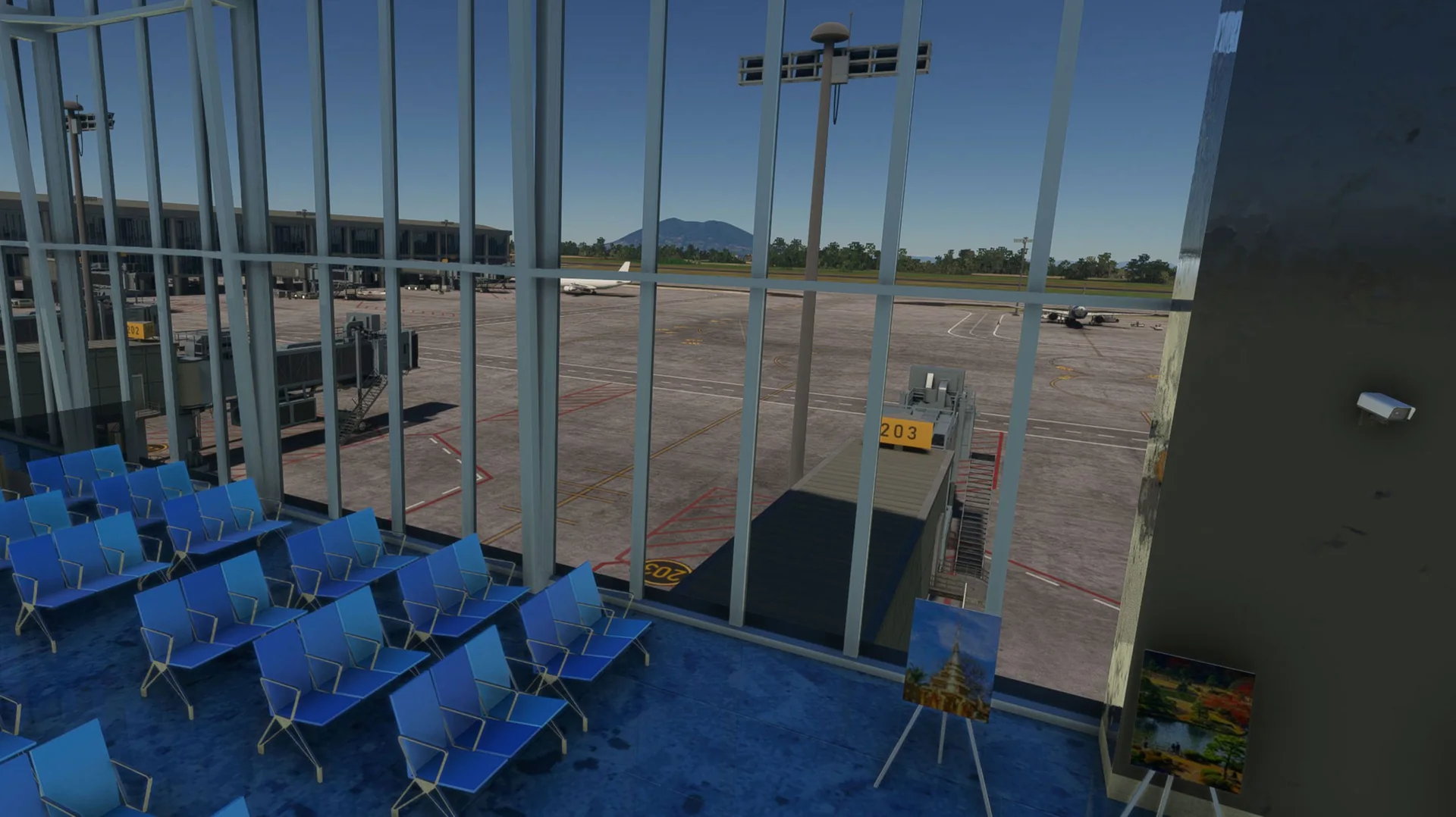
The new Terminal 2 fully modelled, interior and exterior.
Hangars
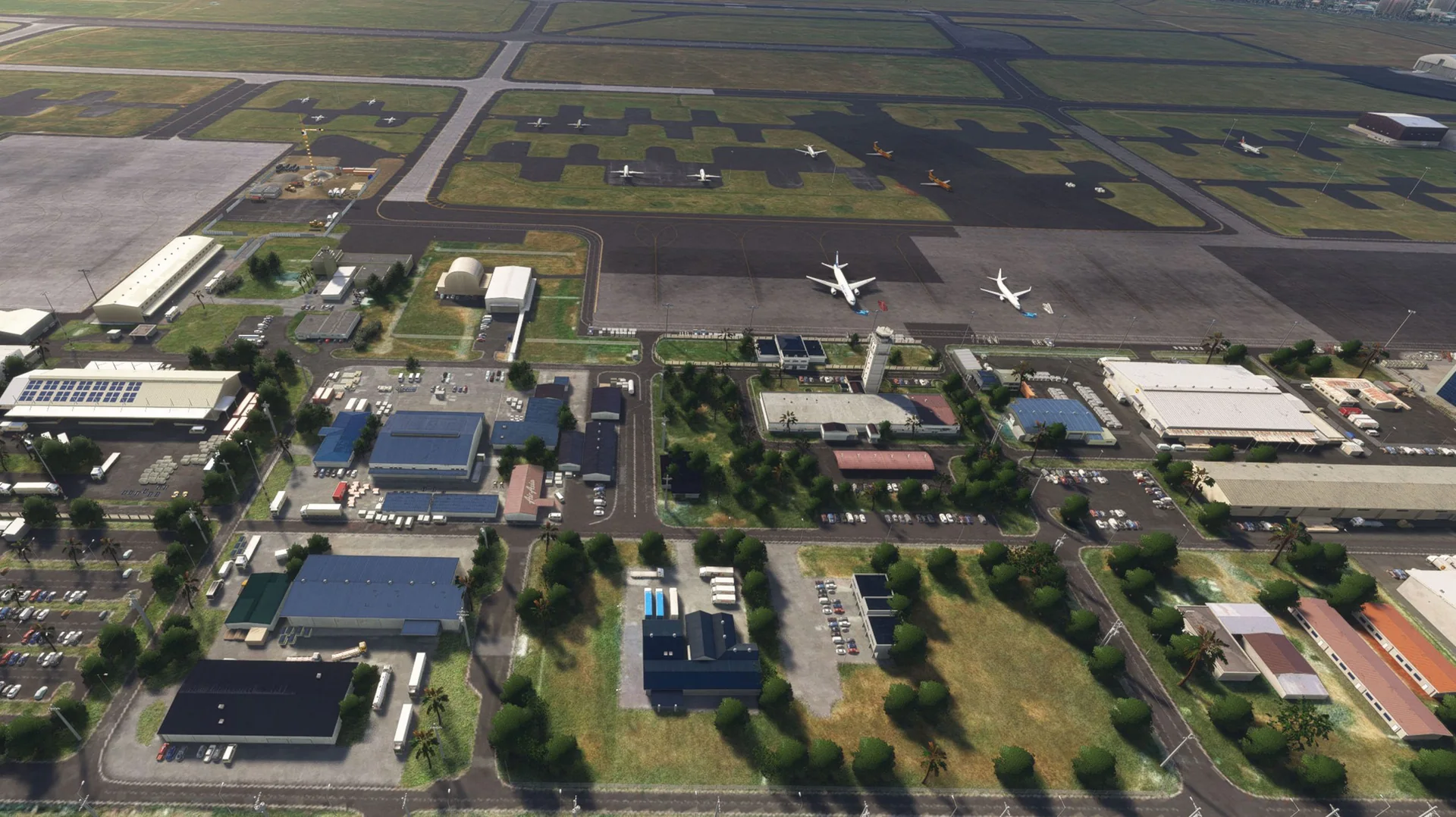
Next-level hangar modelling and texturing.
Animated jetways
Custom animated jetways modelled specifically for RPLC to maximize immersion.
Omni airfield
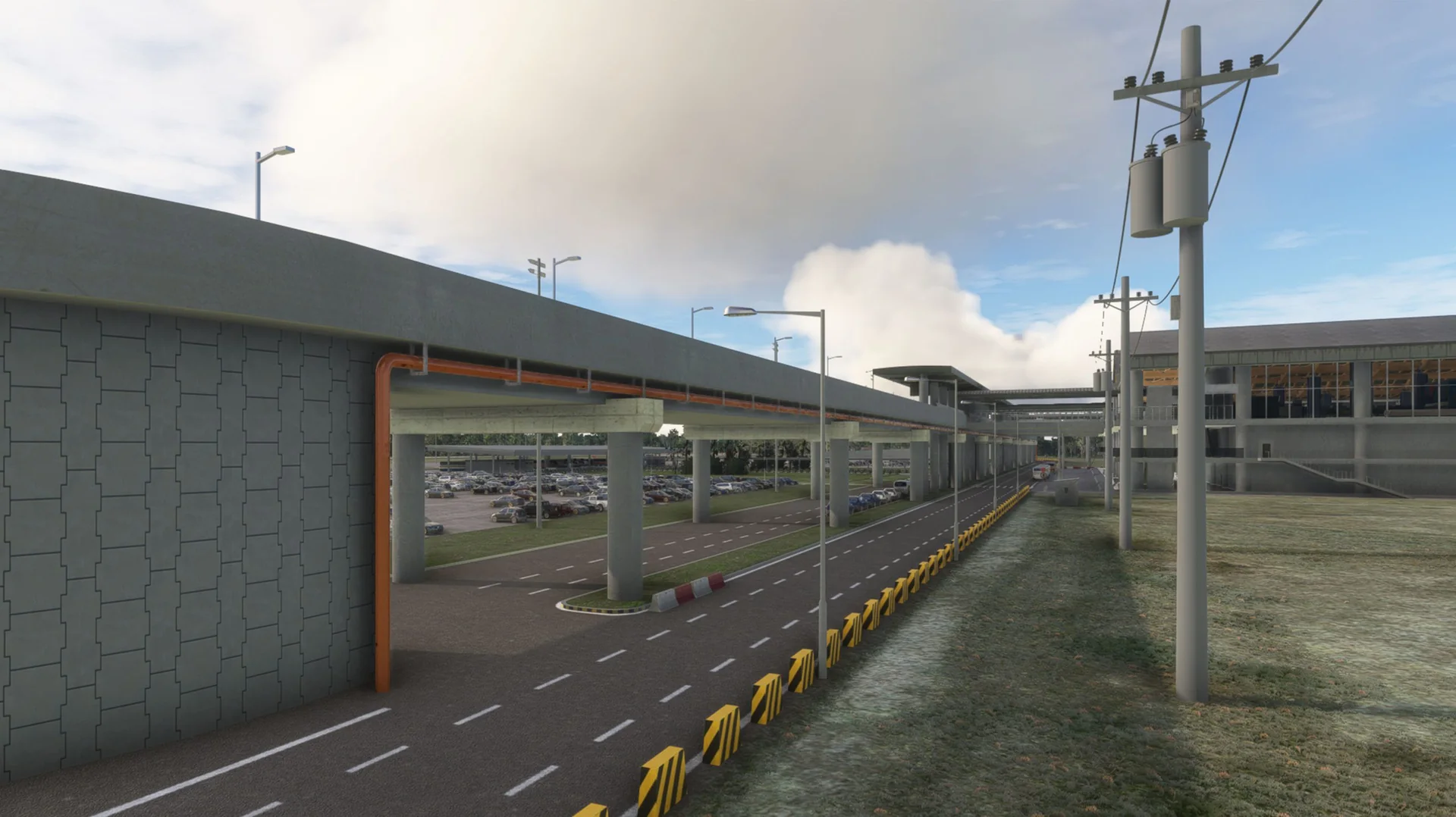
The Omni airfield included, with some nearby notable structures.
PBR textures
Full PBR textures across all 3D models (2K and 4K).
VATSIM ready
Airport data up to date.
Free updates
Future updates for bug fixes and compatibility at no cost.
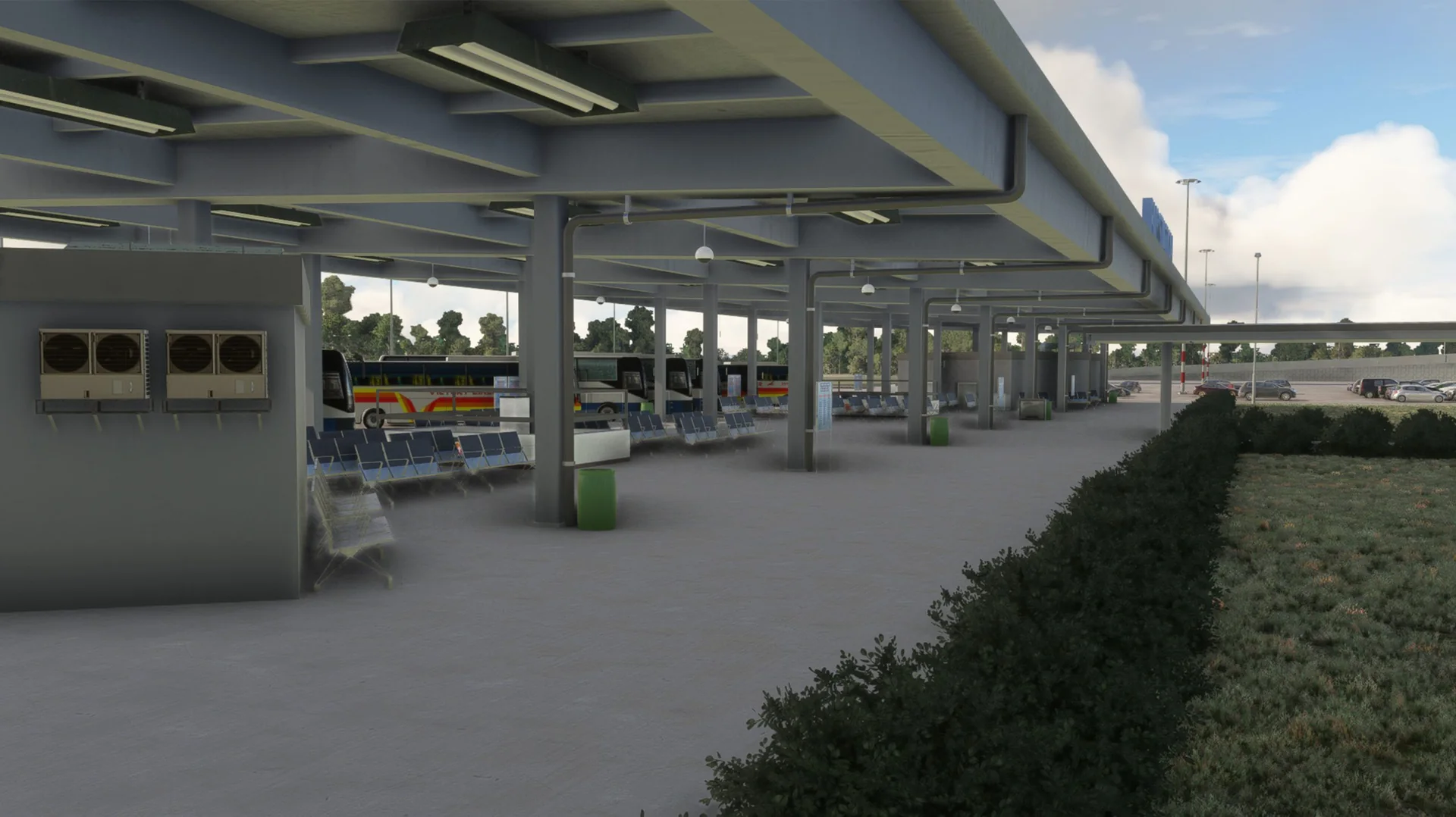
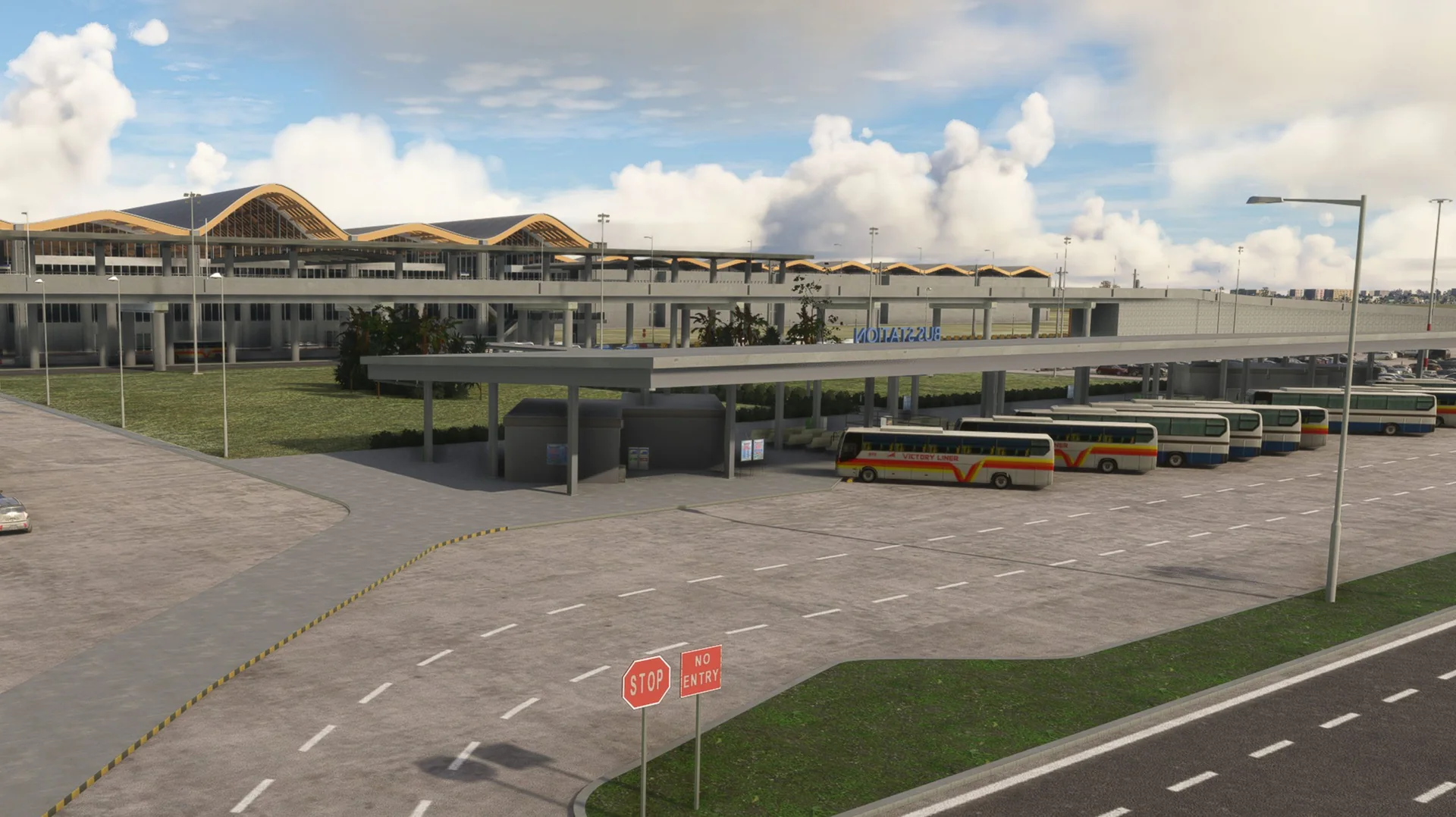
Screenshots
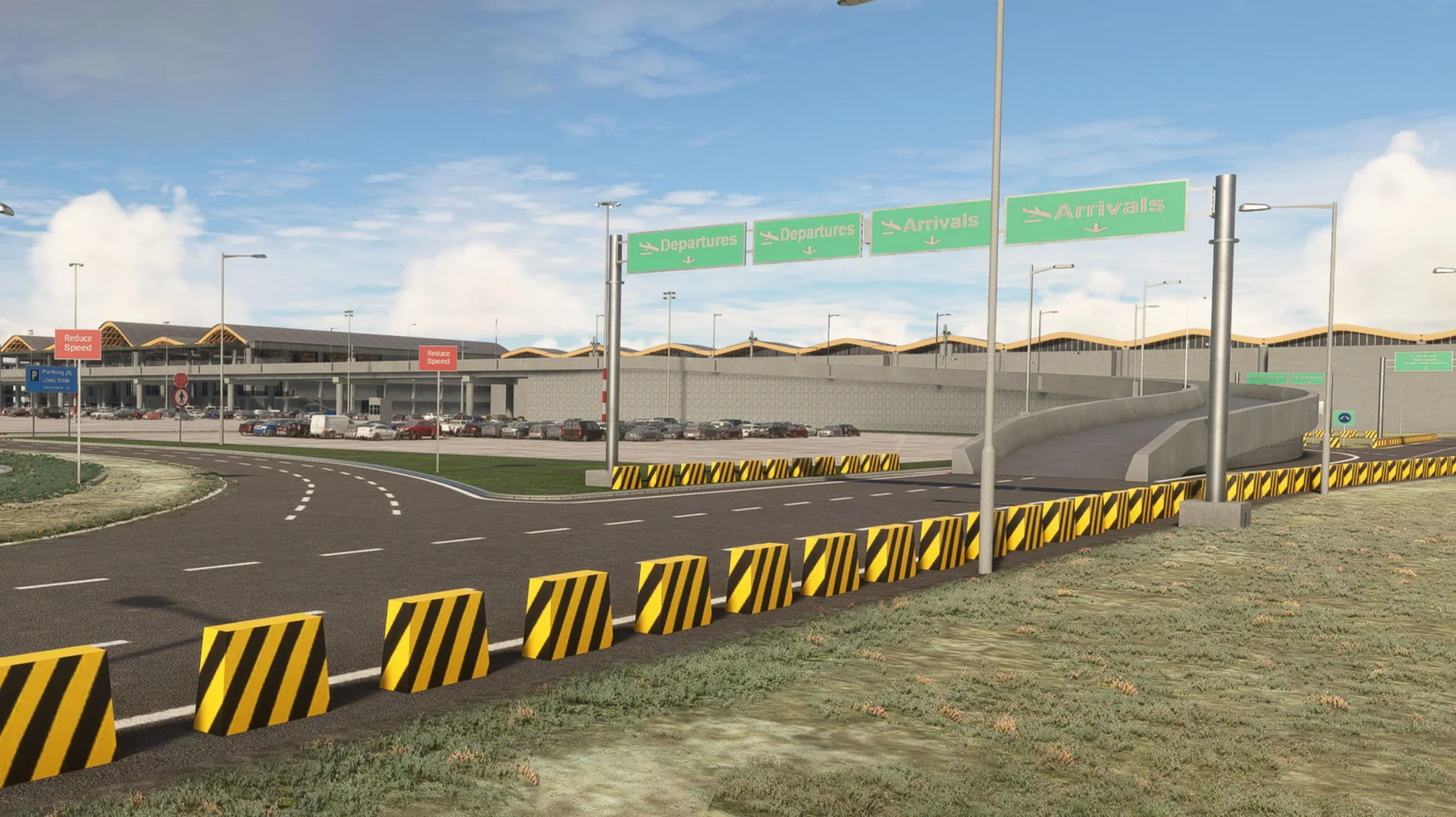
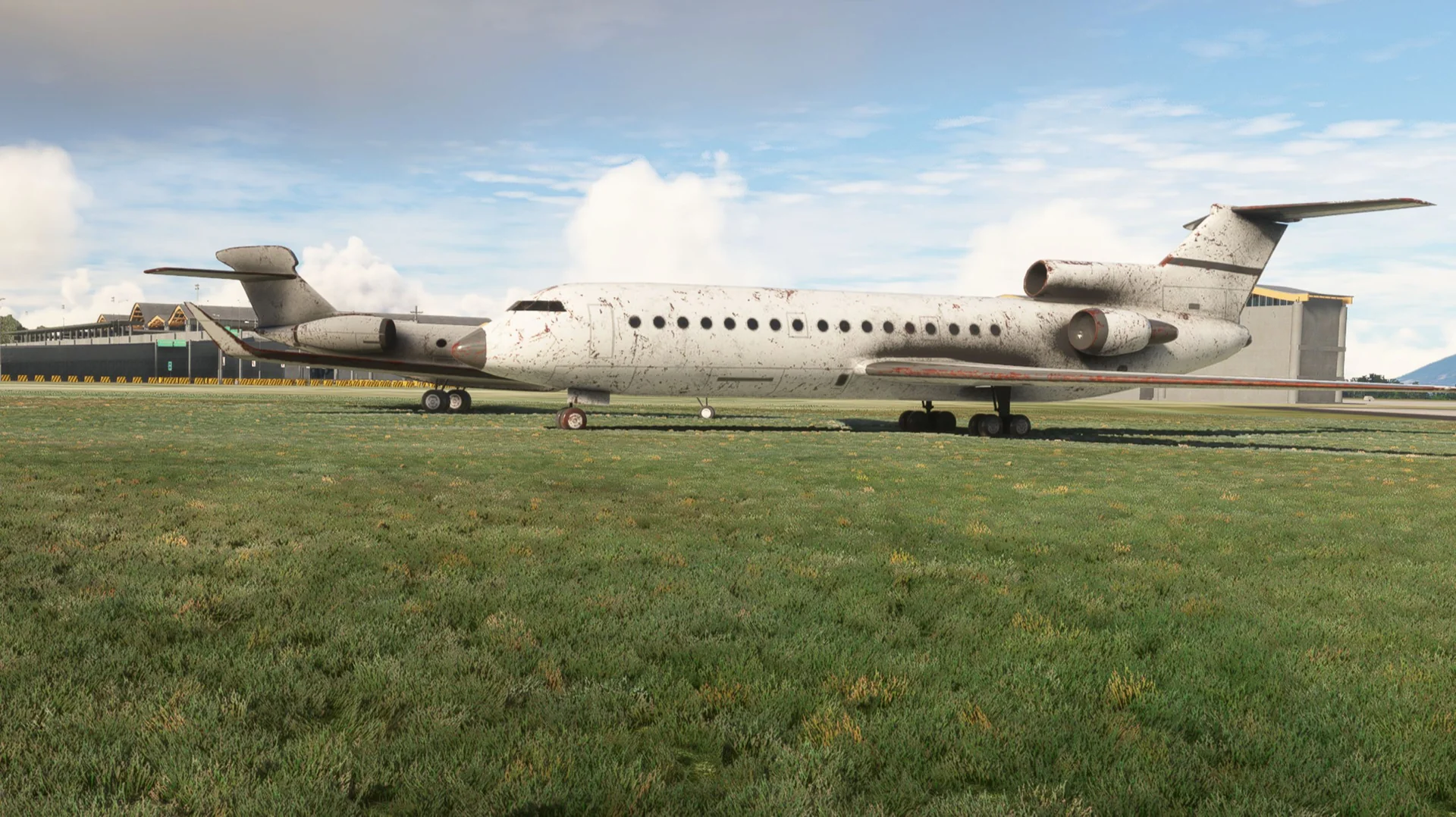
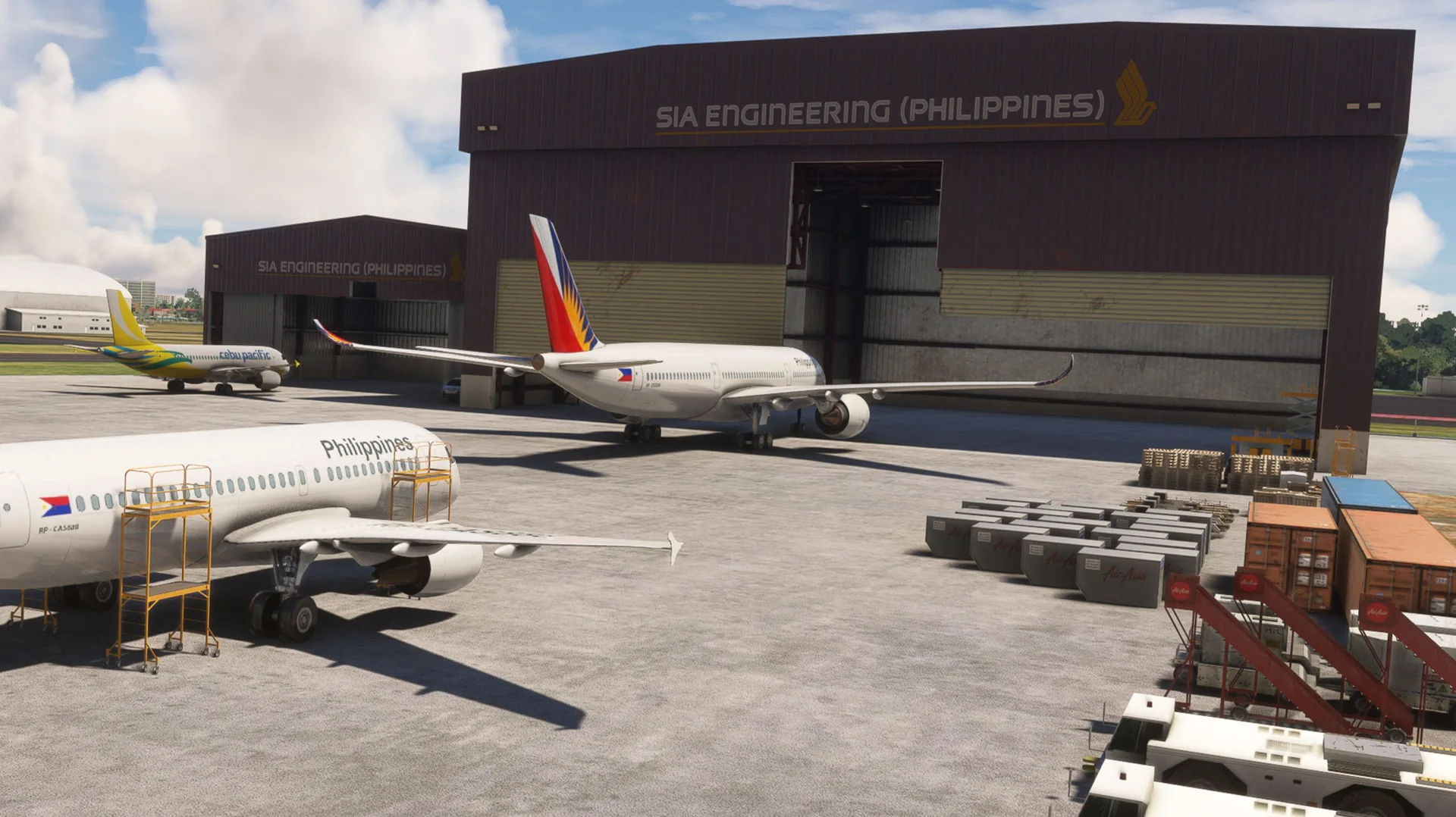
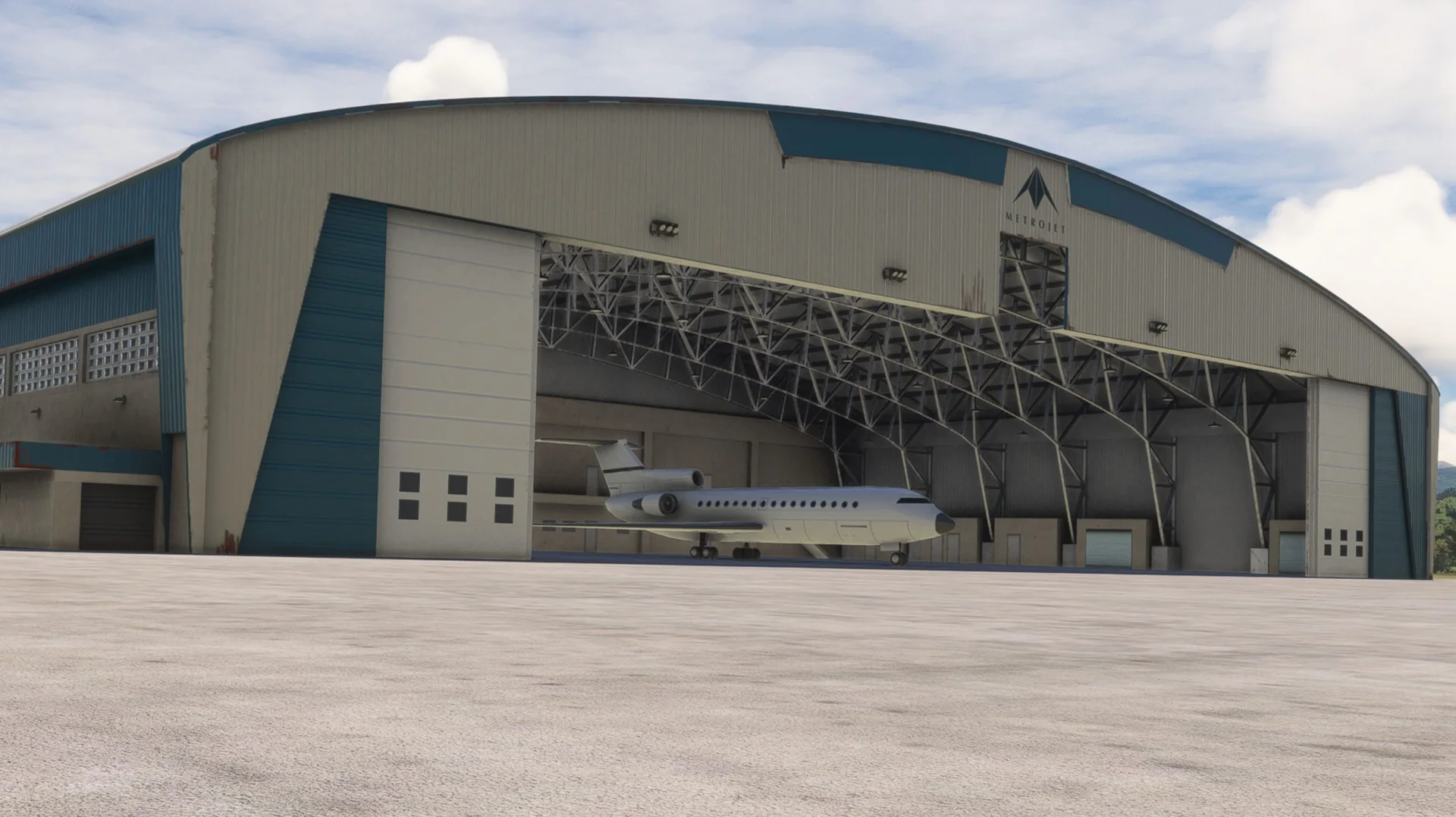
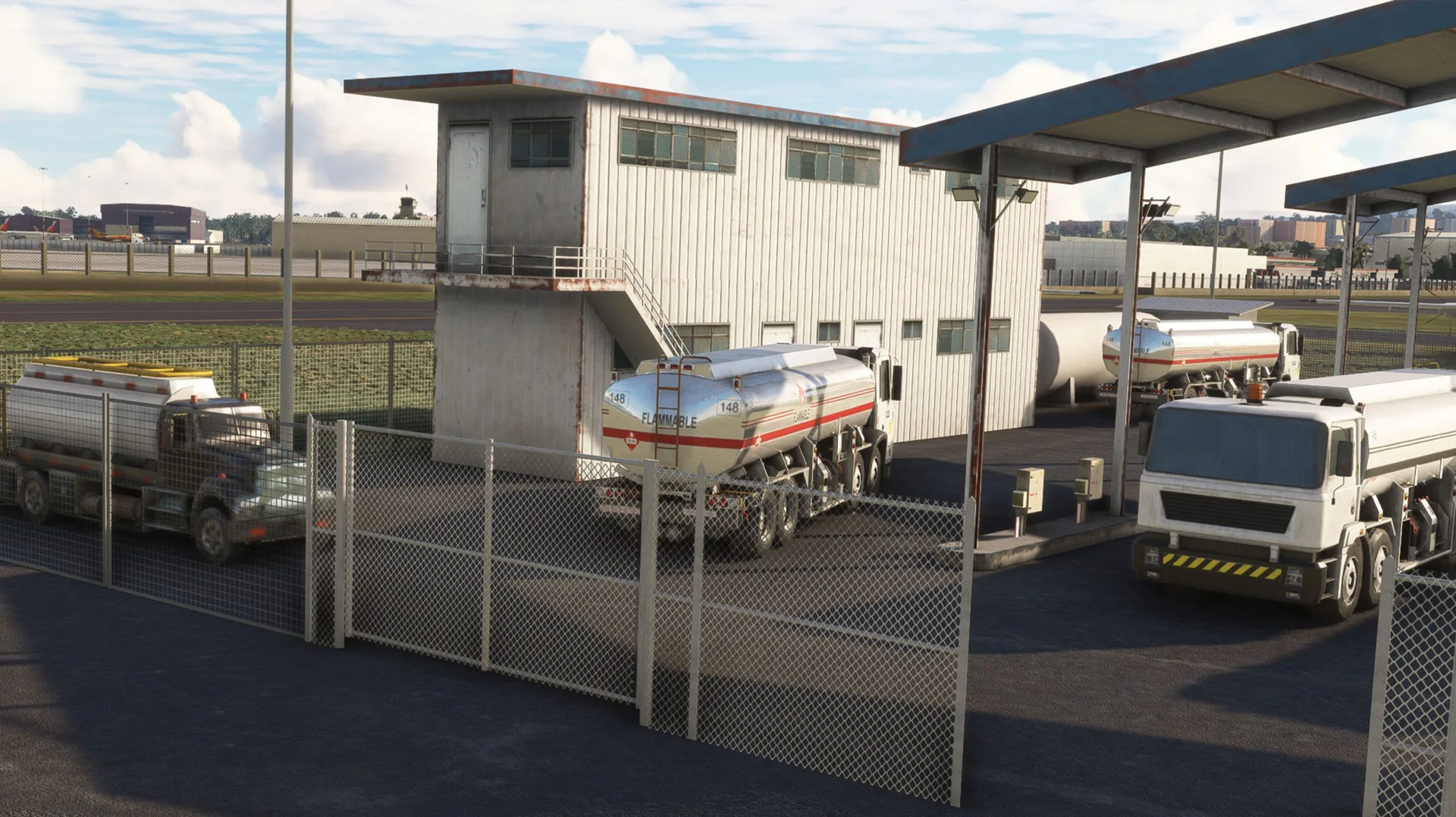
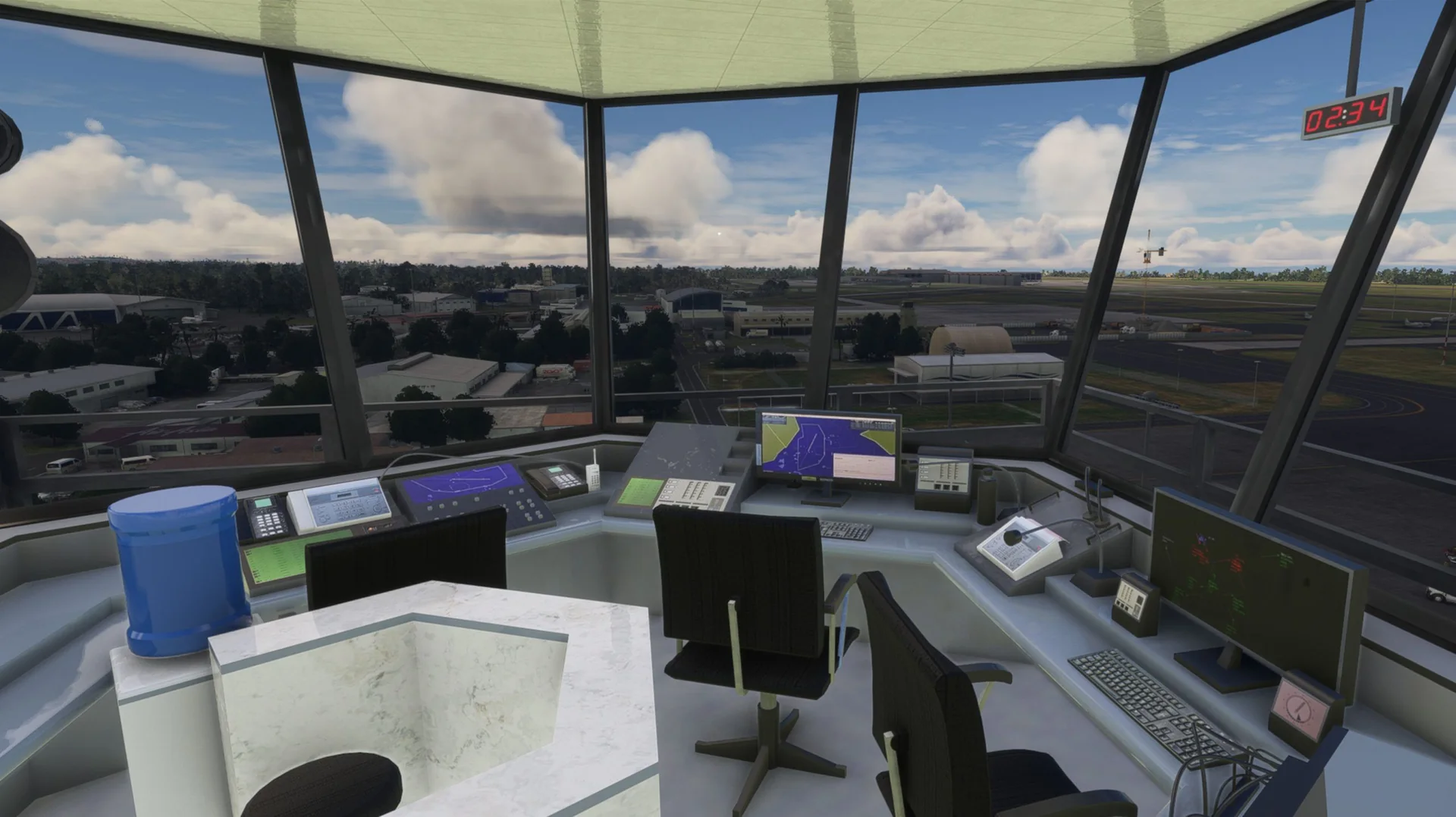
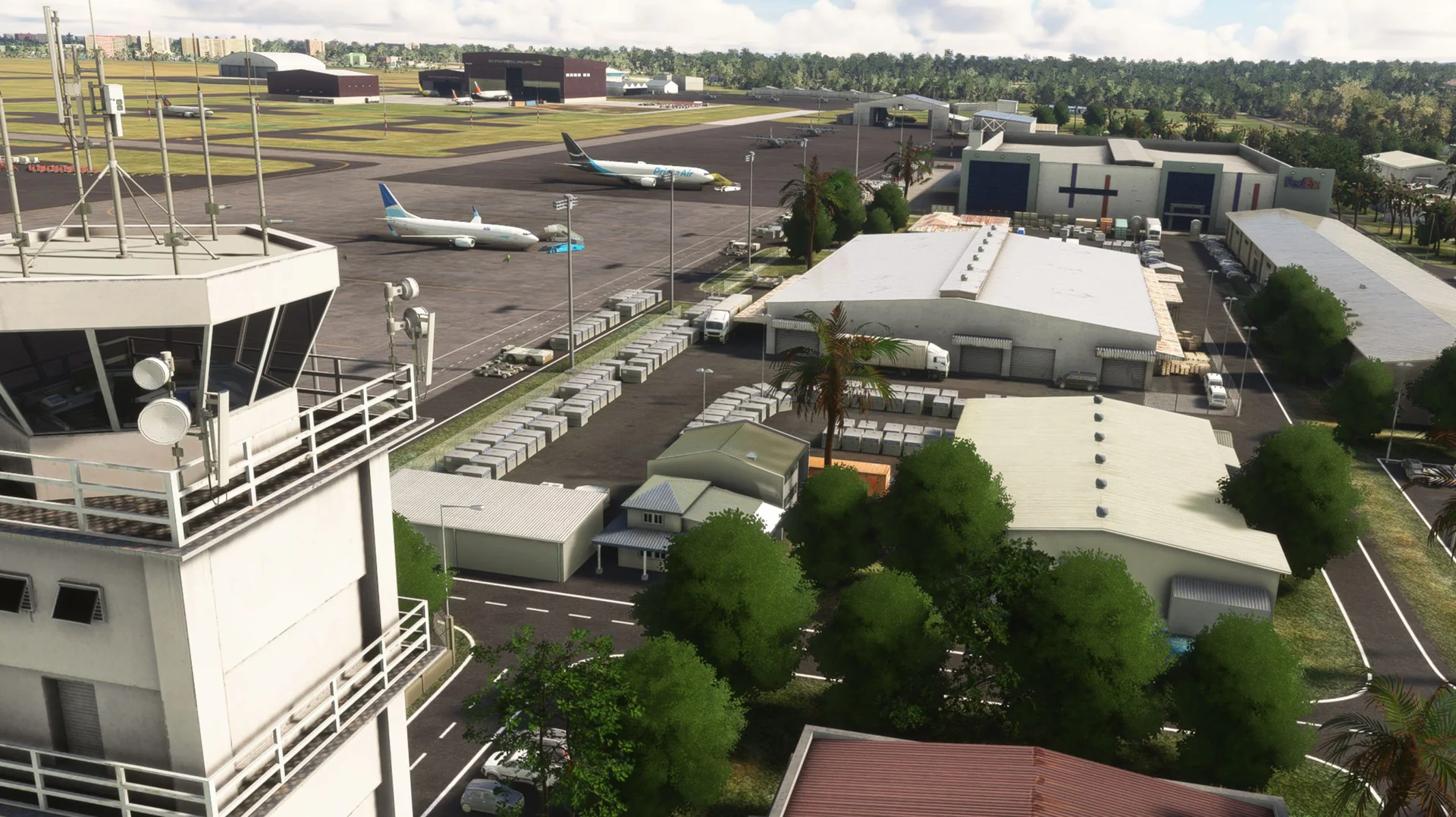
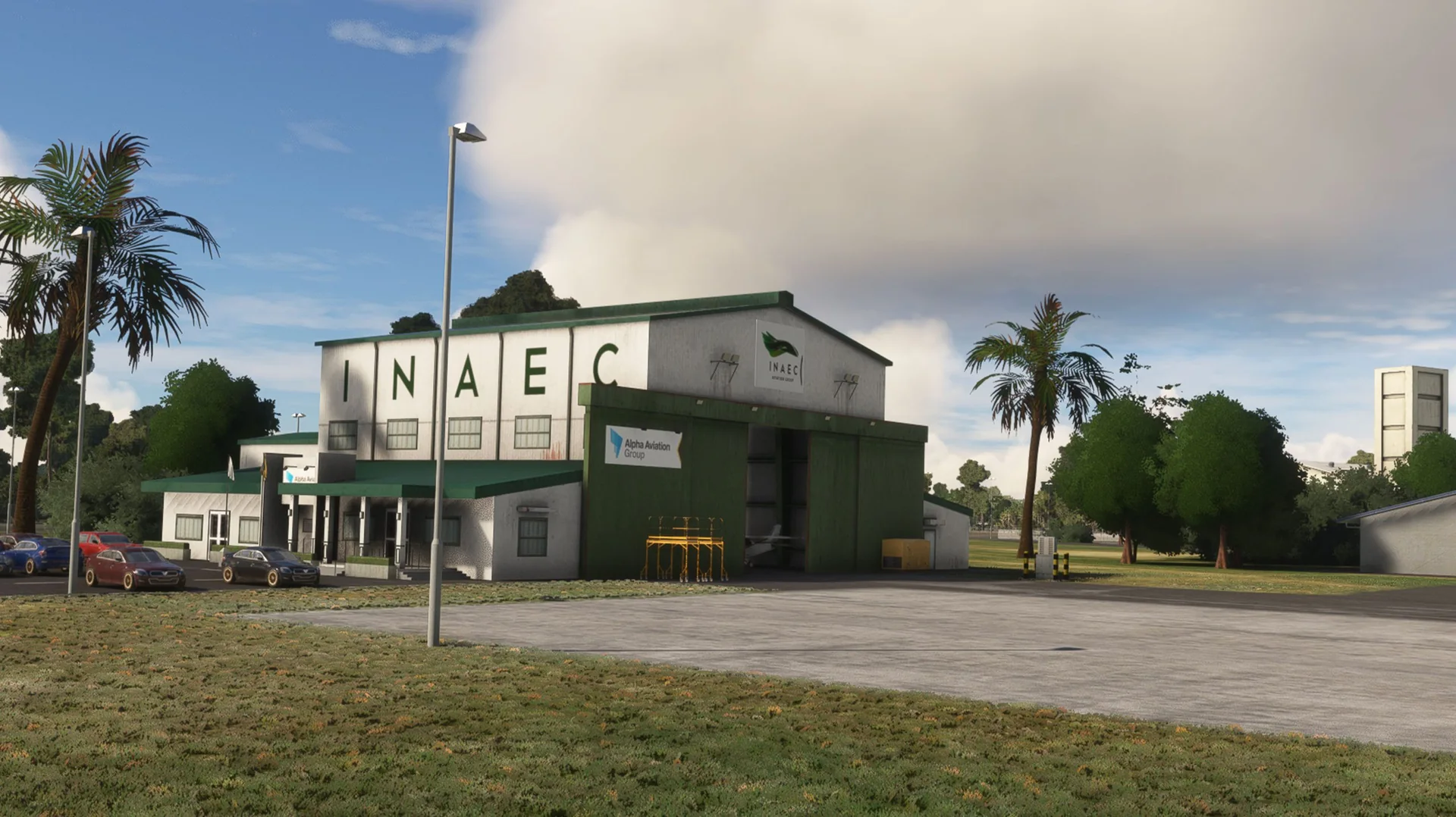
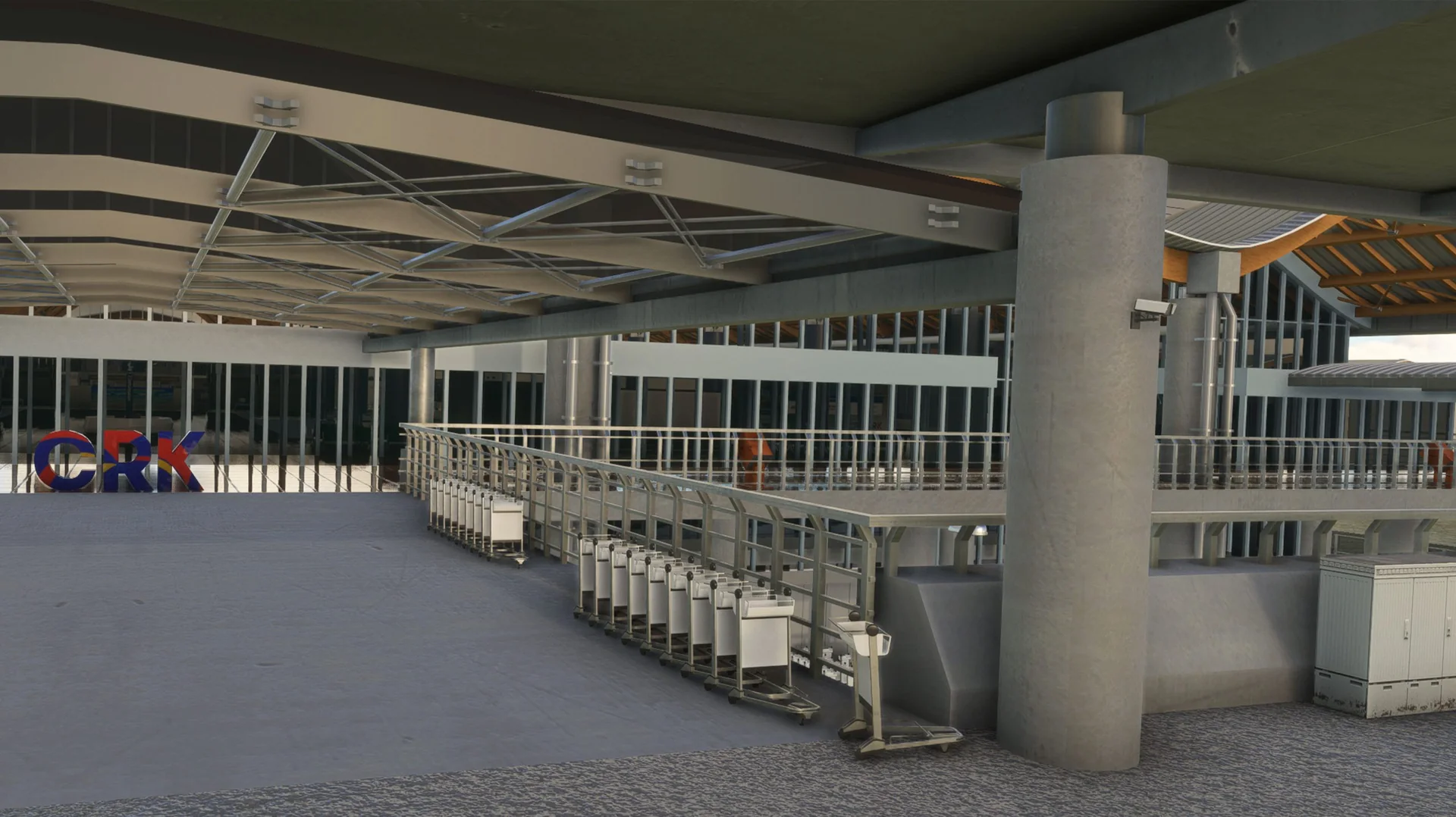
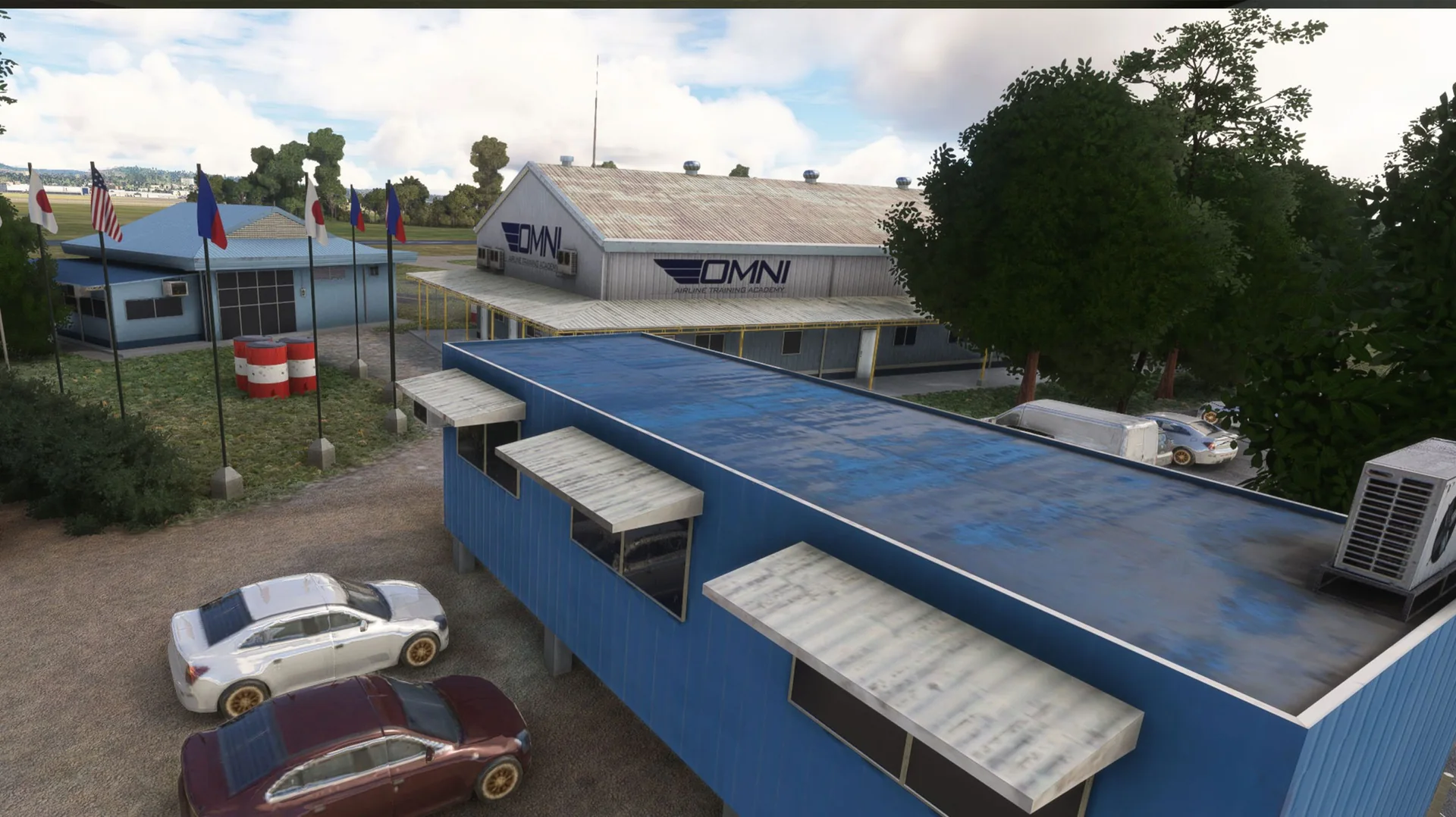
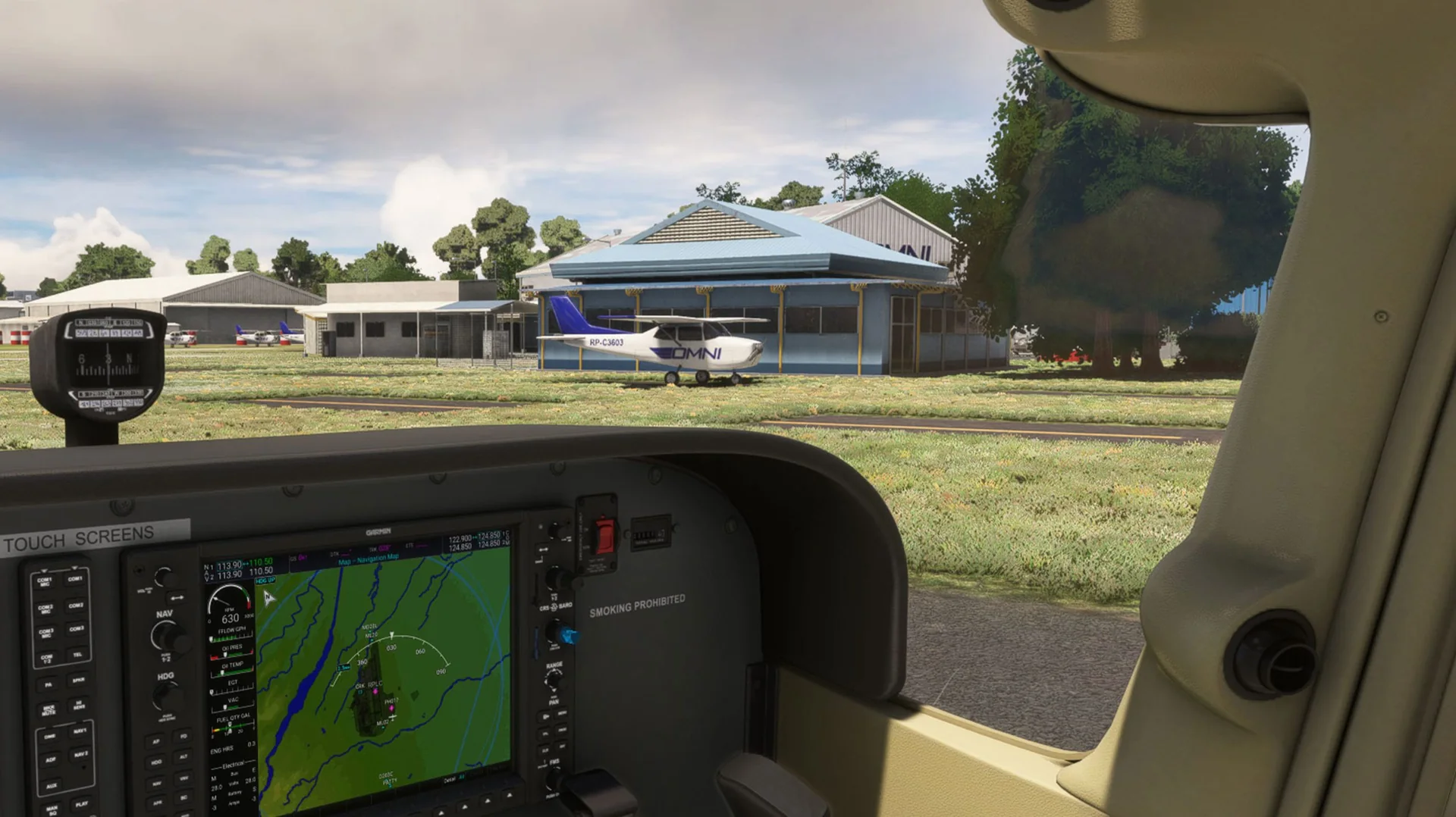
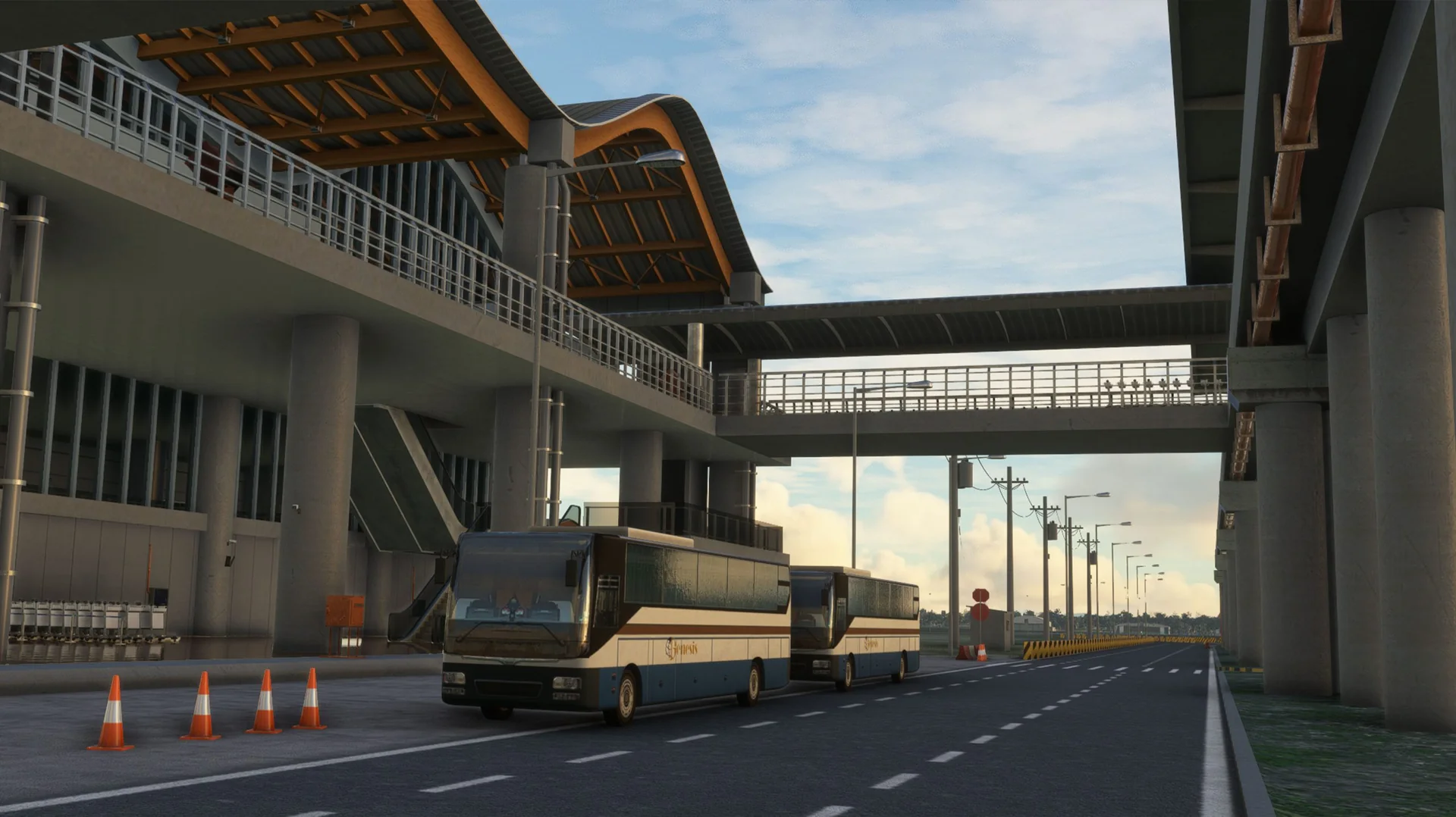
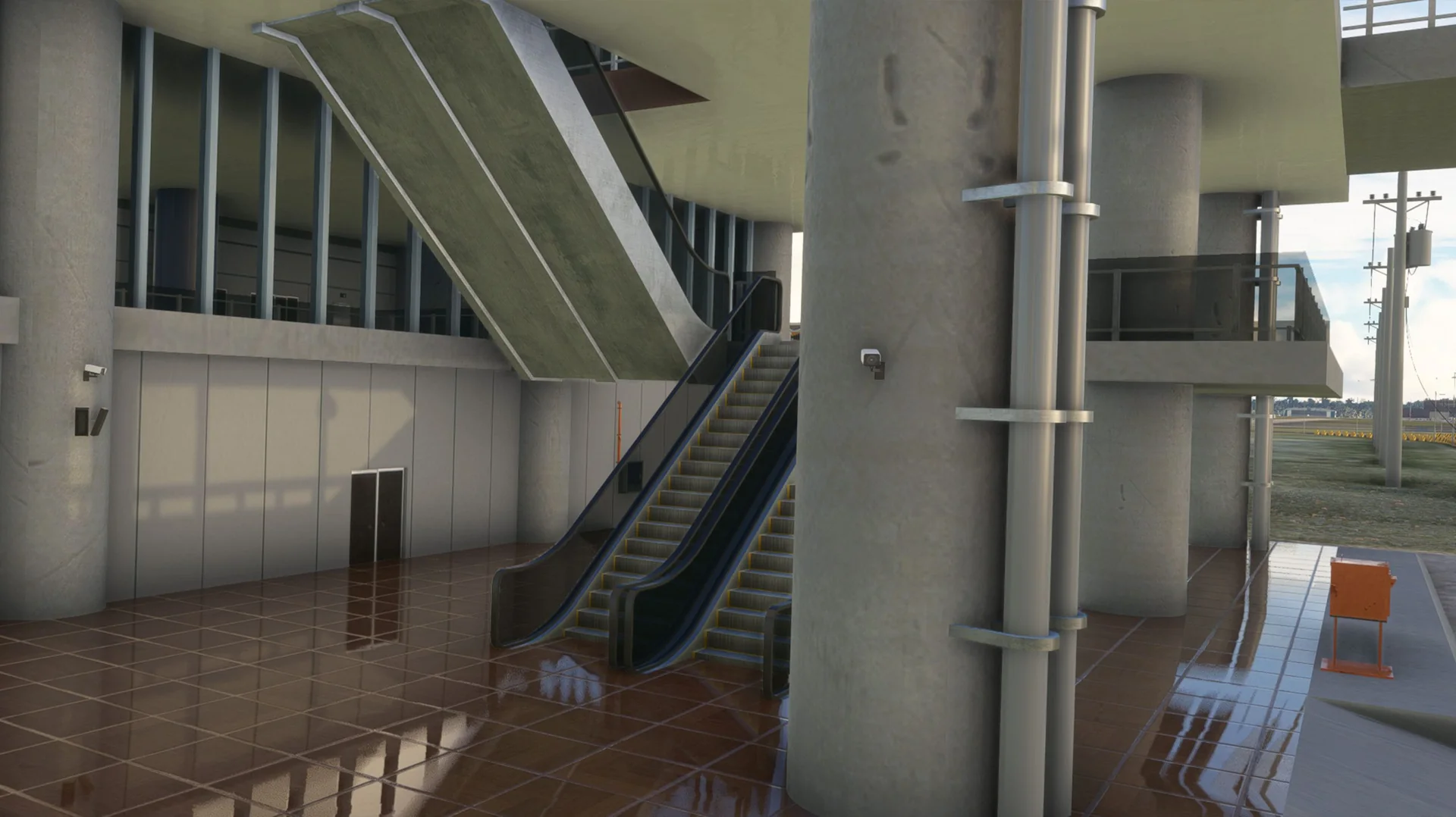
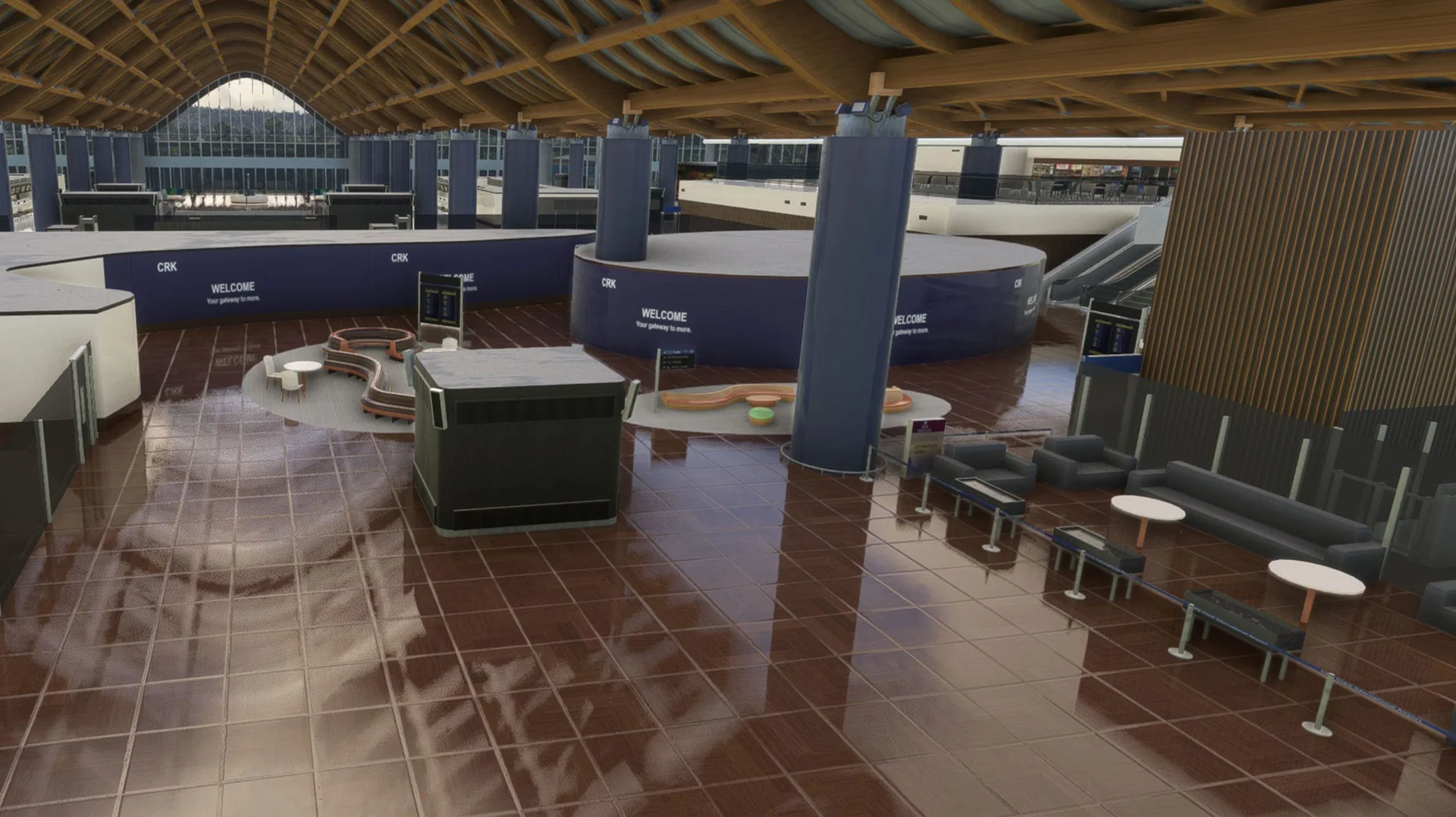
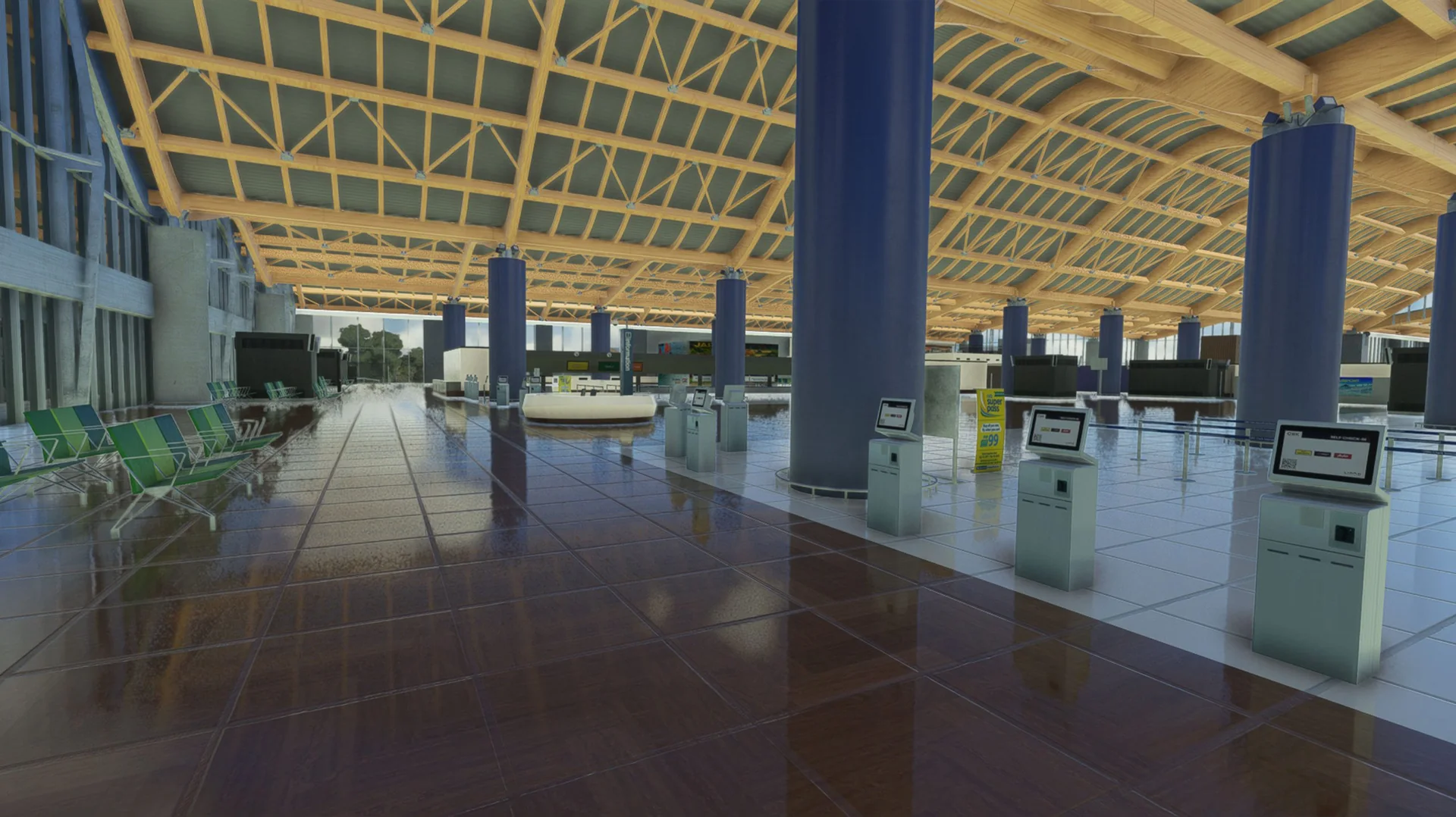
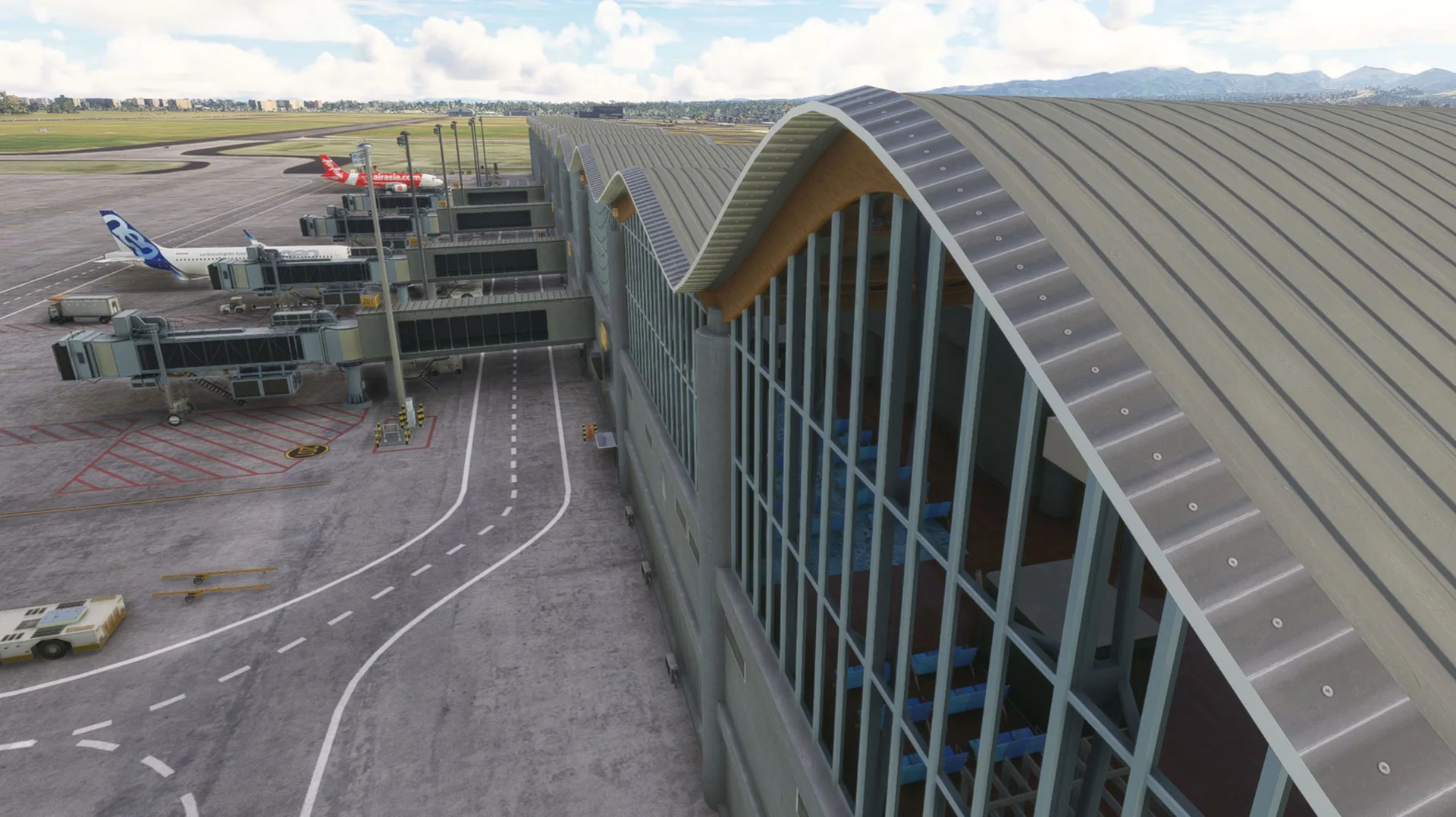
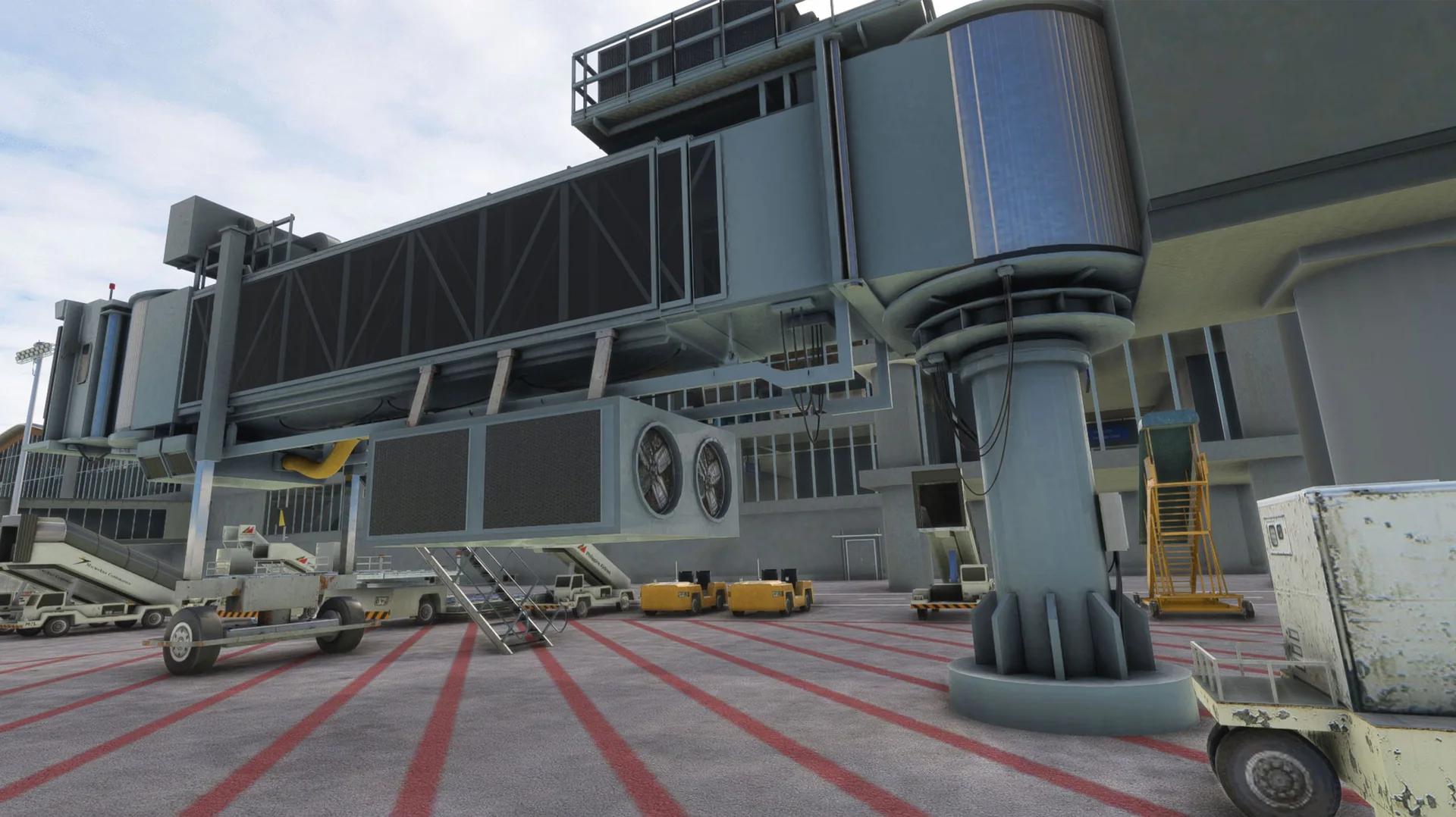
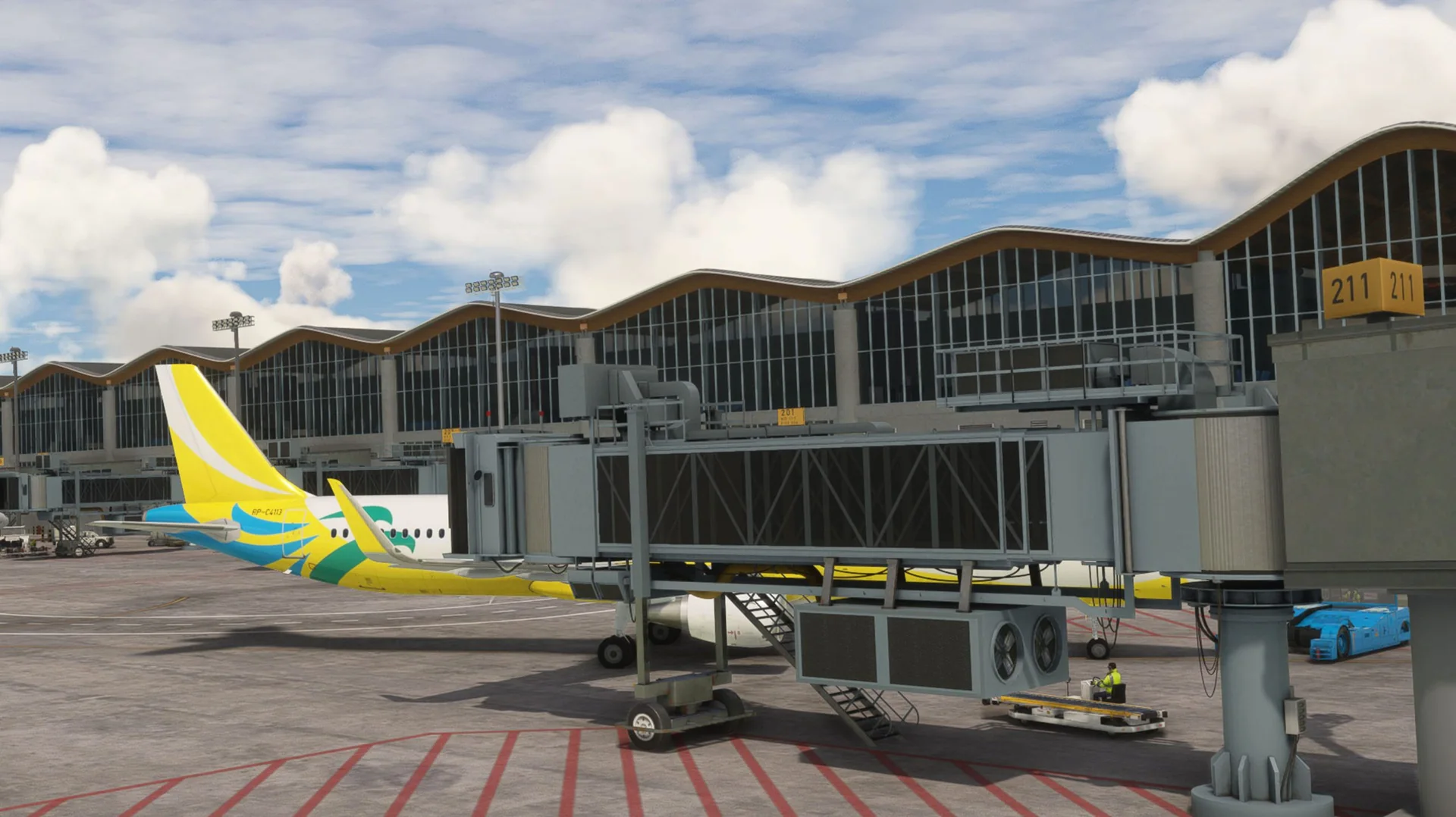
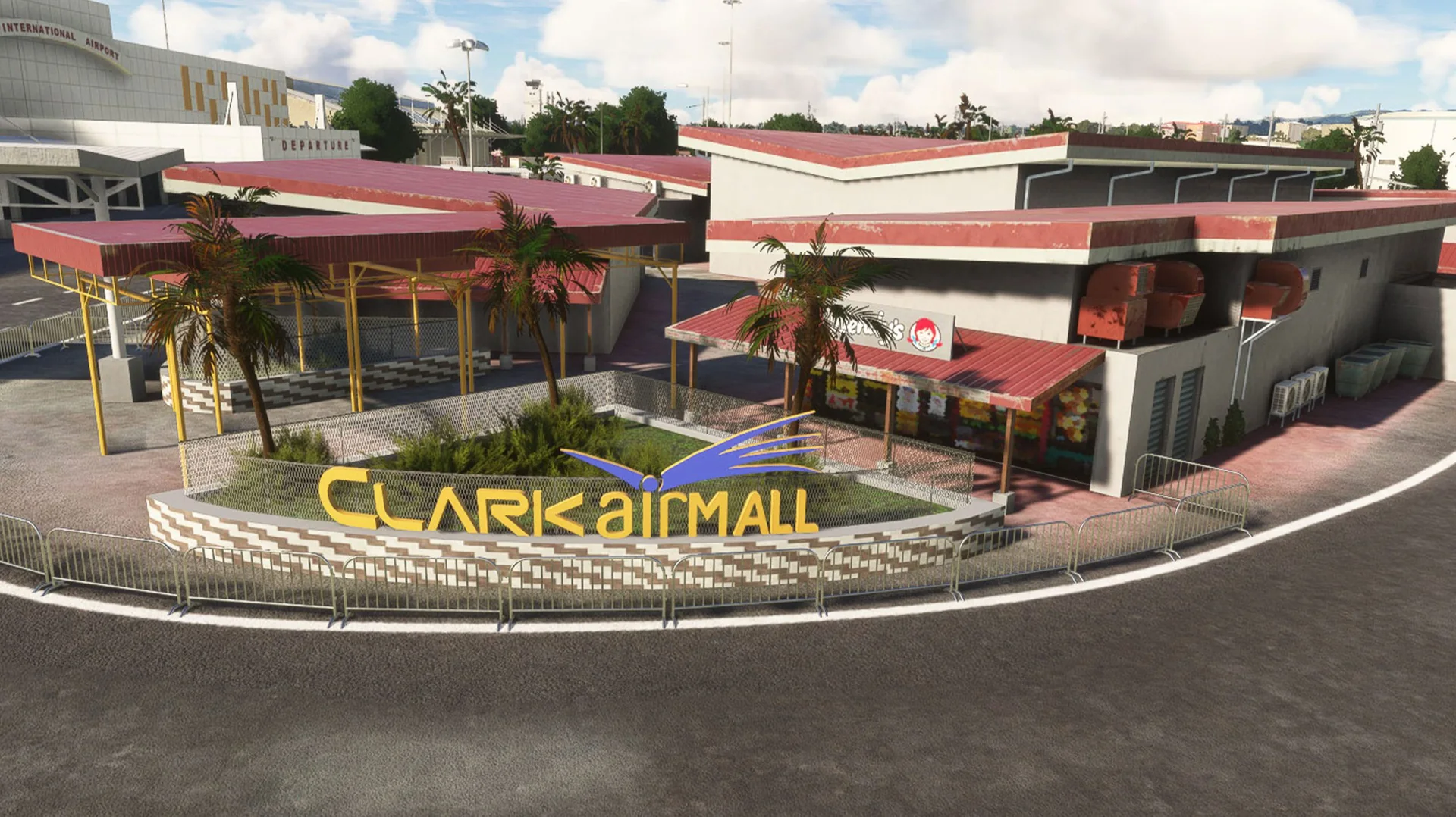
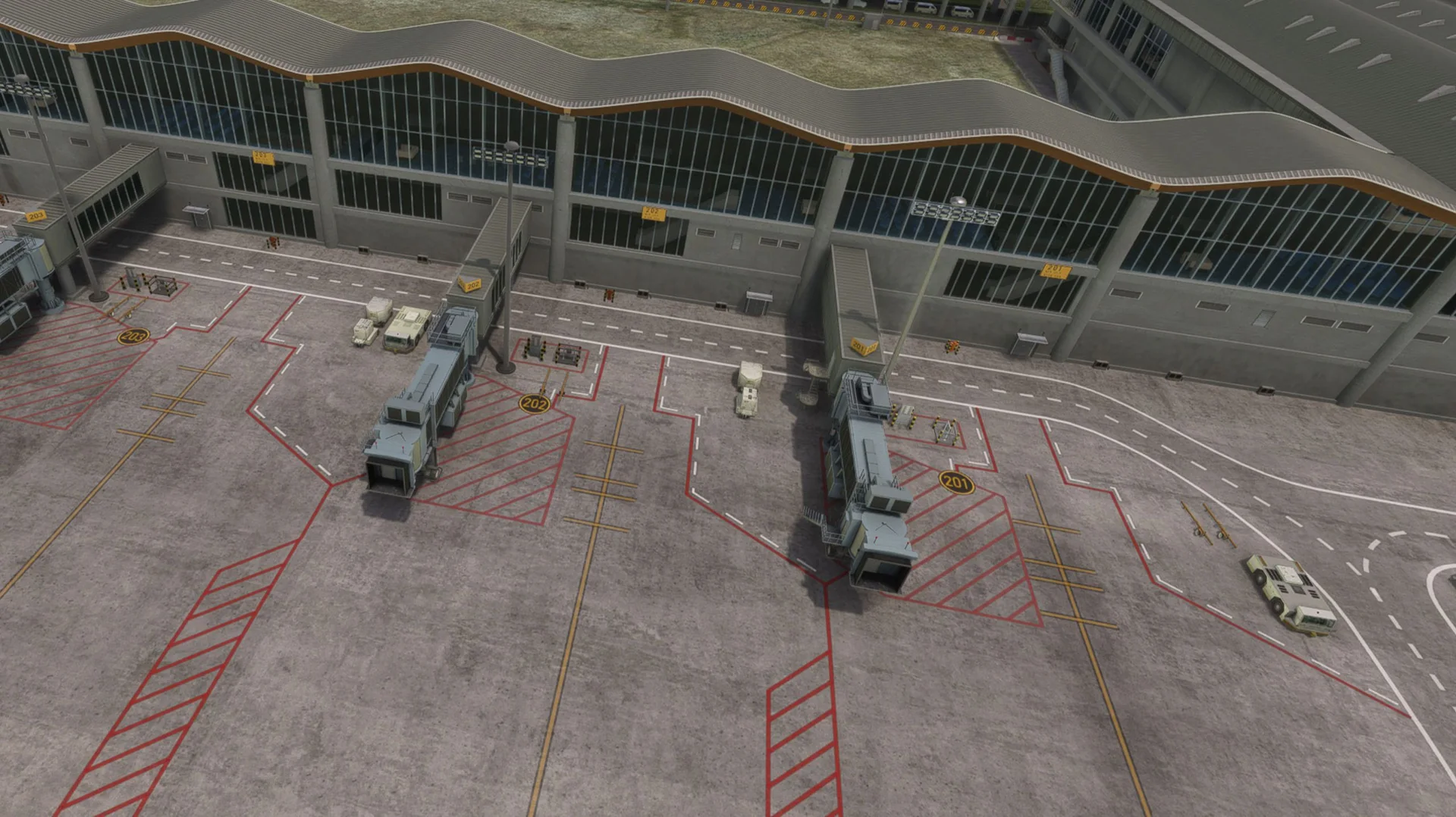
Where to buy
RPLC is sold through our partner stores.
Requirements
- Latest version of Microsoft Flight Simulator 2020 or 2024
- Core i5 or equivalent, at least
- 6-8 GB RAM at least; 16 GB or more is best
- GPU: GTX 1050 or better with at least 6 GB VRAM (lower GPUs not tested, but reported to work)
- MSFS settings Medium to High recommended (depends on your machine)
Read before buying
- Please check the screenshots before buying the product.
- On the new terminal, the other side of the wing has no jetways yet, as it is not in full operation in the real world either. We will update it once it is.
- Please read our refund policy on the Contact Us / FAQ page.
Installation
- Install the product with the app of the store you bought it from (ORBX, iniBuilds, Contrail, Simmarket).
- Remove any other Pampanga / RPLC / Omni airfield scenery to avoid conflicts.
- Restart the simulator after installing.
Finding the Community folder
Custom install location
If you installed your MSFS content (Packages folder) in a custom location, open that folder; the Community folder is inside it.
Microsoft Store / Xbox app
Type %localappdata% in Windows search, then open Packages\Microsoft.FlightSimulator_8wekyb3d8bbwe\LocalCache\Packages\Community.
Steam
Type %appdata% in Windows search, then open Microsoft Flight Simulator\Packages\Community.
Questions? Email support@cloudsurfasia-simulations.com.
News about RPLC
All news →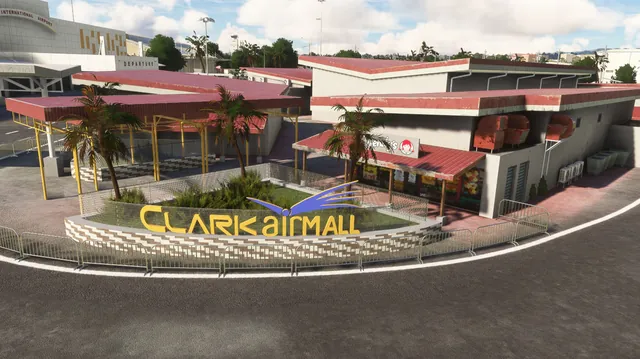
RPLC for MSFS has been released
Hello Captains! Thank you for waiting. We are very excited to announce that our RPLC for MSFS is now out for release. We have already submitted the files on our partner stores and will be available very soon. We will now also start the...
RPLC MSFS 2020/2024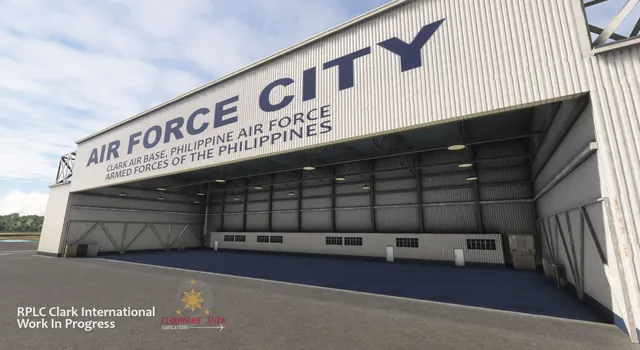
RPLC Clark International Development Update
Just dropping more Work-In-Progress screenshots for the upcoming RPLC Clark International for MSFS & XP12. Note that these screenshots are not yet final and still in active development. Clark is a very interesting airport since it was...
RPLC MSFS 2020/2024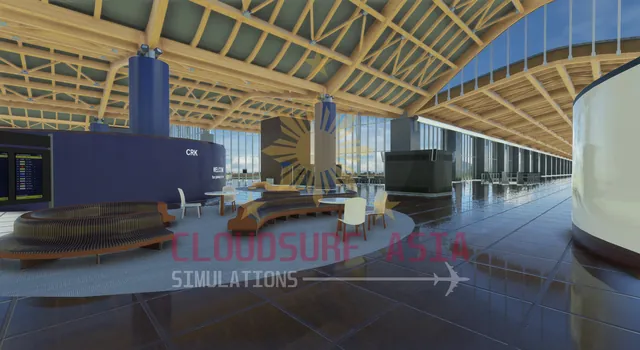
RPLC Clark International Airport early development previews
Hi Captains! I hope you all are doing well. As you all know, we’ve been working on RPLC Airport for a while now and we’ve made a lot of progress lately. Thought you guys might like to see a few work-in-progress photos so we’re dropping...
RPLC MSFS 2020/2024