
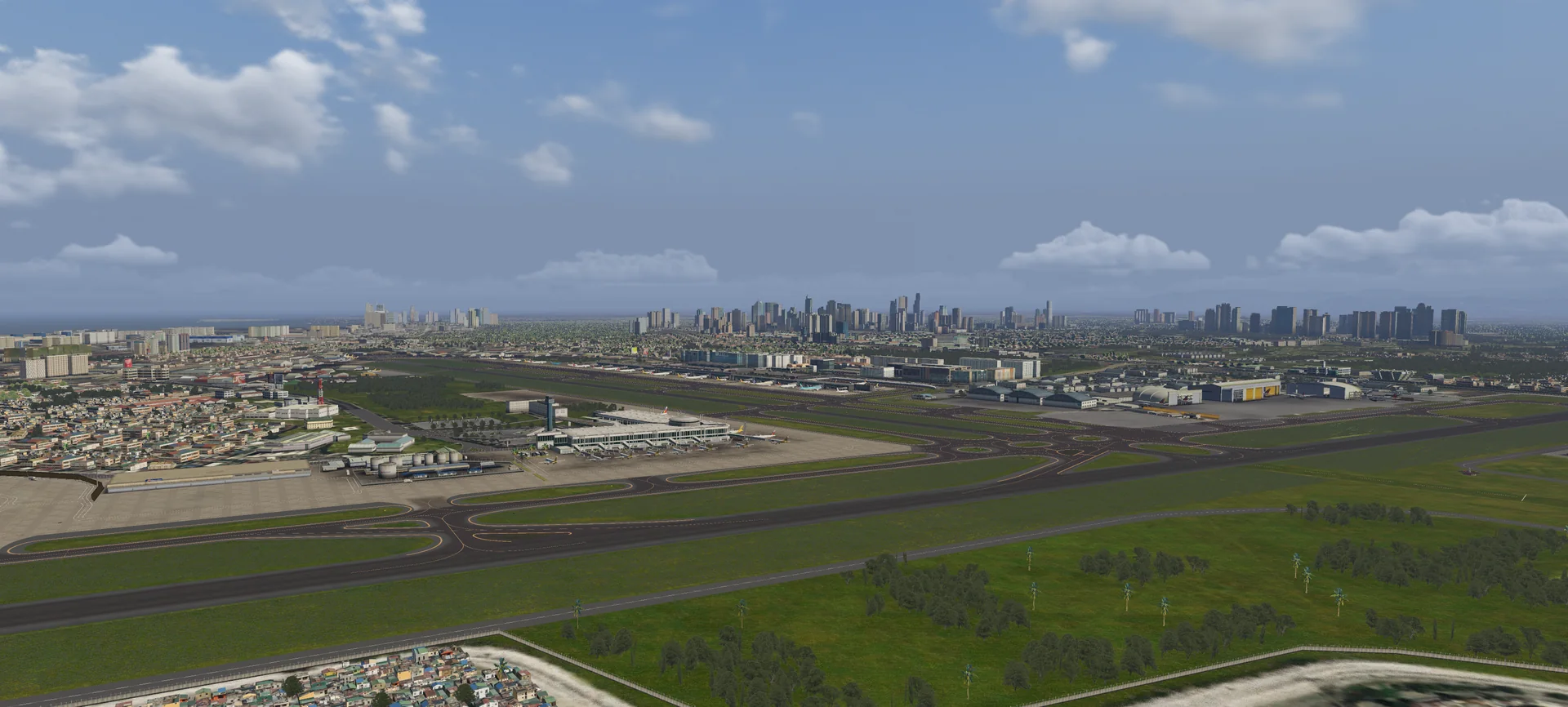
About the scenery
The Ninoy Aquino International Airport (NAIA), formerly known and still commonly called Manila International Airport (IATA: MNL, ICAO: RPLL), is the airport serving Manila and its metropolitan area. It lies on the border between Pasay and Paranaque, about 7 km south of Manila proper and southwest of Makati. NAIA is the main international gateway of the Philippines and a hub for AirAsia Philippines, Cebgo, Cebu Pacific, PAL Express and Philippine Airlines.
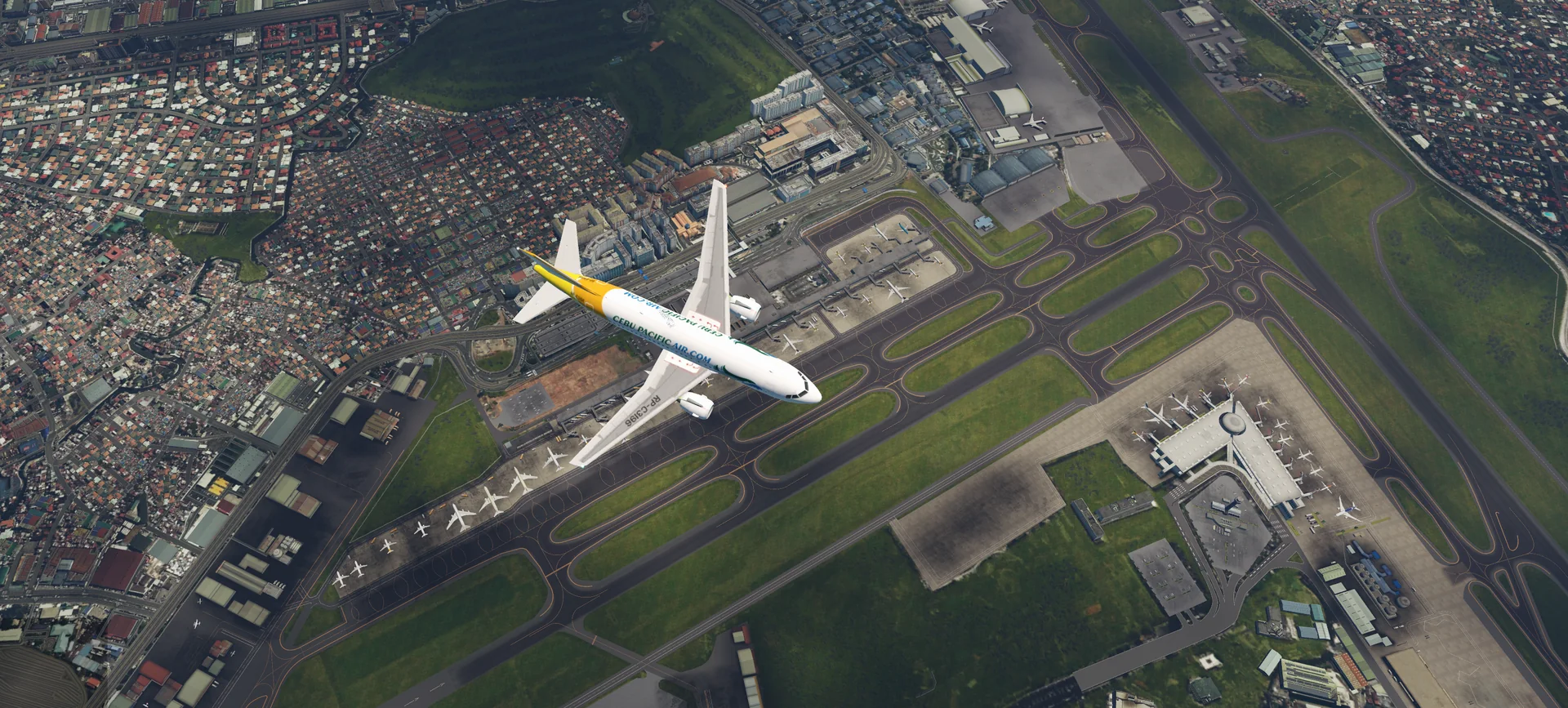
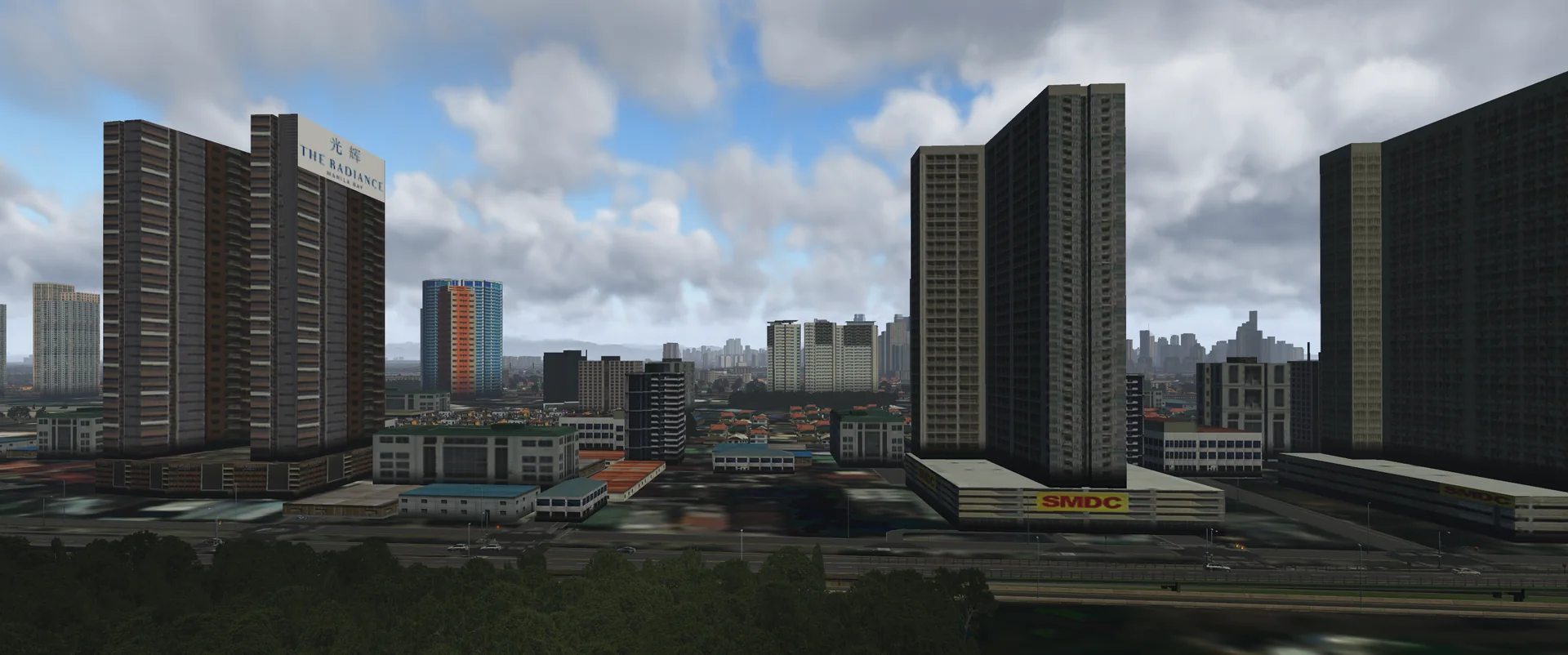
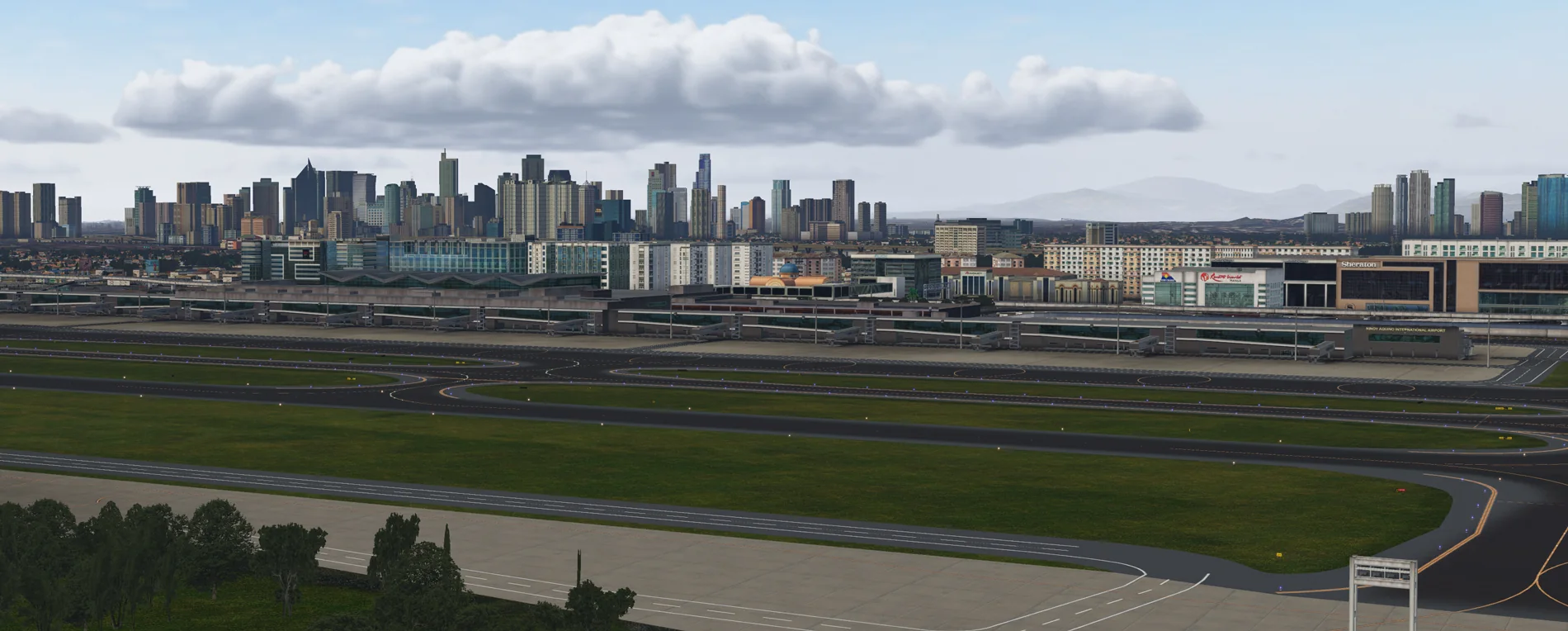
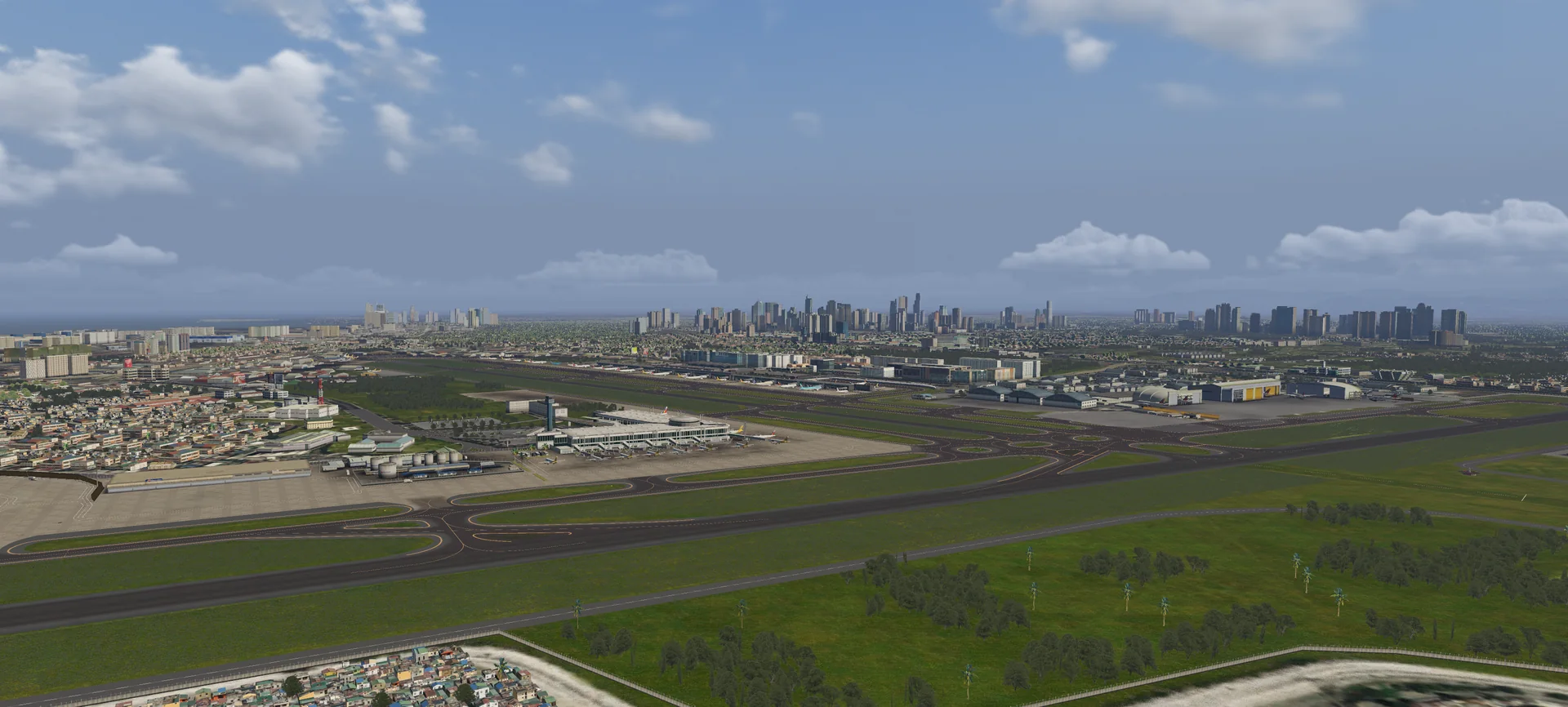
This scenery is full of custom objects, facades, vegetation and autogen that reflect the real Manila International Airport and its surroundings, and is by far the second largest scenery we have made. It is provided free of charge for the X-Plane community.
Features
Hand-placed custom scenery
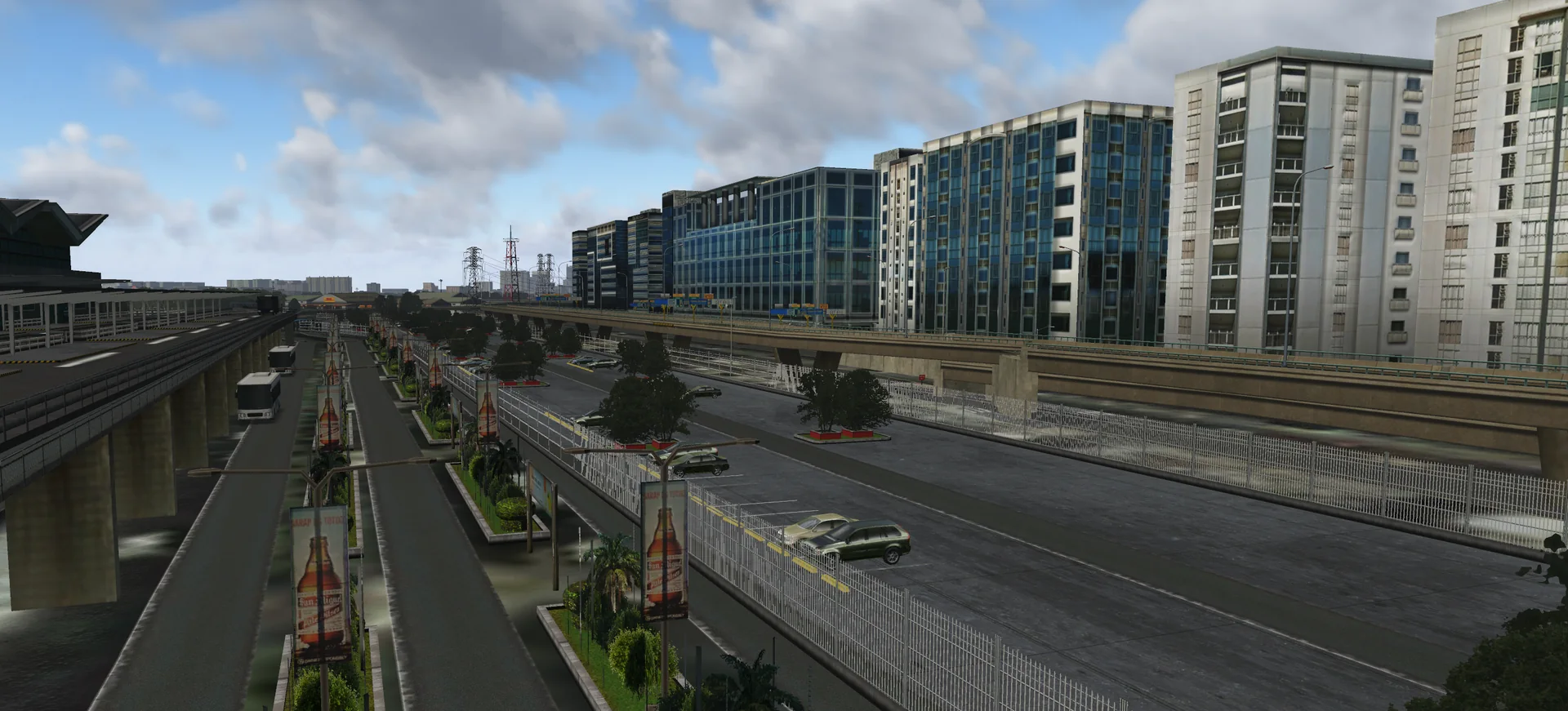
Full custom hand-placed objects, facades, autogen and vegetation.
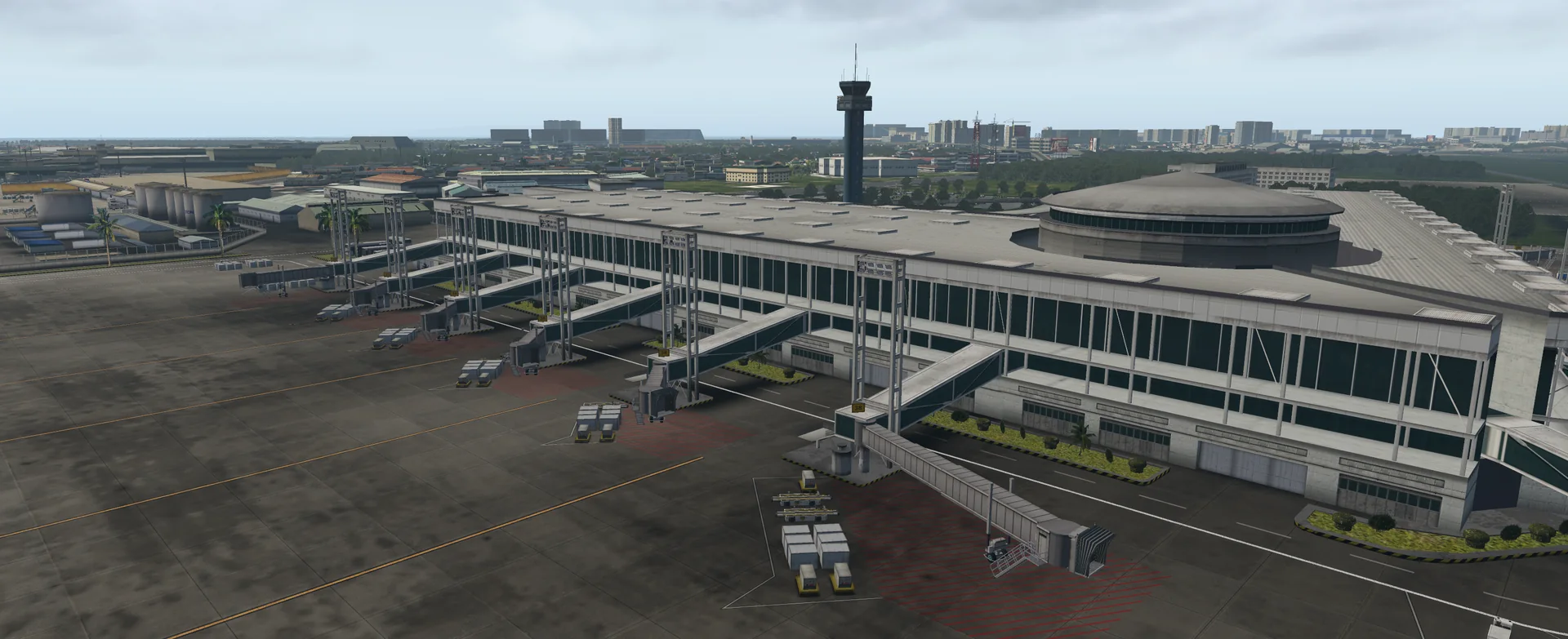
All four terminals in 3D
Terminals 1, 2, 3 and 4 modelled in 3D, with HD structures around the airport.
Detailed ground
Extremely detailed, realistic custom ground textures on the runways and aprons that show the airport as it is, with PBR ground textures.
Satellite imagery
High-resolution satellite imagery of the whole Metro Manila area and several provinces.
Photo-real texturing
Photo-real texturing and baked ambient occlusion on some structures, PBR on selected buildings.
Static aircraft
Custom static aircraft away from the ramp starts, for the best online flying experience.
Ground routes for AI traffic
Fully set-up ground routes, so third-party traffic such as World Traffic 3, Live Traffic and Traffic Global works.
Lighting and jetways
Custom HDR lighting on the ramp stands and animated jetways (AutoGate by Marginal).
FPS friendly
Optimised for performance (depends on your machine and settings).
Screenshots
Free download
RPLL + Mega Manila for X-Plane 11 and 12 is free. Download both files: the scenery and the regional ortho imagery.
Requirements
- X-Plane 11 version 11.30 or later (a must), or X-Plane 12
- Processor: Core i5 or higher
- Graphics card: GTX 1050 or higher (lower cards are not tested, but users say they work fine)
- This scenery is large and dense: the download is about 7.5 GB with the regional ortho imagery, and you may want to adjust some settings
Read before downloading
- This scenery is provided FREE OF CHARGE. If you paid money for it, please contact us, as selling it is illegal.
- Although the scenery is free, all assets are copyright protected by the author. You are not allowed to redistribute any assets from this scenery.
- Some screenshots use third-party weather engines such as xEnviro / UWXP.
- This is our legacy freeware and is no longer actively developed.
Installation
- Download the regional ortho imagery and the RPLL + Mega Manila scenery (Free download above).
- Unzip both downloaded zip files.
- Drag and drop the folders into the Custom Scenery folder of your X-Plane installation.
- Done. Version 2 is the latest version, so no patches are needed.
Troubleshooting
Plaridel Airport (RPUX) is missing
Plaridel is a small airport inside the Mega Manila coverage and is not modelled yet. Download our RPUX patch here (MEGA).
World Traffic 3 shows no aircraft on the Terminal 3 ramps
Download the GroundRoutes and ParkingDefs here and put them in by hand.
Which AI traffic do you recommend?
We recommend Traffic Global: it generates the most accurate AI traffic, especially when assigning aircraft to ramps.
Questions? Email support@cloudsurfasia-simulations.com.