
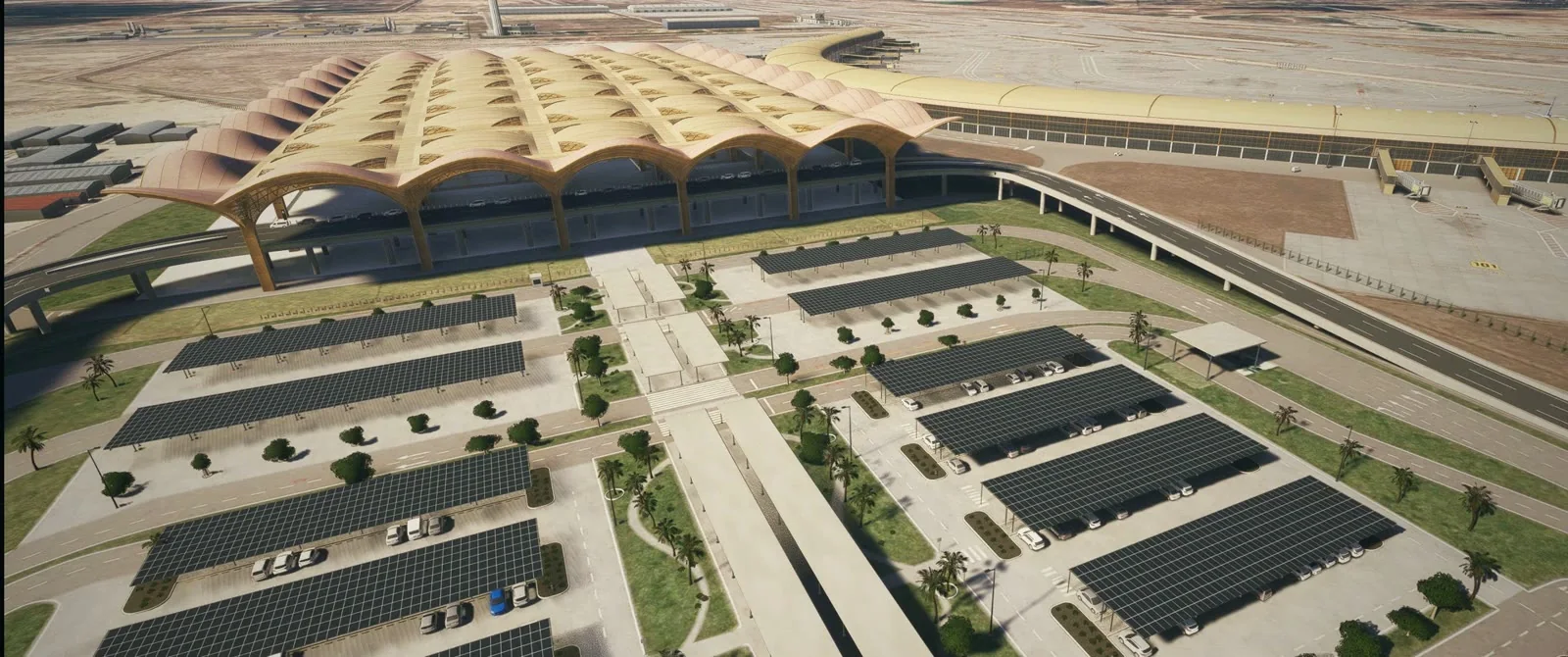
About the scenery
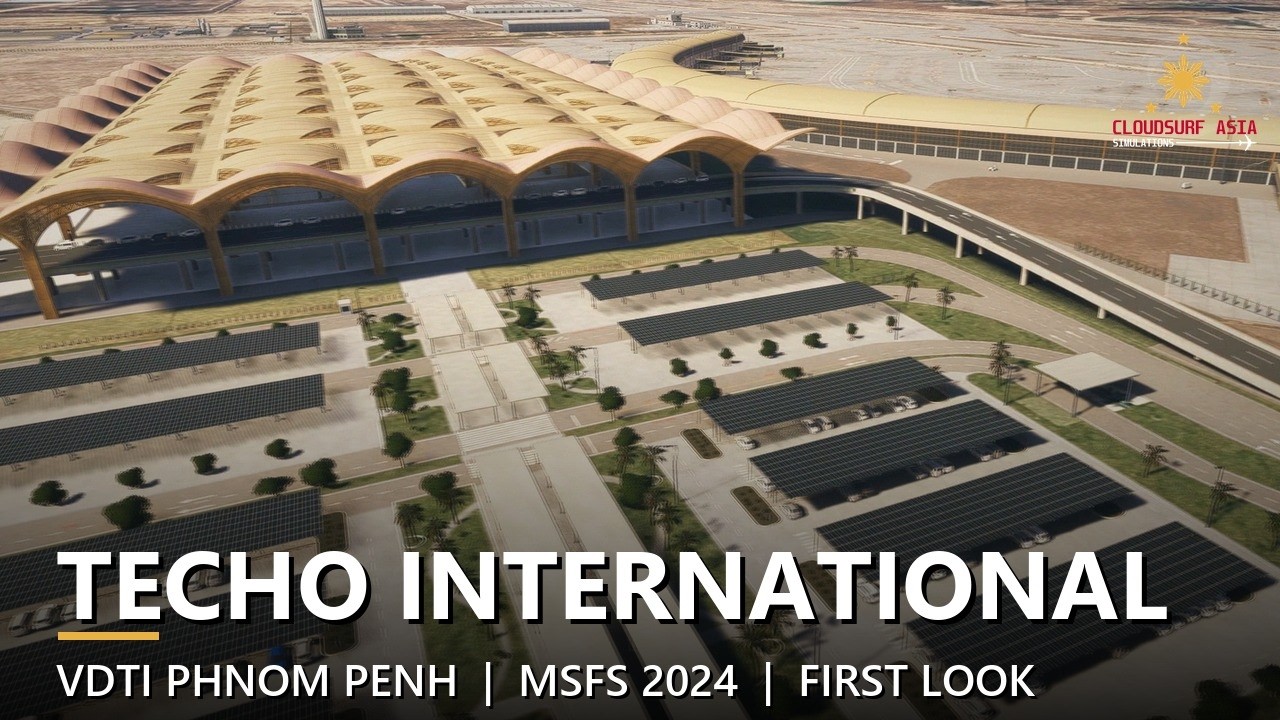
Welcome to Cambodia! Techo International Airport (VDTI / KTI) serves Phnom Penh from Kandal Province, 23 km south of the city, having opened on 9 September 2025 with its Foster + Partners-designed terminal and 4,000-metre runway 05/23.
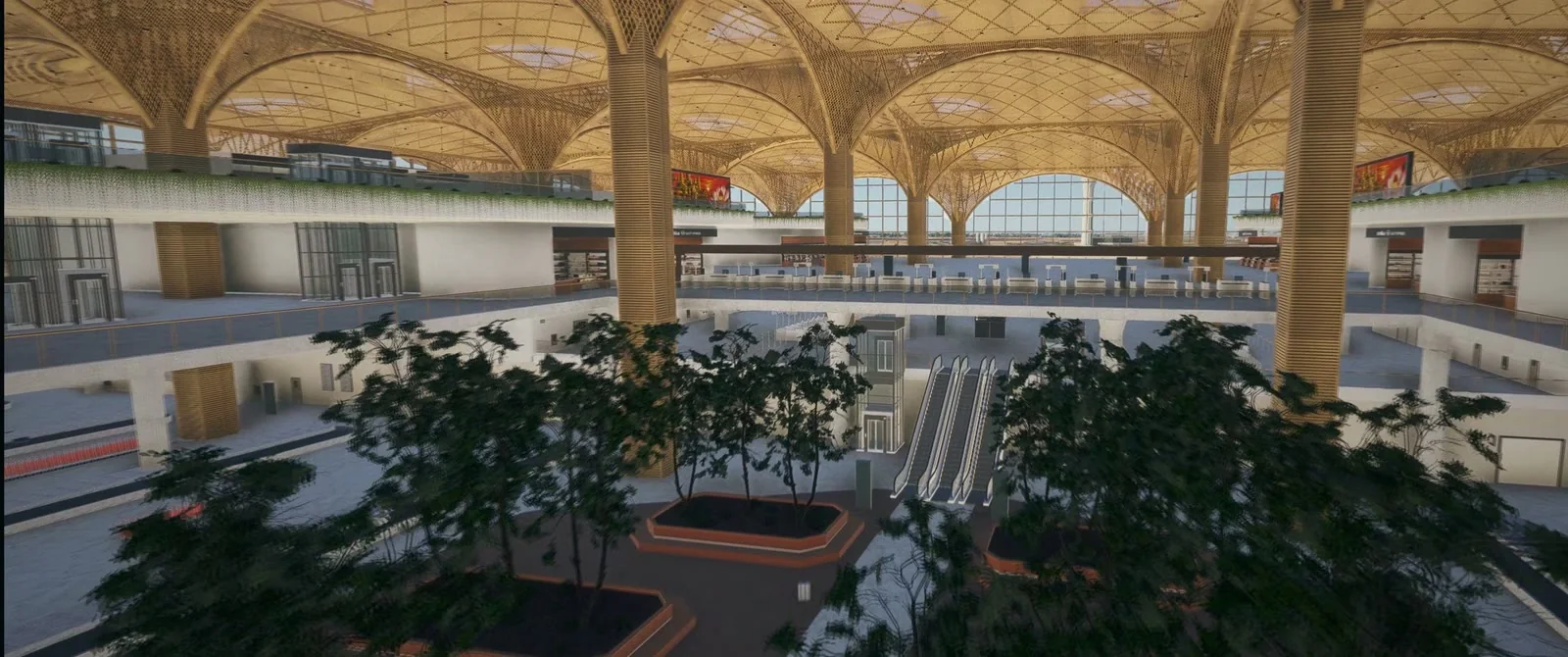
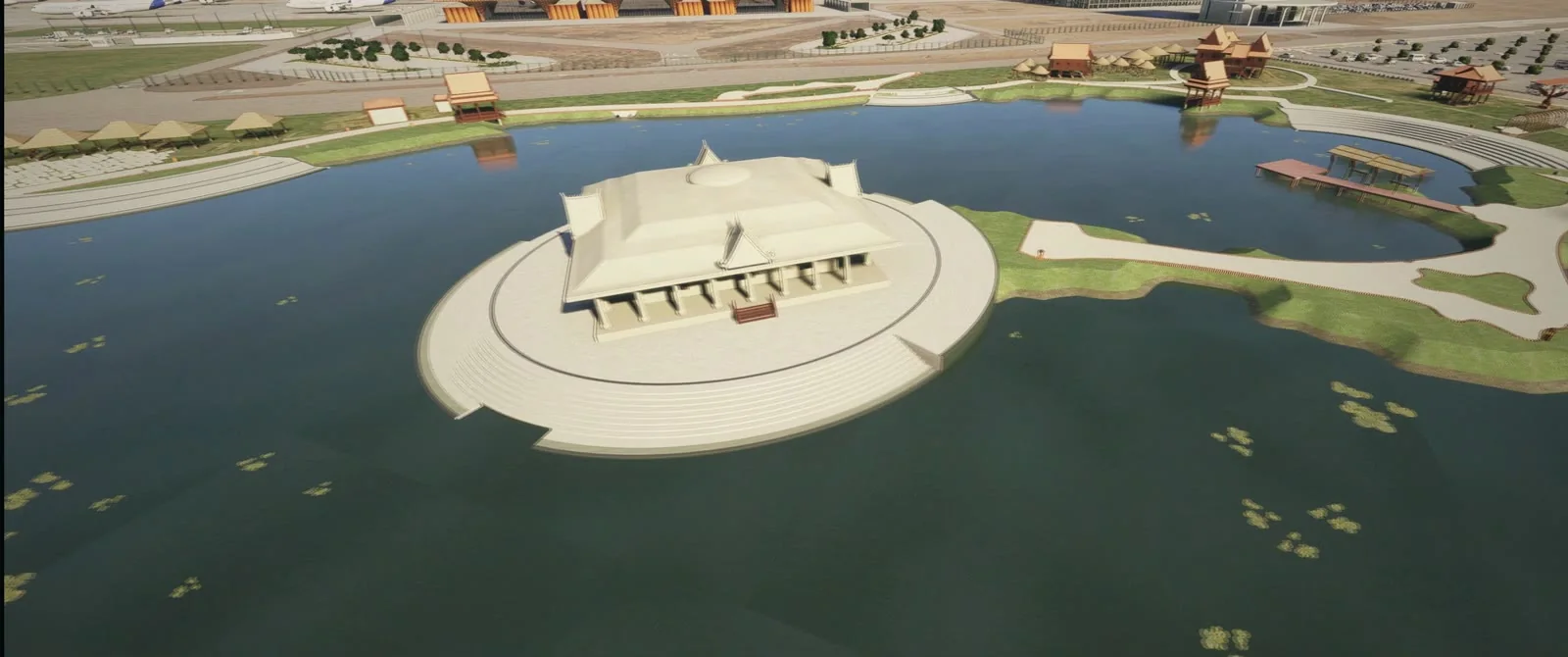
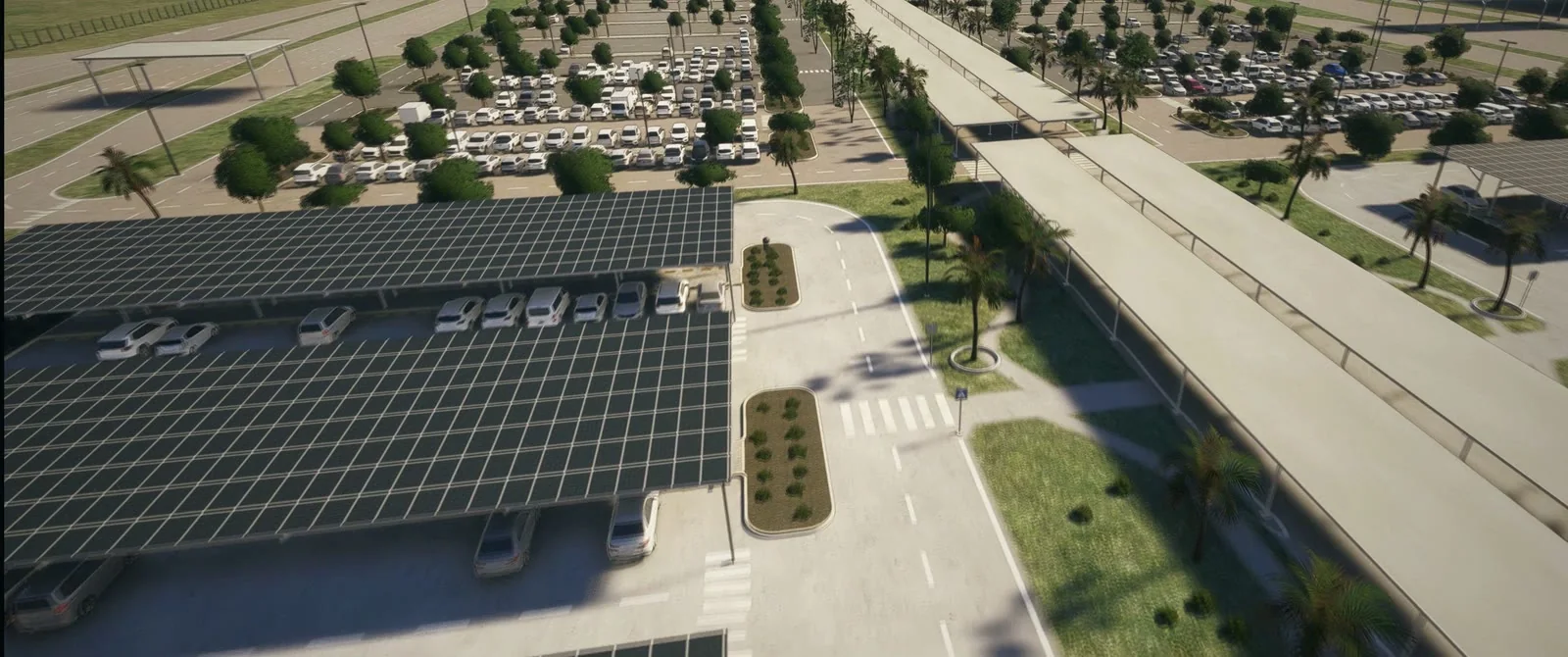
This scenery brings VDTI to Microsoft Flight Simulator 2024, handcrafted from real photos: the main terminal and its curved pier with interiors, the control tower, VIP terminal, cargo and support buildings, fixed links and animated jetways, custom airside markings, night lighting and the landside with its solar car parks, roads and Techo Cultural Park.
VDTI is still work in progress and coming soon. What you see in the first-look trailer and screenshots is in active development.
Features
Built for MSFS 2024
Handcrafted for Microsoft Flight Simulator 2024 from real photos.
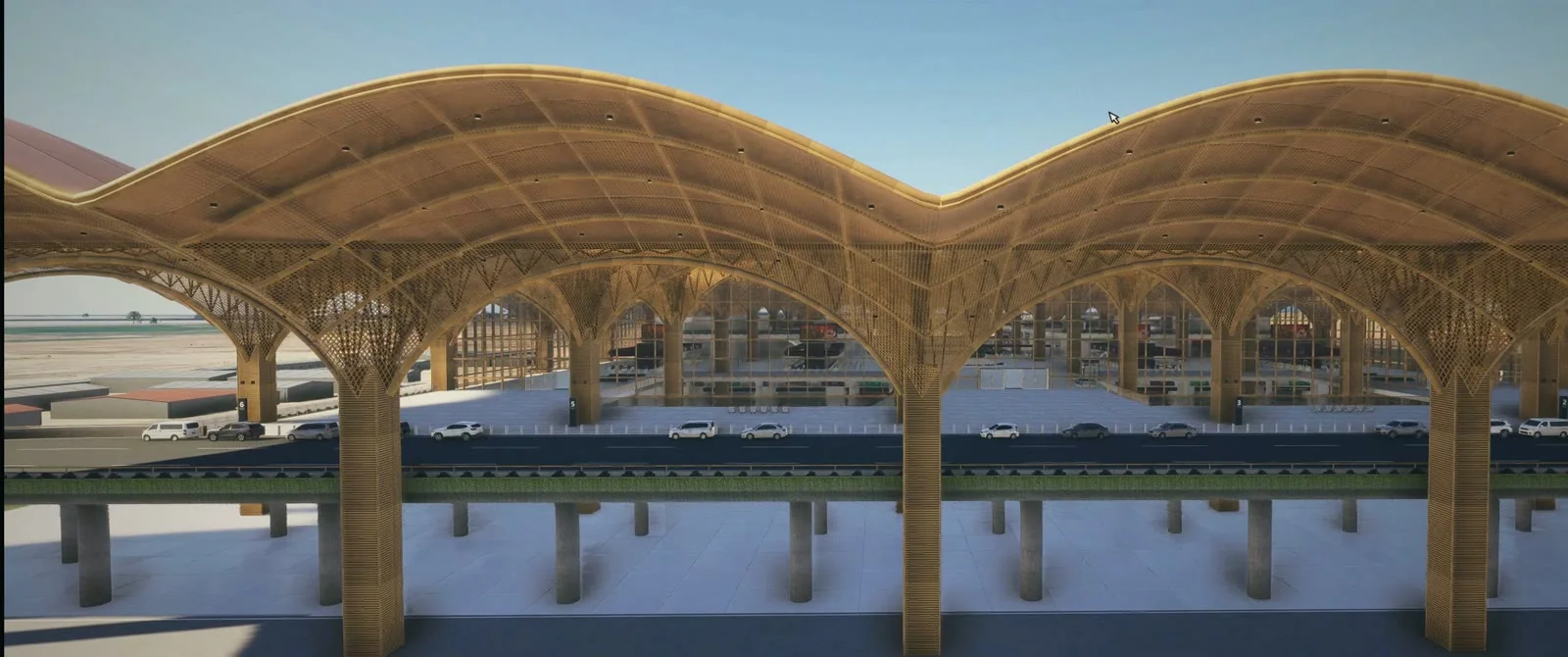
Terminal and curved pier with interiors
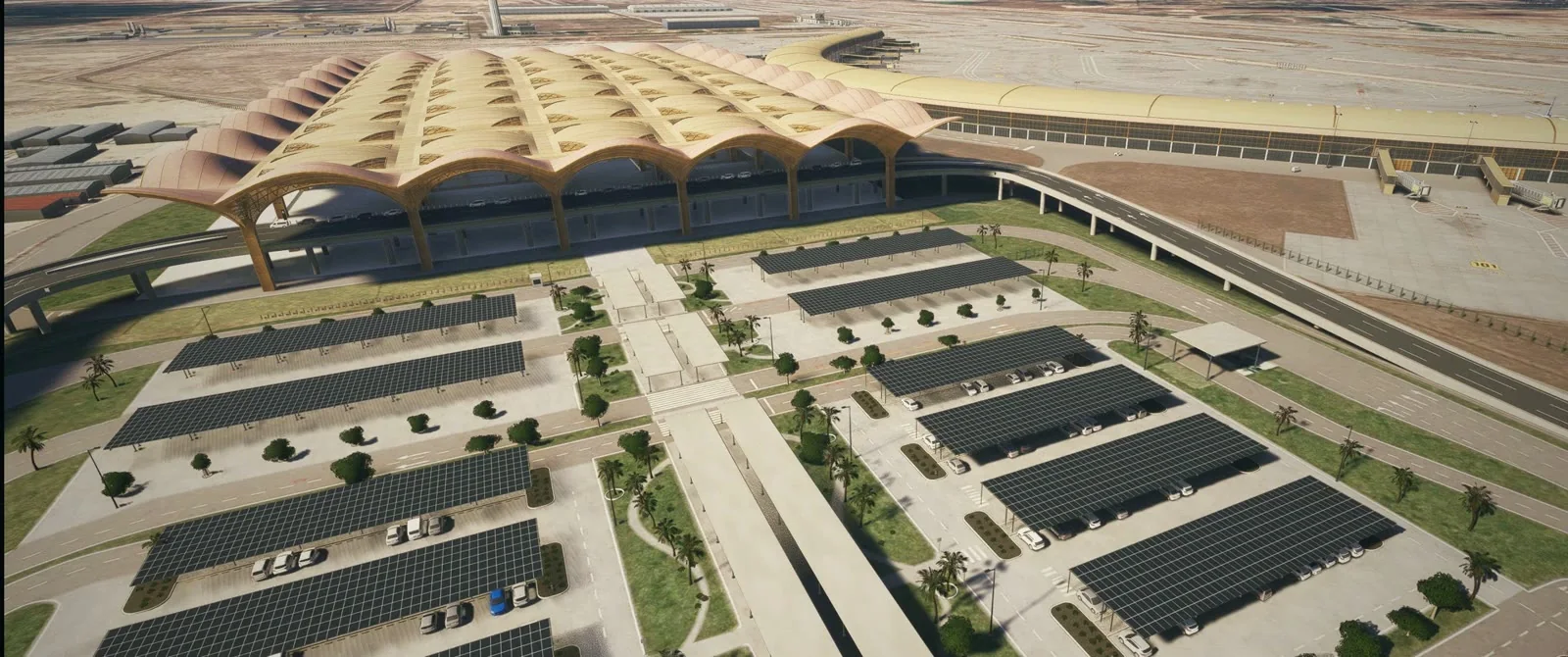
The Foster + Partners headhouse and its curved north pier, modelled inside and out including the departures forecourt and terminal interior.
Fixed links and animated jetways
Fixed passenger links and animated jetways serving the terminal gates.
Control tower and VIP terminal
The airport control tower and the VIP terminal.
Cargo and support buildings
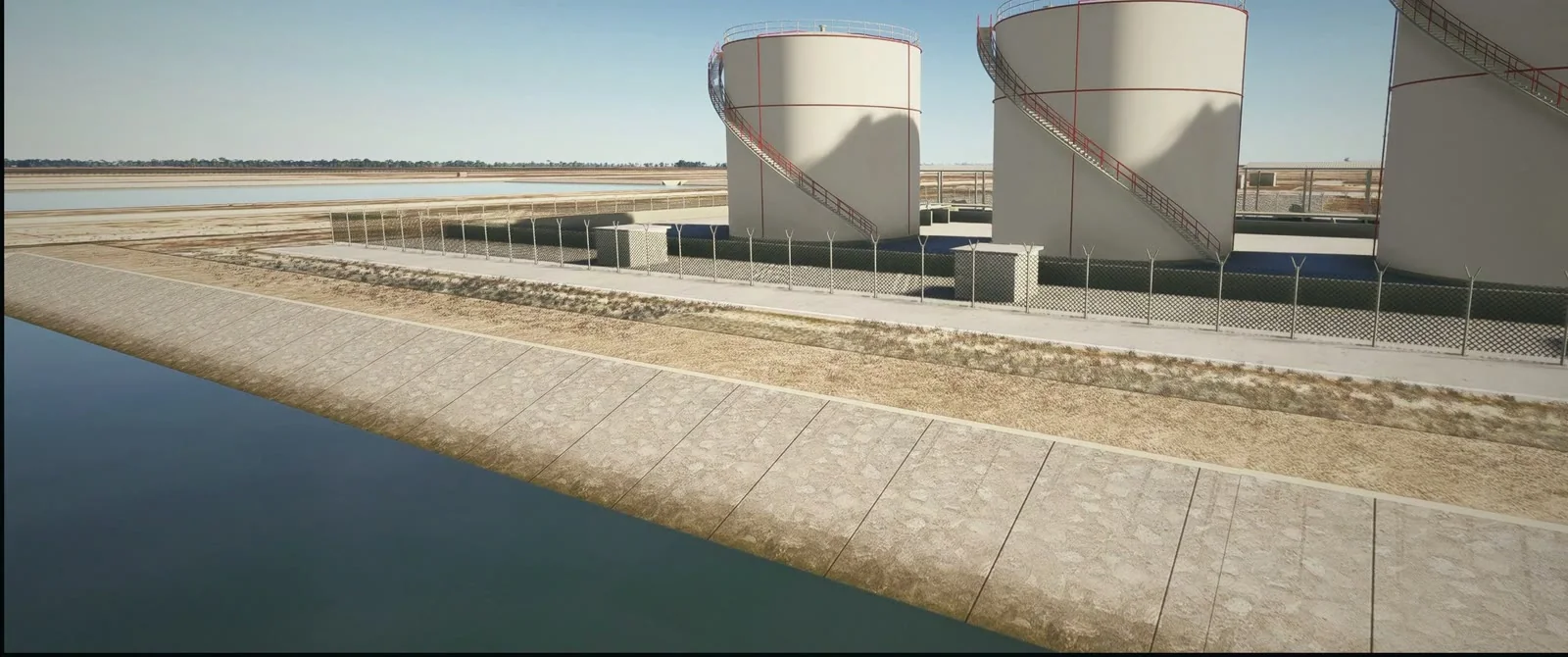
Cargo facilities, the fuel farm and support buildings around the airfield.
Custom airside markings
Our own runway, taxiway and stand markings across the airside.
Landside, car parks and Techo Cultural Park
The departures road, solar car parks, covered walkways, landside roads and Techo Cultural Park.
Night lighting
Night lighting across the airport.
Official trailer
Screenshots
Where to buy
VDTI will be sold through our partner stores.
Requirements
- Built exclusively for MSFS 2024 Edition.
- Microsoft Flight Simulator 2024 (PC), latest update installed
- Windows 10 or Windows 11 (64-bit)
- A PC that meets the Microsoft Flight Simulator 2024 recommended specifications
Read before buying
- VDTI Techo International Airport is still work in progress and not released yet; what you see in the first-look trailer and screenshots can change before release.
- Please check the screenshots before buying the product.
- Free updates are provided for bug fixes and compatibility issues.
Installation
- Install the product with the app or download of the store you bought it from (package folder cloudsurfasiasimulations-vdti in your Community folder).
- Remove any other VDTI / Techo International Airport scenery to avoid conflicts.
- Restart the simulator after installing.
Finding the Community folder
Custom install location
Open the folder you chose for your MSFS 2024 content; the Community folder is inside it.
Microsoft Store / Xbox app
Type %localappdata% in Windows search, then open Packages\Microsoft.Limitless_8wekyb3d8bbwe\LocalCache\Packages\Community.
Steam
Type %appdata% in Windows search, then open Microsoft Flight Simulator 2024\Packages\Community.
Questions? Email support@cloudsurfasia-simulations.com.