
About the scenery
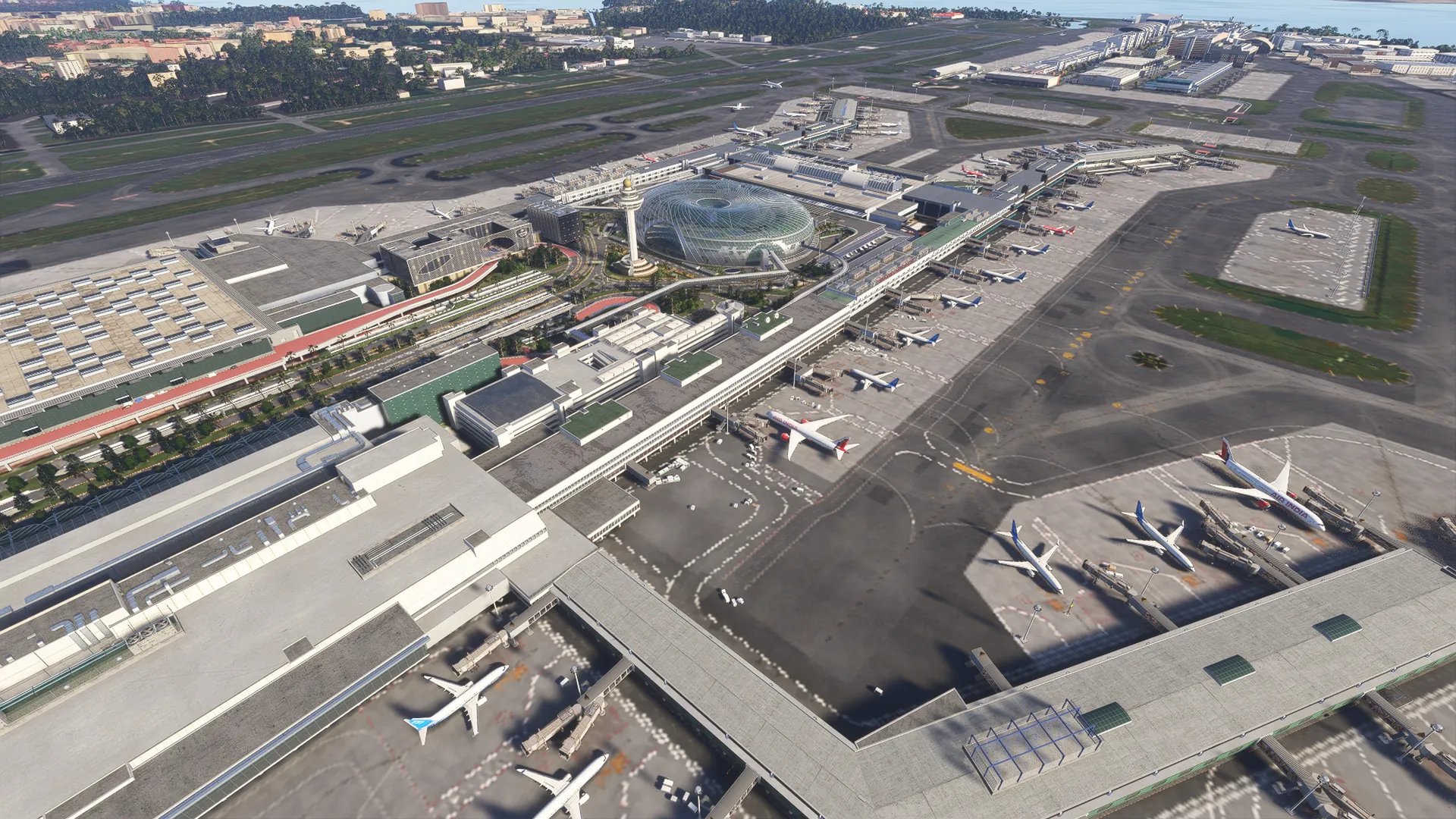
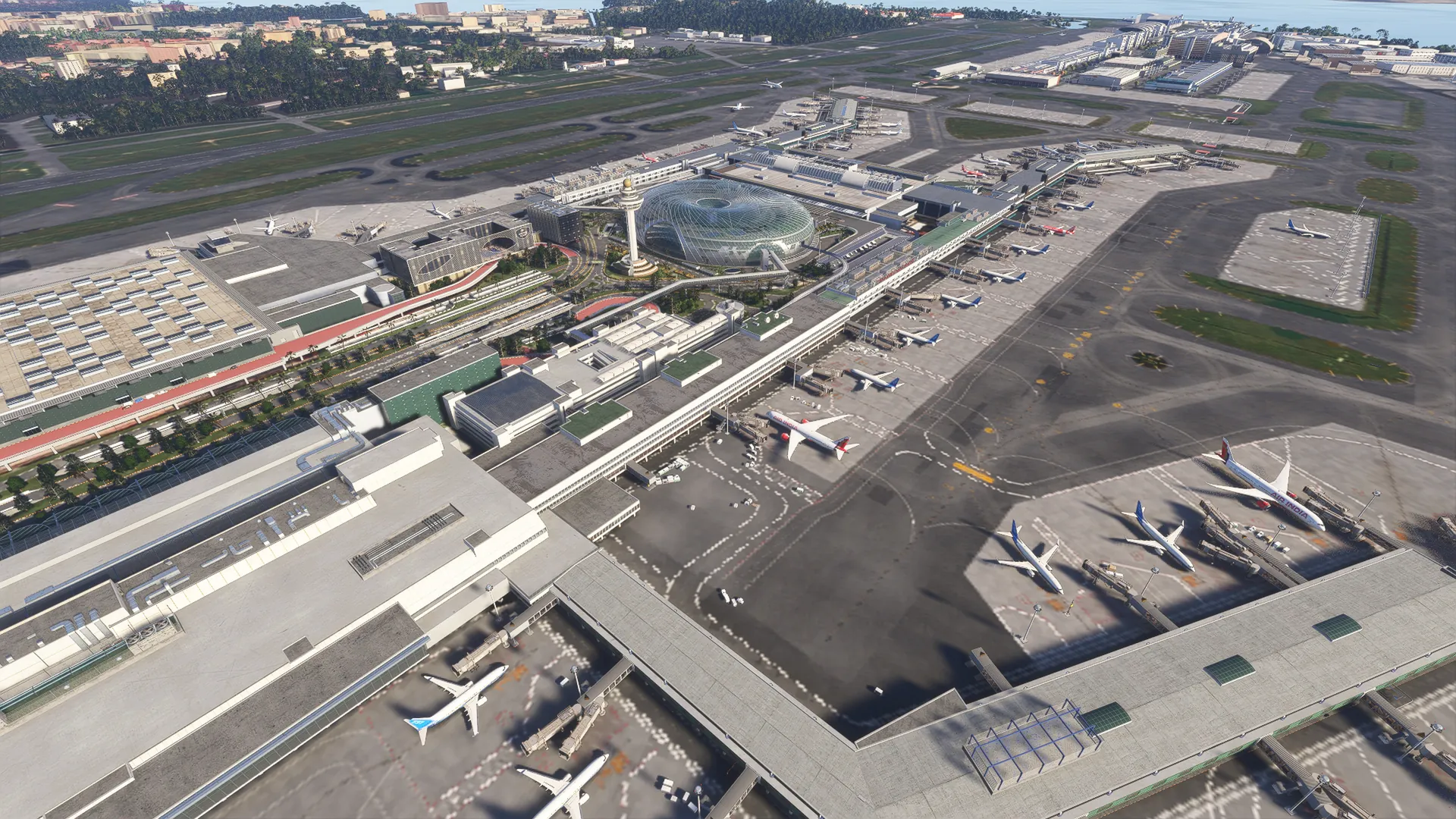
Experience Singapore Changi like never before! This scenery is handcrafted for Microsoft Flight Simulator 2024 by our team in Asia, built from extensive research, photos and up-to-date charts, with first-class 3D modelling of the airport and its surroundings.
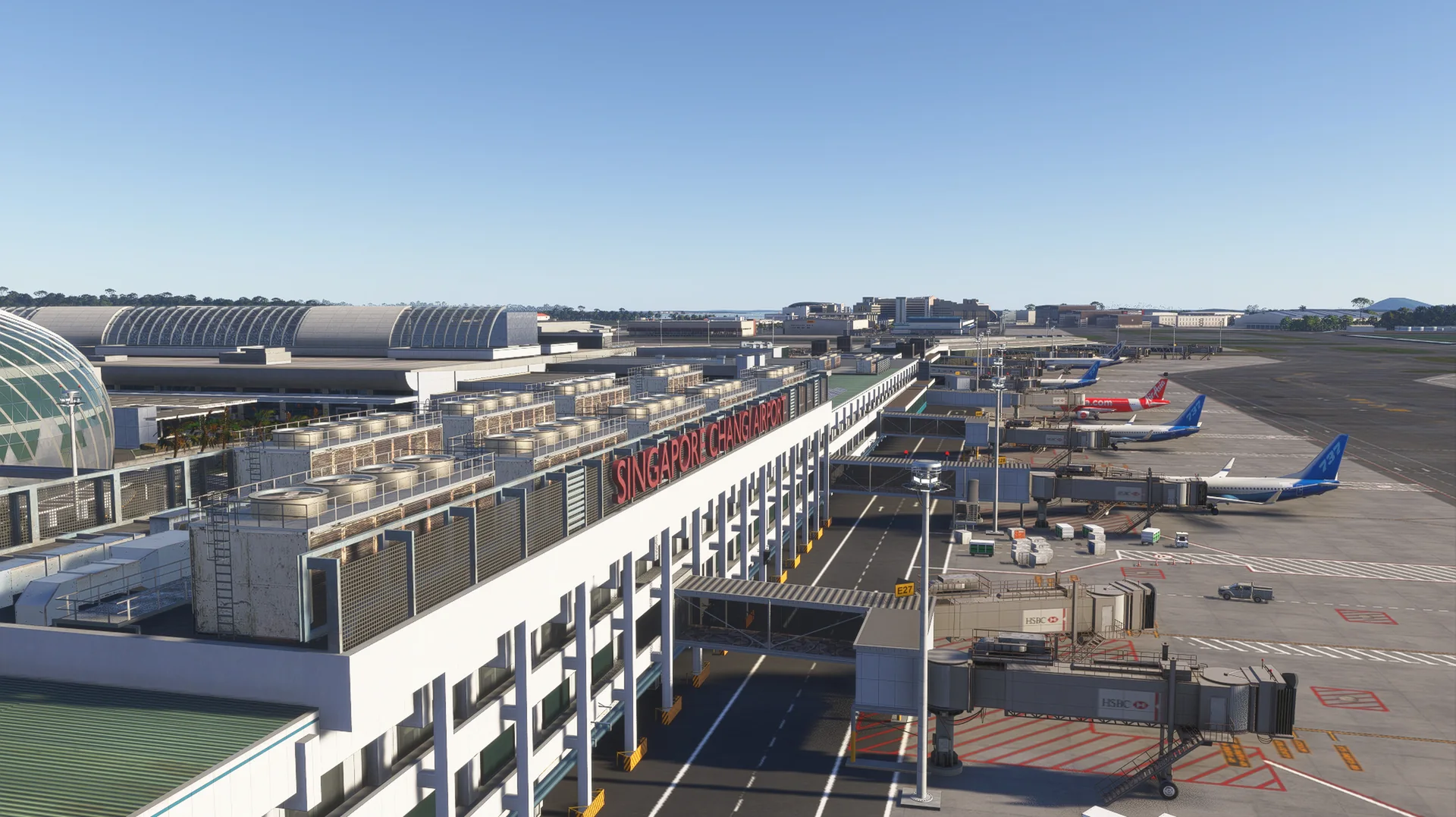
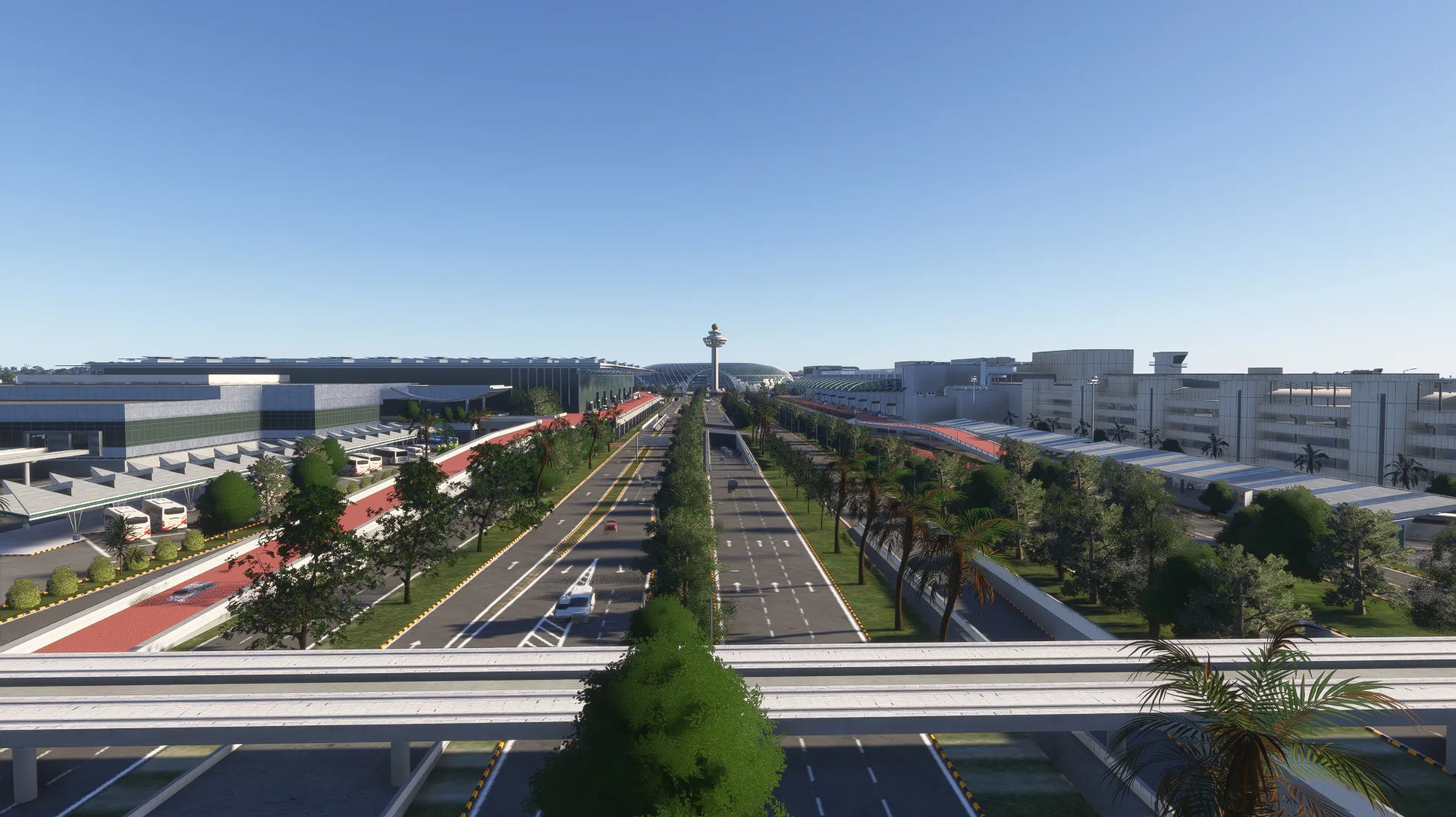
Singapore Changi Airport is the main gateway to Singapore and one of the busiest and most awarded airports in the world, with four passenger terminals, the Jewel and three runways on the east of the island.
Features
Built from scratch for MSFS 2024
Custom built for Microsoft Flight Simulator 2024 from research, photos and up-to-date charts.
Terminals and the Jewel
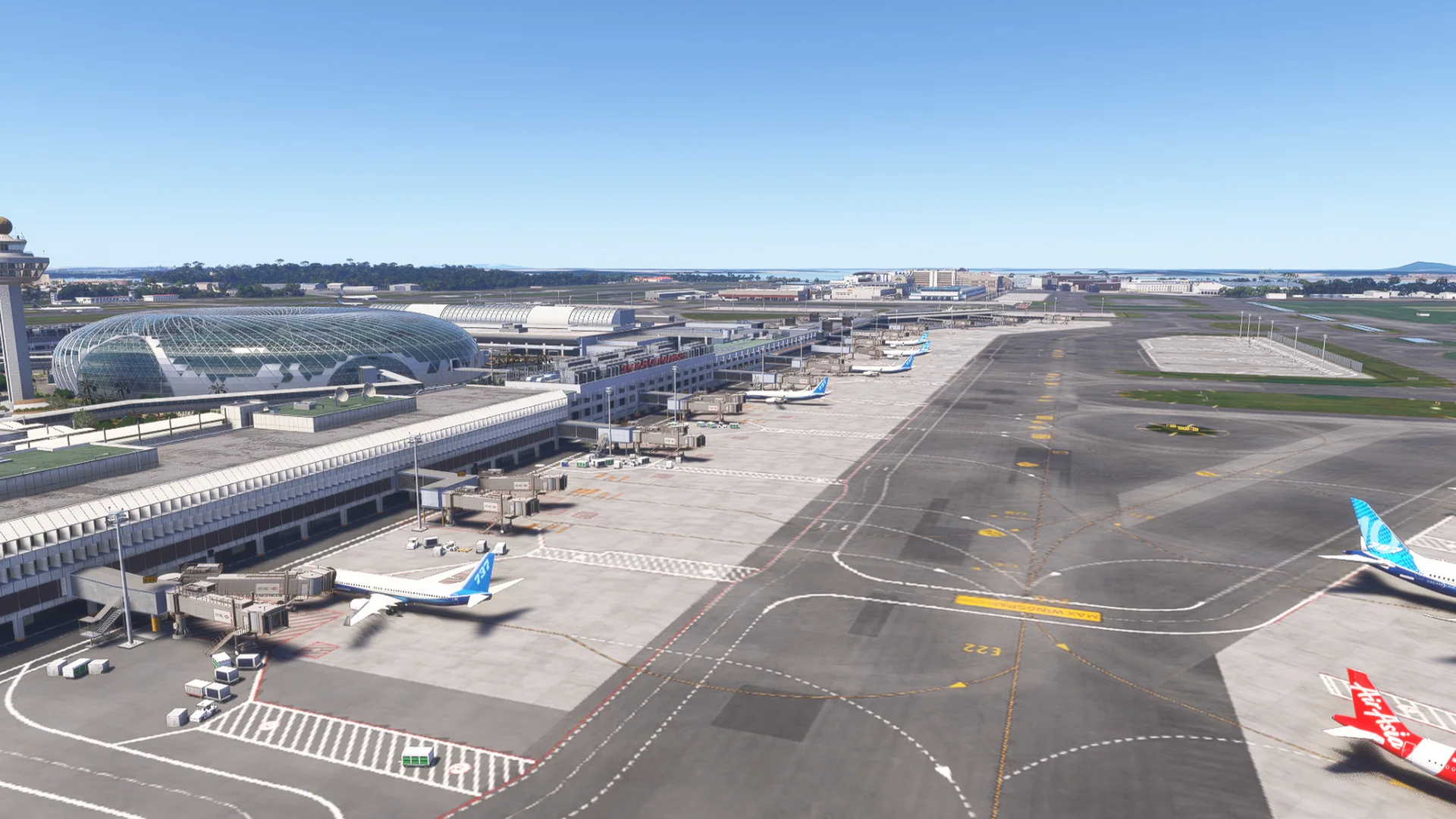
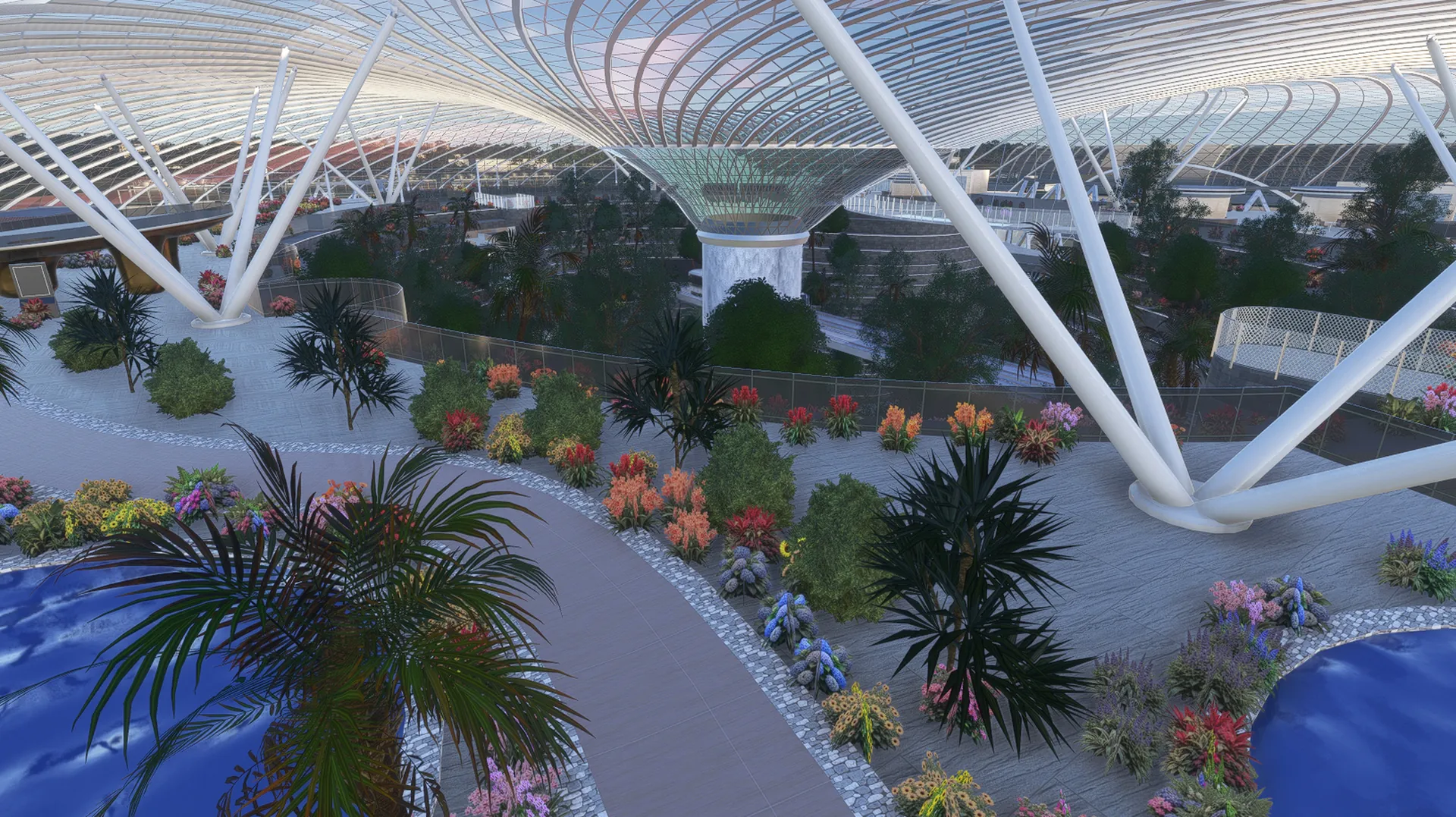
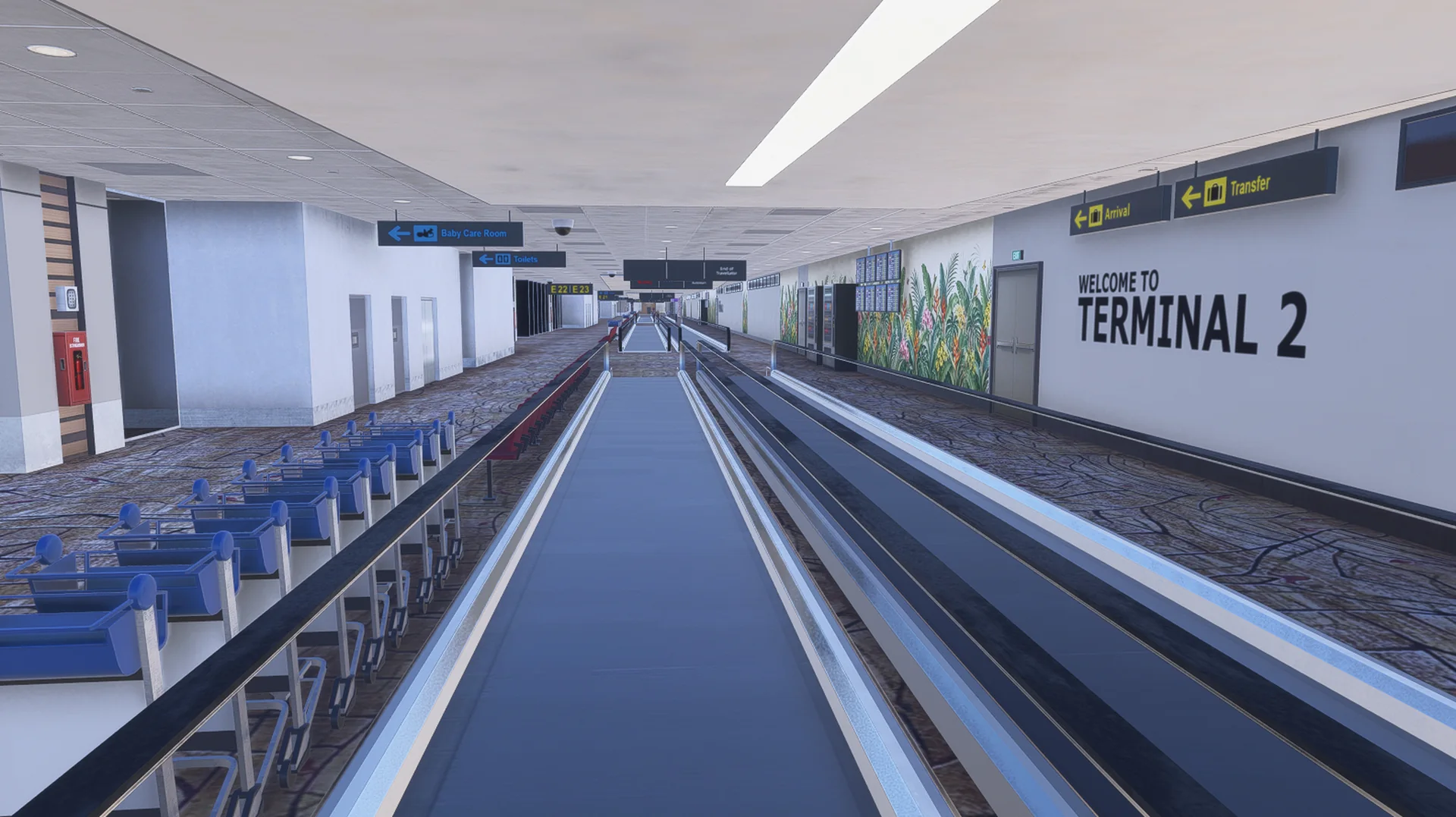
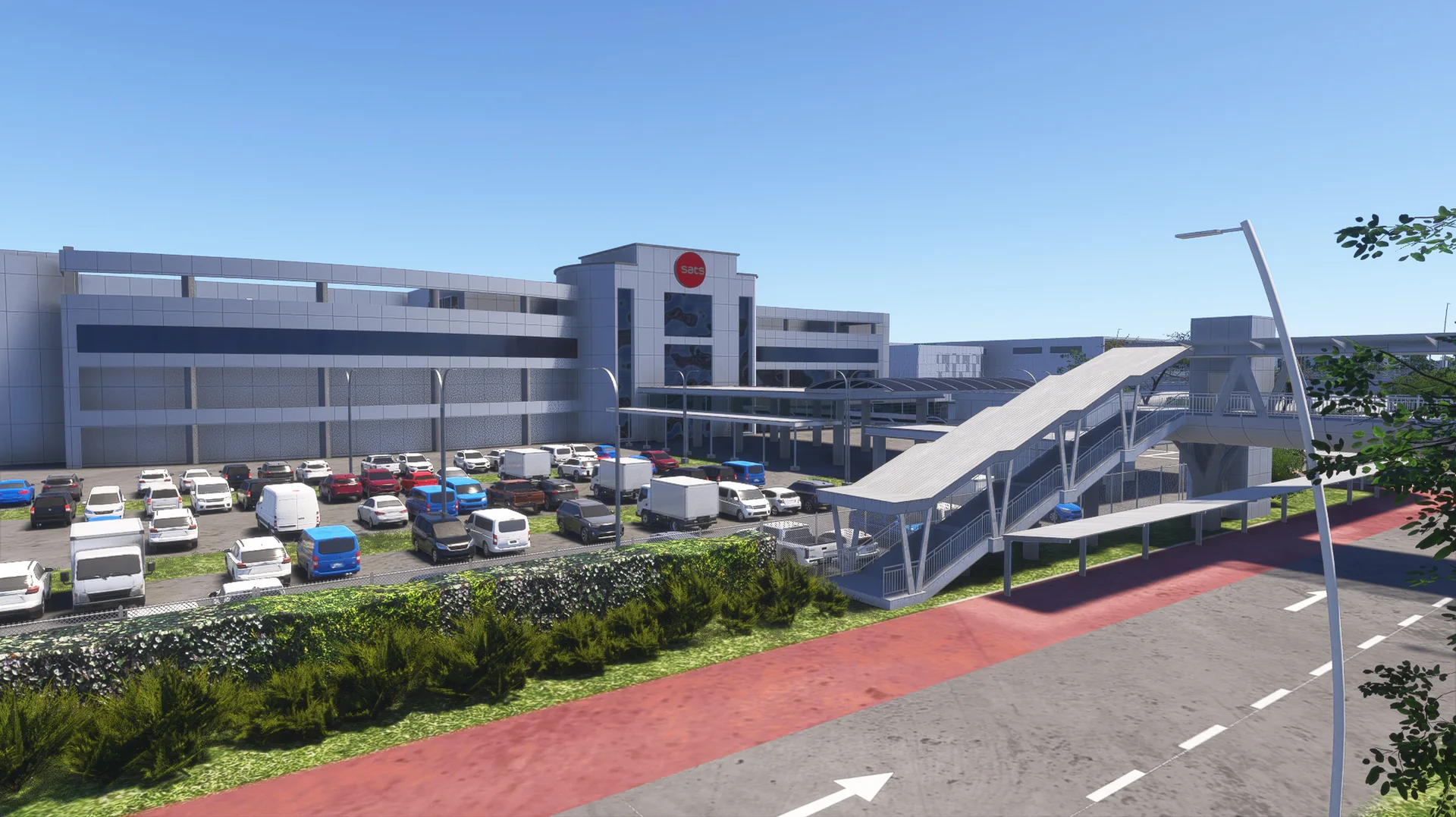
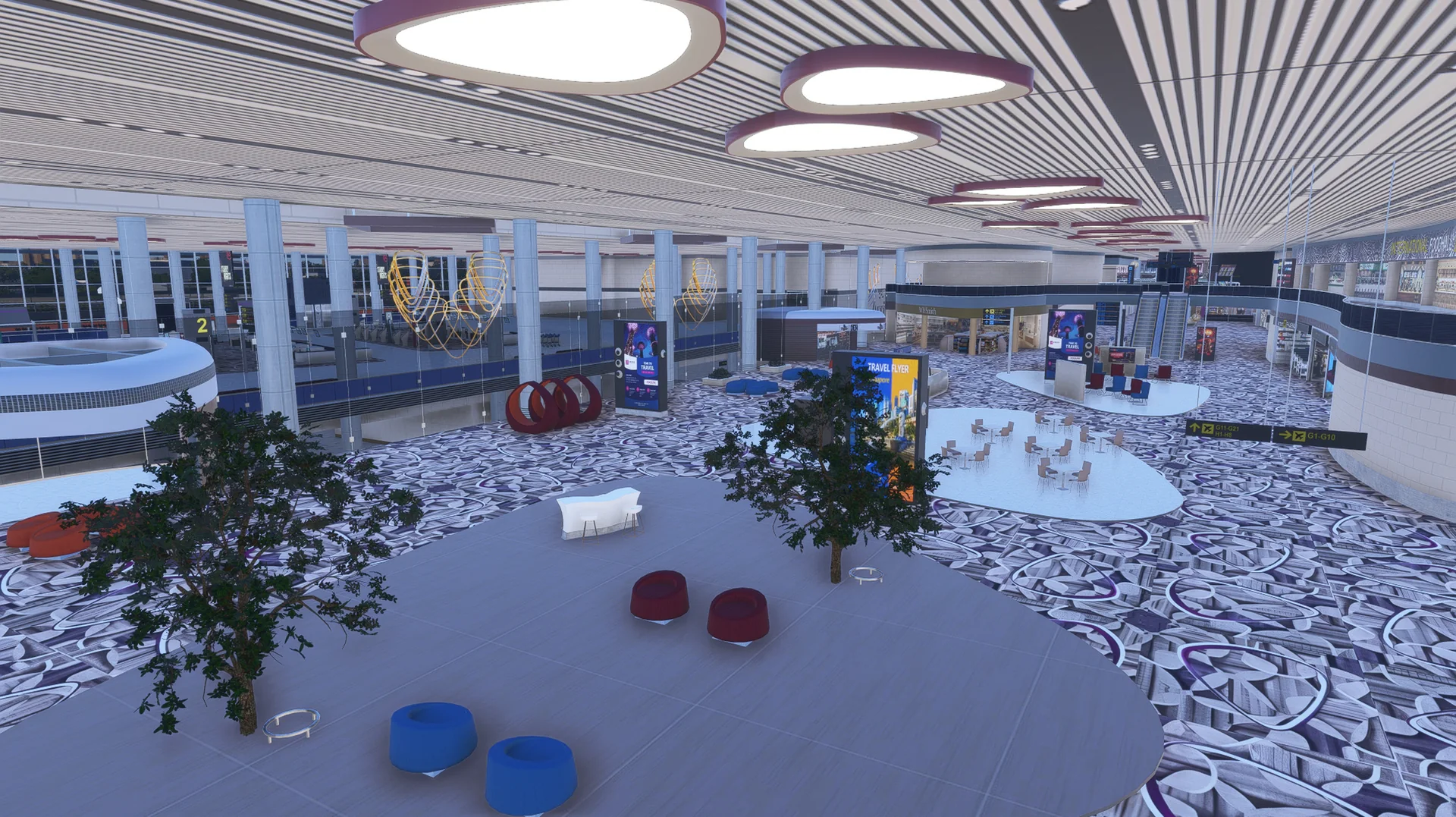
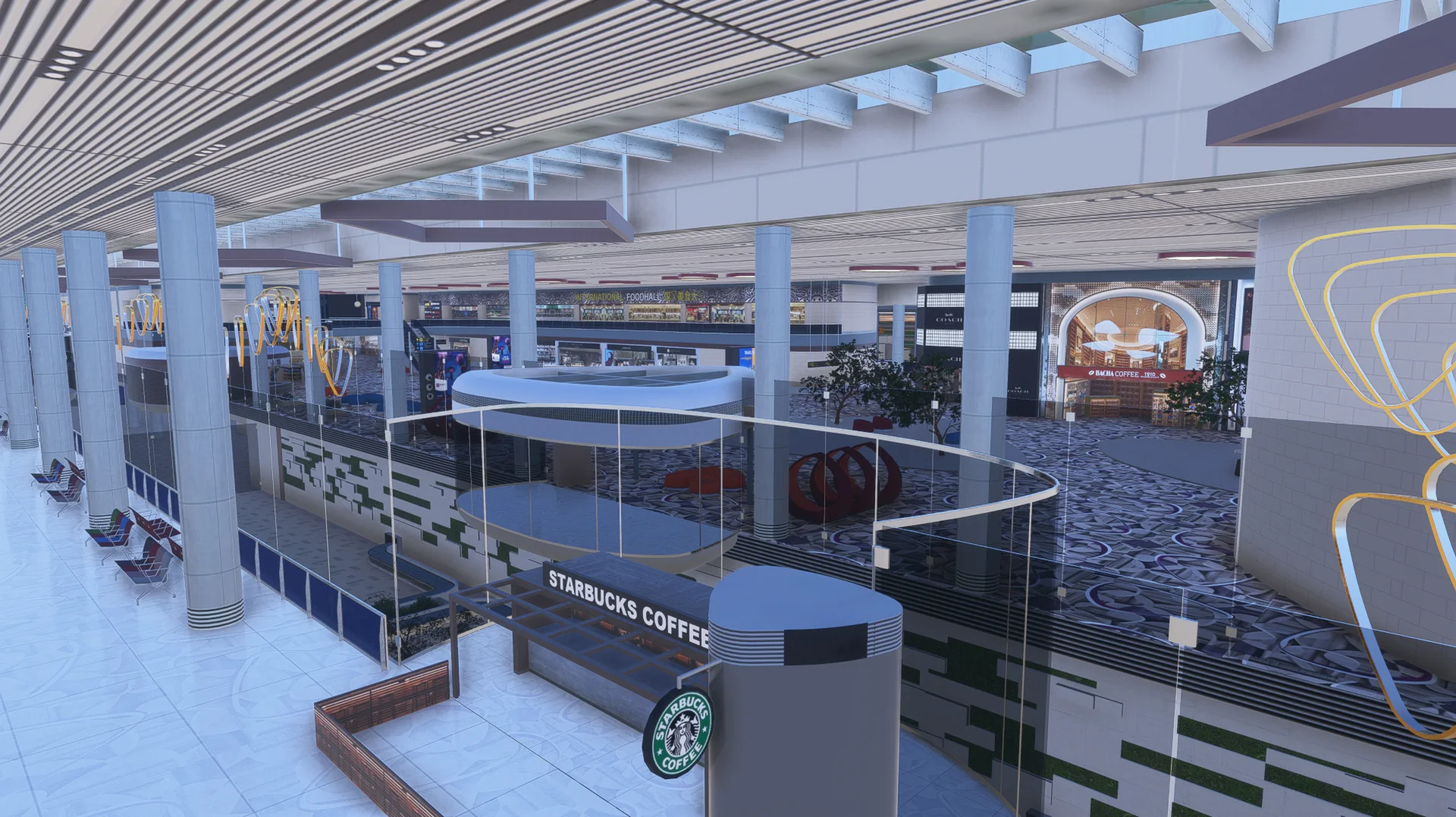
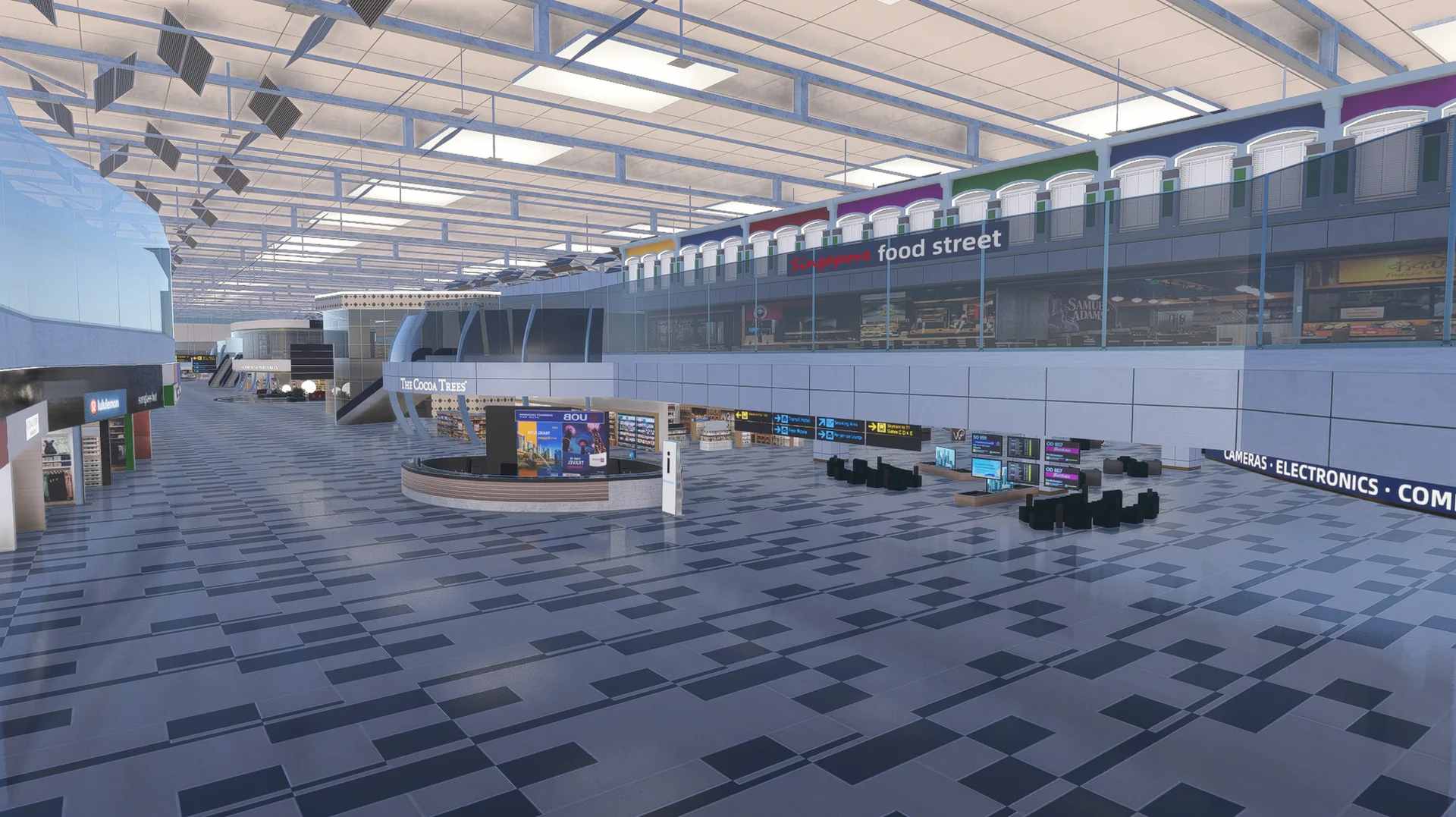
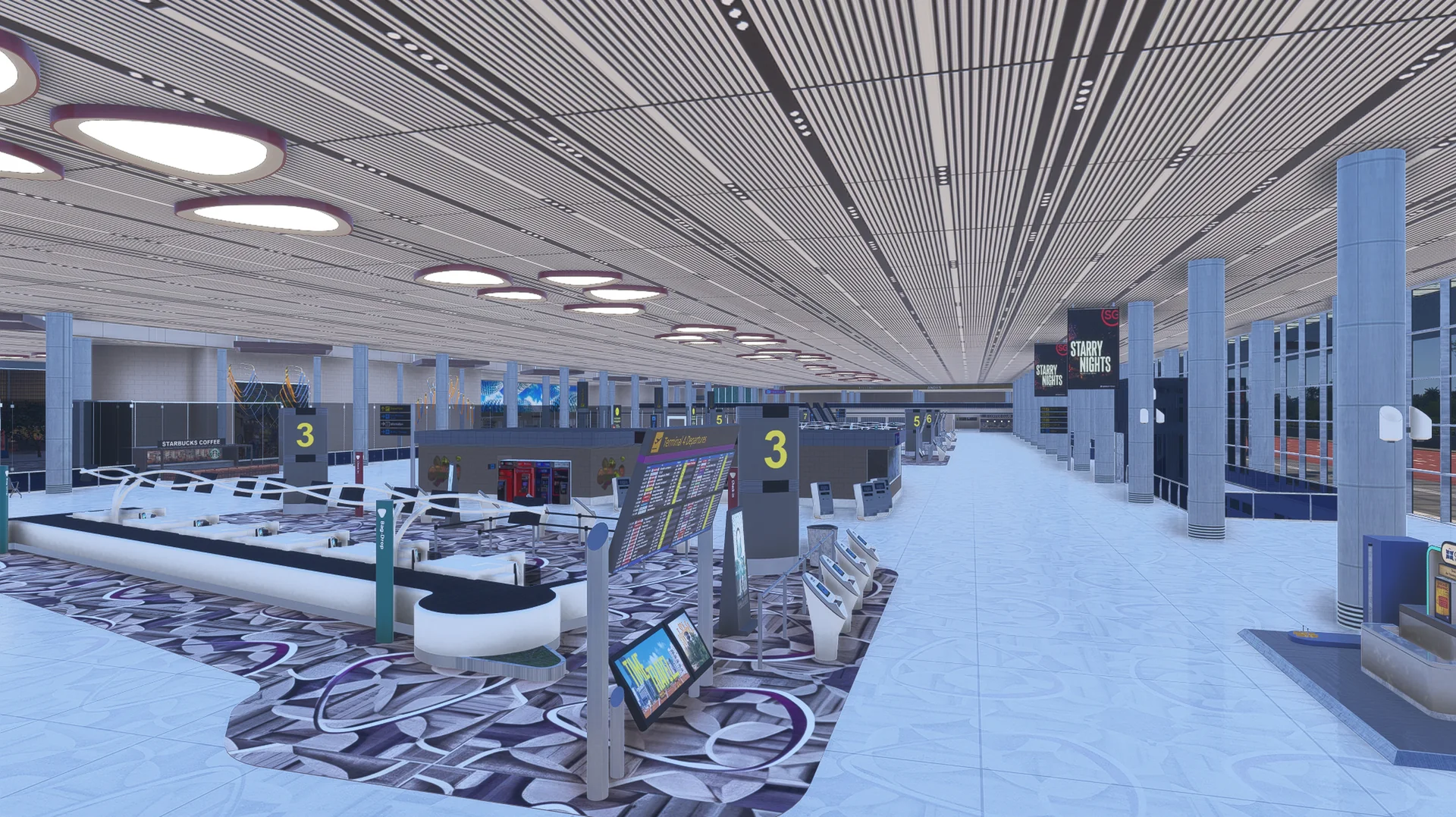
Terminals 1, 2, 3 and 4 and the Jewel, with detailed interiors in Terminals 2 and 3.
Runways and taxiways
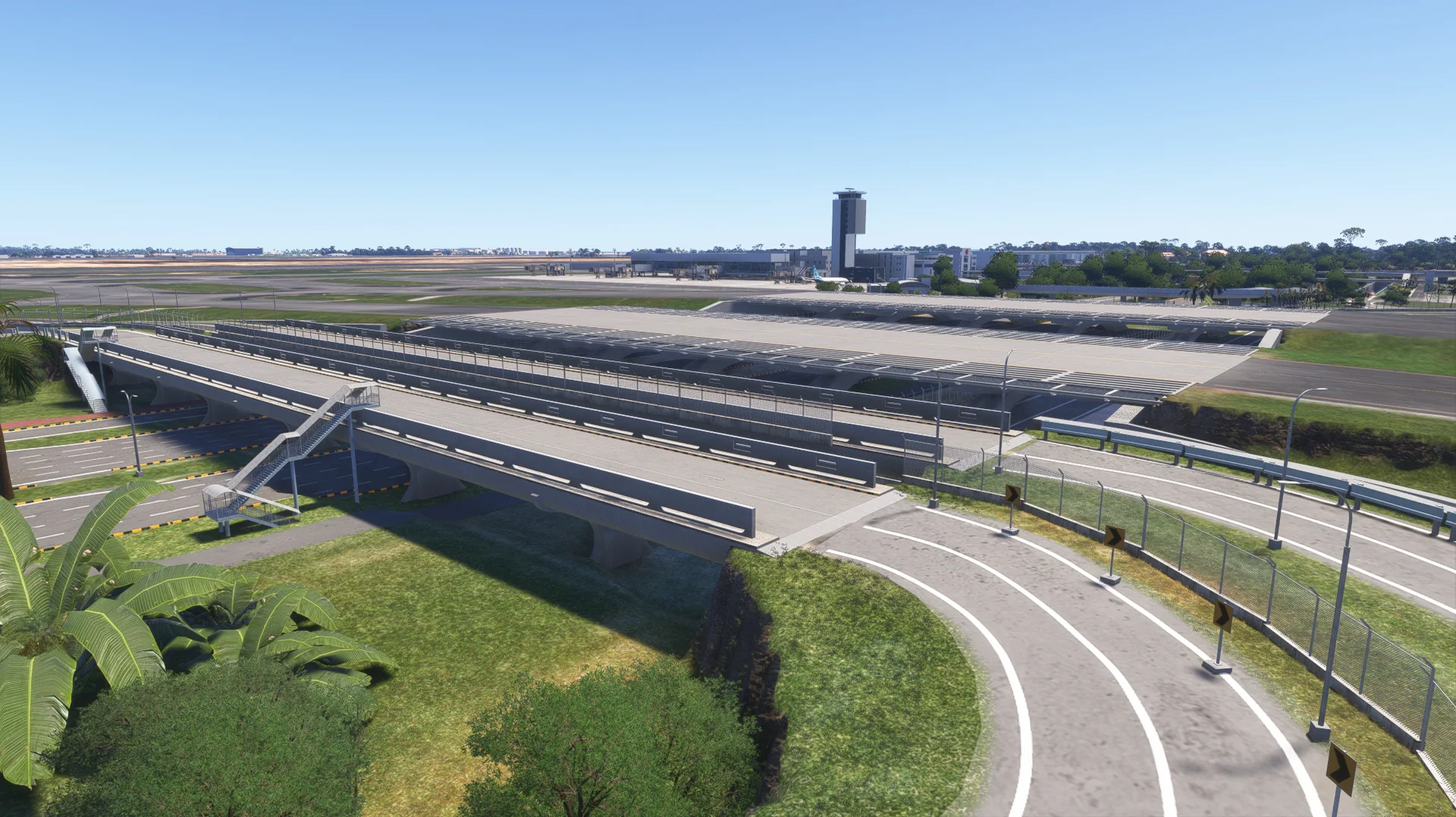
All three runways and the full taxiway network, holding positions and markings matched to the charts.
3D taxiway signs
Custom 3D taxiway signs across the whole airport, lit at night.
Taxiway lighting
Custom taxiway centre-line lighting.
Gates and ground
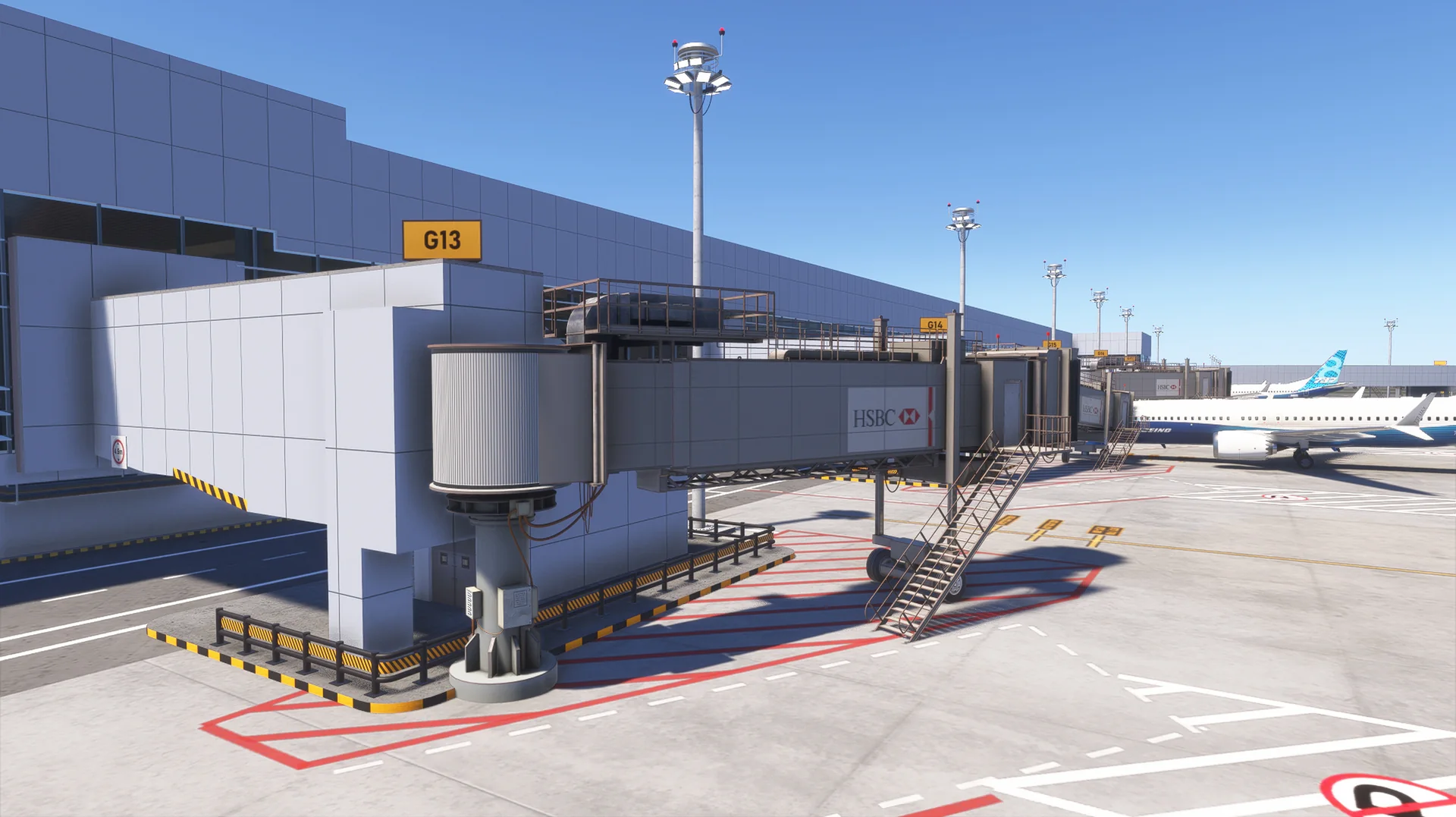
Custom jetways, docking displays, parking stands, ground textures and markings.
Apron life
Ground service vehicles and apron equipment along the piers and service roads.
Cargo and support areas
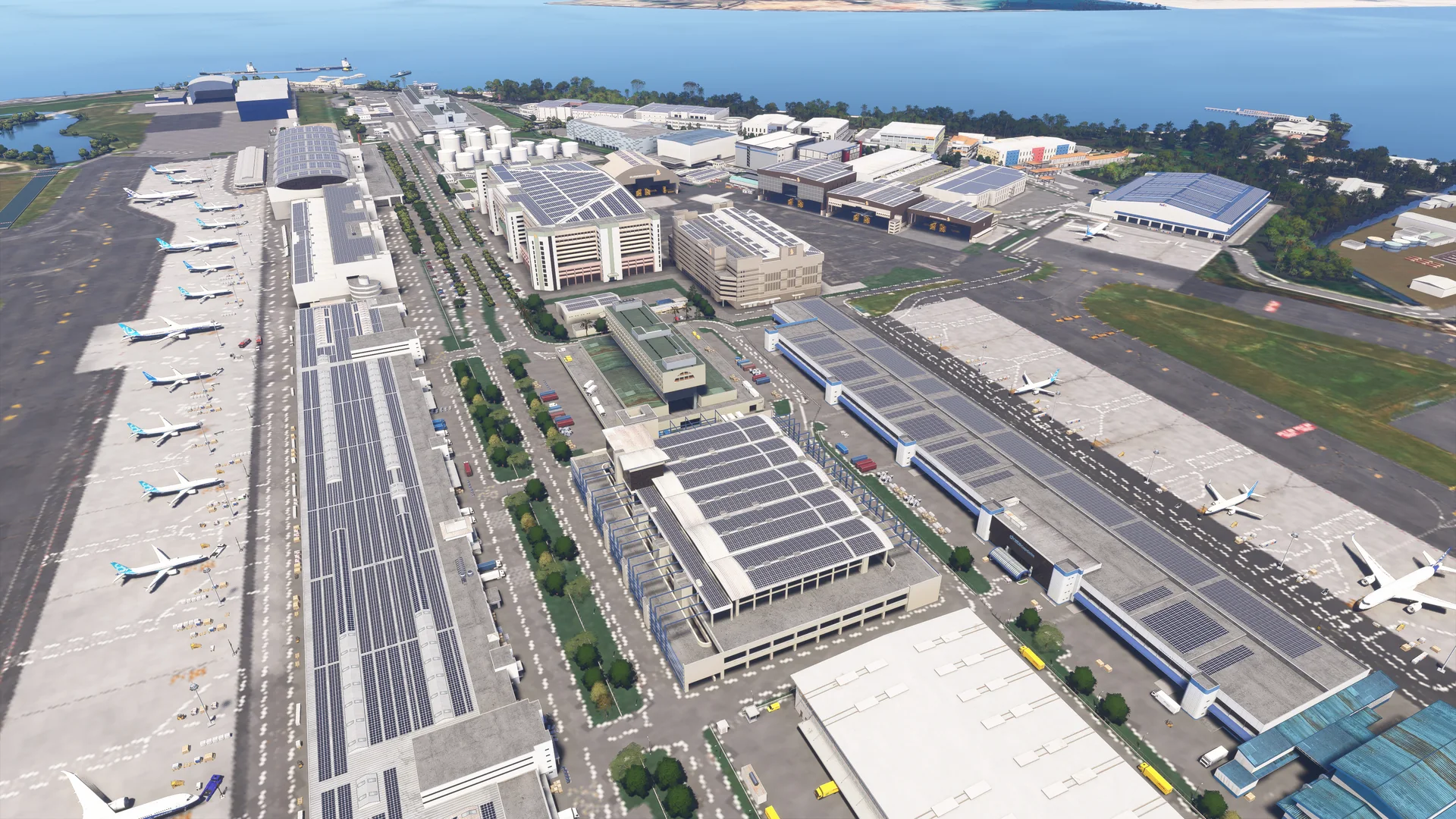
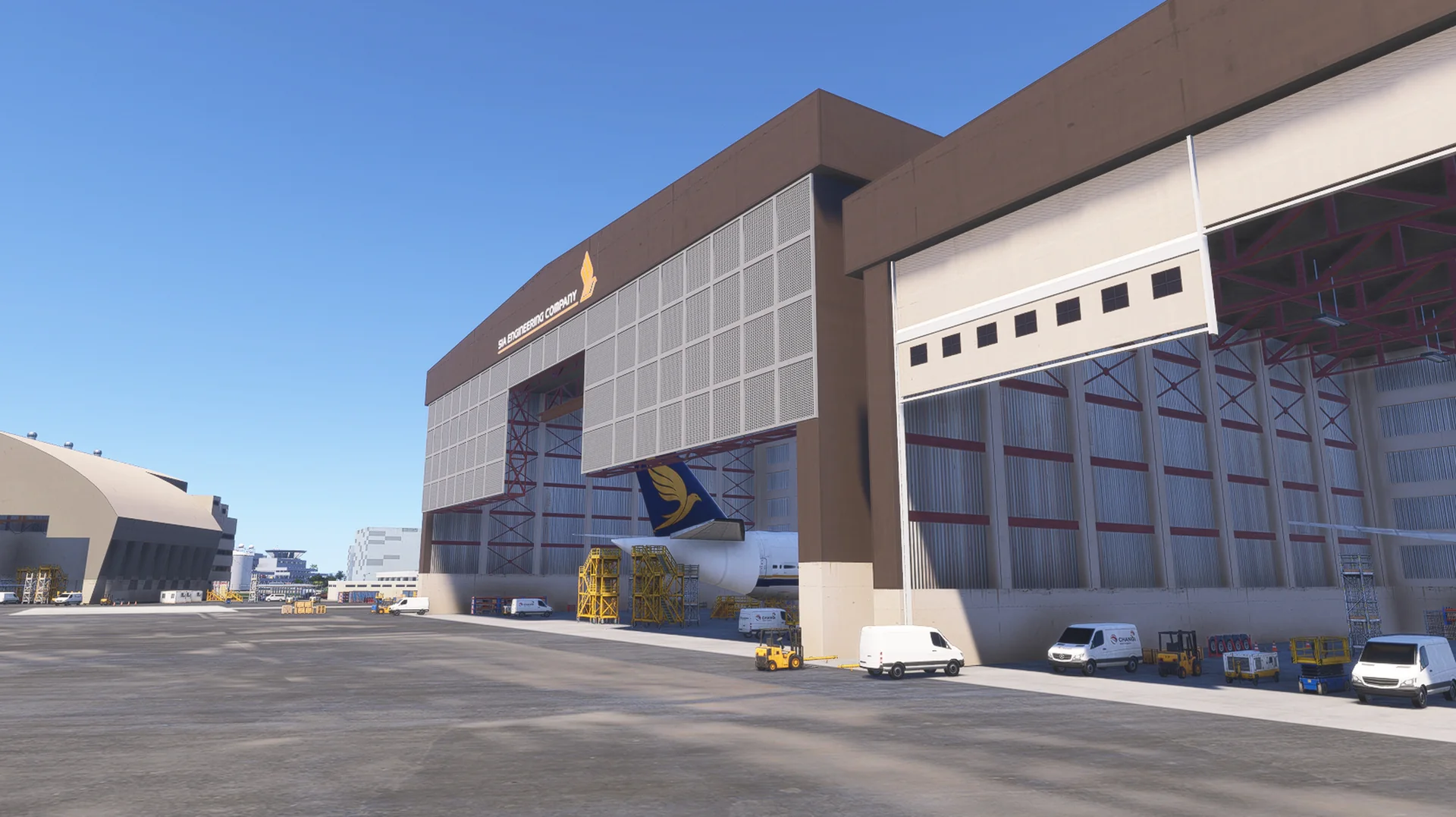
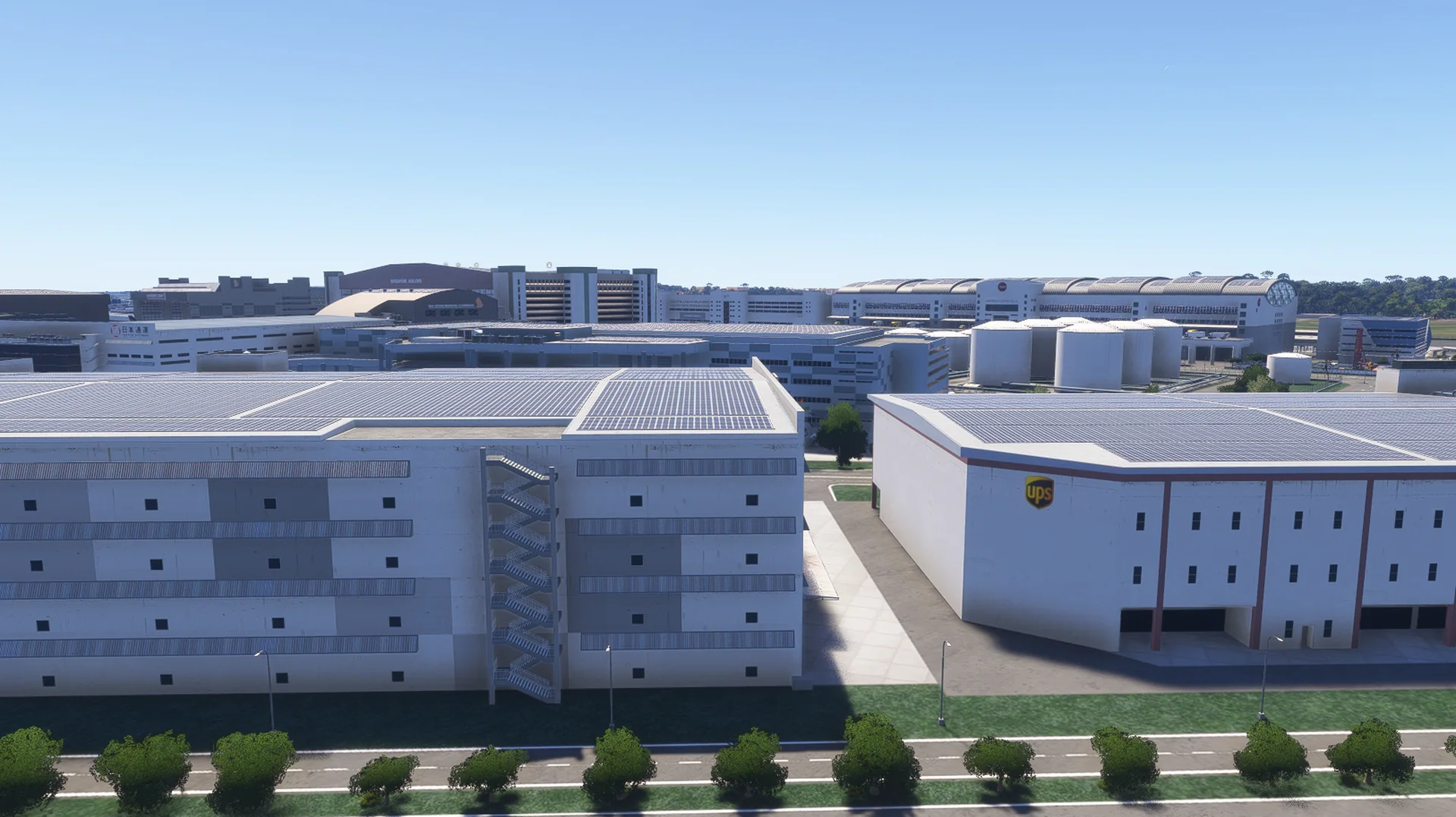
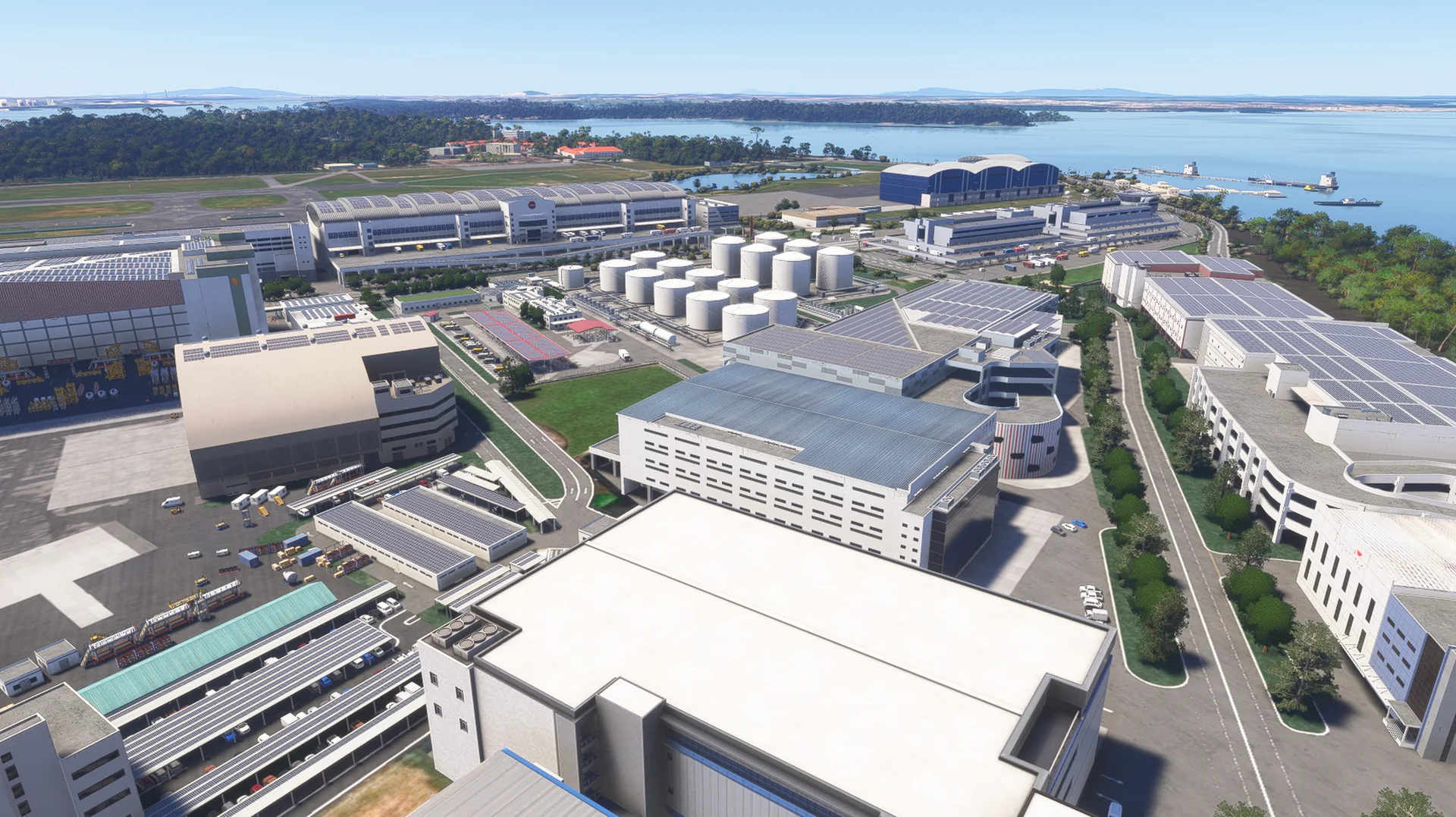
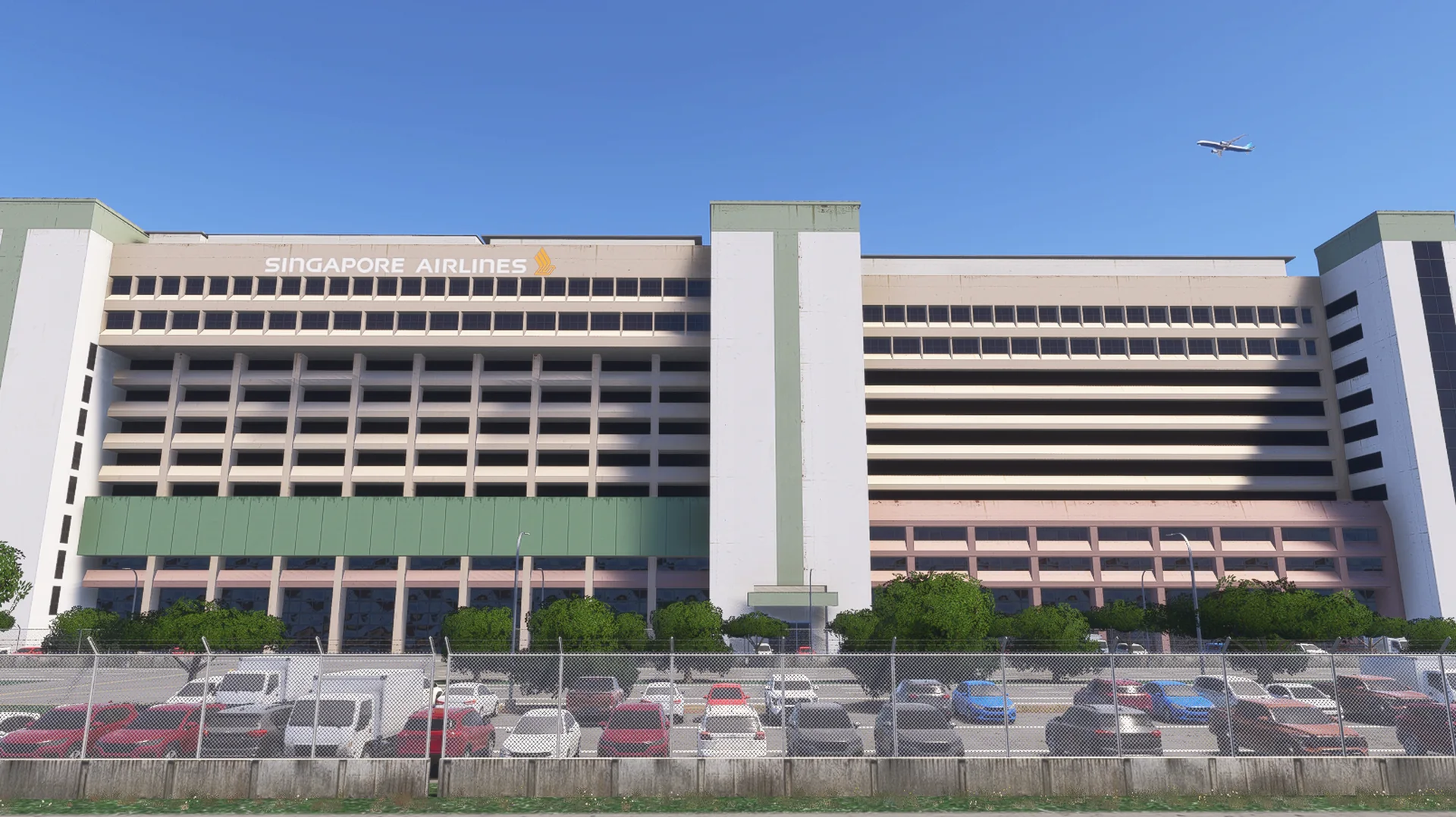
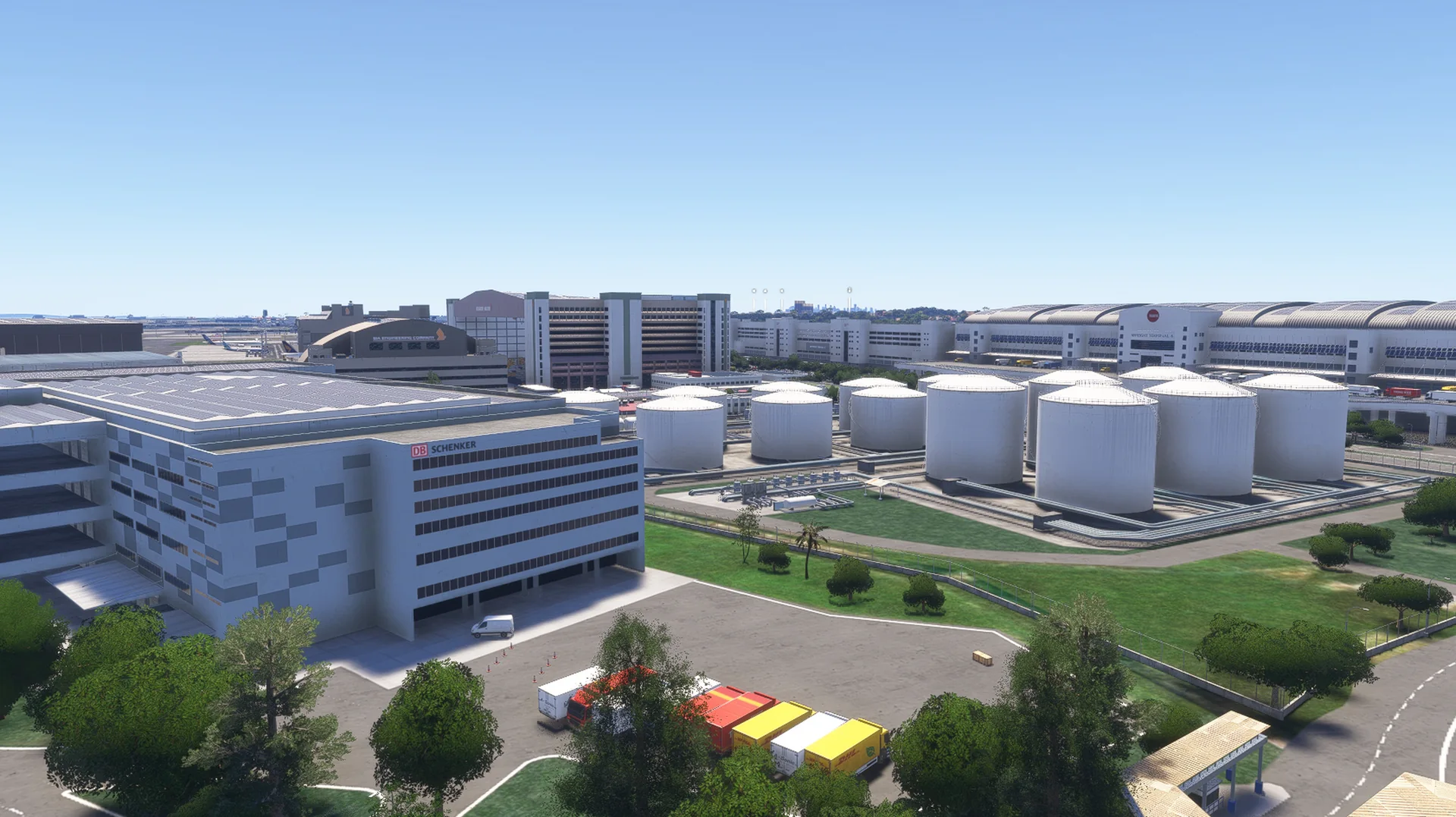
Changi Airfreight Centre, SIA Engineering hangars, the CAFHI fuel area and Changi North.
The approach scenery
Changi Bay Point, Tanah Merah Ferry Terminal, the SAF Ferry Terminal and fuel jetty, the Changi Water Reclamation Plant, Changi Coast Road and Changi Village.
Around the airport
Changi Business Park and the Singapore EXPO, the East Coast Integrated Depot with its trains, and the RSAF Fokker 50s at Changi Air Base (West).
PBR and night lighting
Full PBR textures and night lighting.
GSX Pro profile included
Docking displays, stop positions per aircraft type and pushback per stand.
Free updates
Future updates for bug fixes and compatibility at no cost.
Screenshots
Where to buy
WSSS will be sold through our partner stores.
Requirements
- Built exclusively for MSFS 2024 Edition.
- Microsoft Flight Simulator 2024 (PC), latest update installed
- Windows 10 or Windows 11 (64-bit)
- A PC that meets the Microsoft Flight Simulator 2024 recommended specifications
- About 1.2 GB of free disk space
- GSX Pro (optional) to use the included profile
Read before buying
- Please check the screenshots before buying the product.
- Free updates are provided for bug fixes and compatibility issues.
- This is a new product for MSFS 2024, separate from our WSSS for MSFS 2020.
Installation
- Install the product with the app or download of the store you bought it from.
- Remove any other Singapore Changi / WSSS scenery, including our WSSS for MSFS 2020, to avoid conflicts.
- Restart the simulator after installing.
Finding the Community folder
Custom install location
Open the folder you chose for your MSFS 2024 content; the Community folder is inside it.
Microsoft Store / Xbox app
Type %localappdata% in Windows search, then open Packages\Microsoft.Limitless_8wekyb3d8bbwe\LocalCache\Packages\Community.
Steam
Type %appdata% in Windows search, then open Microsoft Flight Simulator 2024\Packages\Community.
Questions? Email support@cloudsurfasia-simulations.com.
News about WSSS
All news →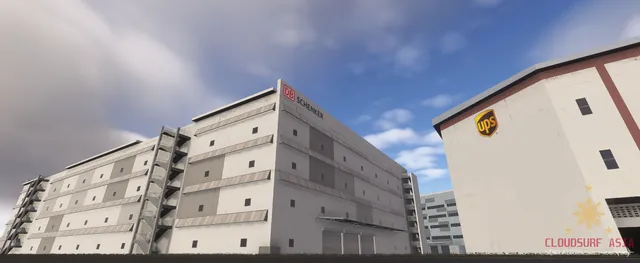
WSSS V2 for MSFS 2024 Development Update for May 2026
Please find below several screenshots highlighting our current progress on the new 3D models and texturing for the cargo area at Singapore Changi. We have rebuilt the cargo area from the ground up using the latest data we’ve gathered to...
WSSS MSFS 2024 Edition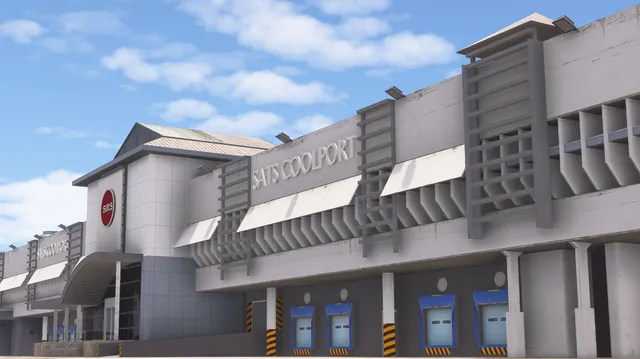
WSSS V2 for MSFS 2024 Development Update for February
Please find below several screenshots highlighting our current progress on the new 3D models and texturing for the cargo area at Singapore Changi. We have rebuilt the cargo area from the ground up using the latest data we’ve gathered to...
WSSS MSFS 2024 Edition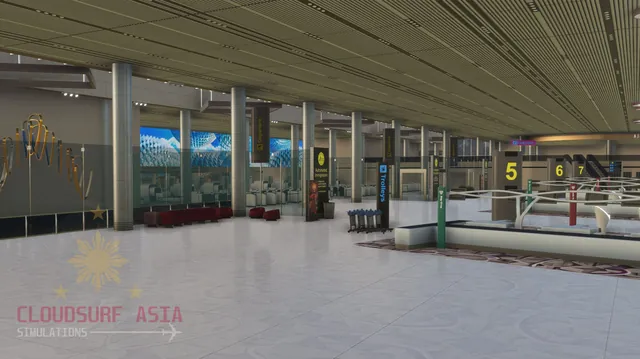
WSSS V2 for MSFS 2024 Coming Soon
Hello Captians, as we all know, we are heavily working for our upcoming WSSS Singapore Changi Airport V2 for MSFS 2024. We do not have Estimated date yet for release but we are working fulltime to maximize our progress without sacrficing...
WSSS MSFS 2024 Edition