
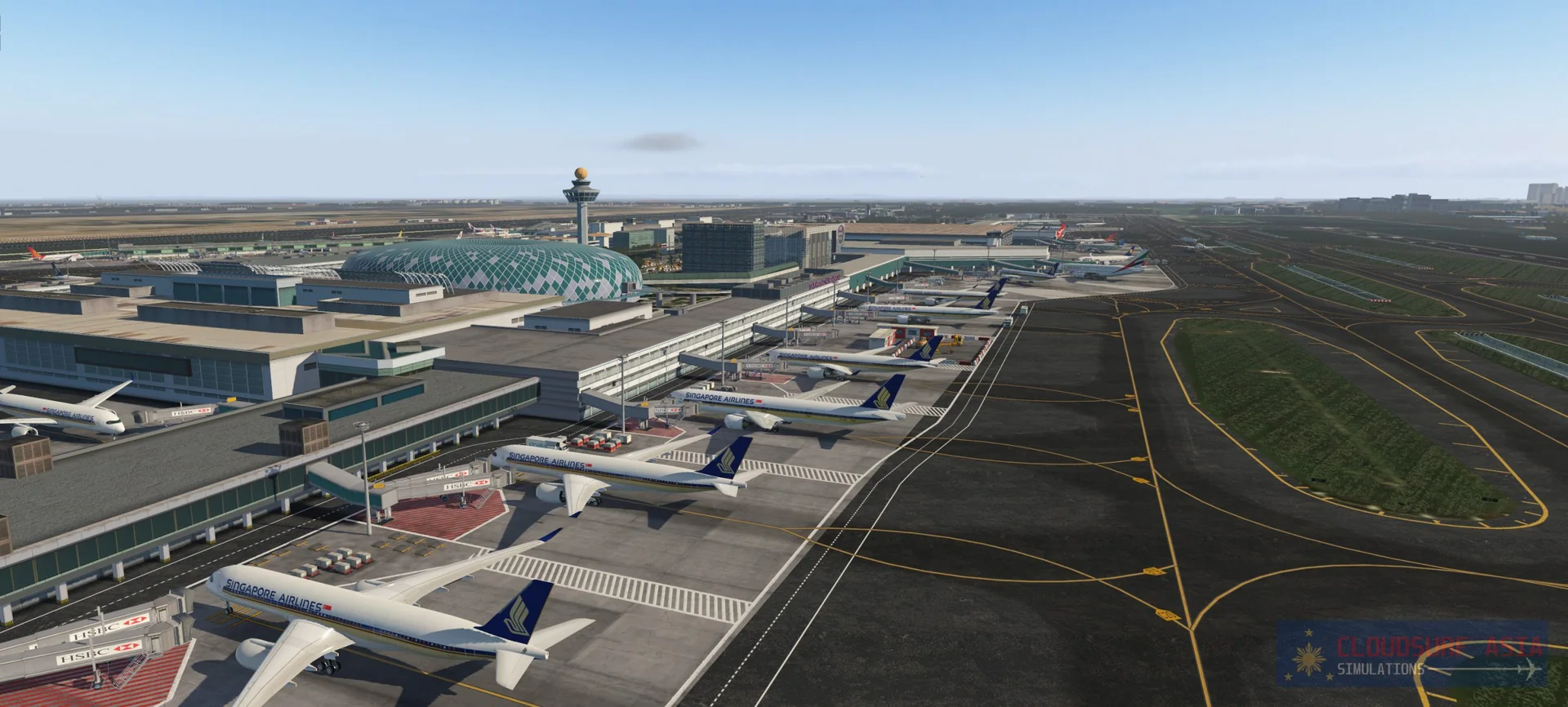
About the scenery
Singapore Changi Airport, commonly known as Changi Airport, is a major civilian airport that serves Singapore and one of the largest transportation hubs in Asia. It was rated the World's Best Airport by Skytrax seven years in a row since 2013, the first airport in the world to do so, and is one of the world's busiest airports by international passenger and cargo traffic. In 2019 Changi served 68.3 million passengers, making it the 16th-busiest airport in the world.
The airport is located in Changi, at the eastern end of Singapore, about 20 km from Marina Bay (Singapore's Downtown Core), on a 13 square kilometre site. It is operated by Changi Airport Group and is the home base of Singapore Airlines, Singapore Airlines Cargo, SilkAir, Scoot, Jetstar Asia Airways and BOC Aviation.
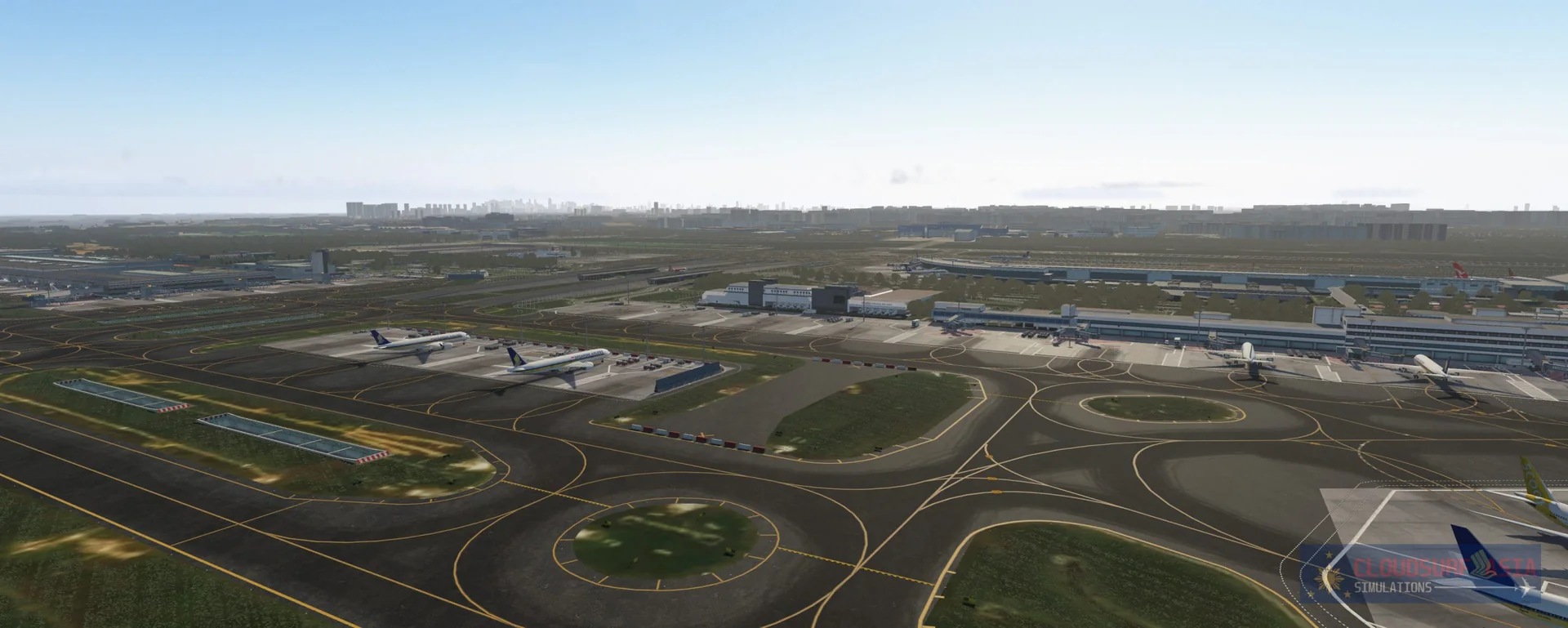
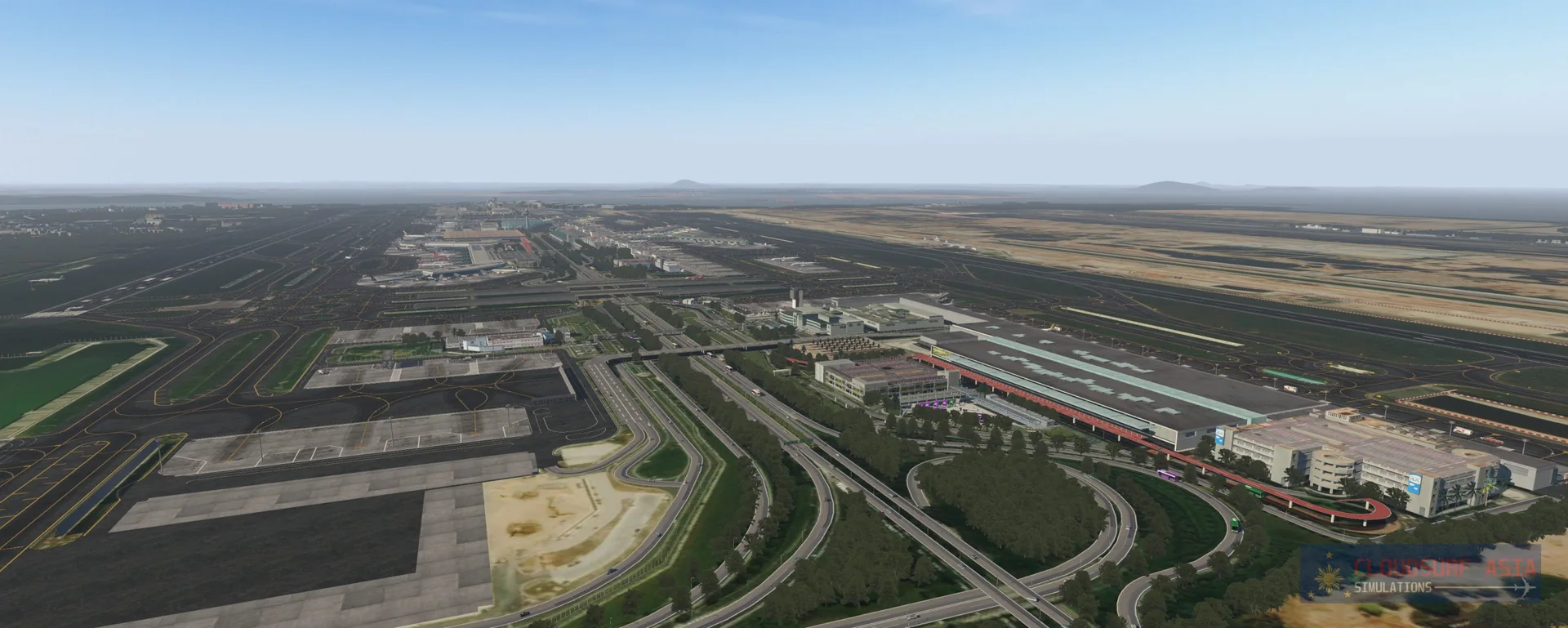
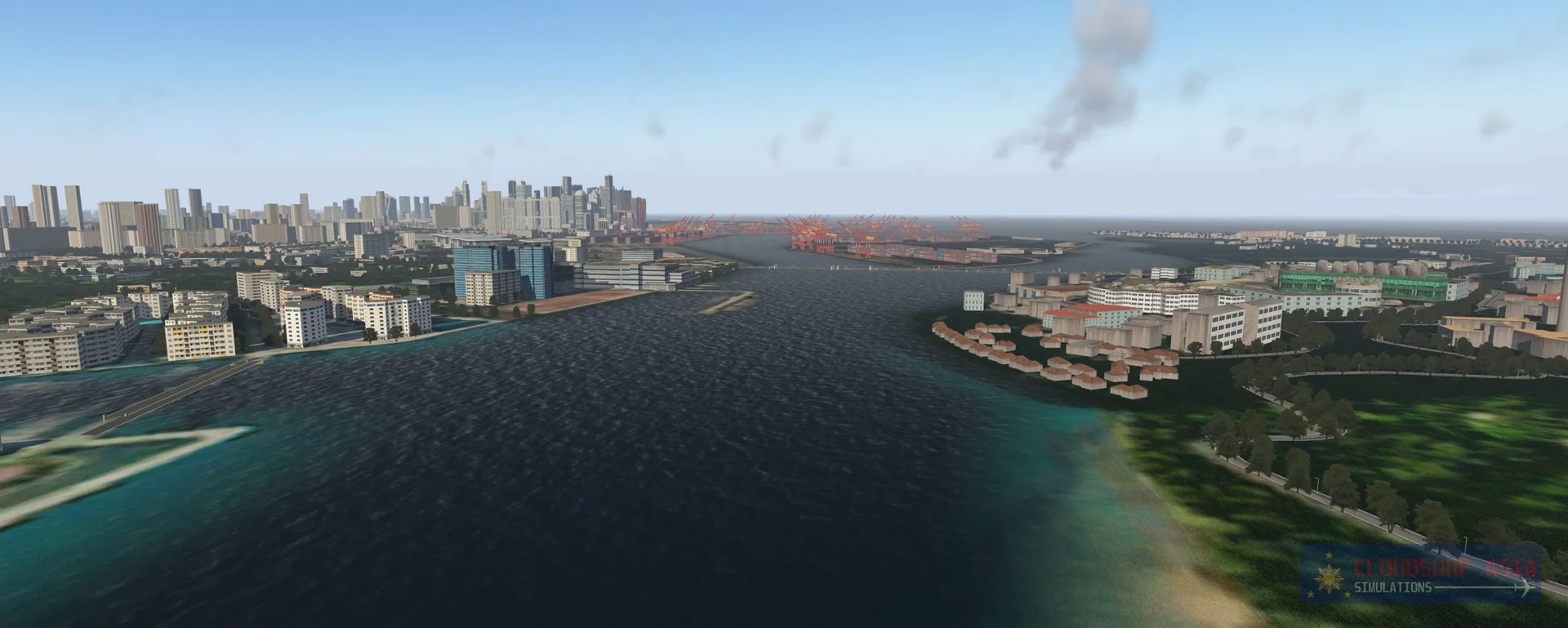
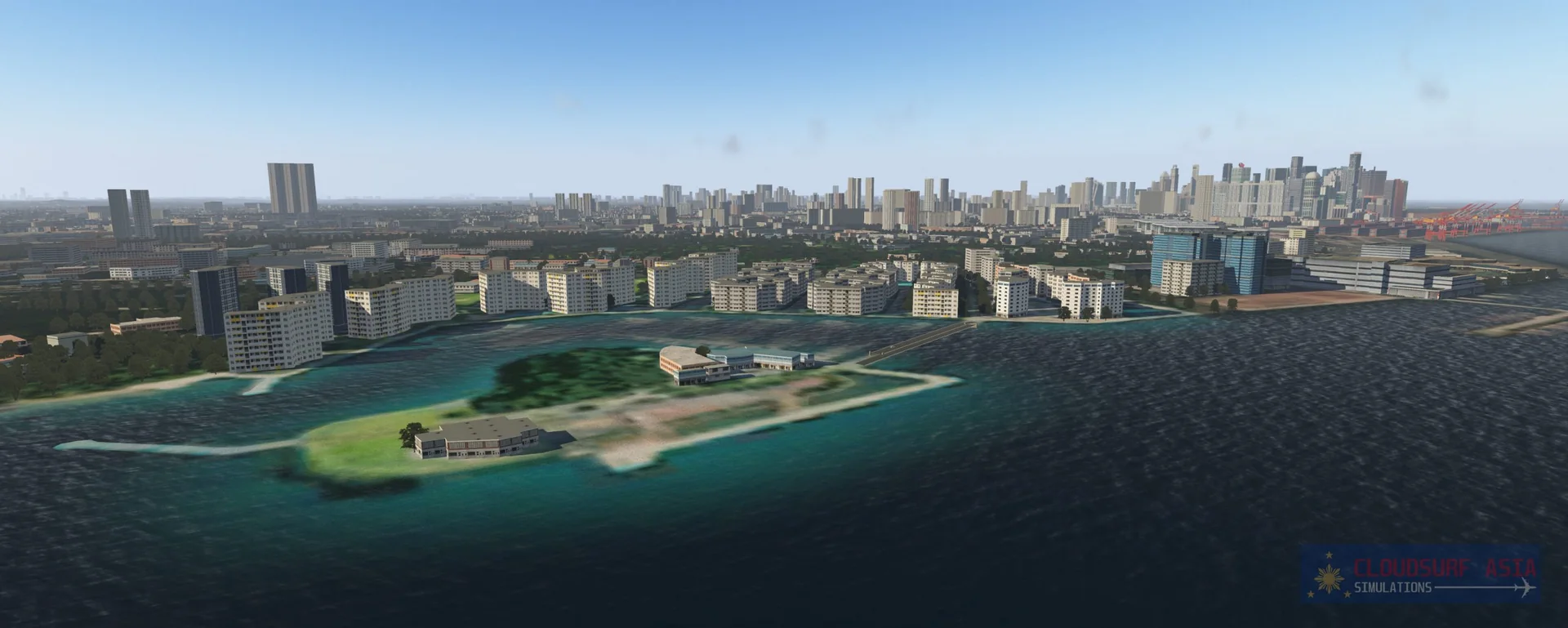
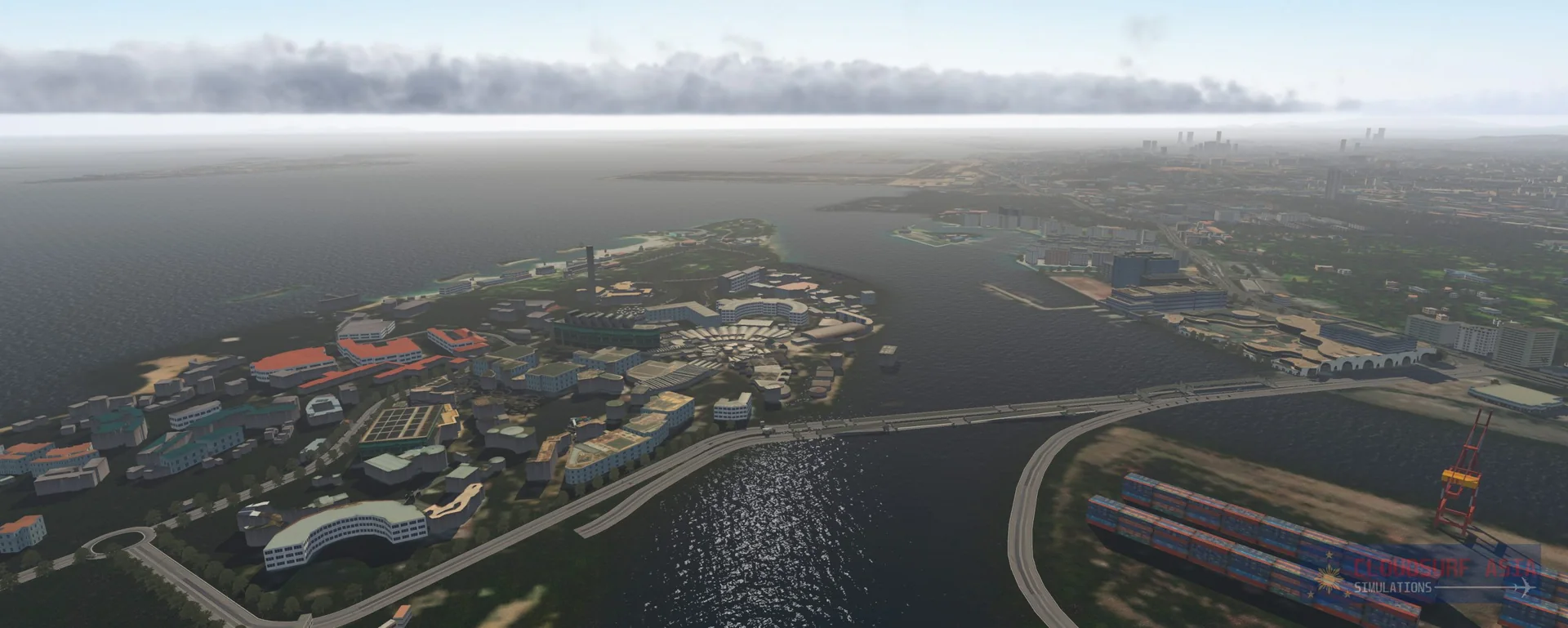
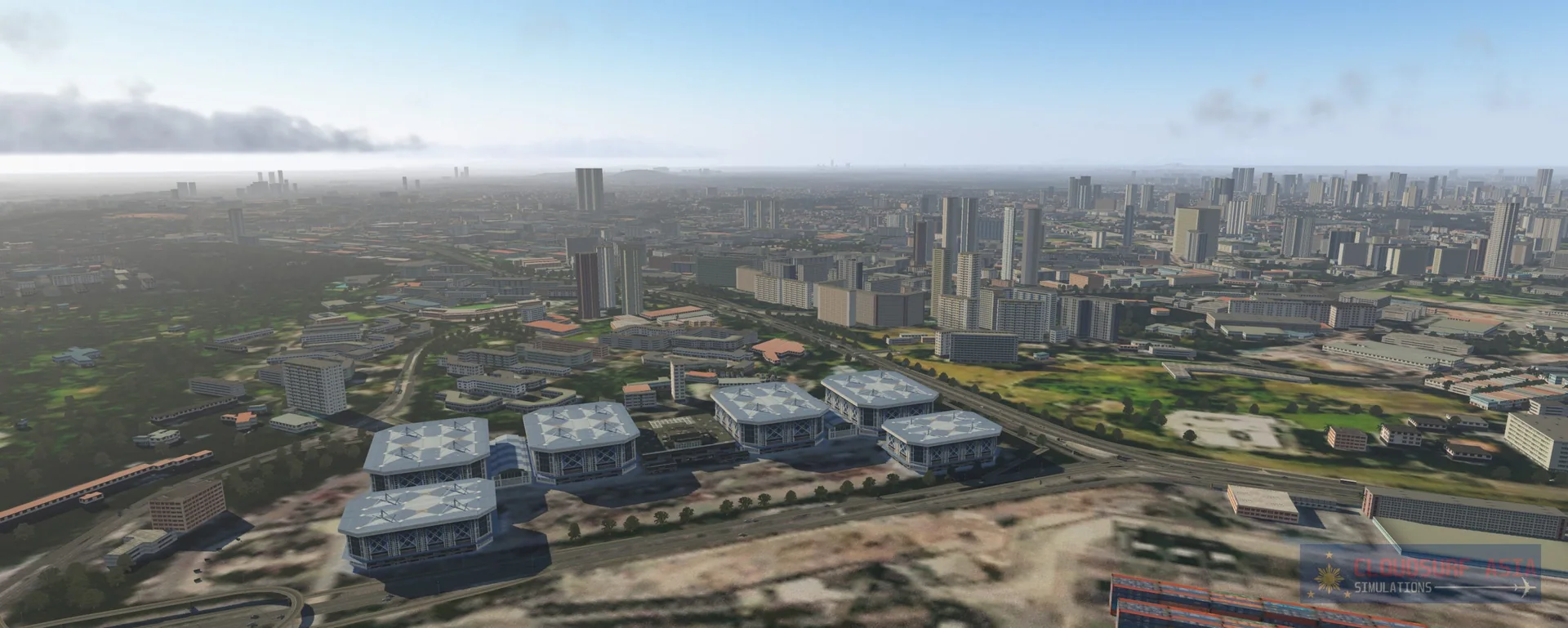
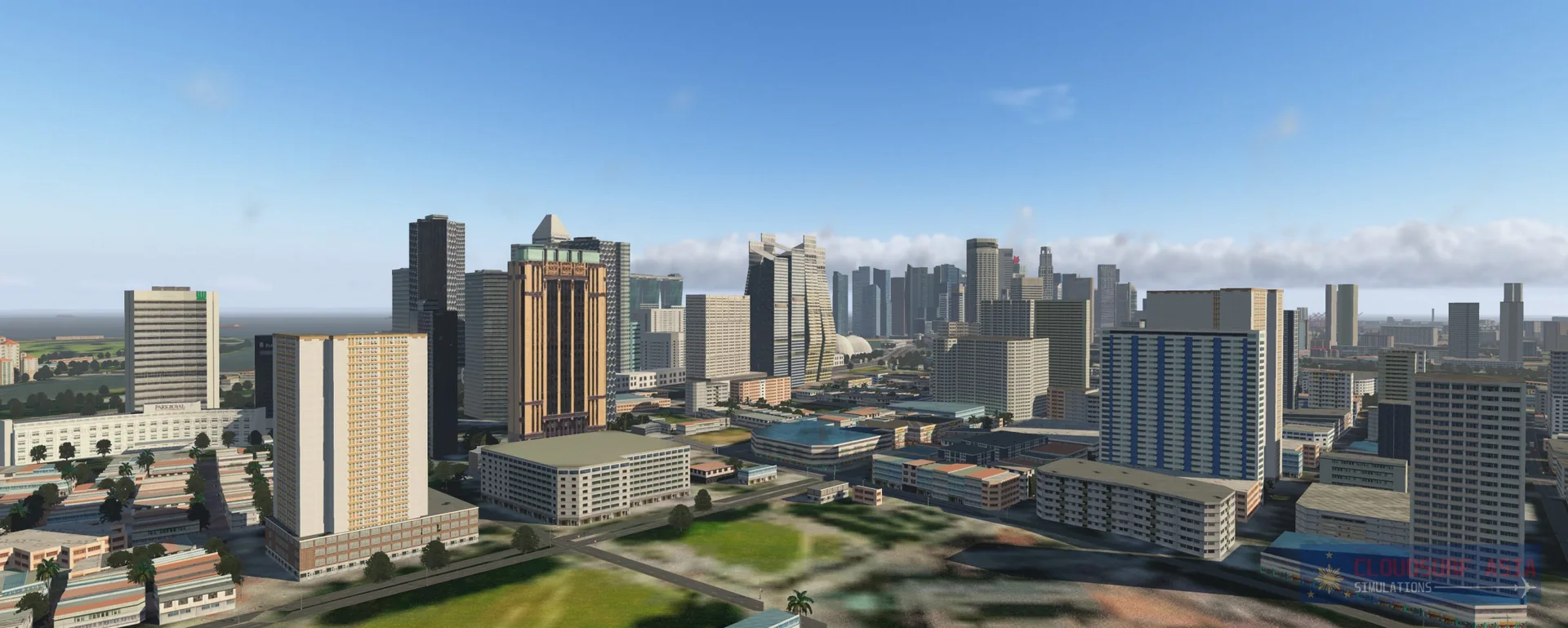
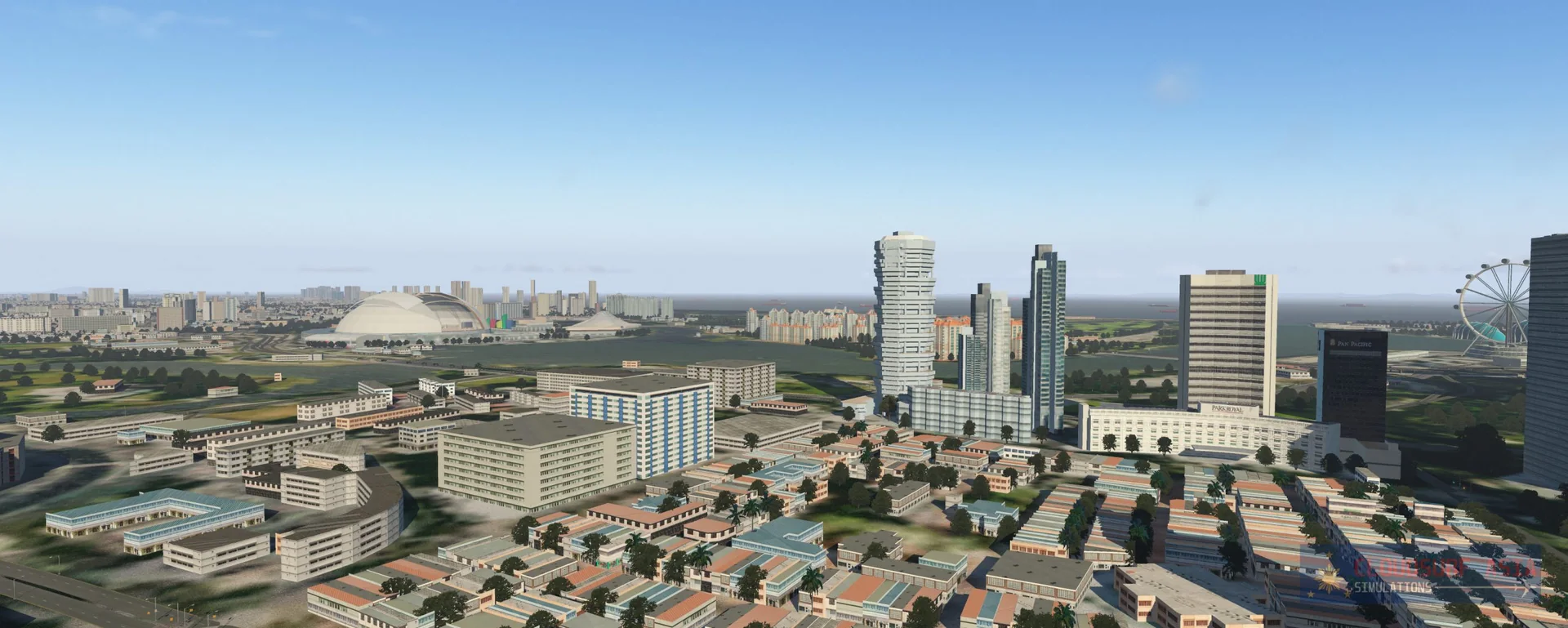
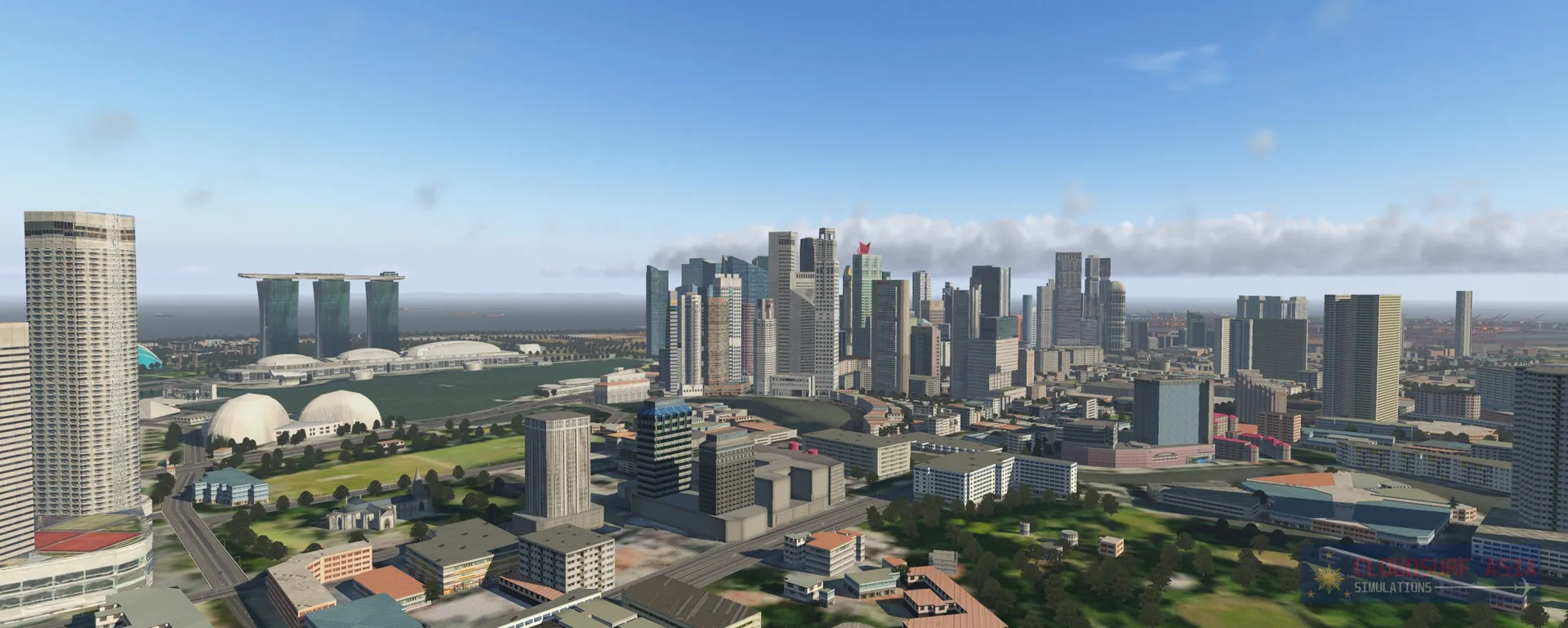
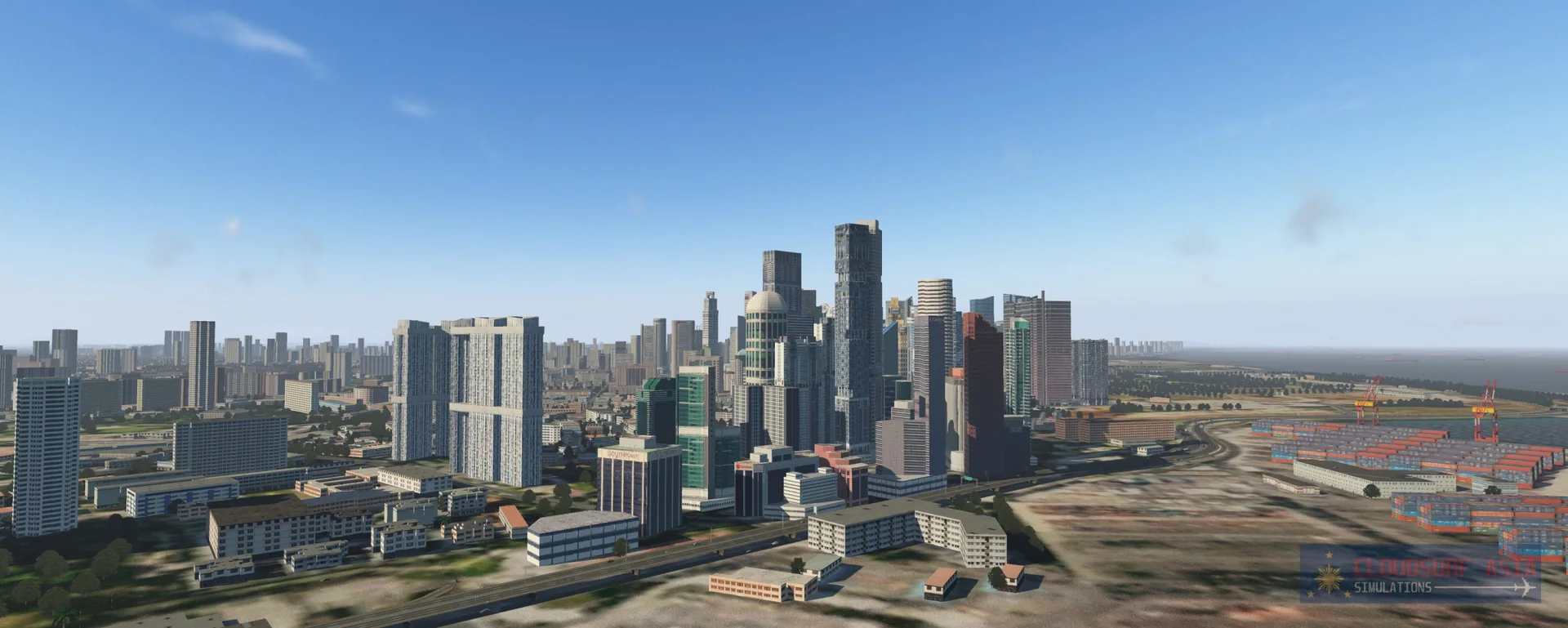
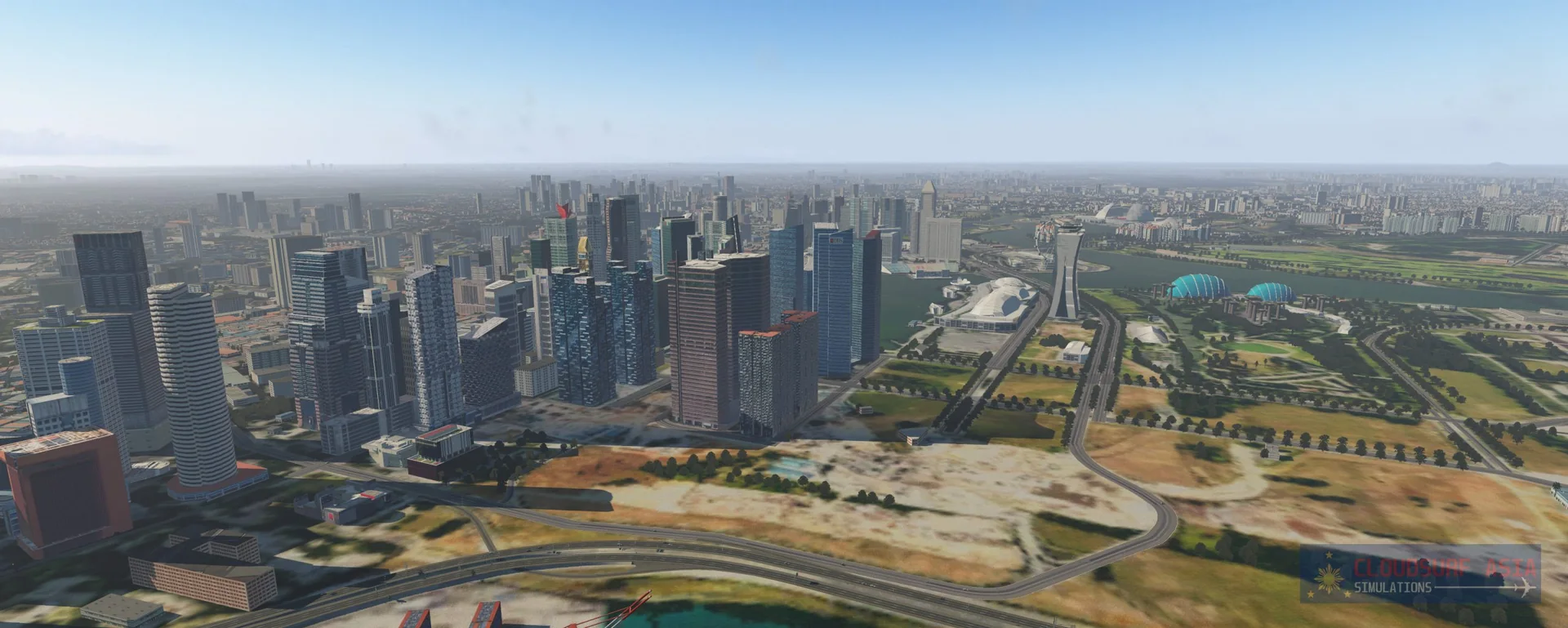
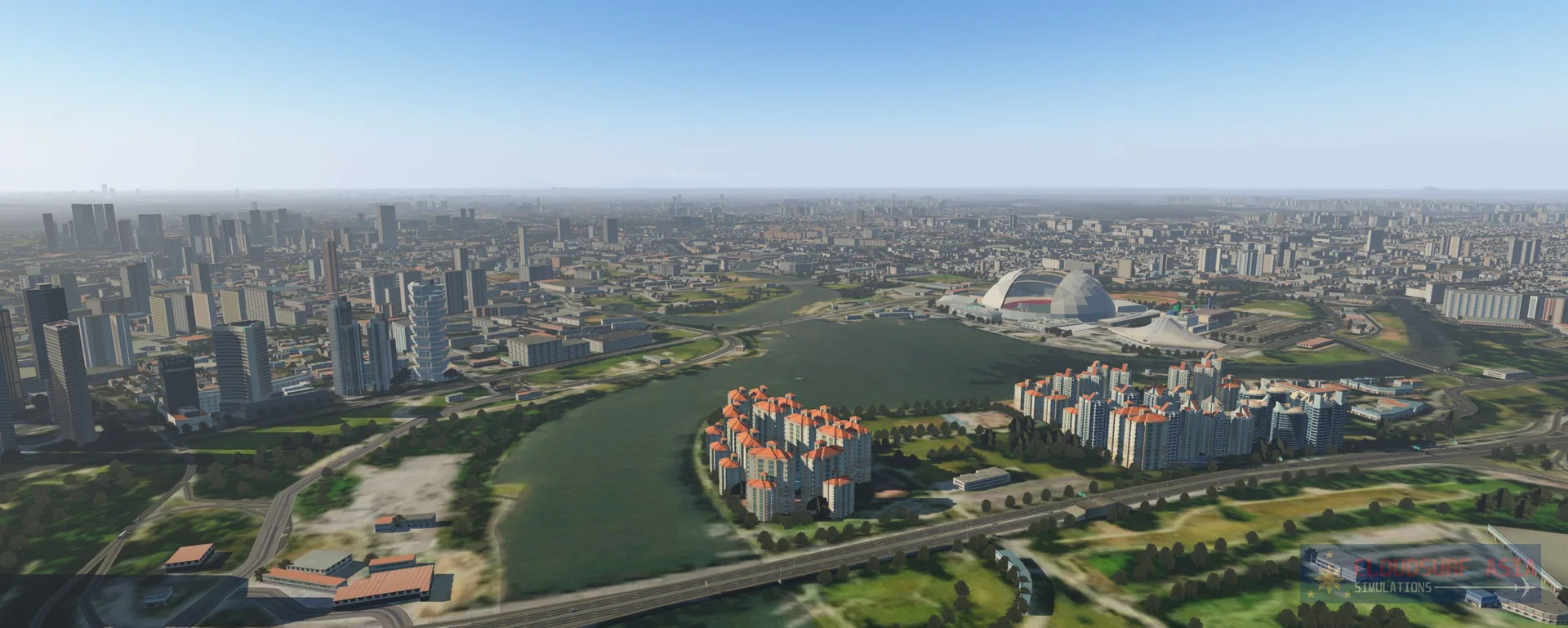
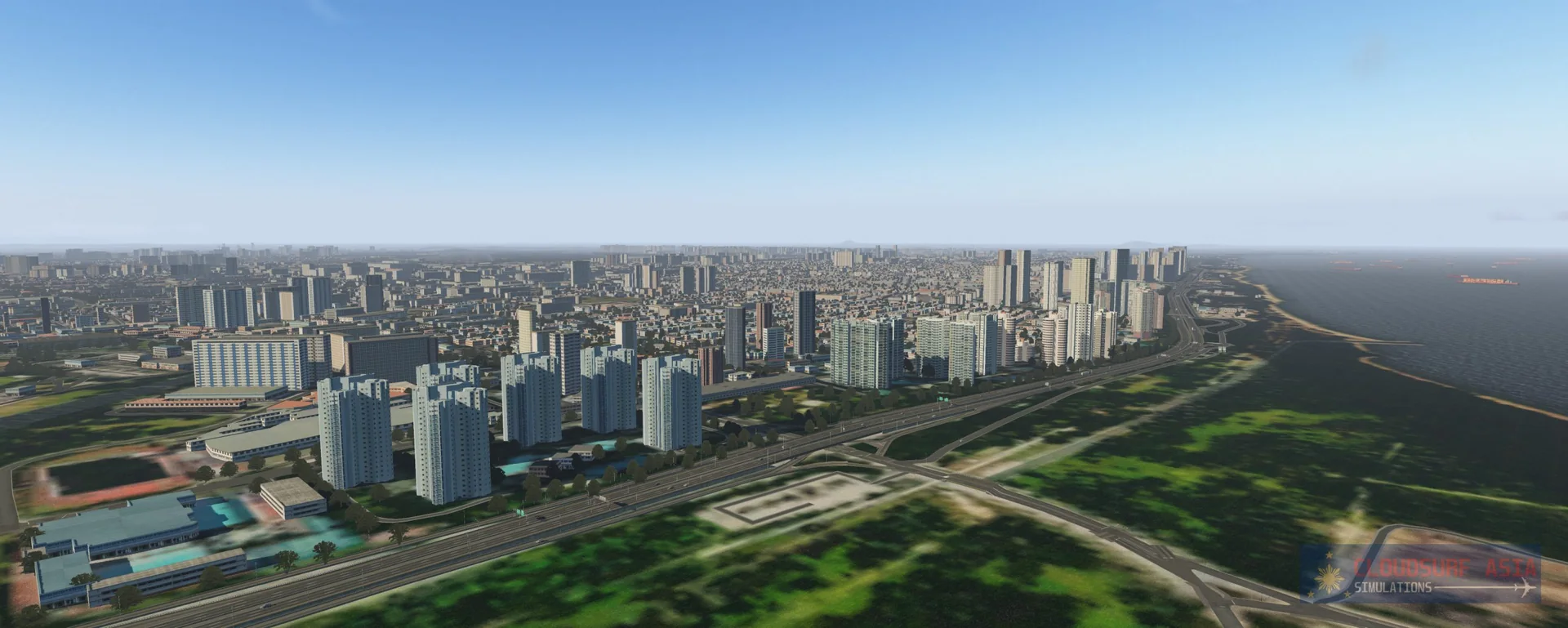
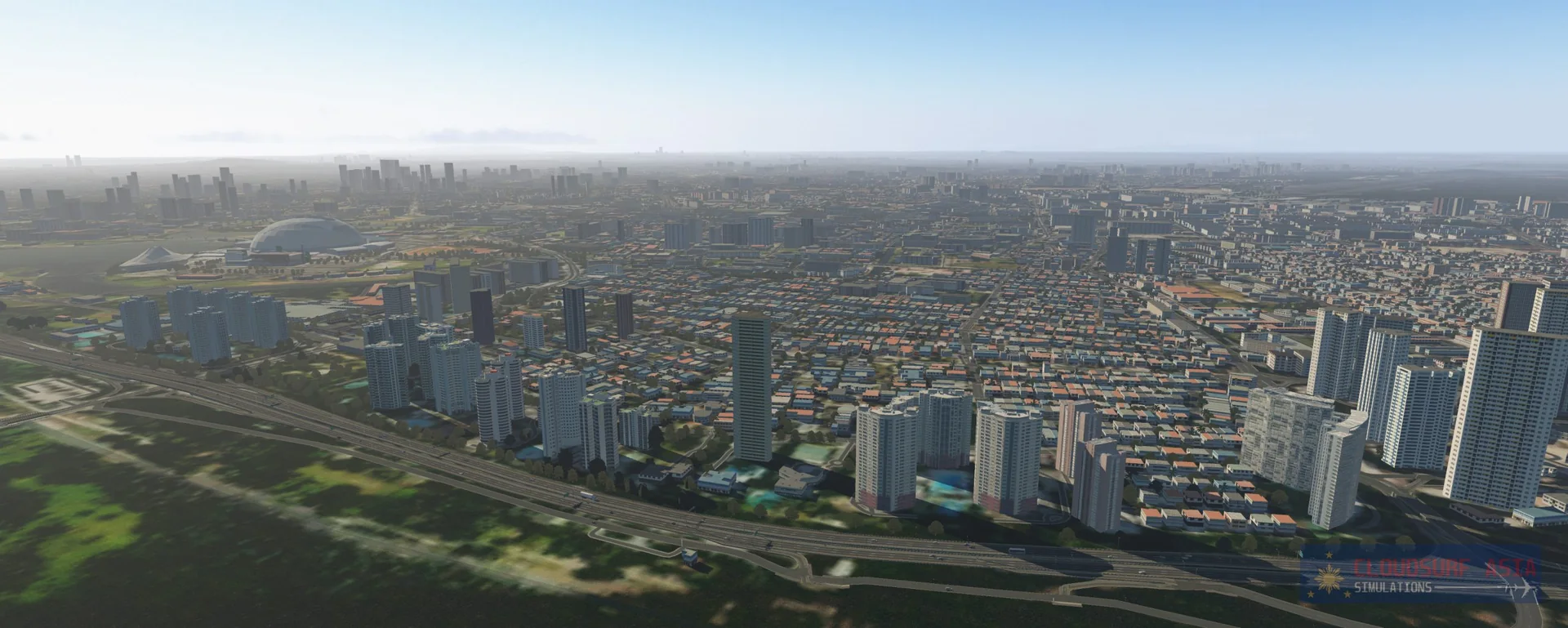
This scenery is made with love from Asia Pacific. It is full of custom objects and autogen based on real-world geographic data. All structures are placed at their exact location, with the same shape as far as possible. Our own program maps data from OpenStreetMap into your simulator, giving you the ambiance and the immersive experience of being in Singapore. With hundreds of objects modelled and custom textured to match Singapore's ambiance and aesthetics, you will love flying in Singapore like never before.
Features
Hand-placed custom scenery
Full custom hand-placed objects, facades, autogen and vegetation.
3D terminals
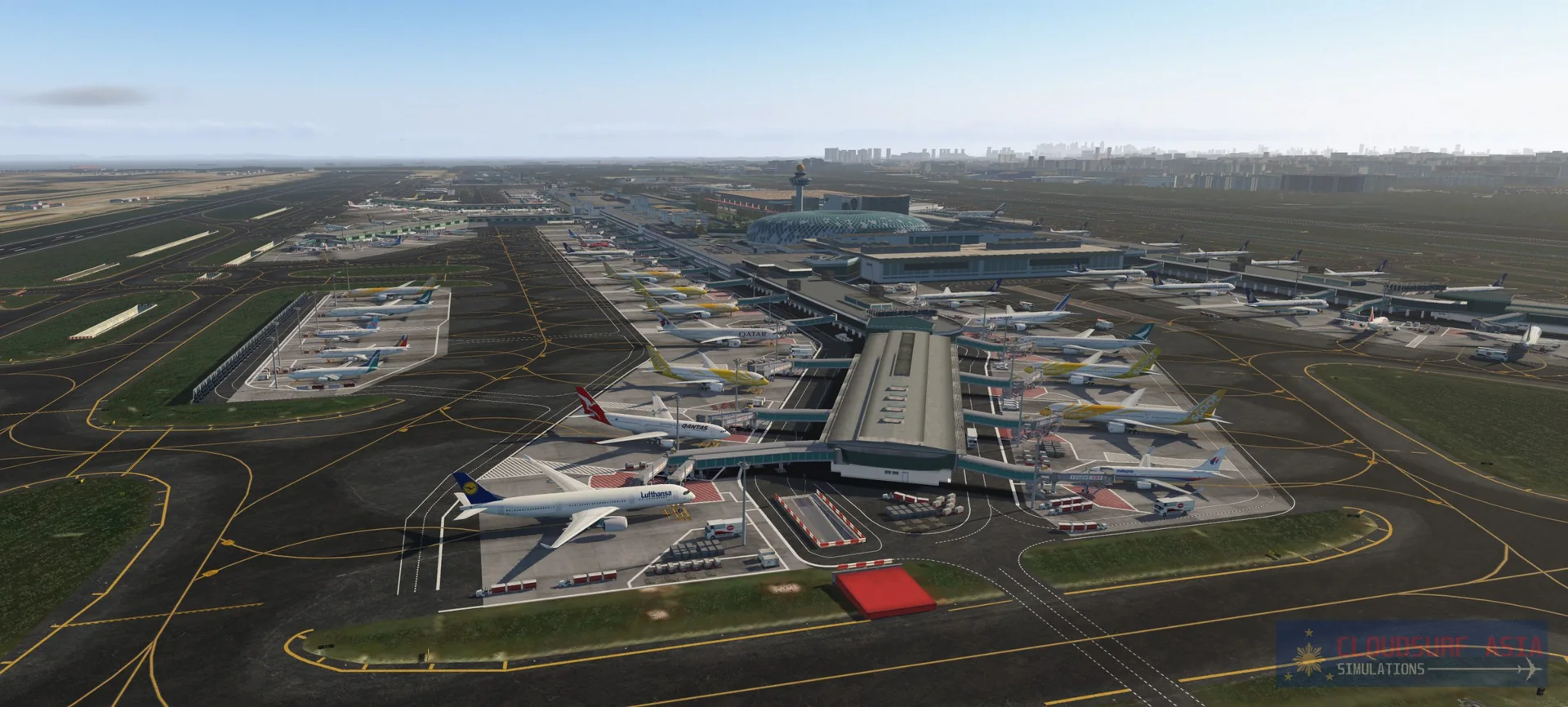
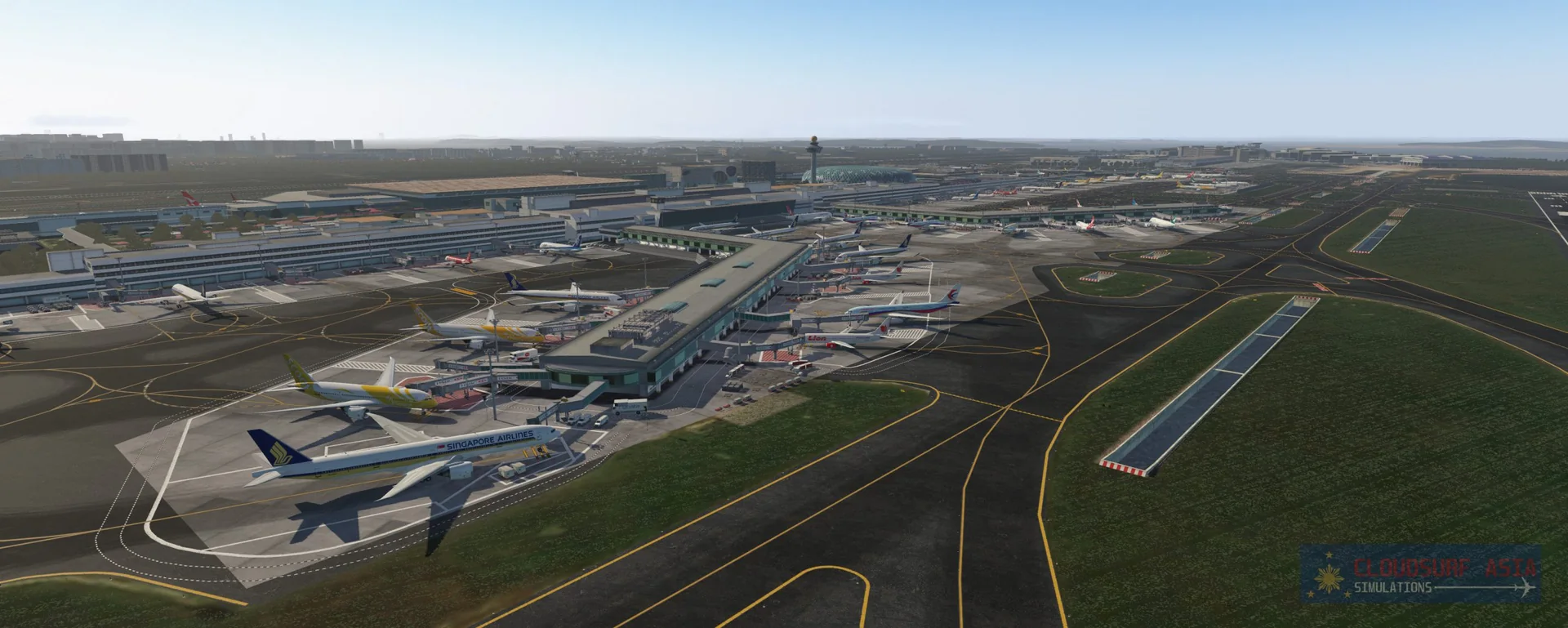
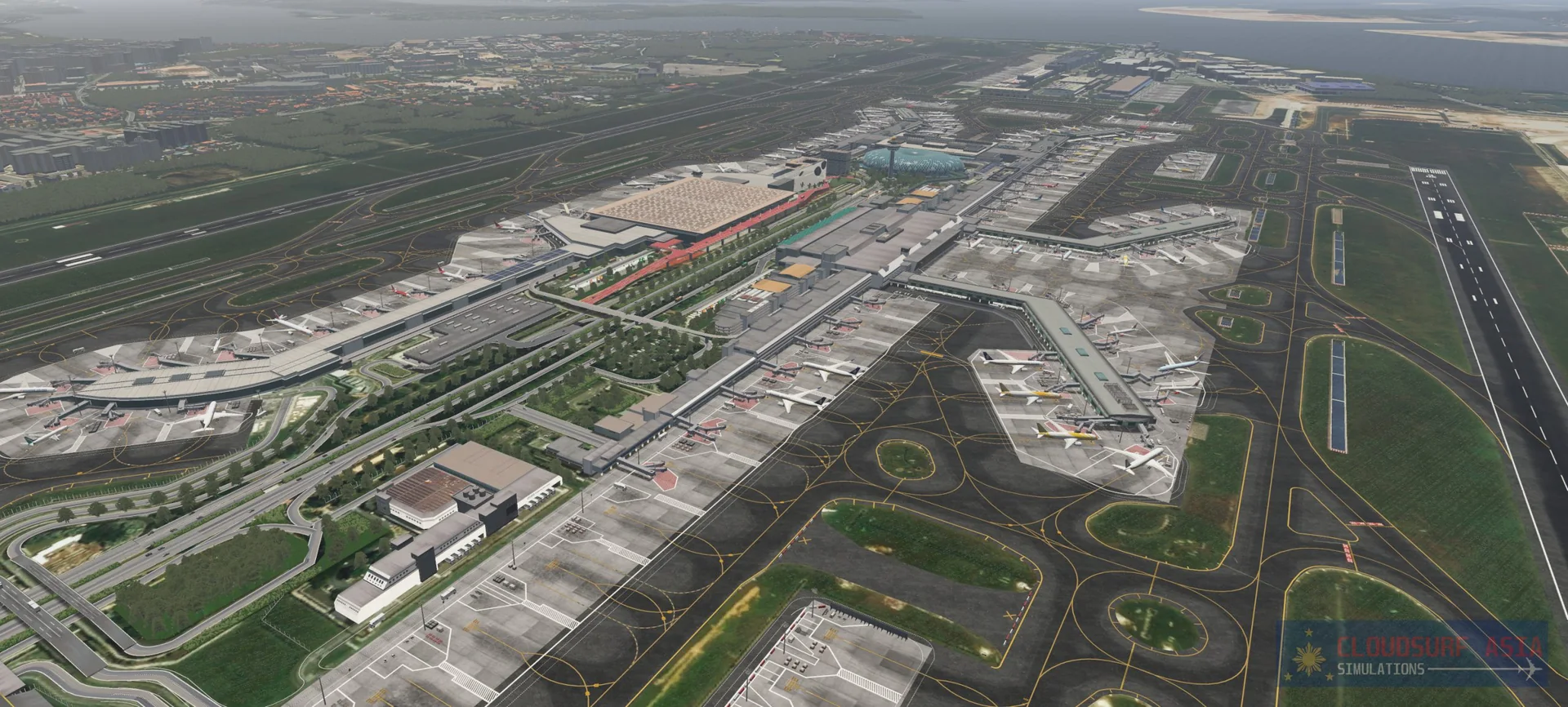
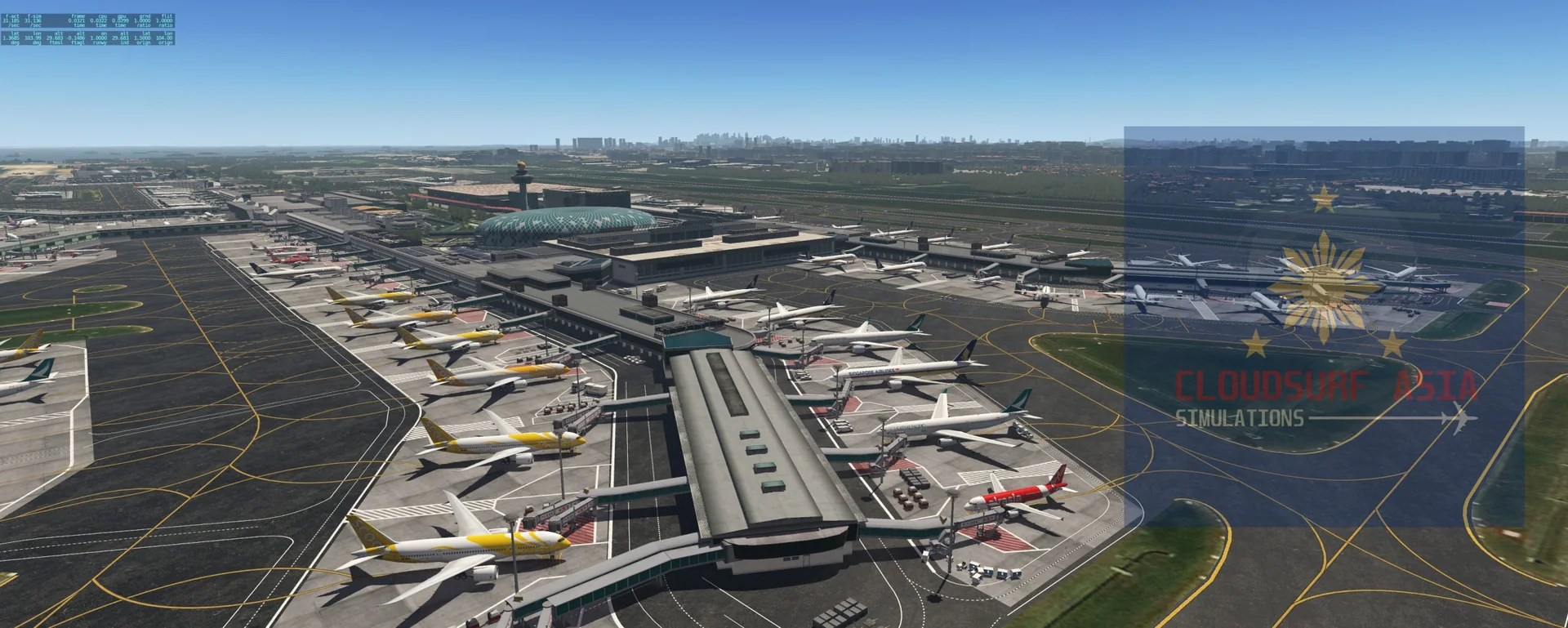
Terminals 1, 2, 3 and 4, the south and north remote aprons and the maintenance area modelled in 3D.
Ultra HD textures
Ultra HD airport structure textures, full PBR on the airport buildings and the city landmarks, with photo-real texturing and baked ambient occlusion on some structures.
Ground and signs
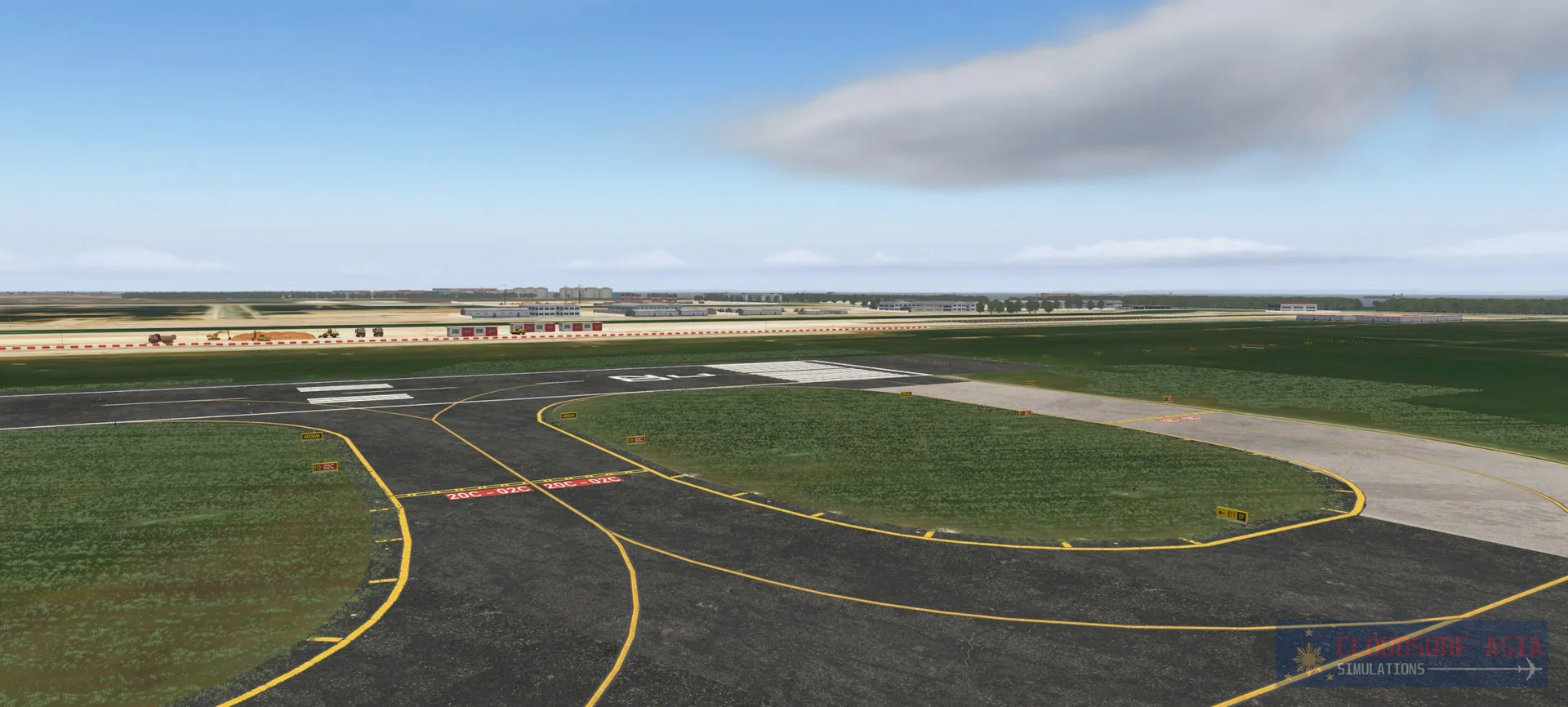
Custom HD ground textures, taxi routes, taxiways and signs that show the airport as it is. The markings follow about 90% of the real airport, including its ramp signs.
HDR lighting
Stunning HDR lighting all around the airport.
Animated jetways
Custom modelled jetways, animated with the SAM plugin.
Traffic and vehicles
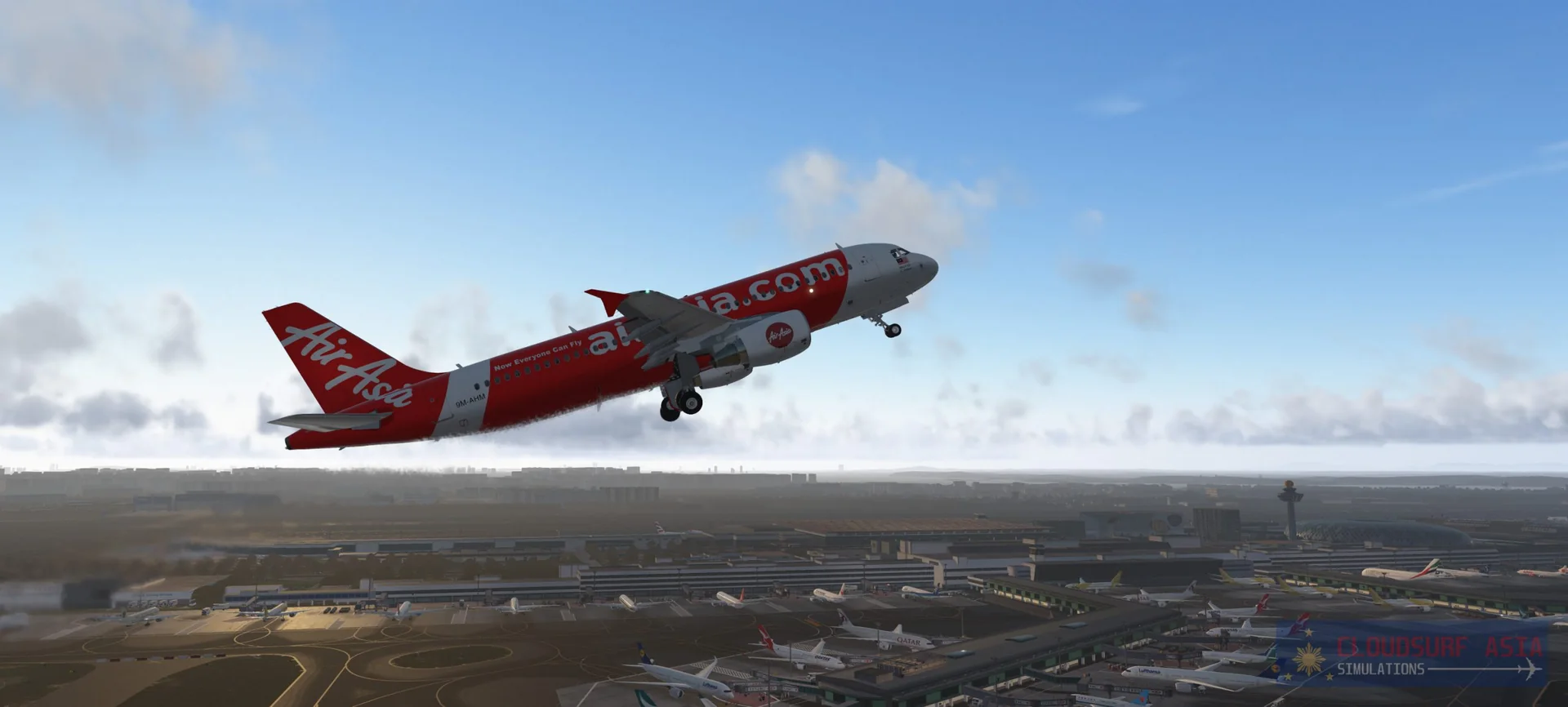
Custom traffic and vehicles, including Singapore-specific buses and cargo trucks, custom catering trucks specific to Changi, and animated custom vehicles with the GroundTraffic plugin.
Roads and imagery
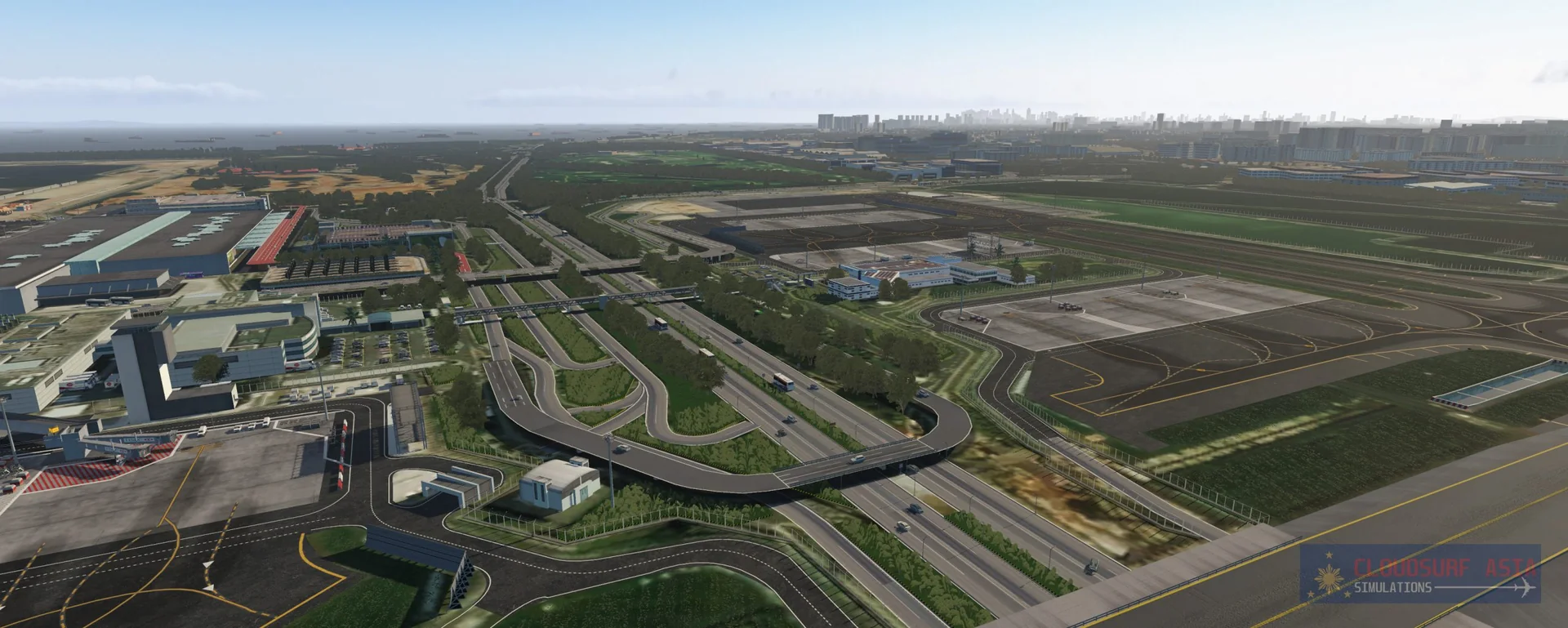
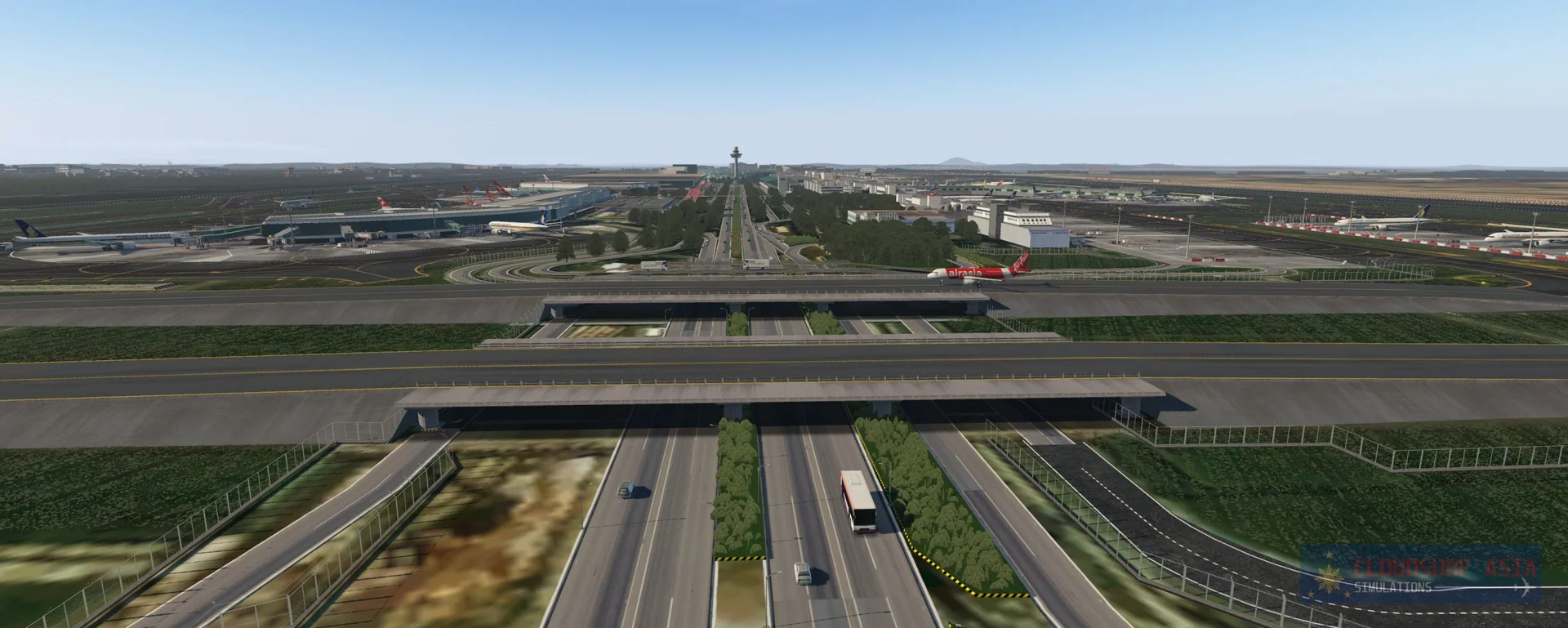
Custom roads at Changi and around it that match the real roads, high-resolution satellite imagery of the airport, and augmented ortho photos of the city with 0-10% cloud cover.
Singapore autogen
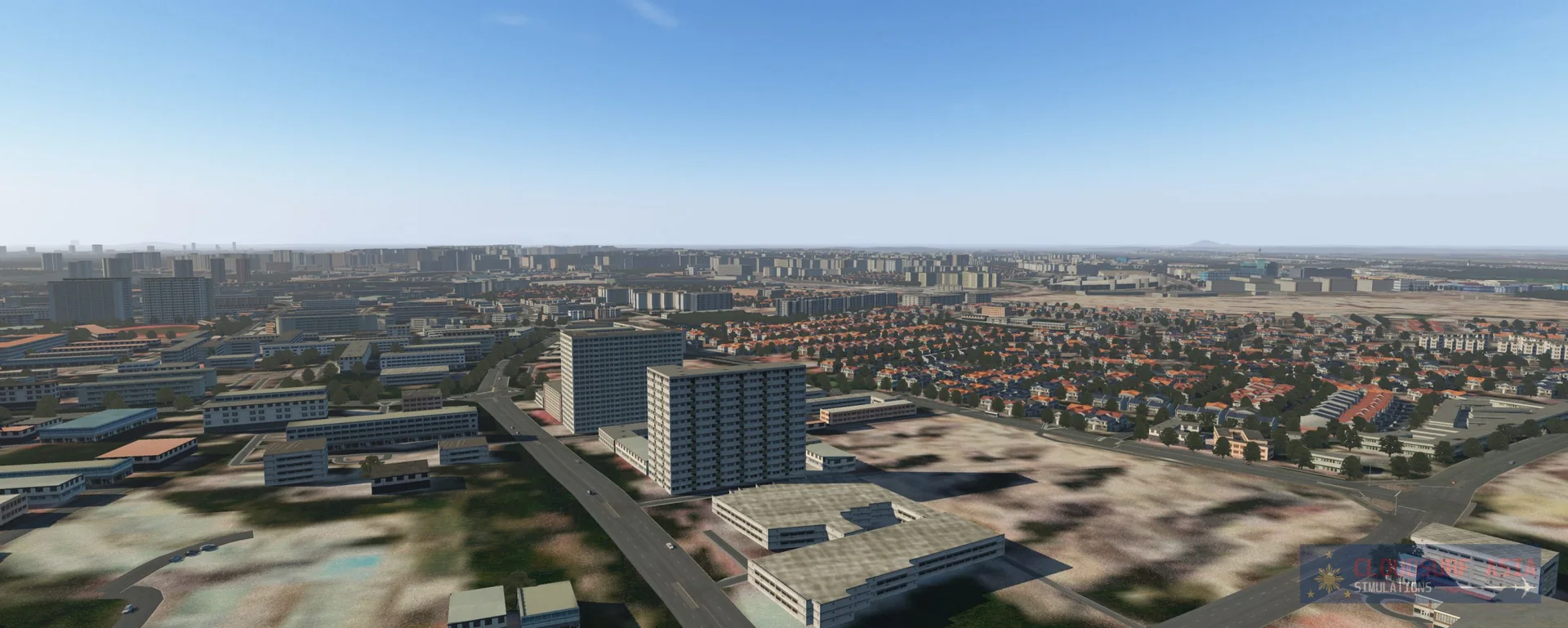
Full custom autogen that shows the Singapore ambience with the exact shape and location of the structures, made by our own program from OpenStreetMap data. About 80% of the structures in Singapore are mapped at their exact place and shape through X-Plane's facade system (or as objects), with custom textures.
AI traffic ready
Full ground routes, so third-party traffic such as Traffic Global, WT3 and Live Traffic is supported. We recommend Traffic Global for the most accurate AI traffic and low FPS impact.
FPS friendly
Optimised for performance (depends on your machine and settings).
Screenshots
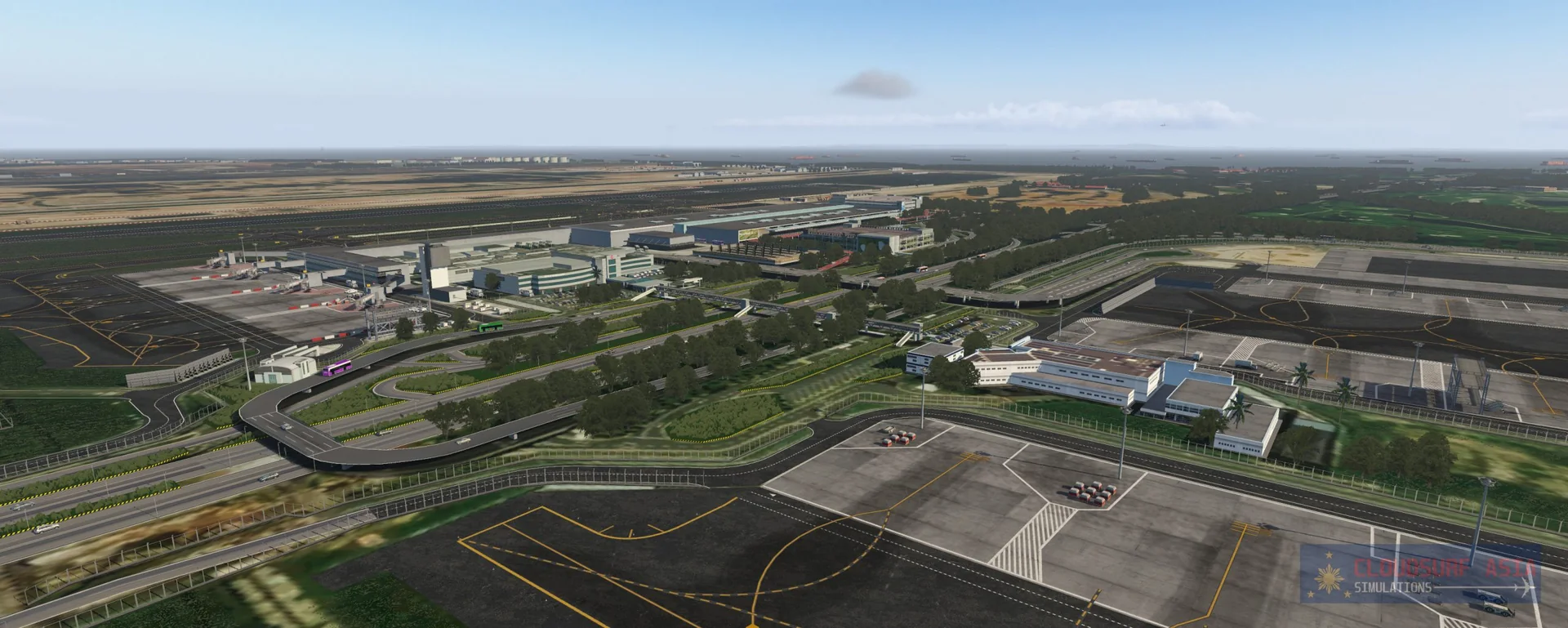
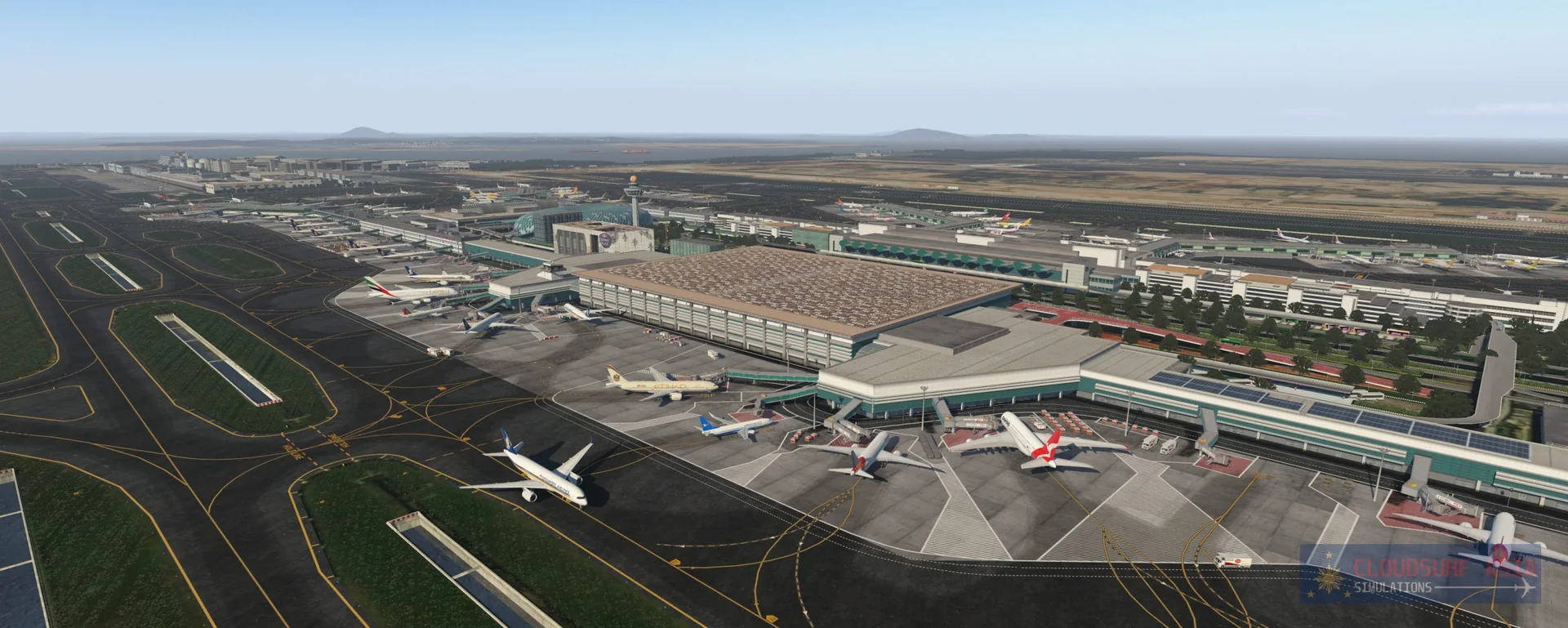
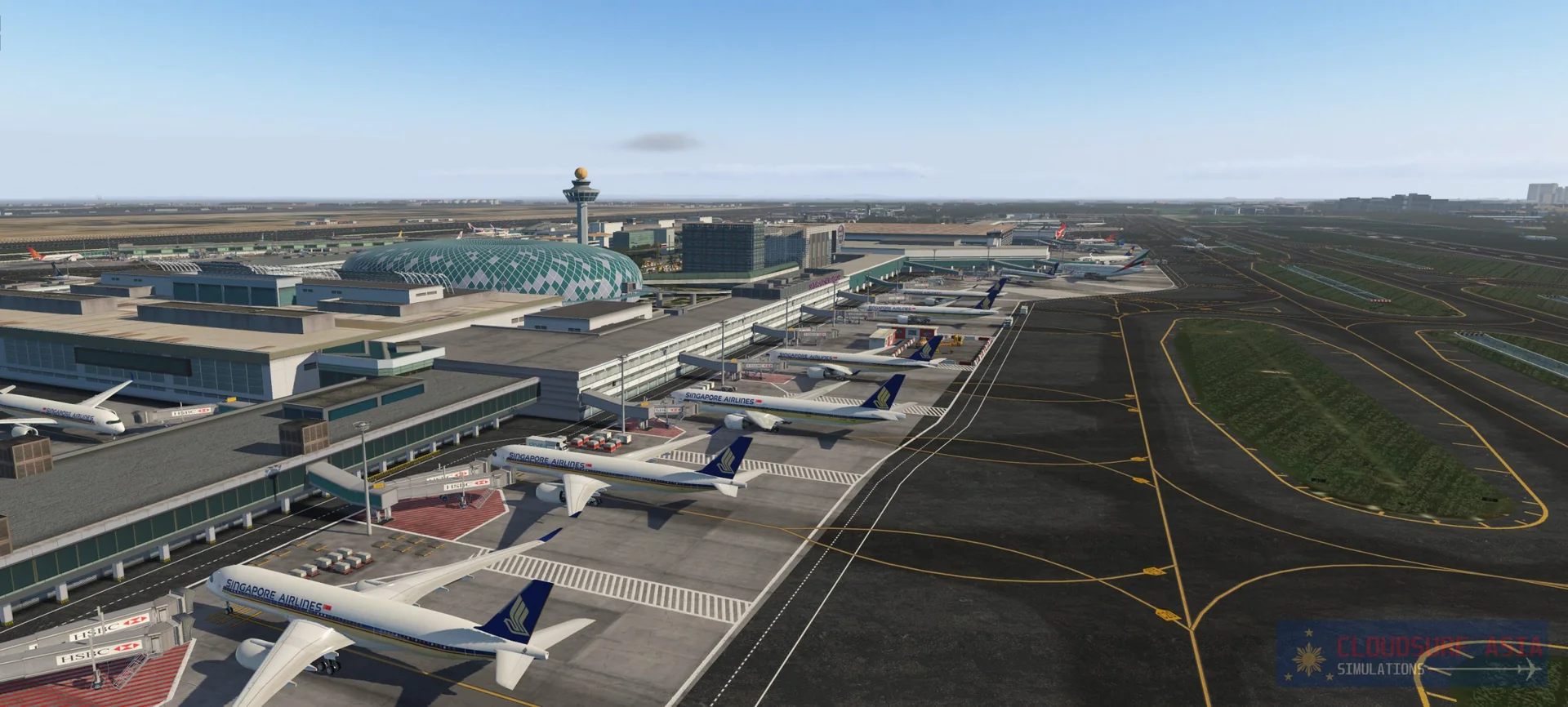
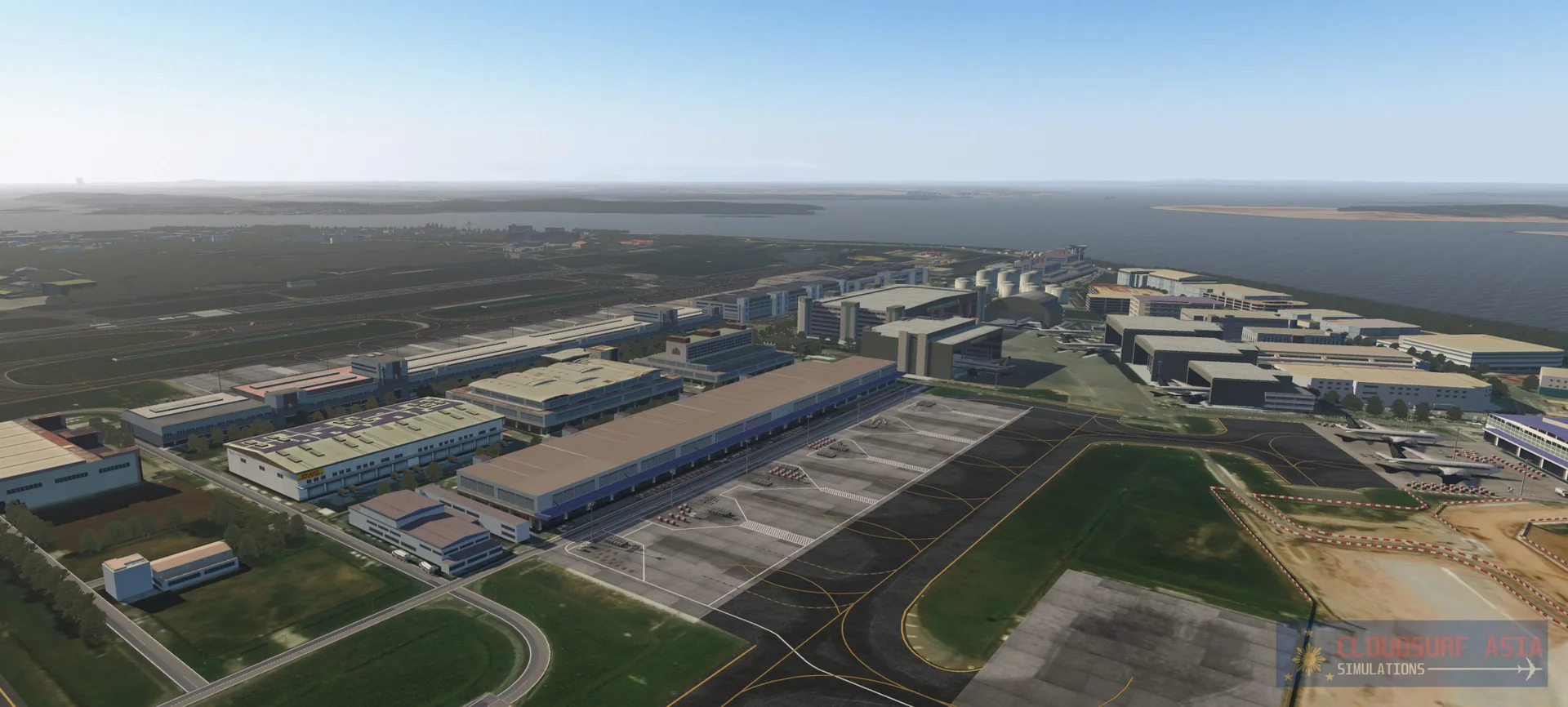
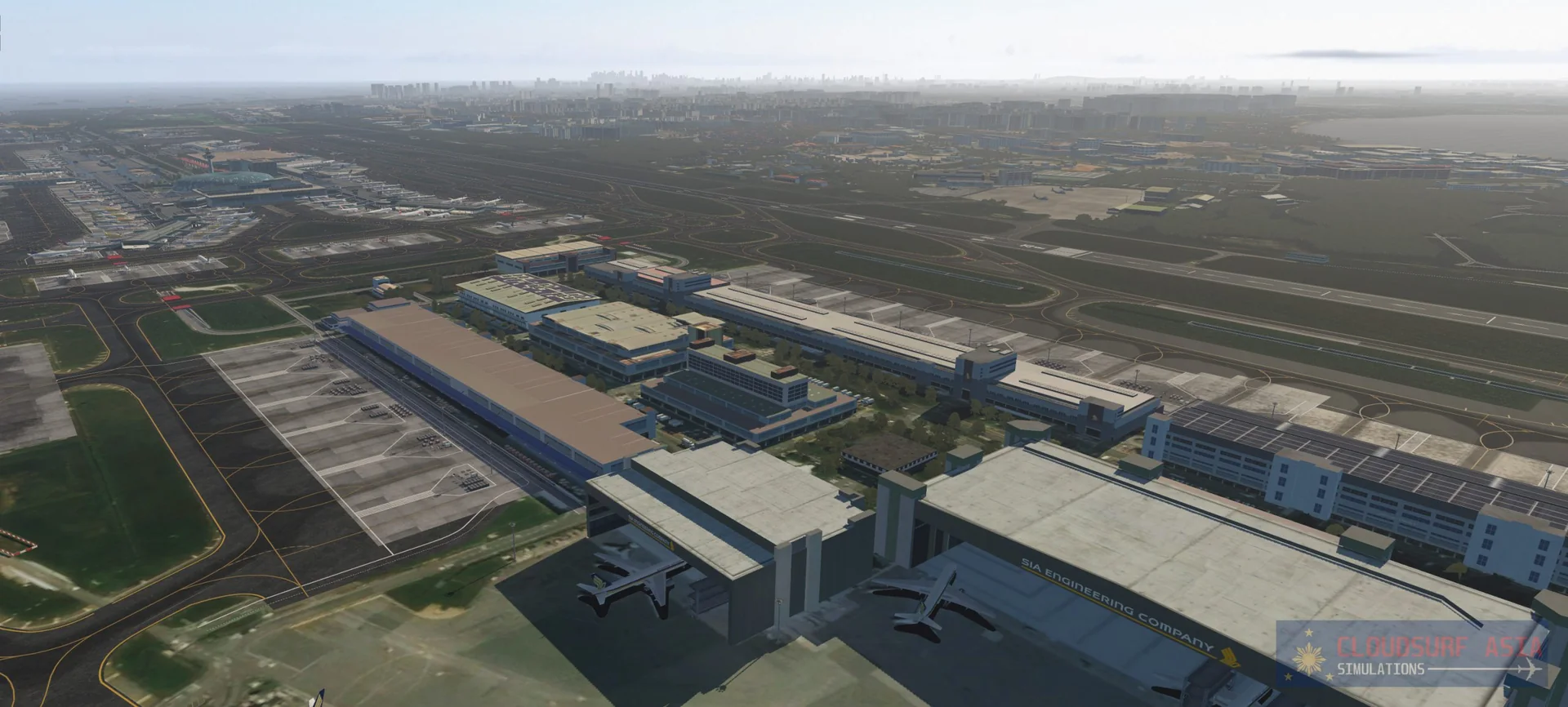
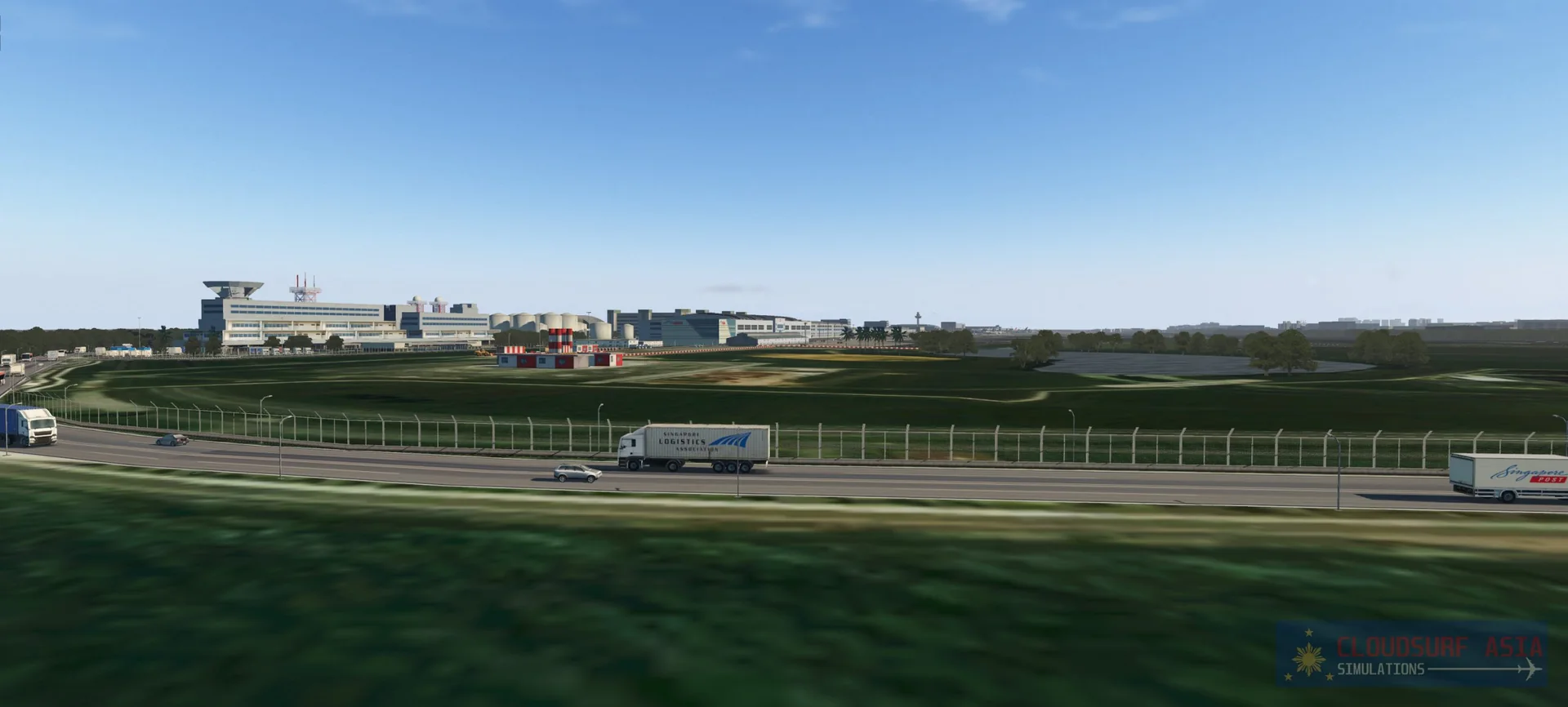
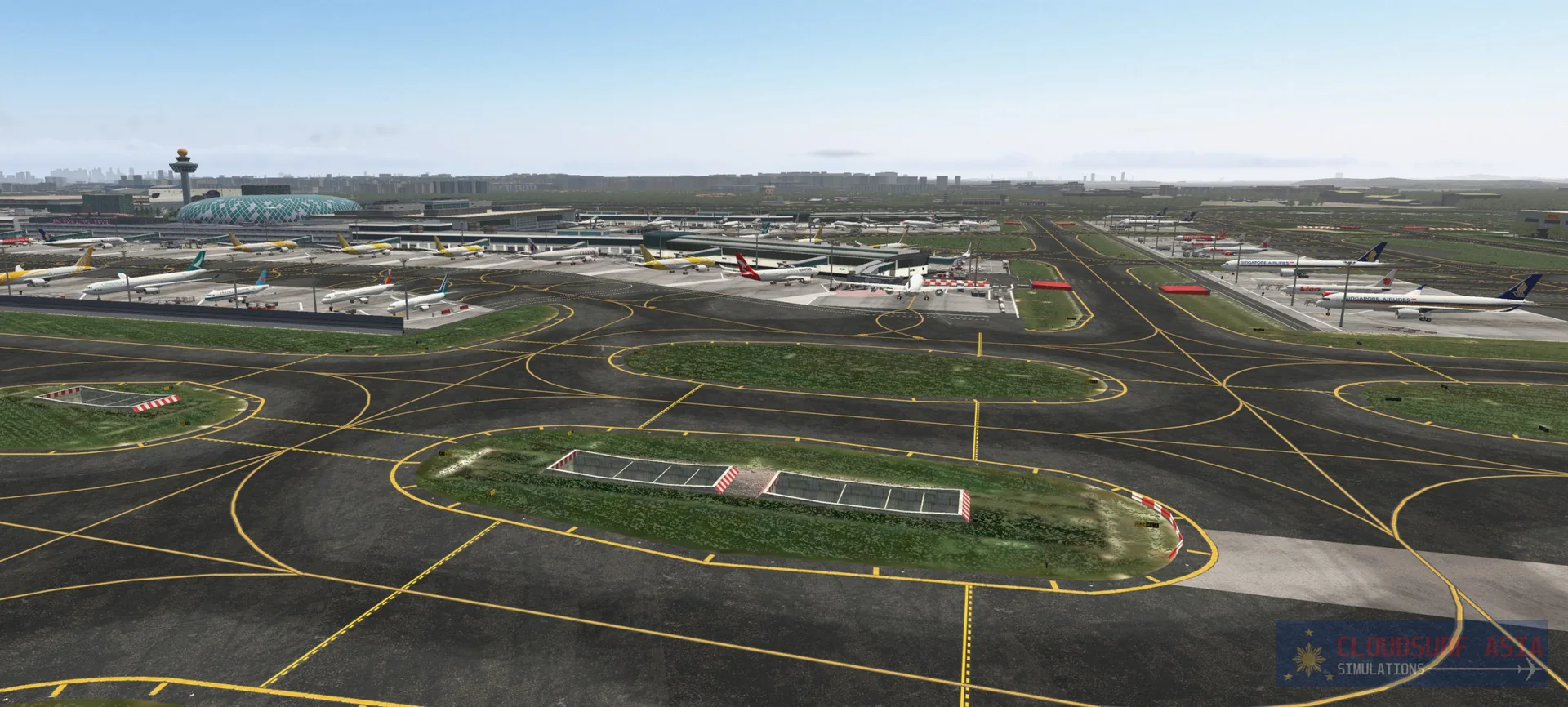
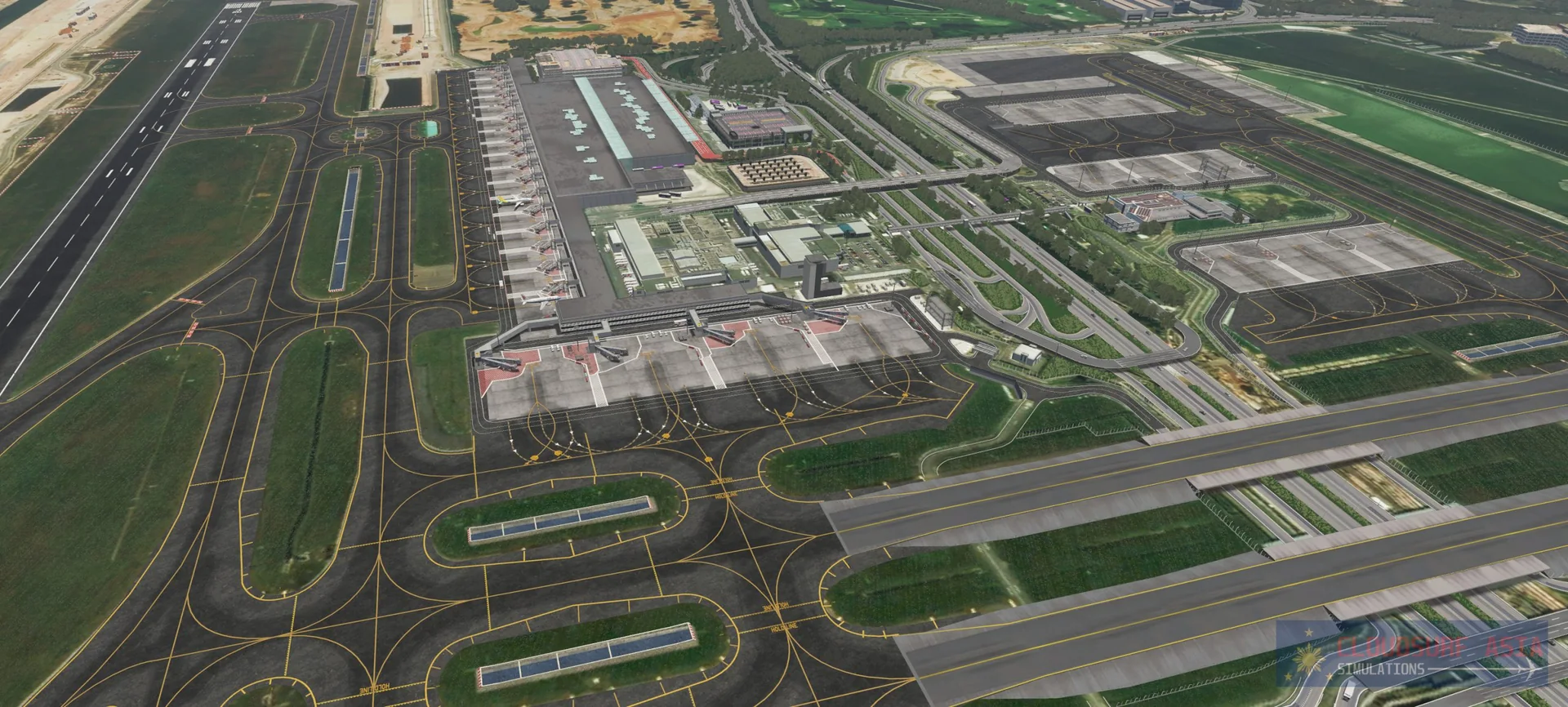
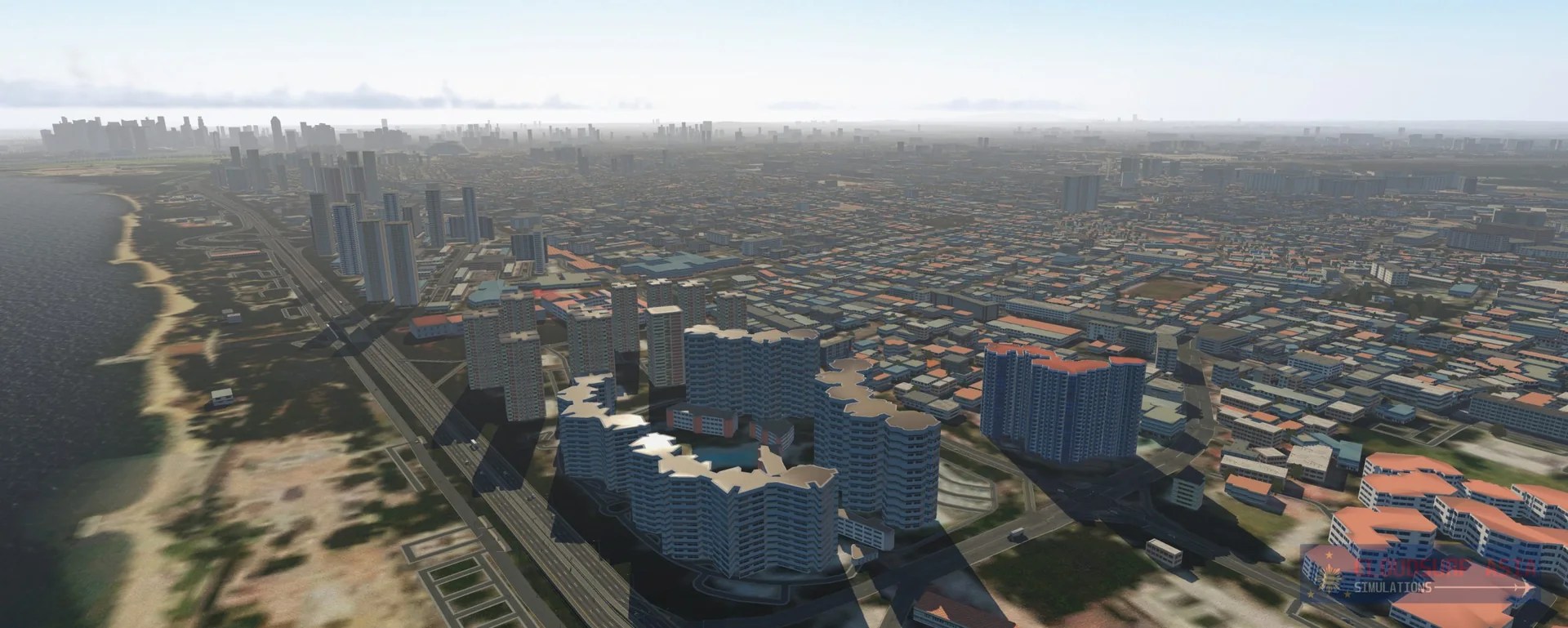
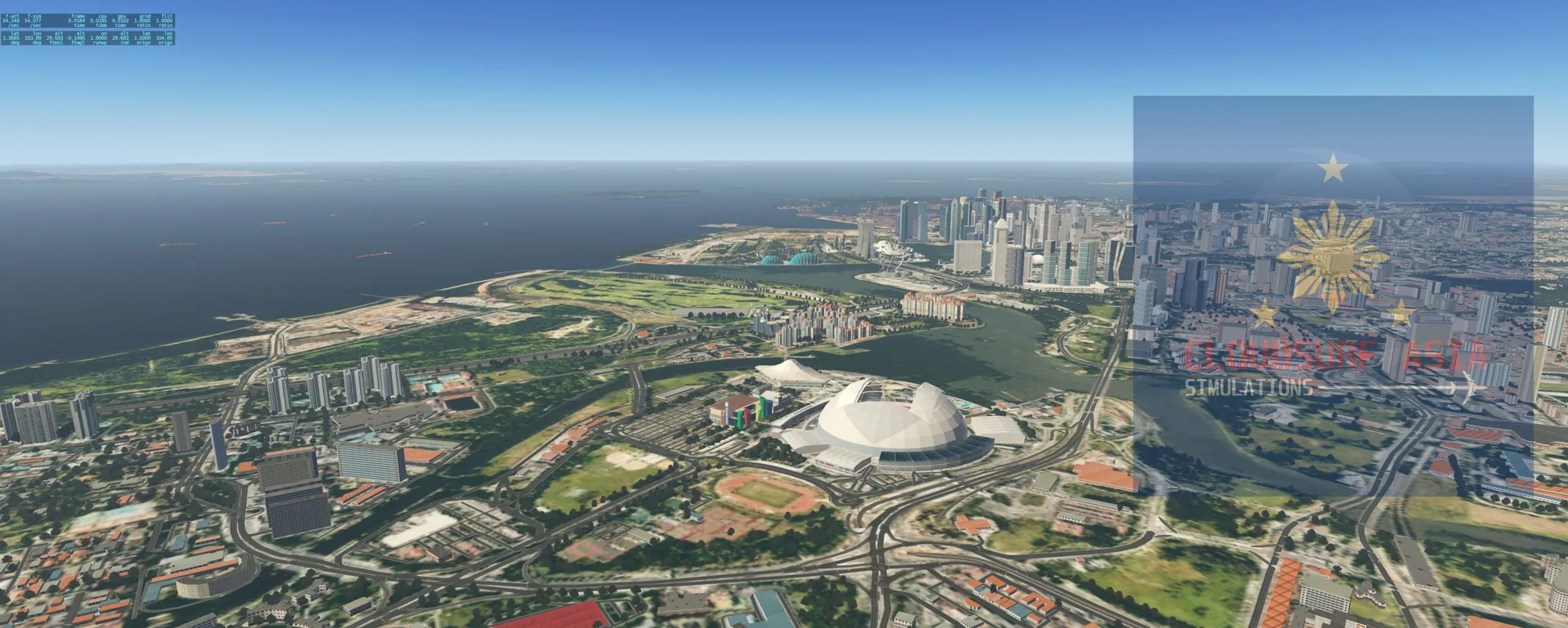
Requirements
- X-Plane 11 version 11.40 or later (a must), or X-Plane 12
- X-Plane 11.50 with Vulkan works, but the GroundTraffic plugin does not yet work with Vulkan, so the custom vehicle traffic and the Skytrain do not show
- The free SAM plugin (Scenery Animation Manager suite) must be installed
- Core i5 or higher
- 8 GB RAM minimum; 16 GB or more is best
- GPU: GTX 1050 or better with at least 6 GB VRAM (lower GPUs not tested, but reported to work)
- The scenery is extremely large and very dense, so you may want to adjust some settings
Read before buying
- Please check the screenshots to see what it looks like.
- Disclaimer: although we try our best to fully simulate the real Changi Airport and city, there are limitations to consider, such as performance and the limited data we have. Rest assured you will have the Singapore Changi ambiance when flying.
- The military air bases around, such as Paya Lebar (a few structures only) and East Air Base, are not modelled because of lack of data; generic objects are placed there, based on what the satellite imagery shows. They might be modelled in later updates, but we also need to consider the FPS impact.
- No WSSL (Seletar) airport? We have an adjusted default Seletar airport. If you have a custom WSSL / Seletar airport, place it above the ACS sceneries so it shows. If you are not sure, contact us.
- Refunds: please see our refund policy before buying.
Installation
- Part 1: download the free regional augmented ortho imagery (MEGA) and unzip it. You get one folder, ACS_Singapore_3_Orthos. Drag and drop it into the Custom Scenery folder of your X-Plane installation.
- Part 2: buy the product from ORBX or Simmarket and download it. Open the ZIP file: it holds 5 folders. Drag and drop these 5 folders into your X-Plane Custom Scenery folder.
- Your Custom Scenery folder should then hold these folders, in this order: ACS_Singapore_0_Airport, ACS_Singapore_0_PeyaLebar, ACS_Singapore_0_Selatar, ACS_Singapore_1_Custom, ACS_Singapore_2_Overlay, ACS_Singapore_3_Orthos.
- Remove any other WSSS scenery you have, and make sure the SAM plugin is installed.
- Struggling with FPS? You can remove the folder ACS_Singapore_2_Overlay, but we strongly suggest just turning your settings down.
- Low FPS: download the patch ACS_WSSS_V2_no_volumetric_grass_patch from the store you bought from. It removes the volumetric grass and shrubs, which may help your FPS.
- Using the WT3 AI traffic plugin? Read our fixes for the WT3 ground routes and parking.
Questions? Email support@cloudsurfasia-simulations.com.